Fil Docs
Guides and tutorials for everything in Fil: generating images, video and 3D on a canvas, workflows that do a whole job, the video editor, designing pages, and building and publishing websites.
Start here
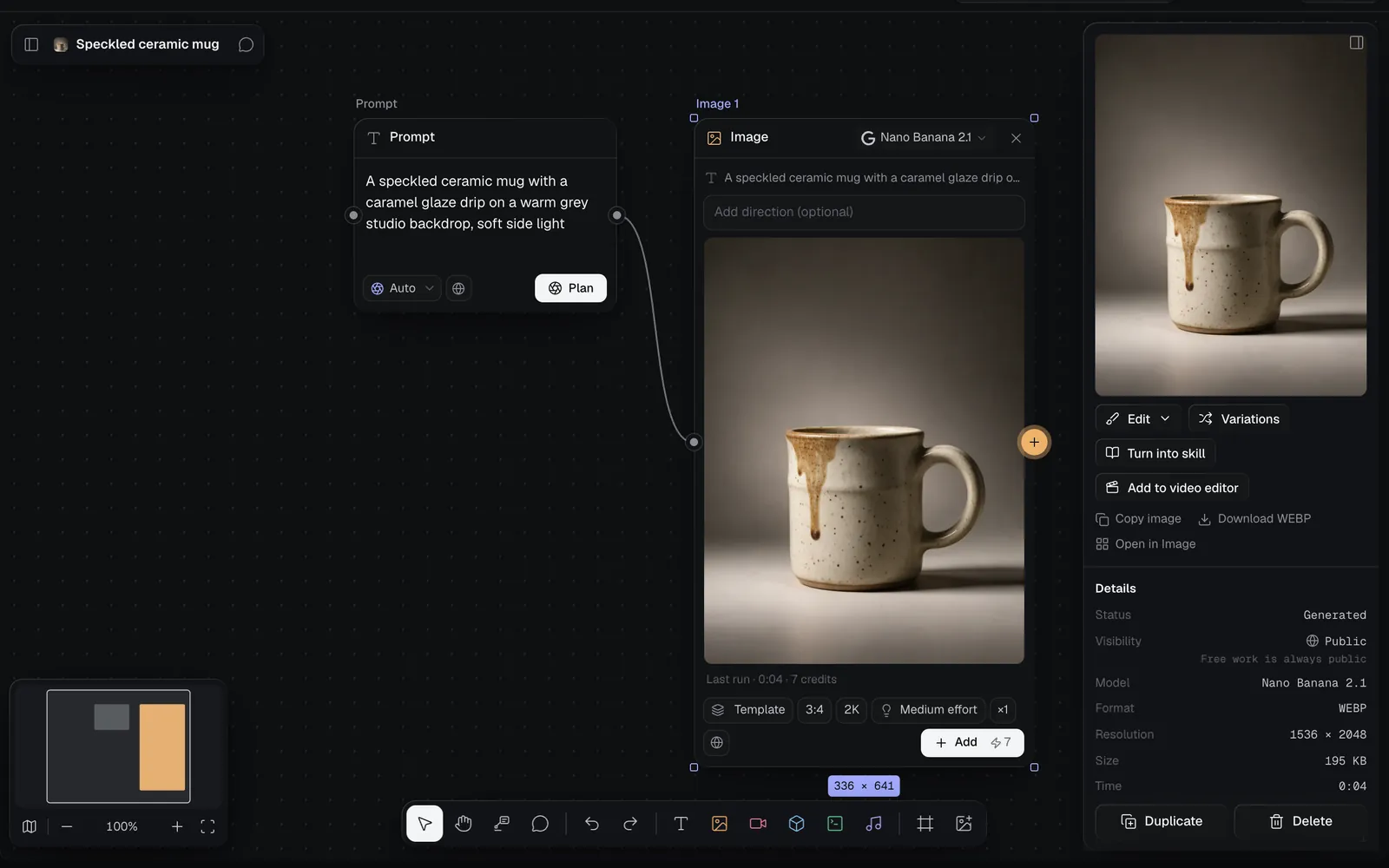 QuickstartSign in to Fil, start a canvas, generate your first picture with Nano Banana 2.1 and turn it into a five-second video, step by step, in about five minutes.
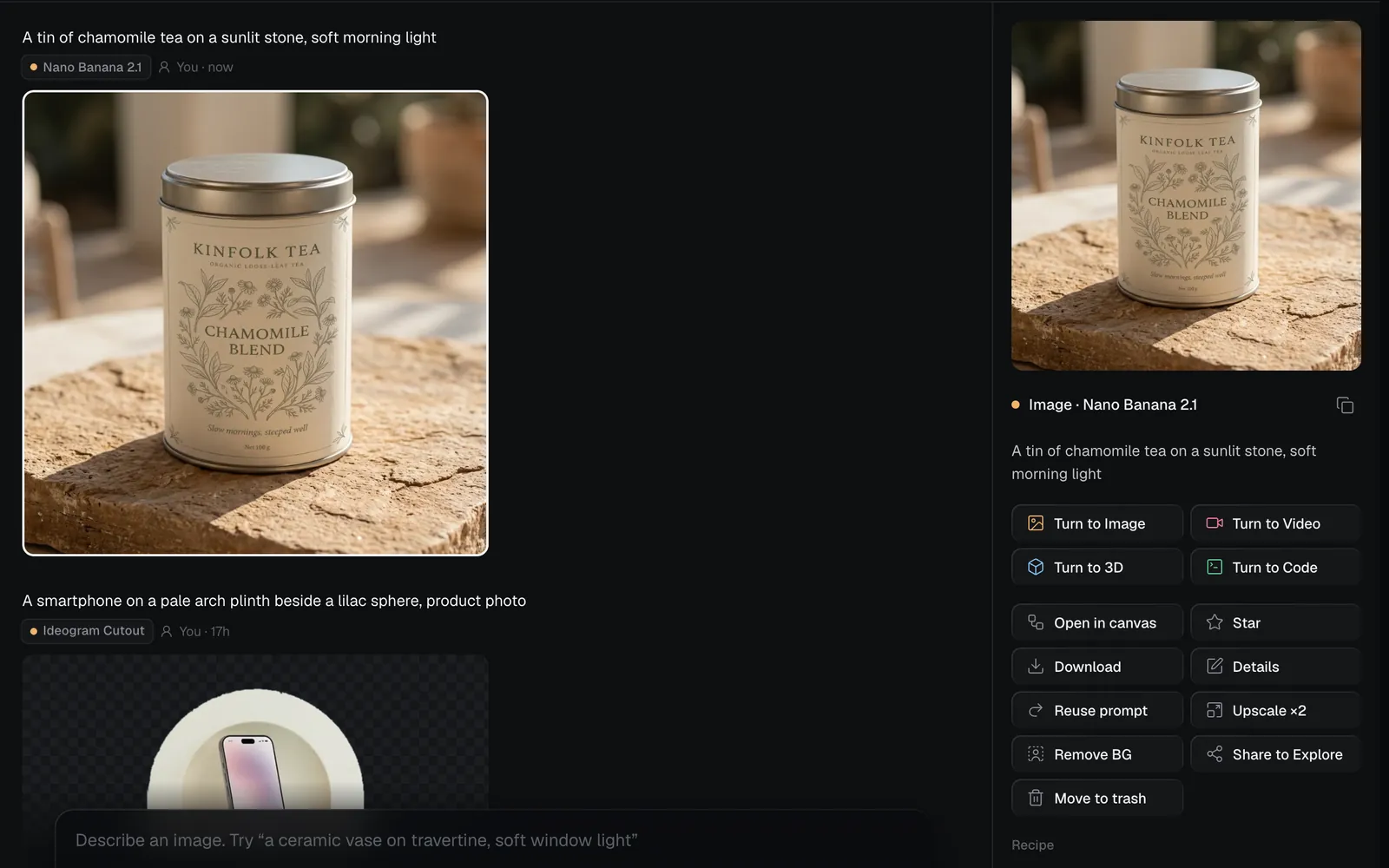 Image generationGenerate AI images from a text prompt or a reference image with Nano Banana 2.1, GPT Image 2.6 and Ideogram 4.5, then upscale them or remove the background.
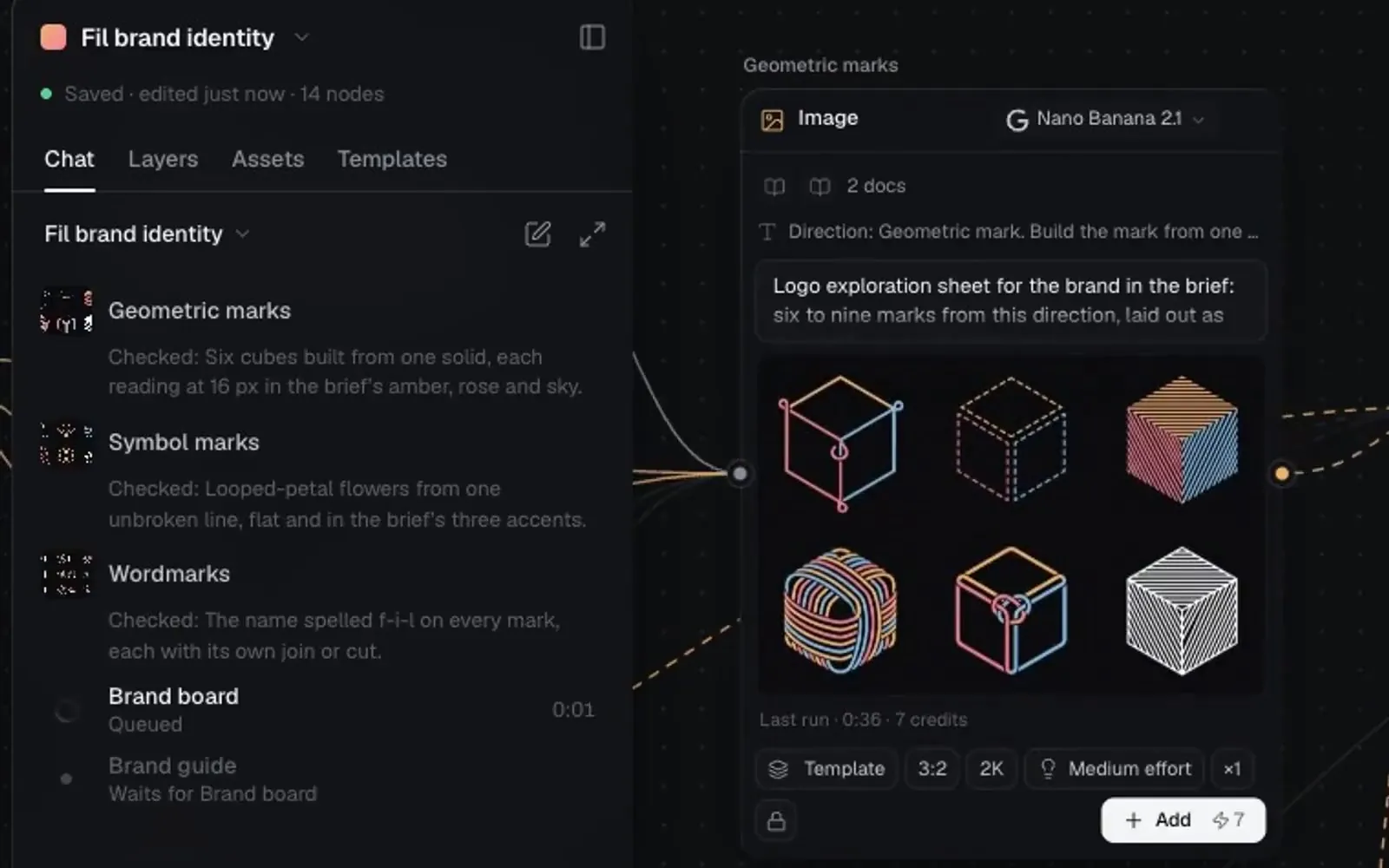 How workflows workStart a ready-made AI workflow for a logo, a manga chapter, a story or product video, a 3D model or a website: say your idea, and Generate all makes it.
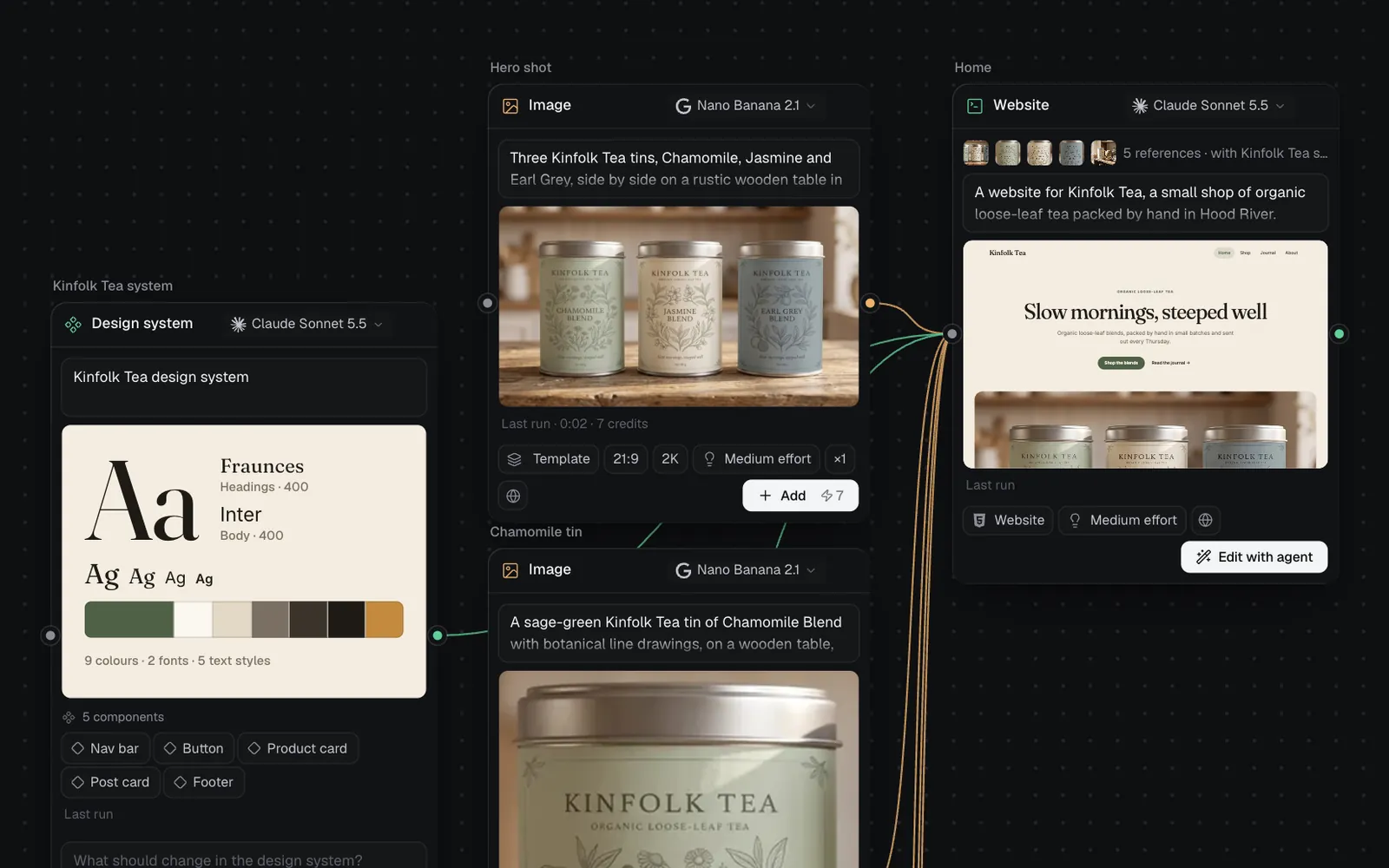 Build a websiteBuild a multi-page website from a brief in Fil: pictures made first, a shared design system and editable content, then add pages, edit them and publish.
Get started
What is FilFil is an AI creative studio on a canvas. Generate images, video, 3D models, code, sound and websites with leading models, then edit, share and publish them.QuickstartSign in to Fil, start a canvas, generate your first picture with Nano Banana 2.1 and turn it into a five-second video, step by step, in about five minutes.The sidebar and menusFind your way around Fil: every sidebar row and what it opens, the ⌘K command menu and its Docs search, the account and workspace menus, and canvas menus.Keyboard shortcutsEvery keyboard shortcut in Fil, by where it works: the studio, the canvas, the full view, image tools, Layers, documents, video, Design and 3D.
Create
Image generationGenerate AI images from a text prompt or a reference image with Nano Banana 2.1, GPT Image 2.6 and Ideogram 4.5, then upscale them or remove the background.Video generationMake AI videos from a prompt or a picture with Seedance, Kling 4.0, Grok Imagine and Wan, with start frames, reference images, sound and prices per second.3D generationTurn a picture or a prompt into a textured 3D model with Tripo and Meshy, then rig and animate it, view it, download the GLB or make a picture of it.Edit a 3D modelEdit a 3D model with an agent that builds, reshapes, recolours and animates by code, free, and checks its work. Tripo and Meshy when you want them.Code generationGenerate web pages, components, slides, articles, SVG, Three.js scenes and more with Claude, GPT, Gemini and others, then preview and revise them.Voiceovers, sound and musicMake AI voiceovers with ElevenLabs, OpenAI, Gemini and Grok voices, sound effects and music up to five minutes on a Fil canvas, then use them in a video.Chat with ClaudeChat with Claude to plan and make images, video, pages and sound on a canvas, turn a prompt into a priced plan with Auto, and steer a workflow as it runs.
Image editing
Image editingEdit images in Fil: inpaint a marked area, outpaint past the edges, crop, add effects, change the camera angle, split into layers, upscale or cut out.InpaintInpaint with AI in Fil. Brush, lasso or box the areas to change, describe each change, and GPT Image 2.5 redraws only those areas while the rest stays.OutpaintOutpaint with AI in Fil. Make a picture wider or taller, pick a new shape like 16:9 or 9:16, zoom out, place it, and GPT Image 2.5 fills the new space to match.Crop an imageCrop any image in Fil for free. Pick a shape like 1:1, 4:5, 9:16 or 16:9, or crop freely, drag the box into place, and keep the crop as a new picture.EffectsEffects on video clips, picture layers and whole pictures, as in Figma and Photoshop: exposure, contrast, warmth, grain, blur, a vignette, shadows and more.Change the camera angleChange the camera angle of an image with AI. Move a camera round a 3D stage or pick Left, High or Closer, and Seedream 5.0 Pro reshoots the scene from there.RelightRelight a picture in Fil. Drag a lamp to where the light comes from, pick a look like golden hour, neon or a studio softbox, and everything else stays as it is.Edit textChange the words in a picture in Fil. Claude reads them, you retype a line, and only that line is redrawn in the same lettering.Split an image into a gridSplit an image into a grid of separate pictures in Fil, for free. It finds the grid in a contact sheet, icon sheet or storyboard; set columns, rows and lines.Split an image into layersTurn an image into layers with AI. Split the subject, text and background apart, move and restyle each layer, add text or elements, then make it one picture.Animate layers into a videoAnimate the text and objects in a picture in Fil. Each layer moves from where it started to where you put it; pick the timing and export an MP4, free.Upscale and remove backgroundUpscale an image 2× with Magnific, adding detail or keeping faces as they are, or remove the background for a transparent PNG, on a canvas or the Library.
Canvas
Canvas basicsLearn Fil's AI canvas. Add prompt, image, video, 3D, code and audio nodes, wire them together, run them, and move, zoom and arrange your work.Prompts, documents and skillsFeed Fil's AI image, video and code nodes with prompts, Markdown briefs, PDFs and SKILL.md skills, and edit them full screen like a Notion page.Organize a canvasKeep a busy Fil canvas tidy. Split it into pages, group nodes in sections or let Claude organize them, add notes and comments, file canvases in projects.Files and the libraryUpload pictures, clips, sound, PDFs and whole folders to Fil's canvas, then search, filter, star, file and restore everything you make in the library.Canvas templatesStart from a canvas template, a prompt wired to the right node and shape, for YouTube covers, UGC ads, headshots, web design, sites, posts and 3D.Kanban boardsPlan work on a Kanban board in Fil. Drag cards between columns on the canvas, edit them full screen, and make or change a board with AI from your documents.CalculatorsWork out sums in plain words on a Fil canvas, with money, percentages, units, dates, and currencies at the day's rates, each answer shown as you type.TablesMake a table on a Fil canvas: type in cells, size columns and rows as you like, colour them, paste a spreadsheet, or have Claude read a screenshot into one.DrawingsSketch and brainstorm on a Fil canvas with a pen, shapes, arrows and sticky notes, draw together live, and turn a sketch into an image, a video or a page.SlidesMake presentations on a canvas from templates or with AI, edit them like Figma Slides, present with presenter view, and export to PowerPoint, Keynote or PDF.RecordingsRecord your screen, yourself or your voice on a Fil canvas: zooms that follow your cursor, a teleprompter on your phone, and MP4 videos or sounds.Live meetingsTalk by camera on a Fil canvas. Schedule meetings with calendar invites, share your screen, react, take out background noise, and get AI notes of every meeting.
Video editor
The video editorCut the clips, pictures, words and music on a canvas into one video, with a timeline, transitions, titles, captions and keyframes, and export an MP4.Make a video editSelect your clips, pictures, music and prompts on a canvas and click Add to video editor. Fil lays them out on a timeline as scenes, with sound and titles.Edit the timelineTrim, split, reorder and delete clips on the video editor's timeline, with J and L cuts, J K L shuttle, In and Out, snapping, lanes and shortcuts.Text, graphics and B-rollAdd titles, lower thirds, Subscribe buttons, stickers, B-roll, arrows and blur boxes to a video from the Insert tab in Fil's video editor, or upload your logo.Add music, voice and soundAdd music, voiceovers and sound effects in Fil's video editor, with volume, fades and keyframes, music that ducks under voices, and Studio Sound.Transitions, speed and keyframesAdd transitions, change speed, animate with eased keyframes, draw motion paths, stack animations by letter, group clips, and copy and paste motion.Export and render videosExport a video edit as an MP4 or WebM up to 4K, a GIF or a Lottie animation, made free in your browser, with captions as SRT or WebVTT.Edit with AIEdit videos with AI in Fil. Ask the video editor's agent for titles, cuts and new shots, or use the canvas chat, ⌘K, Claude Code and Codex.
Design
The Design tabEdit any page Fil makes visually, as in Figma: retype text, restyle layout, colour and type from a floating toolbar, design for phones, and restore versions.Design systemsKeep a site's colours, fonts, text styles and spacing in one design system. Change a variable once and every page follows; import or export tokens.ComponentsMake a nav bar, button or card a component, edit its main once and every copy on every page updates. Add instances, variants, states and properties.Edit with the agentAsk the Design tab's agent about your page for free, or describe a change: it edits the code with Claude, GPT or Gemini and saves a version you can undo.
Websites
Websites in FilFil makes three kinds of website from a prompt: a Website with pages, a design system and a CMS, a Simple HTML page, or a React app. Compare them and pick one.Build a websiteBuild a multi-page website from a brief in Fil: pictures made first, a shared design system and editable content, then add pages, edit them and publish.Simple HTML pagesMake one self-contained HTML page from a prompt in Fil, for an invitation, an event or a single landing page, then edit it, download it or publish it.Websites with dataA Website in Fil keeps its content in a data node, a small CMS: edit products, posts and details as collections and every page that shows them updates.Publish a websitePublish a Fil website or React app at name.fil.design or your own domain, check it first, add a password, update it, see its visitors and check its uptime.FormsAdd a form to a published Fil site and keep every answer in Fil: read it by question, get each by email, send it to a webhook or download a CSV.Export and GitHubDownload a Fil site as HTML or a zip, copy a page as a prompt, bring it into Figma or Framer as layers, or push it to its own GitHub repository.
Social posts
Agents
MCP toolsEvery tool in Fil's MCP server for Claude Code, Codex and Cursor: what each does, its inputs, which spend credits, publishing sites, and the upload limits.Fil in ChatGPTAdd Fil to ChatGPT and Codex as a plugin, then make pictures, video, sites and slides on your canvas from a chat, with each run priced first.Claude Code pluginInstall Fil's plugin in Claude Code or the Claude desktop app to work on your canvas and use Fil's skills, from landing pages to HTML Reel and Explainer Video.
Account and plans
Credits and plansHow credits work in Fil, what a run costs, refunds, the Free, Starter, Pro and Max plans, team seats, credit packs, daily check-ins and your credit history.Profile and settingsChange your photo, username, bio and links in Fil, get its newsletter, pick a theme, open links in Fil for Mac, get Mac notifications, and sign out.Storage and bandwidthSee what your files take and serve in Fil on the Storage and Bandwidth pages, each plan's limits, what happens when you reach one, and how to free space.
Workflows
Ready-made canvases that do a whole job, each with a tutorial. How workflows work
 Logo and brand guideThree directions of marks, then a brand board and a brand guide page.Image · 4 min · from 35 credits
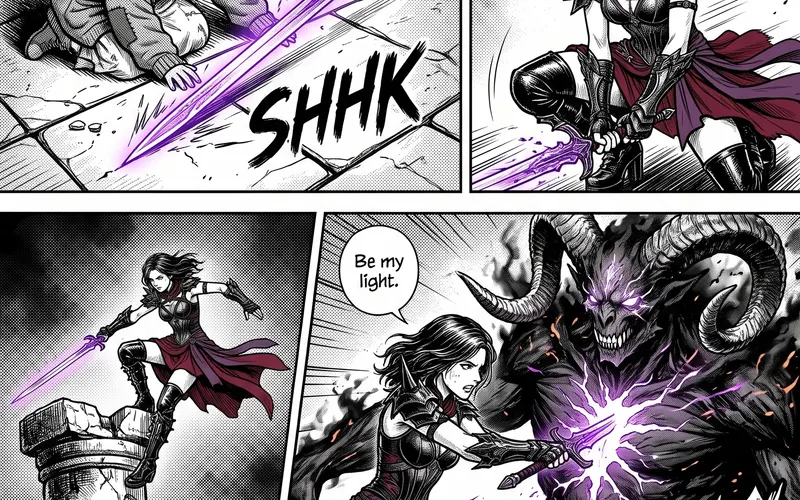 Manga chapterA cast sheet, a places sheet, a cover and inked pages that tell one short story.Image · 5 min · from 50 credits
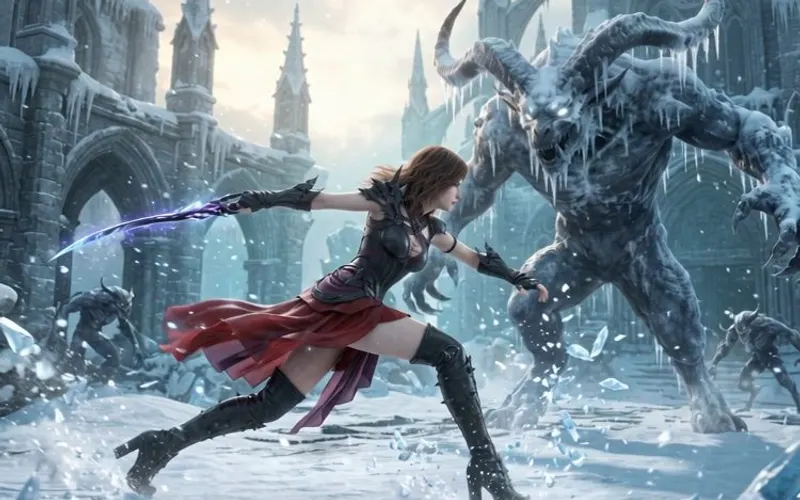 Story videoA character sheet, keyframes, shots and a score, ready to cut together.Video · 10 min · from 250 credits
 Product promo videoYour product photo becomes stills, clips, an end card and music to cut together.Video · 8 min · from 180 credits
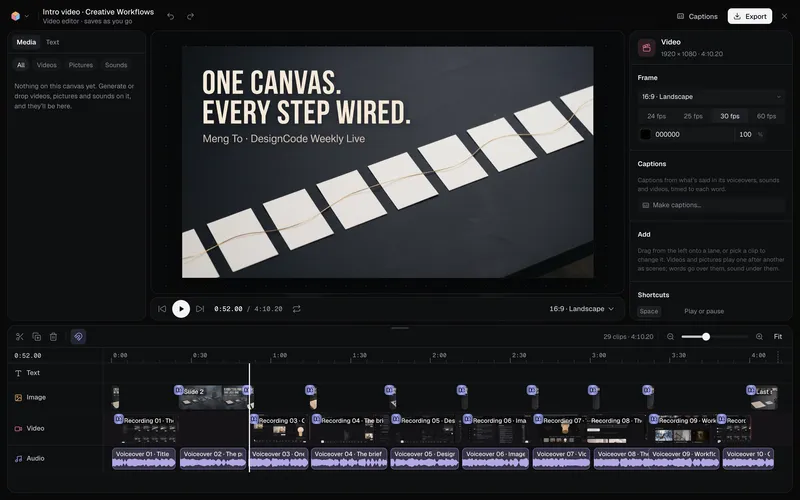 Long-form product videoA product demo, explainer or webinar intro planned chapter by chapter, with a picture and a voiceover for each, put together in the video editor.Video · 6 min · from 50 credits
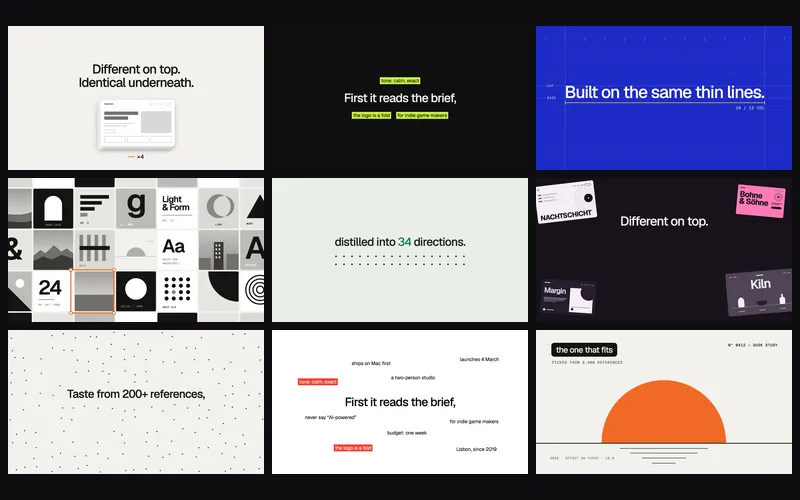 Product launch videoA 45-second launch film in nine five-second motion design scenes, each in its own style, in your brand, made as code and put together in the video editor with music and sound effects.Video · 5 min · from 80 credits
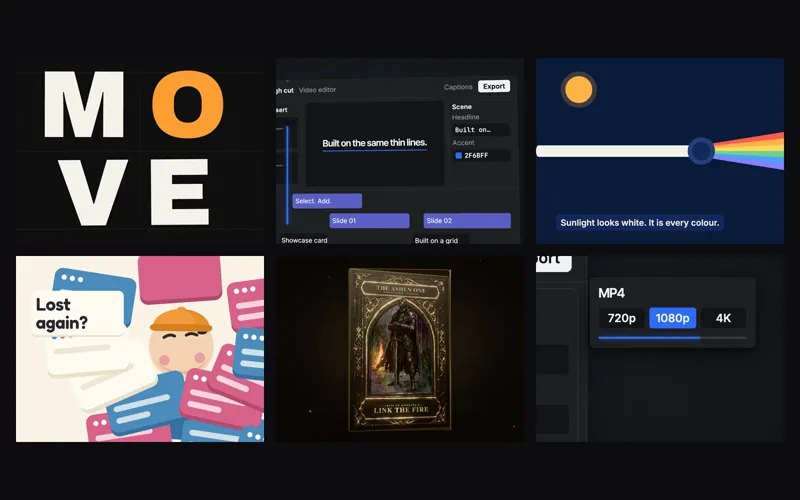 Motion filmA finished short film made entirely in code, as a motion director would: facts, a storyboard and a style bible, style frames, music on a beat grid, then every scene built to hand on to the next, in one of five popular styles.Video · 12 min · from 40 credits
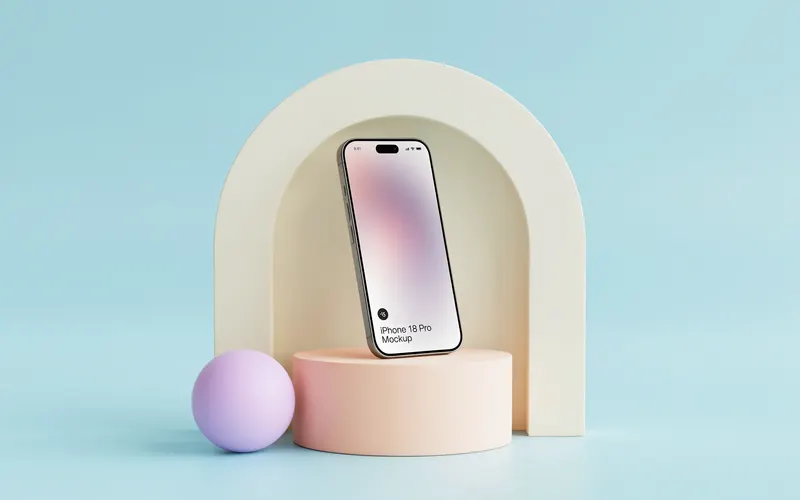 Product photoshootYour product in a studio shot, a second angle, a close-up and a colourway.Image · 3 min · from 30 credits
 3D assetA clean concept, a turnaround to check it, then a textured 3D model.3D · 4 min · from 75 credits
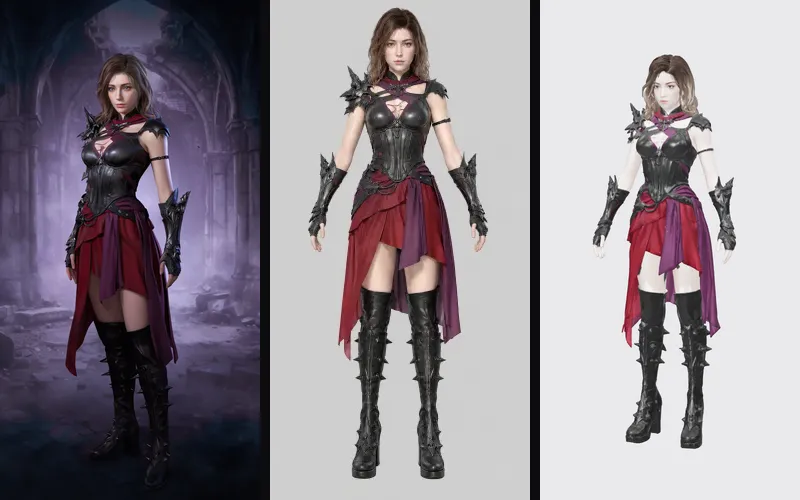 Game characterA concept, a clean A-pose turnaround and a 3D model ready to rig and animate.3D · 5 min · from 75 credits
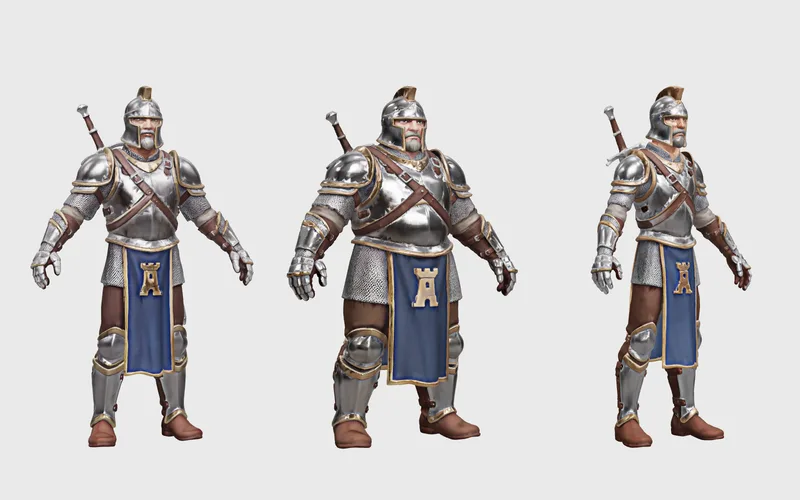 Character gearA gear set drawn once and fitted to three body types, each a 3D model ready to animate.3D · 10 min · from 280 credits
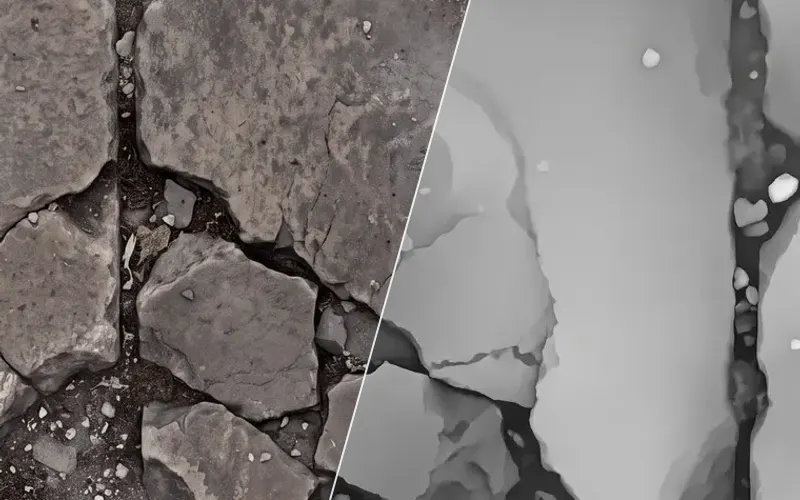 Material maps to Three.jsA seamless surface and its maps, lit in a Three.js scene you can turn and publish.3D · 4 min · from 30 credits
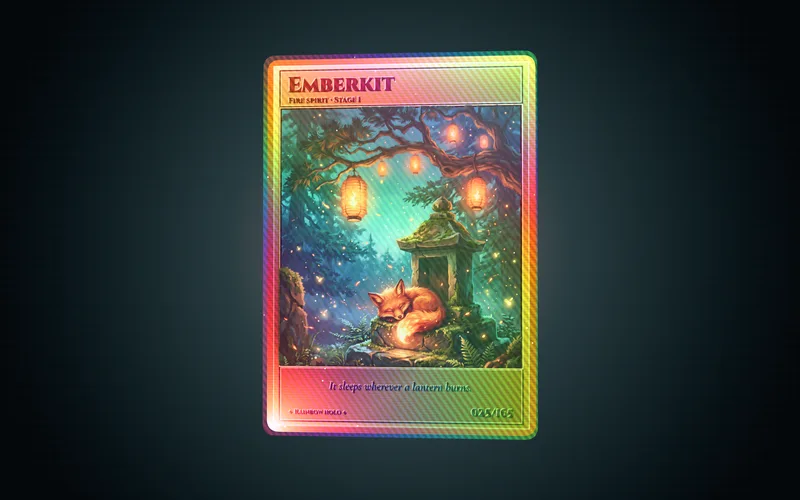 Holographic cardA foil card in 3D with real depth: the hero steps out of an ornate frame, foil-stamped lettering, and a card you can tilt, spin and flip.3D · 4 min · from 45 credits
 Illustration setThree illustrations in one consistent style, and a vector SVG of your favourite.Image · 3 min · from 30 credits
 Illustrated bookPainted plates, an endpaper, a map and a portrait in one painting’s style.Image · 6 min · from 45 credits
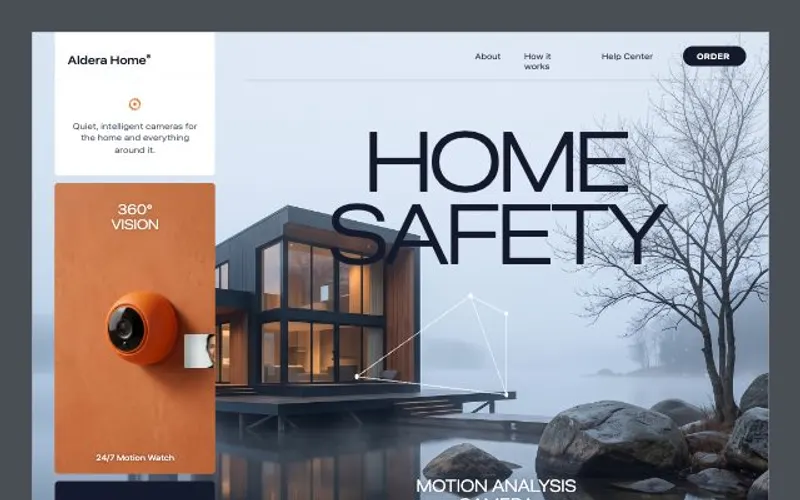 React websiteA React site from your brief, with a hero image and section pictures made for it.Web · 4 min · from 15 credits
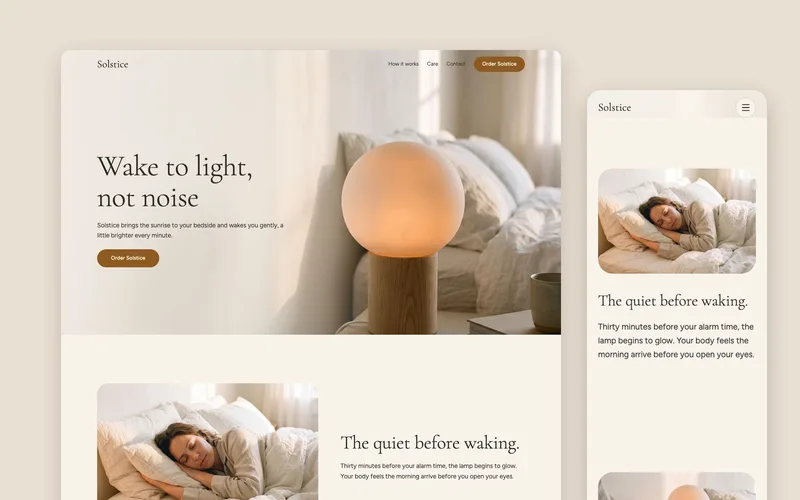 Landing pageA landing page planned for your kind of site, with a picture made for every section from the hero to the footer.Web · 5 min · from 45 credits
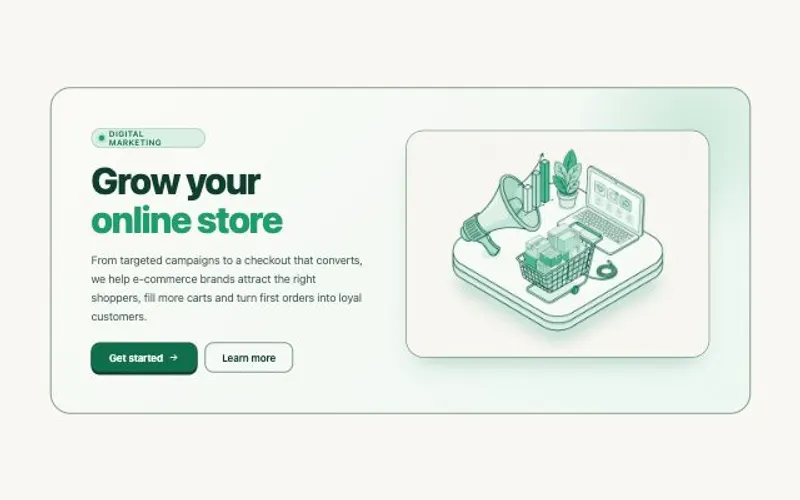 HTML componentOne self-contained UI component from your spec, with an illustration made for it.Web · 2 min · from 10 credits
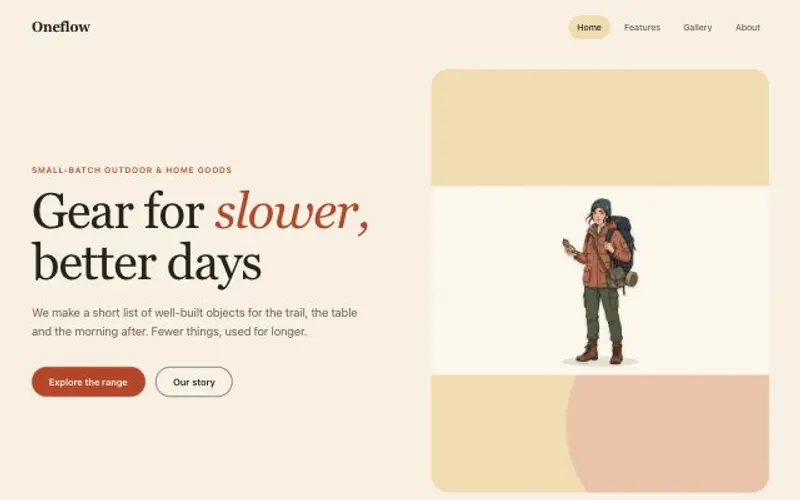 Website with a CMSPages that read from content you can edit, with one shared design system.Web · 5 min · from 15 credits
 YouTube thumbnailsYour photo in four thumbnail styles for one video, to pick from or A/B test.Image · 2 min · from 30 credits
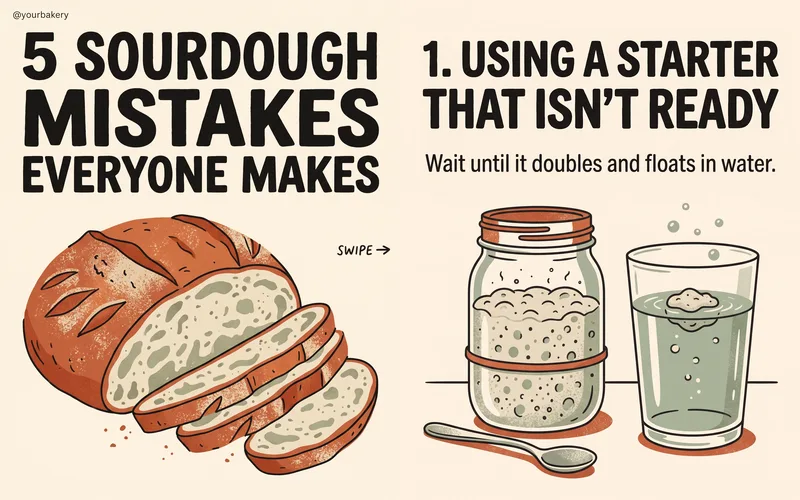 Instagram carouselSeven slides that read as one post, a hook, five points and a call to action, and more up to ten.Image · 3 min · from 50 credits
 Reel plannerA 30-second Reel planned scene by scene: pictures, what to say, a voiceover and a storyboard.Video · 4 min · from 130 credits
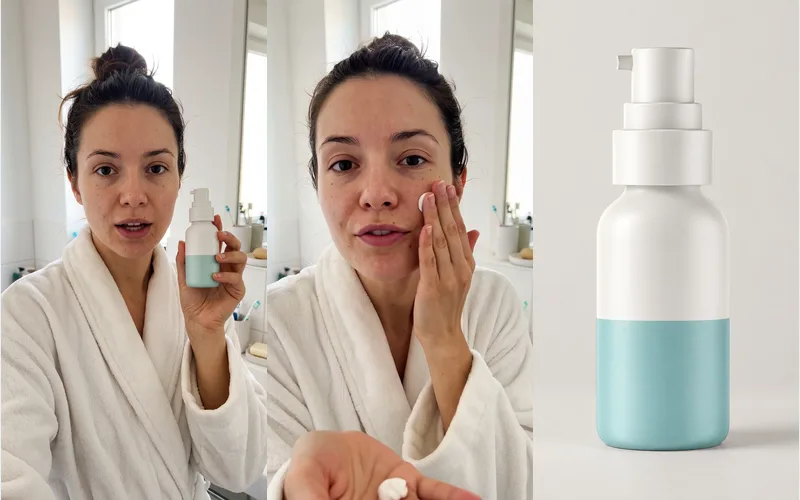 UGC video adA creator with your product, talking to the camera like a real review: a hook, a demo and a verdict.Video · 8 min · from 360 credits
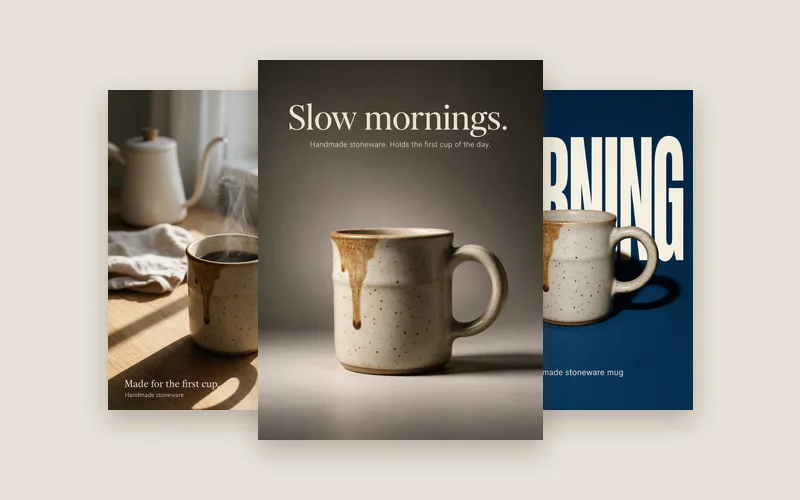 Social campaignOne product photo becomes three posters, a product shot and each platform’s post, shared with one link.Image · 6 min · from 120 credits
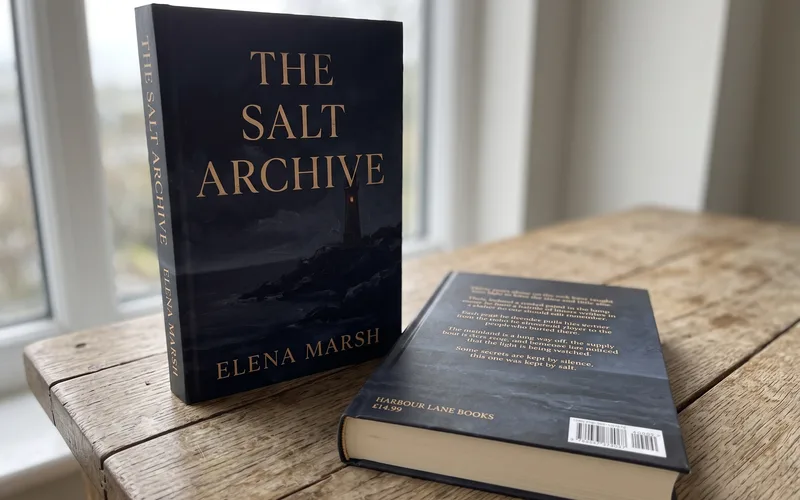 Book coverA front and a back cover that are one piece of art, and the printed book.Image · 2 min · from 25 credits
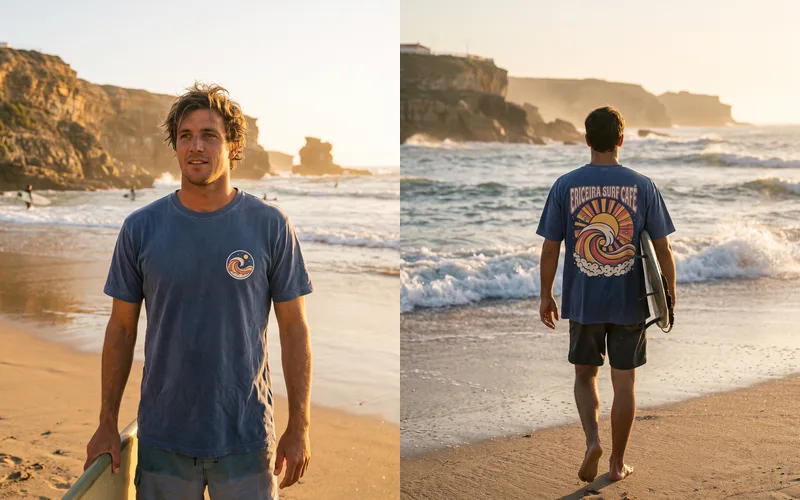 T-shirt designA front and a back print ready for screen printing, and the shirt wearing them.Image · 3 min · from 30 credits
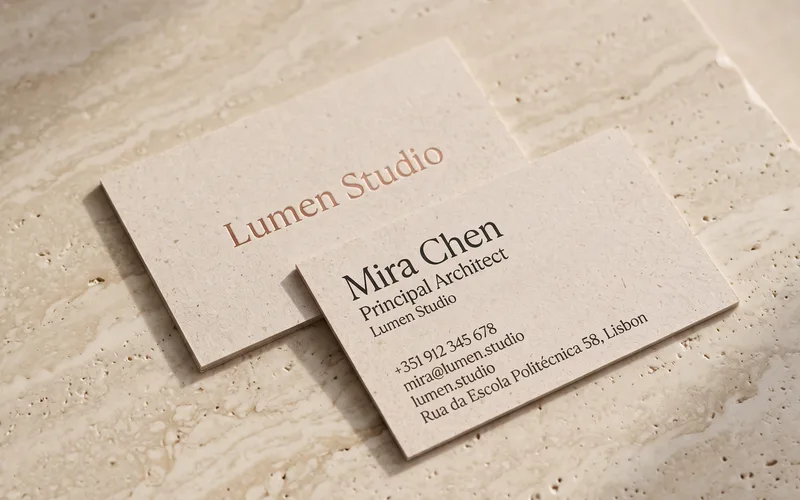 Business cardBoth sides of your card as print-ready artwork, and the printed cards on a desk.Image · 2 min · from 25 credits
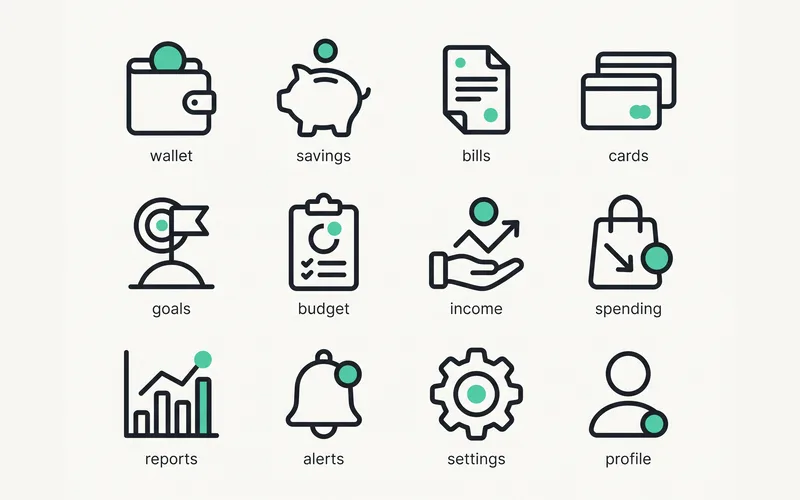 Icon setA consistent set of icons on one sheet, and the same set redrawn as clean SVG.Image · 3 min · from 15 credits
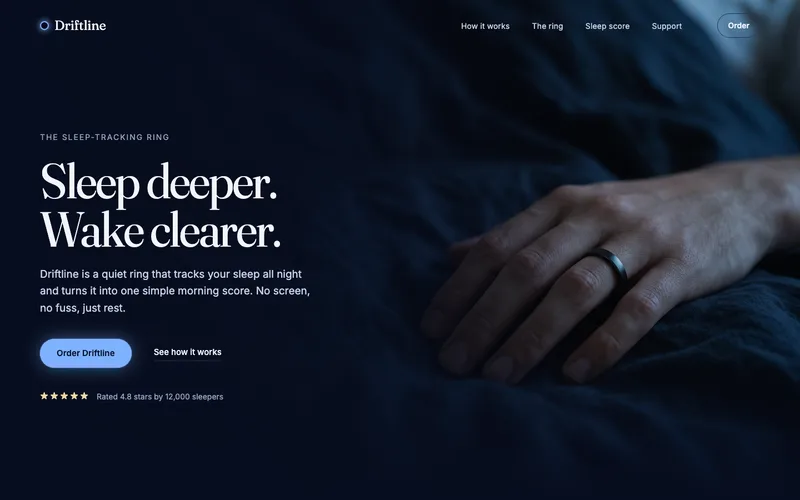 Website heroA hero image made for the layout, and the responsive hero section built around it.Web · 2 min · from 10 credits
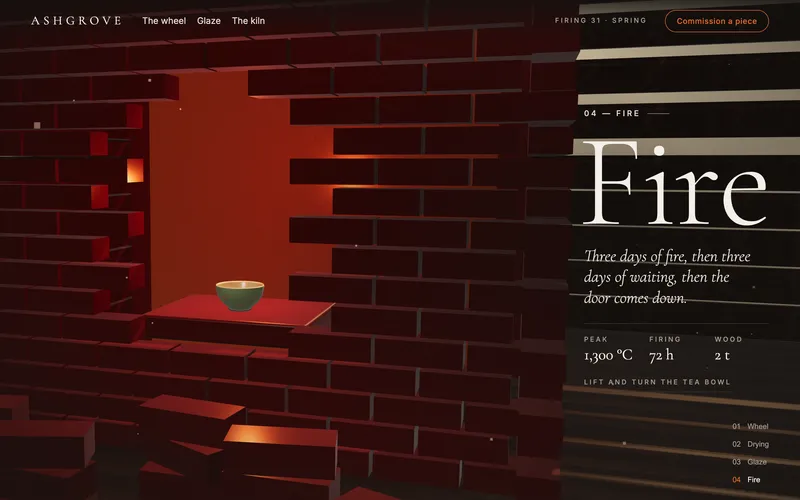 Three.js landing pageOne 3D place your page scrolls through, a piece made at each stop, and a piece you can lift out and turn.Web · 10 min · from 30 credits
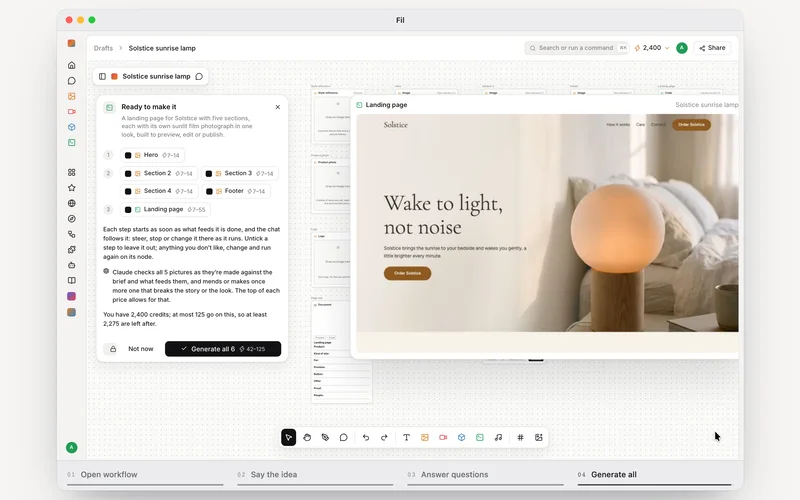 HTML demoYour app doing one task in a Mac window, drawn live in HTML from your screenshots: step by step, with a pointer that clicks, instead of a screen recording.Web · 6 min · from 15 credits
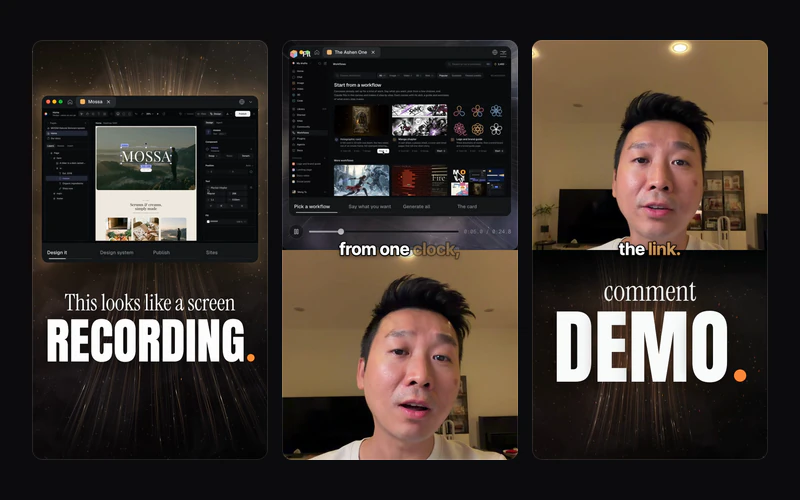 HTML reelTurn a post, a video, a YouTube video or a landing page into a reel that says what it says and looks like it: cinematic titles in its fonts, its video cut to every word, and you on camera, a backlit silhouette until your takes are in.Video · 15 min · from 20 credits
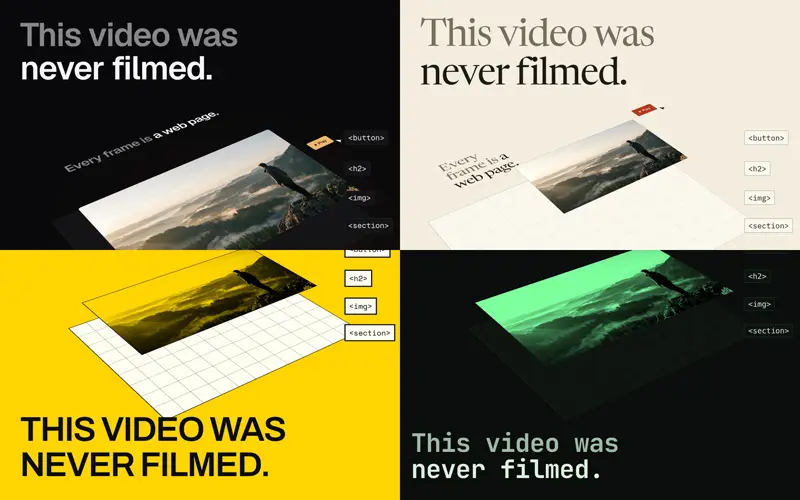 HTML explainer videoA one-minute explainer of your product, feature or idea, in your own look: a script, a voice, HTML scenes drawn to every word, and an edit with captions, music and sound. No filming, unless you want to be in it.Video · 20 min · from 25 credits
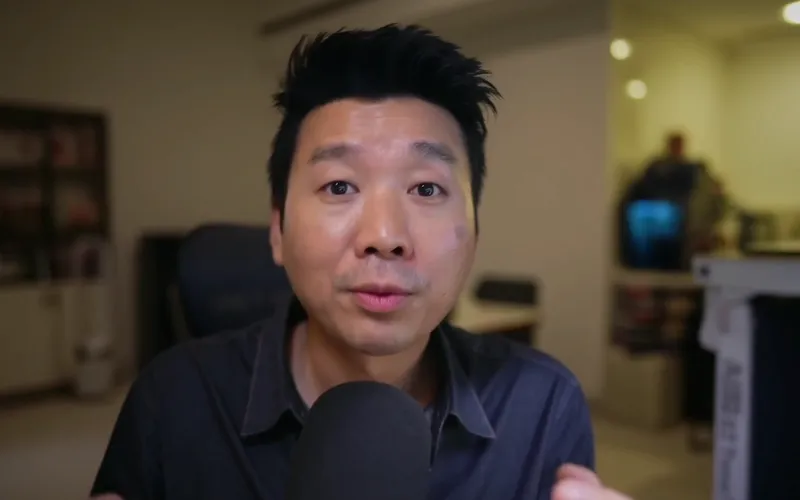 AI avatarYou, from one photo, saying lines you never recorded in a voice you pick or your own recording, lip-synced on HeyGen Avatar V.Video · 5 min · from 310 credits
 Digital twinYou in your own room, three stills at a time from new cameras, a line in your own voice, and a talking clip from the one you pick.Image · 5 min · from 90 credits
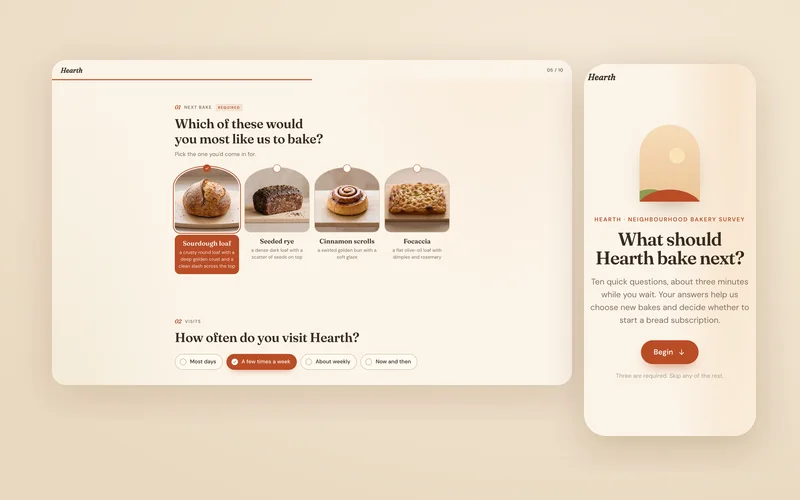 SurveyA short survey for anyone you want to hear from, with its questions in the order that gets them finished, built in a style you pick. Published, it keeps every answer in Fil.Web · 3 min · from 5 credits
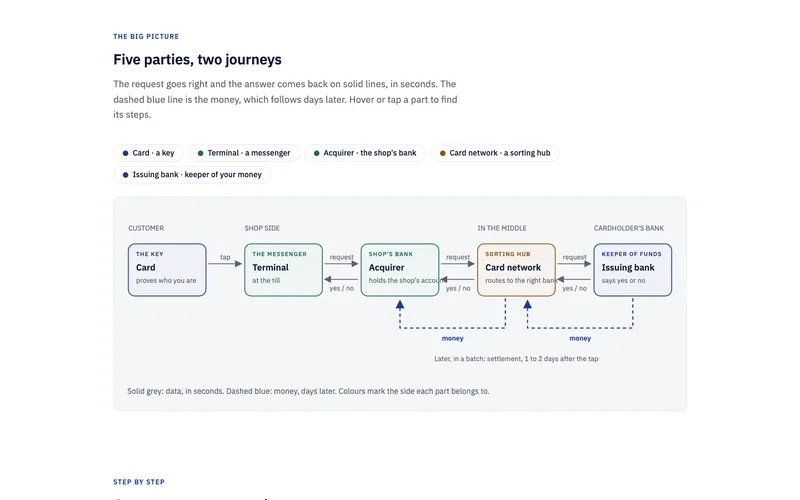 Visual explainerA topic or a document as one rich page: the answer first, then a diagram, the steps and the numbers.Web · 3 min · from 20 credits
 YouTube video planA video planned and scripted like the best channels: title, thumbnail, hook, story, intro and outro.Video · 4 min · from 30 credits
 Children’s bookA picture book: the hero, a cover, five illustrated spreads, the book to page through and a read-aloud.Image · 5 min · from 65 credits
 Talk slidesYour talk’s slides made as pictures, one big idea each in one look, and a deck with speaker notes.Image · 4 min · from 50 credits
 HeadshotsYour photo as headshots in six styles, from a corporate studio to black and white, always clearly you.Image · 2 min · from 45 credits
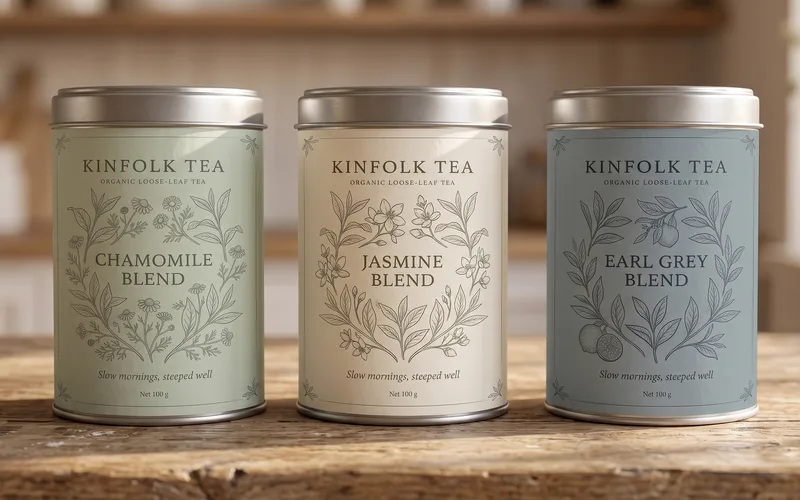 Packaging designYour pack’s front and back as print artwork, then the pack, the range and a lifestyle shot.Image · 3 min · from 35 credits
 Team photoEveryone’s own photo in, one team picture out, in four settings: studio, at work, outdoor and candid.Image · 2 min · from 35 credits
 Workshop dayA 9-to-5 hands-on workshop planned to the minute, with the slides and visuals to teach it.Web · 5 min · from 25 credits