Long-form product video
A product demo, explainer or webinar intro planned chapter by chapter, with a picture and a voiceover for each, put together in the video editor.
Say what the video is about. Claude writes Script.md chapter by chapter, six to twelve of them sized to what you have to say: the words on screen, the picture and what the narrator says. Chapter 1 sets the look, every chapter gets its picture and its voiceover, your screen recordings go in where you drop them, and the Video edit puts it all together, timed to the voice, ready to export.
Start this workflowWhat it makes
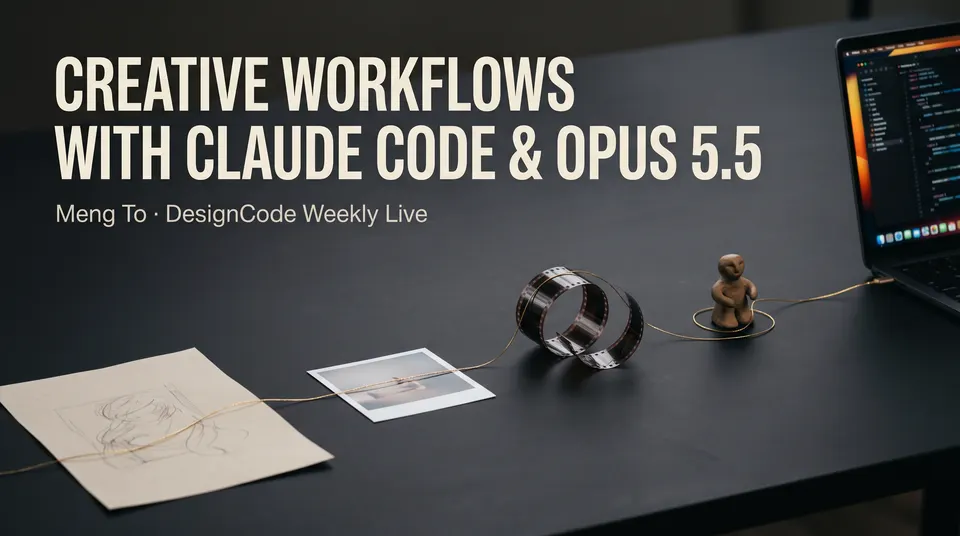
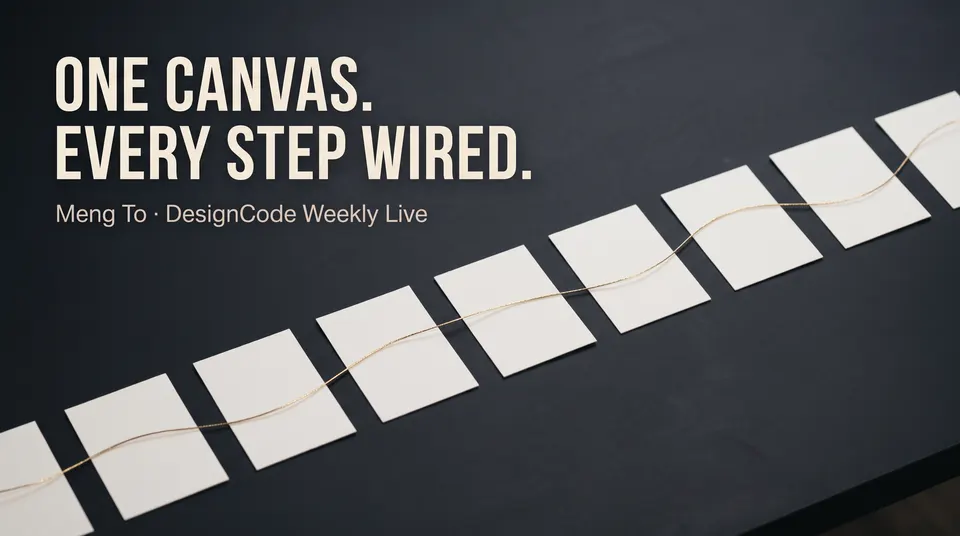
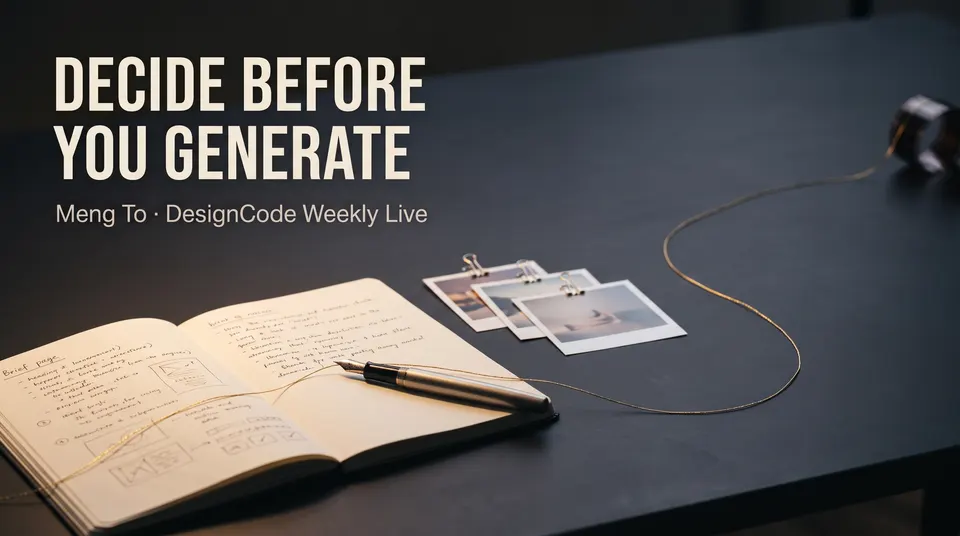
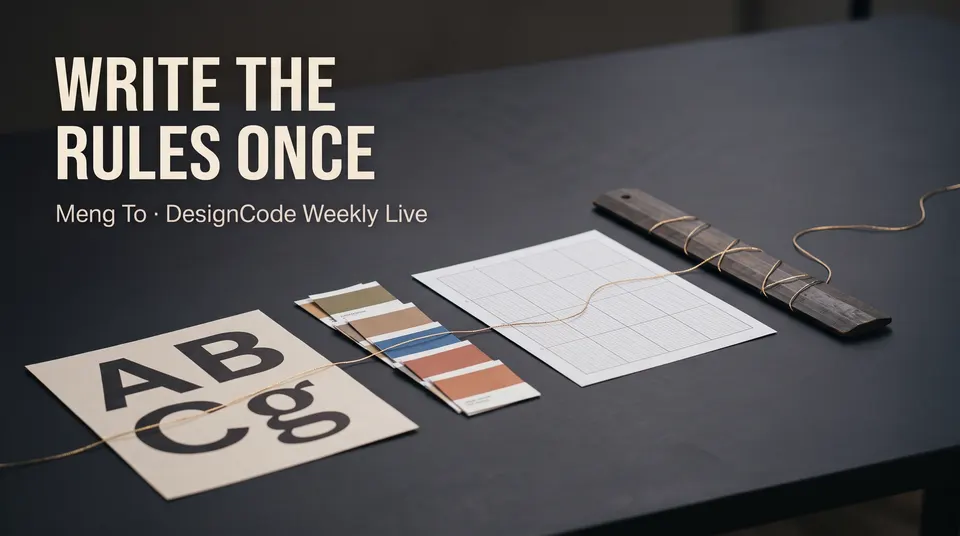
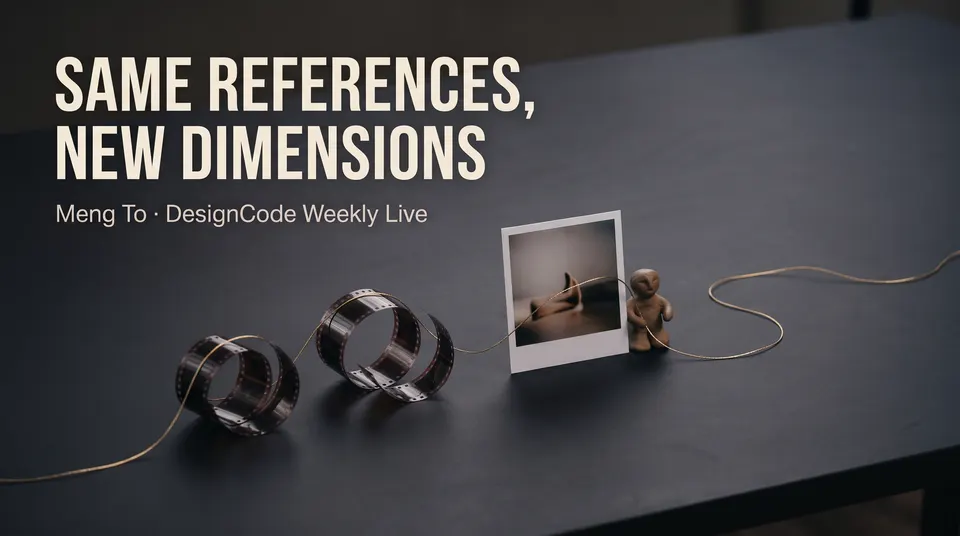
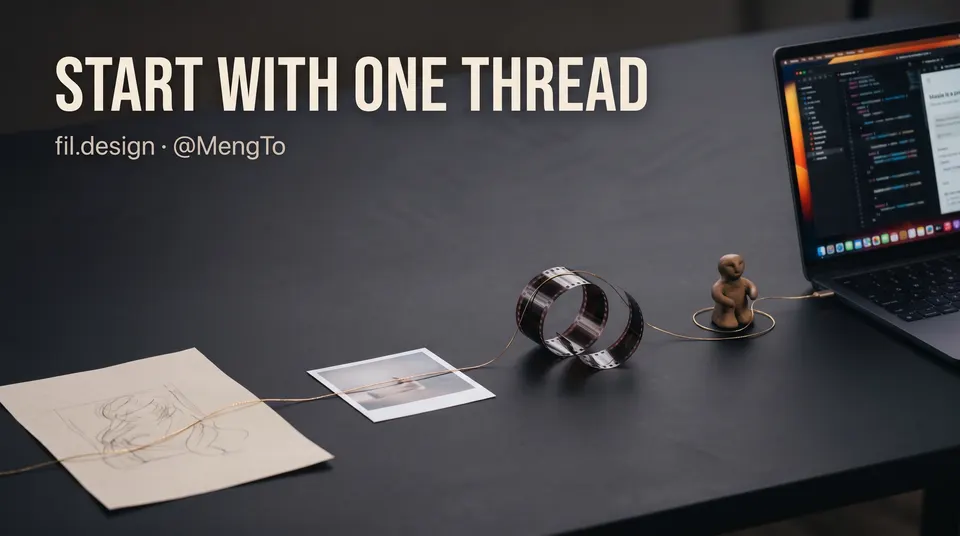
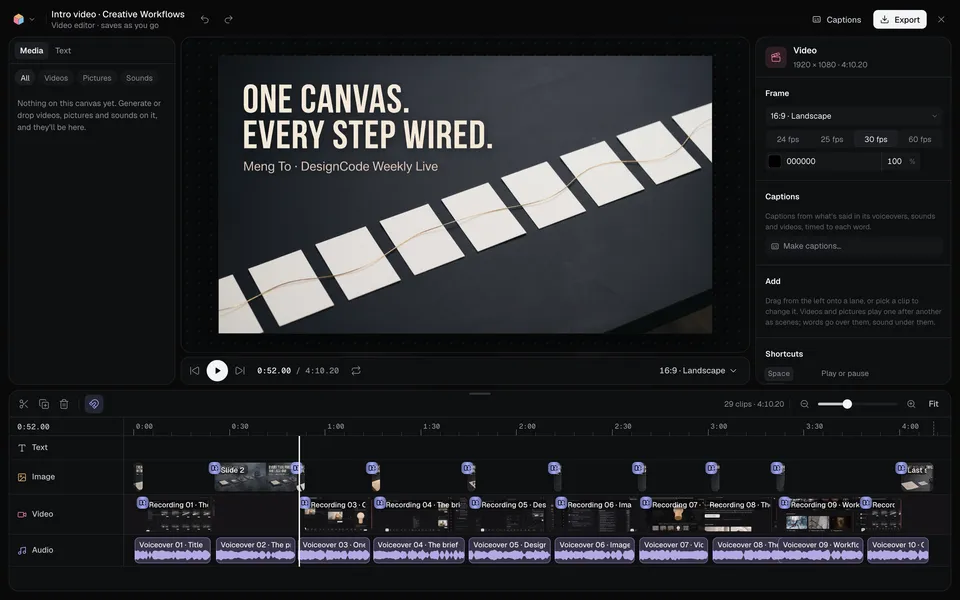
Also makesVoiceover 1Voiceover 2Voiceover 3Voiceover 4Voiceover 5Voiceover · Last
13 things in 3 steps. Every example here was made in Fil with this workflow.
How it starts
- Say what you want“A four-minute intro for a live webinar on creative workflows with Fil, from one brief to pictures, video, 3D and a site”, or a picture. Nothing to upload first.
- Pick from a few choicesClaude asks about what the video is about, its look and its shape, and tells you if a file is missing.
- Generate allChapter 1, Voiceover 1, Voiceover 2, Voiceover 3, Voiceover 4, Voiceover 5 and Voiceover · Last first, then each next step as soon as what it needs is ready.
What you put in
- Style referenceA picture whose look every chapter’s picture follows.Optional
- Or start from one of these styles, picked for this workflow:
 Exploded blueprint
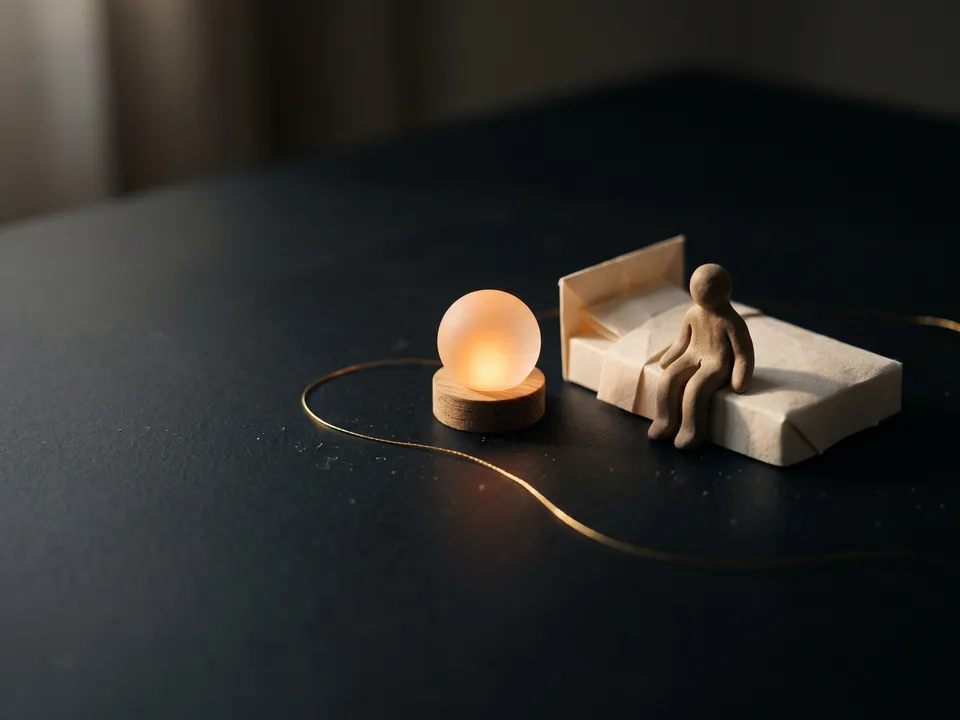 Studio miniatures
 Clean product film
 Flat motion graphics
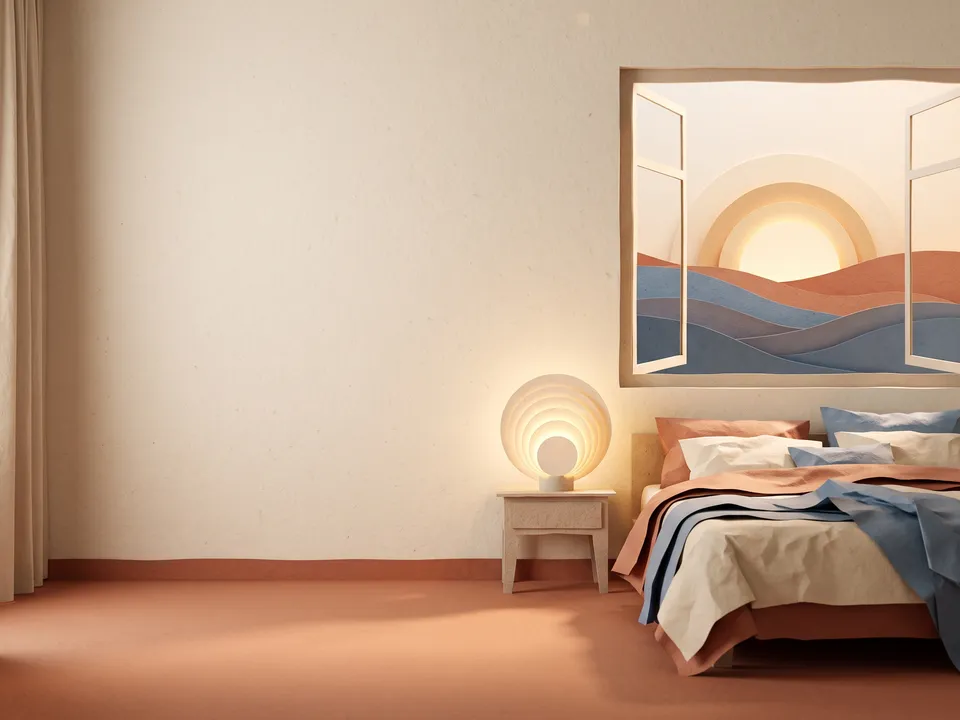 Paper cut-out
 Isometric explainer
 Clay render
 Product noir
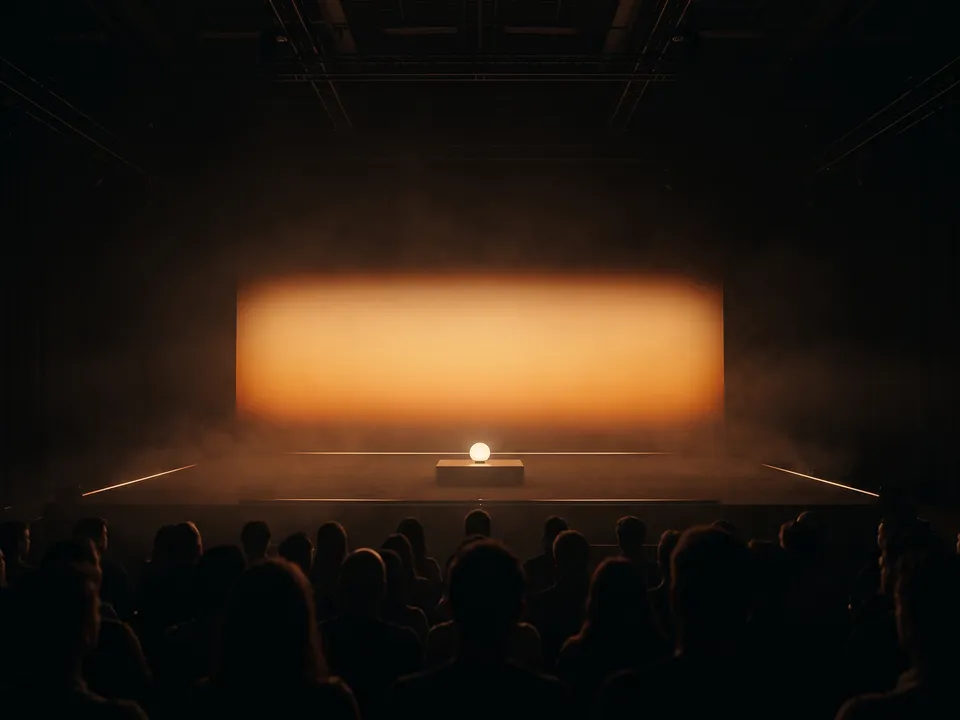 Keynote stage
- LogoYour logo, for the first and last chapters.Optional
- FootageA screen recording or clip of what this chapter shows. It plays after the chapter’s picture, without its sound. One for each chapter, there whenever you have one.Optional
- Script.mdThe video, the look, the voice and each chapter. Claude fills it in from your answers, or you can.Brief
Nothing has to be uploaded to start: the canvas opens with a place for each file, ready when you are.
How it runs
Generate all runs it left to right: each step starts as soon as what feeds it is ready, and you see the whole price first. From your idea, Claude plans 6 to 12 chapters, and adds a step for each one past the 6 it comes with. Or run any step yourself.
Step by step on the canvas
- Generate Chapter 1: it sets the look. Every Voiceover reads its chapter’s Say line.
- Generate Chapter 2 to Chapter 5 and Last chapter: each follows Chapter 1, and Claude checks each one.
- Drop a screen recording into a chapter’s Footage, if you have one: it plays after that chapter’s picture.
- Video edit puts every chapter together, timed to its voiceover. Open it to watch, add captions and export. Add chapters makes it longer.
Skill
The craft every step follows, written out. It comes with the workflow, and you can change it on the canvas.
Read the skill
Long-form video
Read first
Script.md for the video: its title, what kind of video it is, who it's for, the one idea, the look, the voice, and every chapter's words on screen, picture and what's said; the style reference and logo wired in.
The script
- Chapters sized to what the video has to say: about 20 to 30 seconds each, one point each, in the order a viewer's questions come (a product demo: the problem, the product, how it works step by step, what it's like to use, the proof, how to start; an explainer: the question, the idea, how it works, an example, what it means; a lesson: the goal, each step, the recap).
- The first chapter opens it: the title and the promise. The last closes it: one line to remember, new words rather than the title again, and what to do next.
- Say: what the narrator reads aloud, 50 to 75 words, in plain spoken sentences in the script's voice, each chapter picking up where the last one ended. Written as it's said: no headings, notes, stage directions or symbols, and a site spelled as it's spoken ("fil dot design").
- On screen: at most eight words, usually two to five, spelled exactly as Script.md writes them.
- Picture: one strong picture that carries the chapter's point (a metaphor, a scene, an object, the product at work), new each chapter: never the same scene twice, nor the same layout under new words.
One look on every picture
- The wired Chapter 1's look on every chapter: the same background, typefaces, colours, margins and kind of picture, as if one designer made them all, in the video's shape.
- The words set big on the picture's calm side, clear of the frame's edges, which a slow push-in crops a little.
- Each picture's words exactly as its prompt gives them, and no other words anywhere: no captions, footers, page numbers, labels, logos or made-up interface text.
- Only the first chapter carries a small line under its title (who's behind it, the event), and only the last one where to find them; the chapters between carry their own words alone.
- The last chapter's picture pays off the first chapter's picture: the same things, shown whole, in clear light.
- An app or website appears as its world or a crafted object that stands for it, never as a made-up screen: real screens come from the screen recordings dropped into Footage.
Voiceovers
Each chapter's Say line, read word for word in one voice for the whole video.
The edit
Each chapter lasts as long as its voiceover and a beat: its picture first with a slow push-in, then its footage if it has any, the voiceover starting 0.4 seconds in, 0.4-second dissolves between them, fading in at the start and out at the end. Captions are made in the video editor, from the voiceovers, when they're wanted.
Avoid
Walls of text, bullet lists, small type, a picture in a different style, misspelled words, made-up interface, clip-art, stock-photo clichés and numbers Script.md doesn't give.
Wired into 6 steps on the canvas, where you can change it.
More workflows
 Story videoA character sheet, keyframes, shots and a score, ready to cut together.About 10 minutes
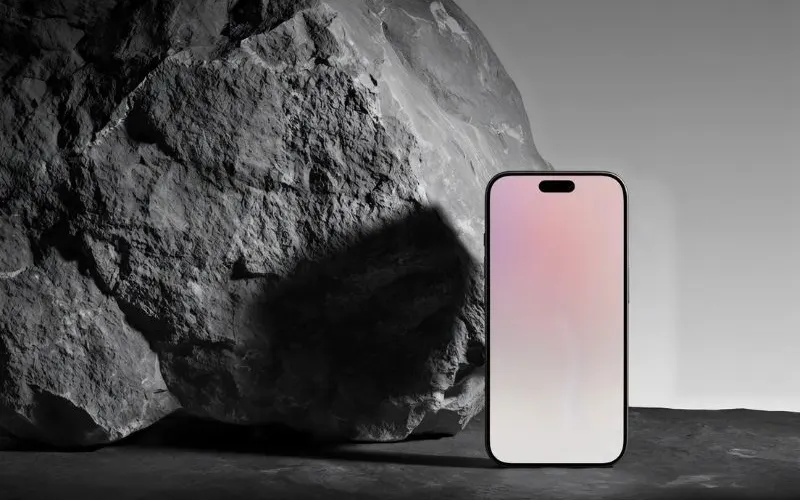 Product promo videoYour product photo becomes stills, clips, an end card and music to cut together.About 8 minutes
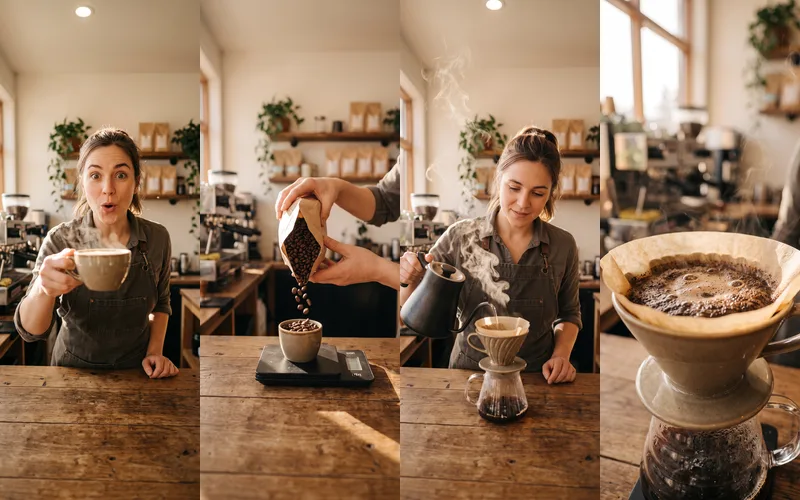 Reel plannerA 30-second Reel planned scene by scene: pictures, what to say, a voiceover and a storyboard.About 4 minutes