Talk slides
Your talk’s slides made as pictures, one big idea each in one look, and a deck with speaker notes.
Say what your talk is about. Claude writes Talk.md slide by slide (the few words on screen, the picture and what you’ll say), Slide 1 sets the look, every slide follows it, and the deck puts them together to present, with your notes in presenter view.
Start this workflowWhat it makes

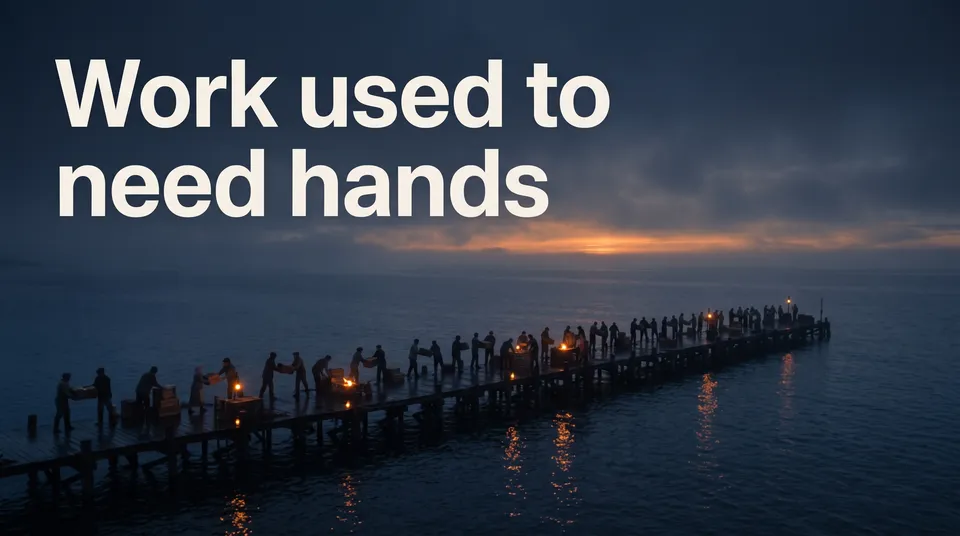

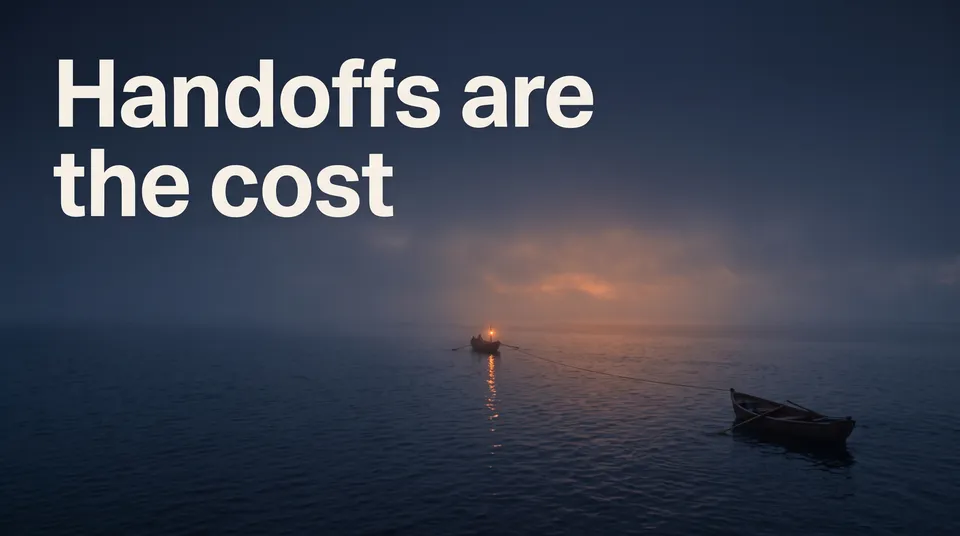
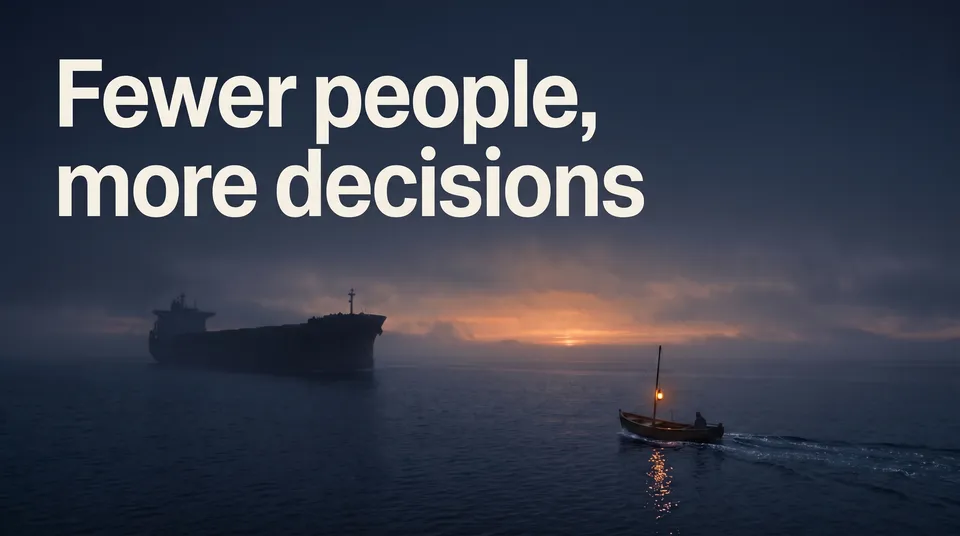


7 things in 3 steps. Every example here was made in Fil with this workflow.
How it starts
- Say what you want“A 10-minute talk on why small teams ship faster with AI, for a design conference”, or a picture. Nothing to upload first.
- Pick from a few choicesClaude asks about the one idea, the audience and the look of the slides, and tells you if a file is missing.
- Generate allSlide 1 first, then each next step as soon as what it needs is ready.
What you put in
- Style referenceA picture whose look the slides follow.Optional
- Or start from one of these styles, picked for this workflow:
 Duotone photo
 Soft gradient
 Open space
 Quiet still life
 Tiny world
 Liquid glass
 Black and white photo
 Macro abstract
 Golden hour
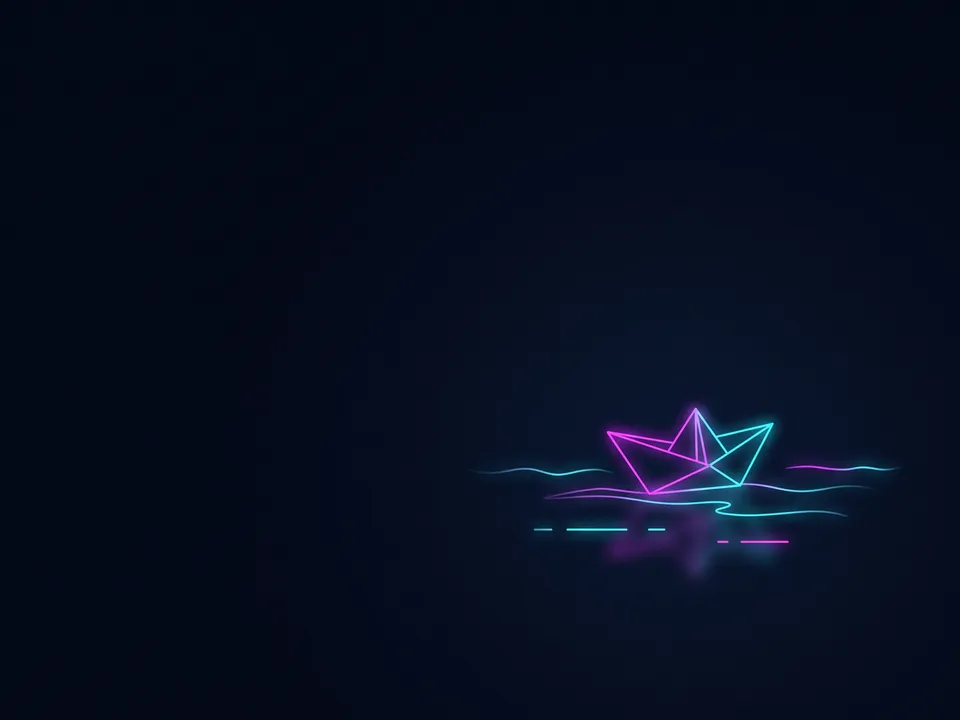 Neon line
- LogoYour logo or the event’s, for the title slide.Optional
- Talk.mdThe talk, the audience, the look and each slide. Claude fills it in from your answers, or you can.Brief
Nothing has to be uploaded to start: the canvas opens with a place for each file, ready when you are.
How it runs
Generate all runs it left to right: each step starts as soon as what feeds it is ready, and you see the whole price first. Or run any step yourself.
Step by step on the canvas
- Generate Slide 1, the title slide: it sets the look.
- Generate Slide 2 to Slide 5 and Last slide: each follows Slide 1.
- Generate Deck to present them, with your notes. Add slides makes the talk longer.
Skill
The craft every step follows, written out. It comes with the workflow, and you can change it on the canvas.
Read the skill
Talk slides
Read first
Talk.md for the talk, the audience, the look and every slide's words, picture and notes; the style reference, logo and speaker's photo wired in.
One look on every slide (16:9)
- The wired Slide 1's look on every slide: the same background, typefaces, colours, margins and kind of picture, as if one designer made the deck.
- One idea per slide: at most eight words on screen, usually one to five, set big enough to read from the back of a hall, spelled exactly as Talk.md writes them. Nothing else written: no bullet lists, footers, page numbers or made-up logos.
- One strong picture that carries the idea (a metaphor, a scene, an object, one big number), filling the slide, with the words on its calm side. Every slide its own picture, true to its beat in Talk.md: never the same scene twice, and the title slide never spends a later slide's payoff.
- The speaker's notes never appear on a slide.
The slides
- Title: the talk's title big, saying its one idea in the talk's own key words, and the speaker's name and the event small (left off when Talk.md says none: never a placeholder). Laid out as the opener, not an idea slide: the title larger than any idea slide's line, on its own layout (centred, or across a full-bleed picture), showing the talk's central picture as Talk.md gives it.
- Idea slides: a statement, a question, one big number, or a before and after.
- Last slide: the one line to remember, new words rather than the title again, what to do next, and where to find the speaker (the handle or site from Talk.md). Its picture pays off the talk's central picture (e.g. the small boat passing the huge ship), shown whole and large, in clear light.
The deck
A deck to present from: each wired slide picture full screen in order, fitted whole (never cropped), on its own. Its words are already in the picture, so the deck sets no words, titles or captions over it. Arrows, clicks and swipes move between slides, a small slide count sits in a corner, and Talk.md's notes for each slide show only in a presenter view (press N).
Avoid
Walls of text, bullet points, small type, a slide in a different style, misspelled words, clip-art, stock-photo clichés, and charts with numbers Talk.md doesn't give.
Wired into 7 steps on the canvas, where you can change it.
More workflows
 Logo and brand guideThree directions of marks, then a brand board and a brand guide page.About 4 minutes
 Manga chapterA cast sheet, a places sheet, a cover and inked pages that tell one short story.About 5 minutes
 Product photoshootYour product in a studio shot, a second angle, a close-up and a colourway.About 3 minutes