AI avatar maker
You, from one photo, saying lines you never recorded in a voice you pick or your own recording, lip-synced on HeyGen Avatar IV.
Drop in a photo of the person and say what they should say. Claude writes Avatar.md (who’s speaking, where it plays, the voice and the lines), the voice reads the lines on ElevenLabs v4, and HeyGen Avatar IV lip-syncs that sound onto the photo. To speak in your own voice, drop a recording of you reading the lines onto the canvas and wire it into Talking video in place of Voice. For a full digital twin trained on a couple of minutes of your footage, the Create AI Avatar skill does it with your own HeyGen account.
Start this workflowWhat it makes
Also makesVoice
2 things in 2 steps. Every example here was made in Fil with this workflow; point at a clip to play it.
Made with this workflow
Shared on Fil Community by the people who made them.
How it starts
- Say what you want“Me, Meng, saying in my own voice that this is my digital twin, for the top of my YouTube video”, or a picture. Nothing to upload first.
- Pick from a few choicesClaude asks about who’s speaking, what they say, the voice and where it will play, and tells you if a file is missing.
- Generate allVoice first, then each next step as soon as what it needs is ready.
What you put in
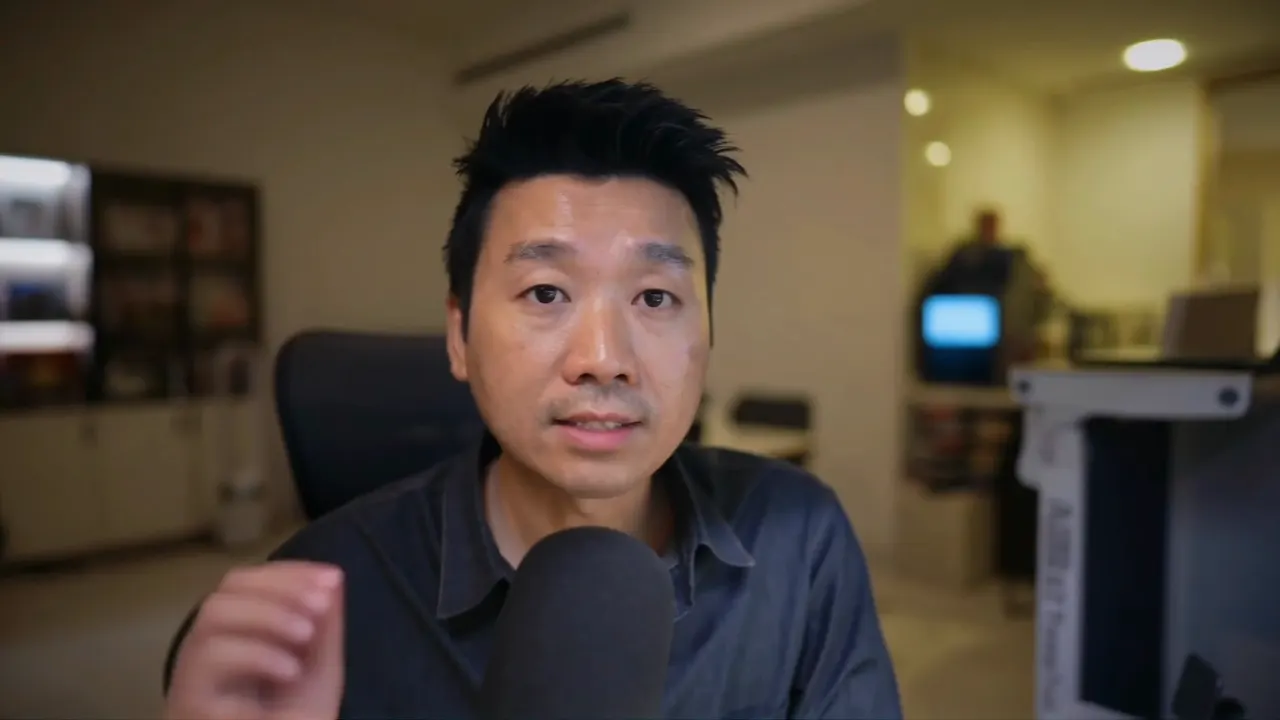
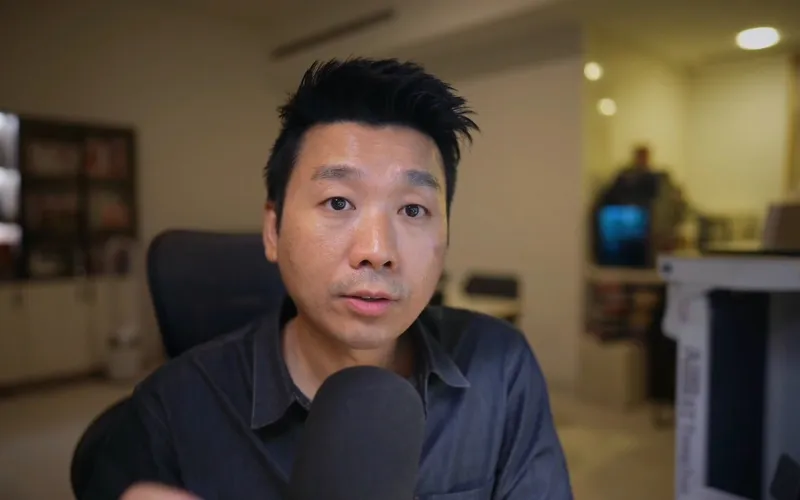 Your photoOne person facing the camera, mouth closed, in even light. A still from a video of them talking works best. Like this one.Needed
- Avatar.mdWho’s speaking, the voice and the lines. Claude fills it in from your answers, or you can.Brief
Nothing has to be uploaded to start: the canvas opens with a place for each file, ready when you are.
How it runs
Generate all runs it left to right: each step starts as soon as what feeds it is ready, and you see the whole price first. Or run any step yourself.
Step by step on the canvas
- Drop a photo into Your photo: one person, eyes to the camera, mouth closed, even light.
- Check the lines in Avatar.md, then generate Voice and listen to it. Start with one short line.
- Generate Talking video. Judge it by the mouth beside a real video of the person, then make the longer lines.
Skill
The craft every step follows, written out. It comes with the workflow, and you can change it on the canvas.
Read the skill
Create AI avatar
Read first
Avatar.md: who's speaking, where it will play, its shape, the voice, how it's read, and the lines. The photo wired in is the person as they look on camera. They, or the person who asked, must have agreed to it.
The mechanism
Keep the face, the voice and the lip-sync apart, and change one at a time. Voice reads the lines word for word. Talking video lip-syncs that sound onto the photo on Avatar IV, so the video is as long as the sound. With no sound wired in, it reads its own prompt in a HeyGen voice instead. Their own recording, dropped on the canvas and wired into Talking video in place of Voice, is spoken as it is.
The lines
- About 150 words a minute, written for the ear: numbers and names as they're said, no headings, notes or brackets read aloud.
- Short sentences in the person's own words. A first line of about 25 words is enough to judge the likeness before anything longer is made.
- A calm read beats an acted one: no [excited] or [laughs] unless asked.
The photo
- A still from a video of them talking to the camera beats a styled portrait: eyes to the lens, mouth closed or nearly, even light, head and shoulders in frame, nothing over the face, at least 720 px tall.
- One person in it. The shape it will play in, or close to it.
Judge it by the mouth
Likeness breaks at the mouth first. Look close at six moments beside a real video of them: lips stretched wide, both rows of teeth or a half grin where they talk small and round means it over-acts. Then say what you saw in plain words and let them choose. Watch the hands once too: Avatar IV gestures, and a finger can come out wrong.
Avoid
A person who didn't agree to it, a photo of more than one person, a script that reads headings or notes aloud, and a new line before the first short one has been judged.
Wired into 1 step on the canvas, where you can change it.
Questions
What does the AI avatar workflow make?
Voice and Talking video, in 2 steps. You, from one photo, saying lines you never recorded in a voice you pick or your own recording, lip-synced on HeyGen Avatar IV.
How do I start it?
Say what you want, for example “Me, Meng, saying in my own voice that this is my digital twin, for the top of my YouTube video”. Claude asks about who’s speaking, what they say, the voice and where it will play, fills in the briefs, and Generate all runs each step as soon as what it needs is ready. Nothing runs until you’ve seen the price.
How long does it take, and what does it cost?
About 4 minutes, and about 60 credits to make it all. You see the price before anything runs, and failed runs are refunded.
What do I need to bring?
Nothing has to be uploaded to start. The canvas has a place for your photo; your photo is needed before the steps that use it.
Can I use its skill with my own agent?
Yes. The skill it’s built on is free for Claude Code, Codex and Cursor, with its scripts and a demo, at https://fil.design/skills/create-ai-avatar.
Do I need an invite?
Fil is invite-only for now. Without an invite, Start this workflow opens the waitlist.
More workflows
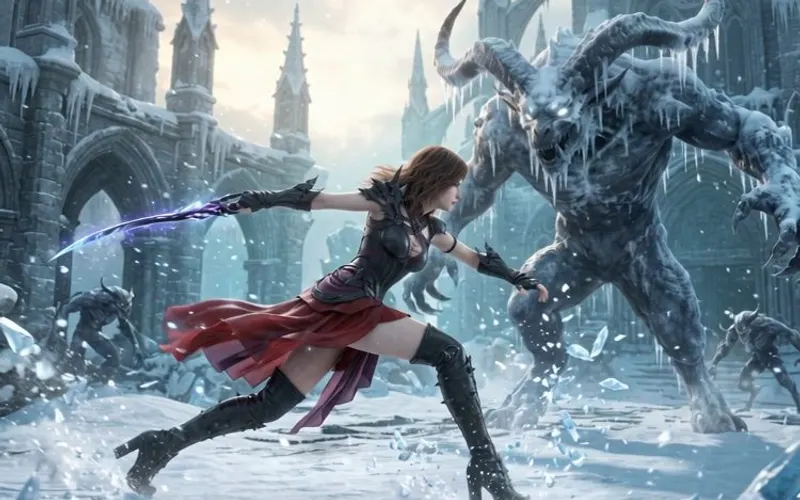 Story videoA character sheet, keyframes, shots and a score, ready to cut together.About 10 minutes
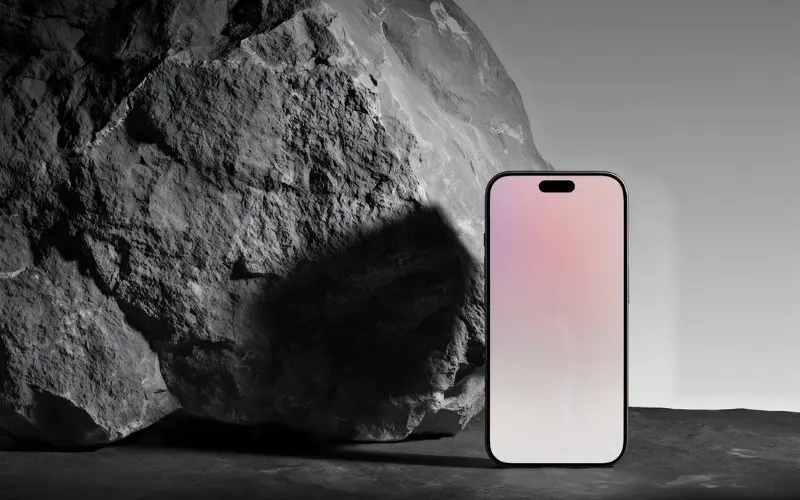 Product promo videoYour product photo becomes stills, clips, an end card and music to cut together.About 8 minutes
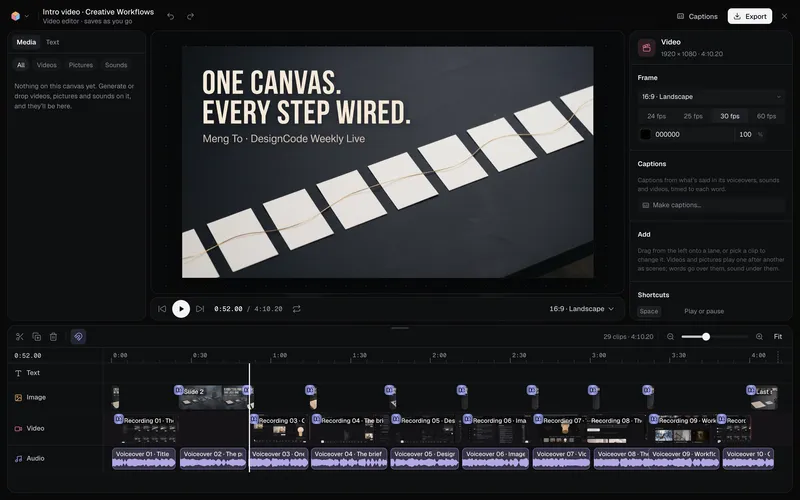 Long-form product videoA product demo, explainer or webinar intro planned chapter by chapter, with a picture and a voiceover for each, put together in the video editor.About 6 minutes
All 43 workflows · Videos people made in Fil · Every video model