Headshots
Your photo as headshots in six styles, from a corporate studio to black and white, always clearly you.
Drop in a clear photo of yourself. The headshots skill keeps your face exactly as it is while each style changes the light, backdrop and mood: corporate, editorial, outdoor, black and white, bright, and at work.
Start this workflowWhat it makes
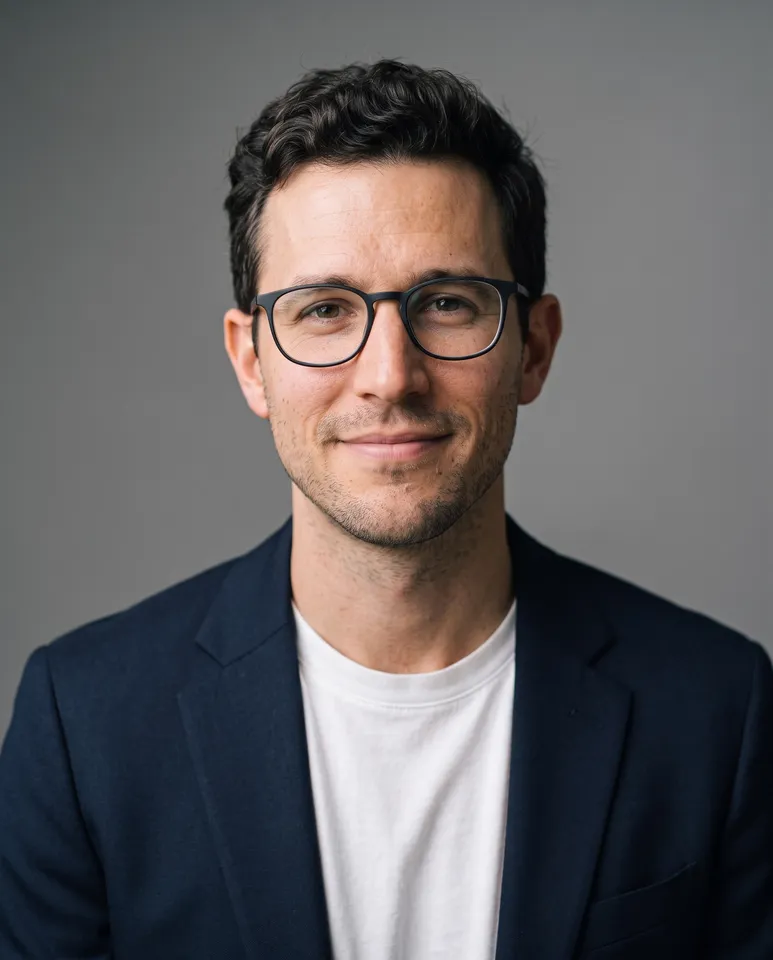
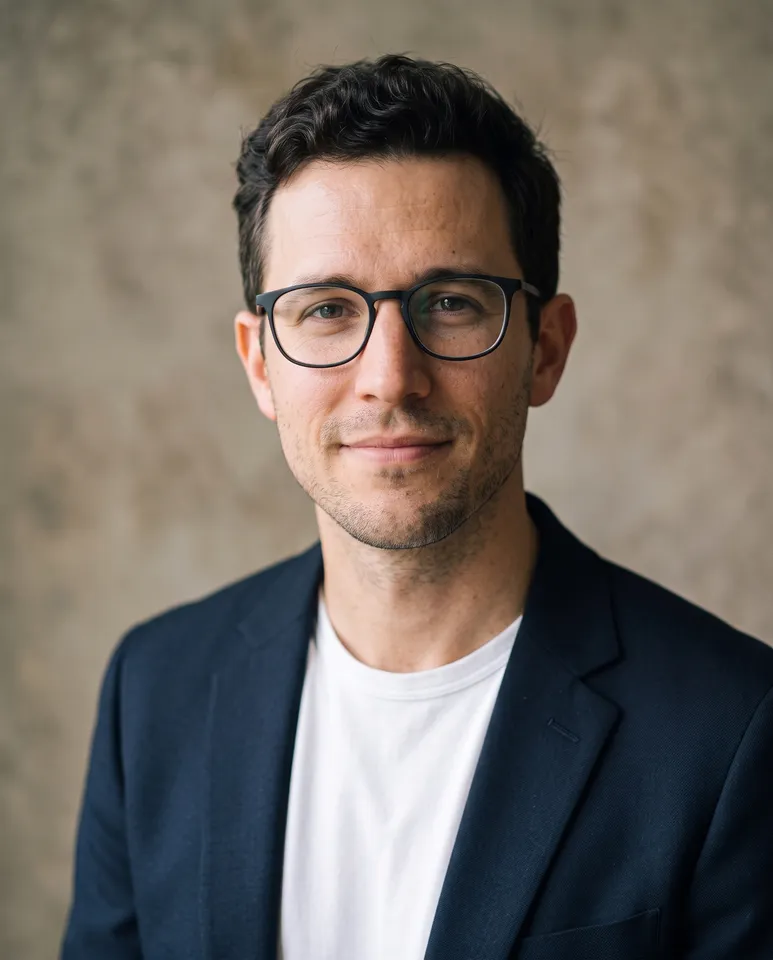

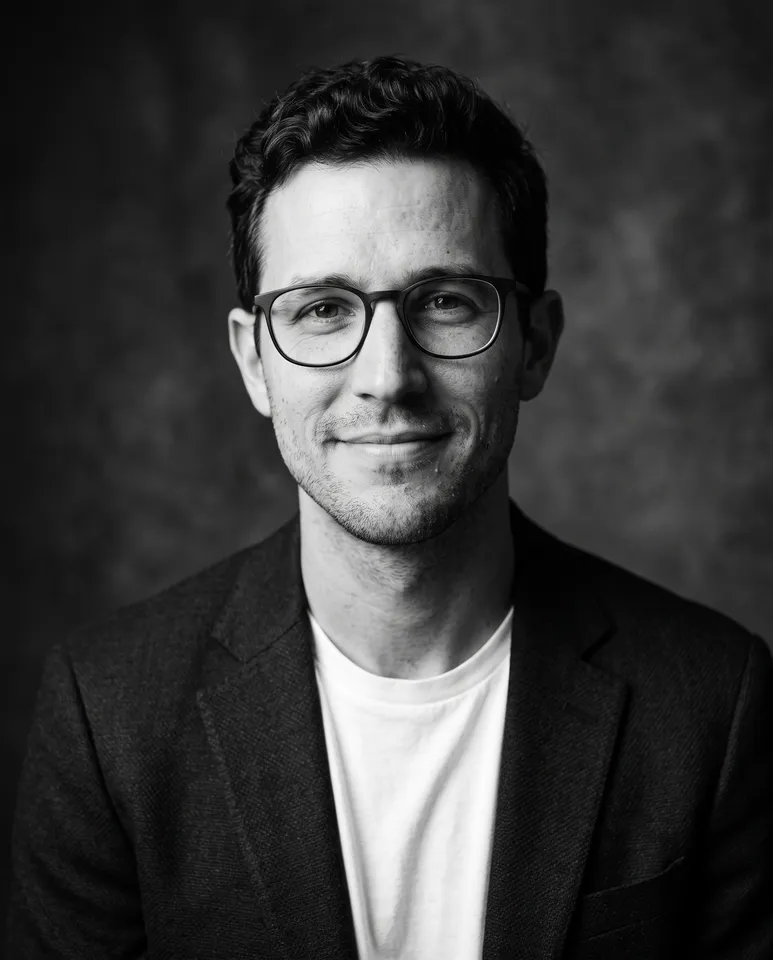
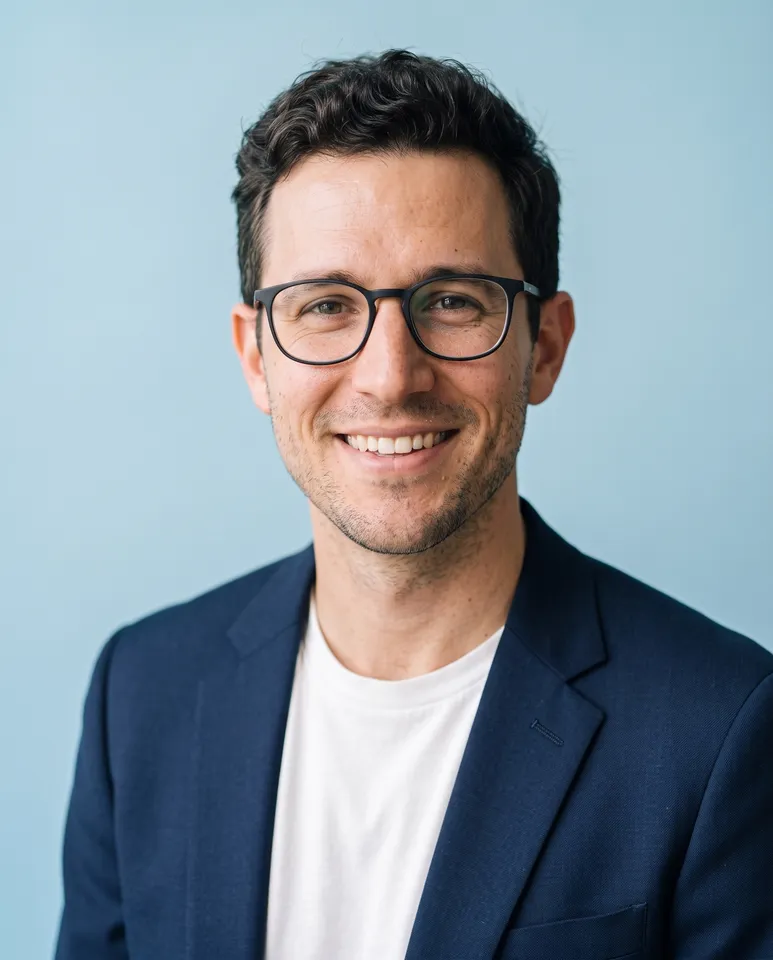
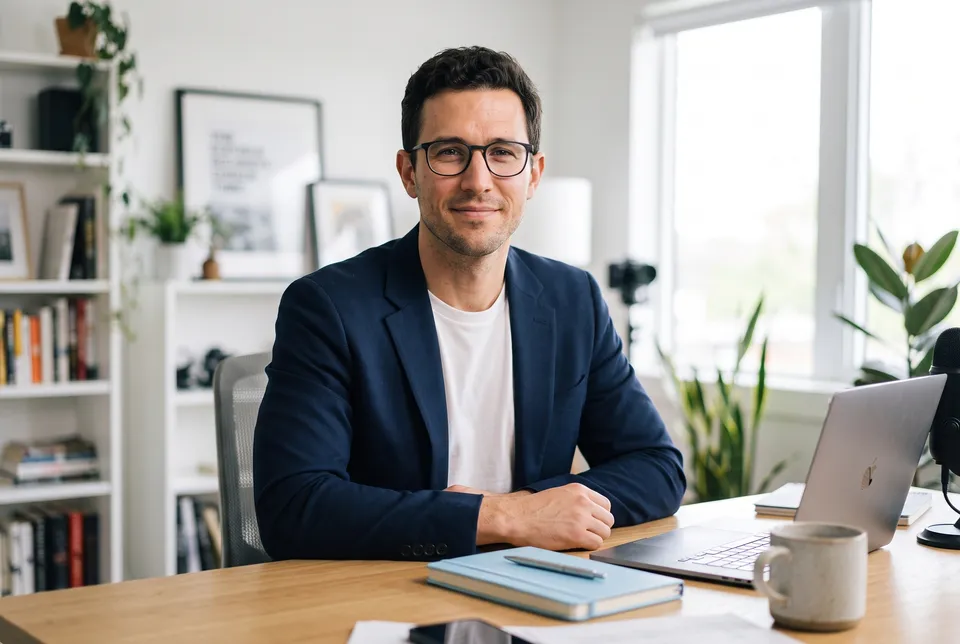
6 things in 1 step. Every example here was made in Fil with this workflow.
How it starts
- Say what you want“Professional headshots for my LinkedIn, my website and conference speaker bios”, or a picture. Nothing to upload first.
- Pick from a few choicesClaude asks about where you’ll use them, what you wear and the feel, and tells you if a file is missing.
- Generate allCorporate, Editorial, Outdoor, Black and white, Bright and At work, once you’ve seen the price.
What you put in
- Your photoA sharp, well-lit photo of your face, looking at the camera.Needed
- Another photoA second photo from another angle, for a closer likeness.Optional
- Portrait.mdWho you are, where they’re used, what to wear and the feel. Claude fills it in from your answers, or you can.Brief
Nothing has to be uploaded to start: the canvas opens with a place for each file, ready when you are.
How it runs
Generate all runs it left to right: each step starts as soon as what feeds it is ready, and you see the whole price first. Or run any step yourself.
Step by step on the canvas
- Generate all six: each reads your photos and Portrait.md, so they share your face and clothes.
- Pick your favourites, or regenerate a style for another take.
Skill
The craft every step follows, written out. It comes with the workflow, and you can change it on the canvas.
Read the skill
Headshots
Read first
Portrait.md for who they are, where the photos will be used, what to wear and the feel; the photos wired in.
Always them
- The person in the wired photos exactly: the same face shape, features, eyes, nose, mouth, skin tone and texture, hairline, hair and glasses. Retouched only as a good photographer would: skin evened, nothing removed or reshaped, no change of age or weight.
- Eyes sharp with a catchlight, a natural expression (a real, relaxed smile or a calm, confident look), shoulders turned a little, chin slightly forward.
- Head and shoulders at 4:5, the eyes about a third from the top, a little room above the head, on an 85 mm lens at eye level.
- Clothes as Portrait.md says: plain, well fitted, no logos, and no brand marks on any prop.
- Each style its own pose and expression: a different turn of the head and shoulders, and a real open smile in at least half of them.
The styles
- Corporate: a mid-grey seamless backdrop, a soft key light from the front-side with gentle fill, a dark jacket, approachable.
- Editorial: soft window light from one side, a warm textured backdrop, a calm, thoughtful look, a gentle film grade.
- Outdoor: golden hour, a softly blurred street or green background, warm rim light in the hair.
- Black and white: one dramatic light (Rembrandt), deep shadows, rich greys, timeless.
- Bright: a clean backdrop in Portrait.md's colour, bright even light, a big real smile.
- At work (3:2): the person in their place of work as Portrait.md says, waist up, the place softly blurred, showing what they do.
Avoid
A face that drifts from the photos, plastic skin, a changed age or weight, warped glasses or ears, odd hands, busy backgrounds, and logos.
Wired into 6 steps on the canvas, where you can change it.
More workflows
 Logo and brand guideThree directions of marks, then a brand board and a brand guide page.About 4 minutes
 Manga chapterA cast sheet, a places sheet, a cover and inked pages that tell one short story.About 5 minutes
 Product photoshootYour product in a studio shot, a second angle, a close-up and a colourway.About 3 minutes