React website
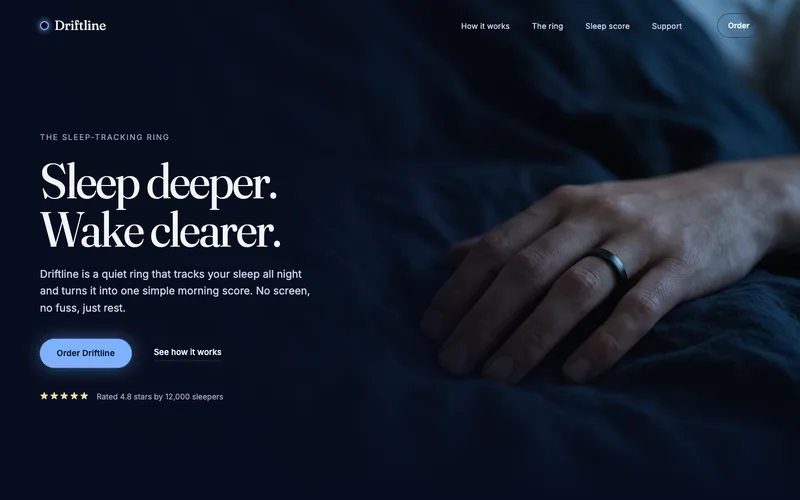
A React site from your brief, with a hero image and section pictures made for it.
Fill in the brief and drop in a site whose layout you like. A hero image is made first, then the React node builds the site around it, with pages you can preview, edit in the Design tab, export as a Vite project or publish.
Start this workflowWhat it makes
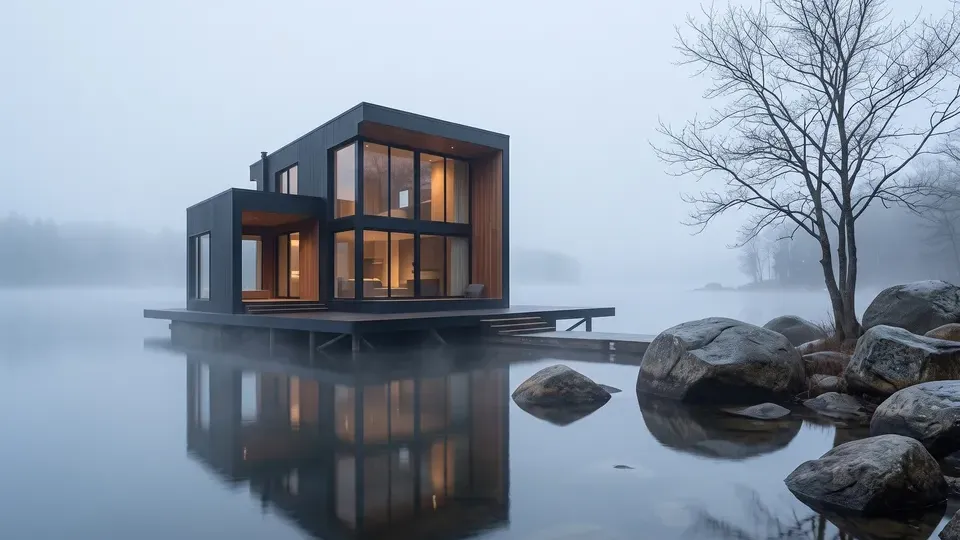
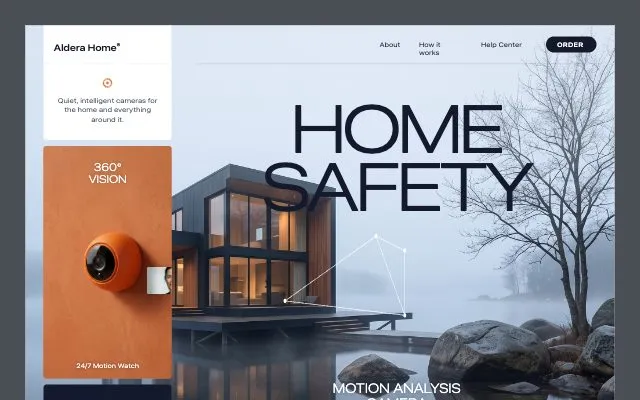
2 things in 2 steps. Every example here was made in Fil with this workflow.
How it starts
- Say what you want“A site for Aldera Home, smart home cameras that keep your family safe”, or a picture. Nothing to upload first.
- Pick from a few choicesClaude asks about who the site speaks to, what the hero shows and the colours, and tells you if a file is missing.
- Generate allHero image first, then each next step as soon as what it needs is ready.
What you put in
- Design referenceA screenshot of a site whose layout and feel you like.Optional
- Logo or product photoYour logo, or a photo of what you sell.Optional
- Brief.mdThe product, who it’s for, the pages and the voice. Claude fills it in from your answers, or you can.Brief
Nothing has to be uploaded to start: the canvas opens with a place for each file, ready when you are.
How it runs
Generate all runs it left to right: each step starts as soon as what feeds it is ready, and you see the whole price first. From your answers, Claude may add up to 6 pictures for the page’s sections, made before Website. Or run any step yourself.
Step by step on the canvas
- Generate Hero image and pick the take you like.
- Generate Website. Open it to preview every page, edit it in the Design tab or publish it.
Skill
The craft every step follows, written out. It comes with the workflow, and you can change it on the canvas.
Read the skill
Website craft
Read first
Brief.md for the product, the audience, the pages and the voice; the design reference, hero image and any logo wired in.
Story
- The hero says what it is and who it's for in under ten words, with one primary button.
- Then proof (numbers, logos or a quote), then three to five sections that each answer one question, then a closing call to action and a footer.
- Real copy from the brief, never lorem ipsum; short sentences, specific nouns.
Look
- Follow the wired reference's layout, spacing and mood without copying its brand.
- Two typefaces at most, a clear scale (e.g. 64 / 40 / 24 / 16), line length under 70 characters.
- One accent colour from the brief, used for buttons and highlights only.
- Wired images where they belong: the hero image large in the hero, every other wired picture in the section its name says, never stretched or cropped awkwardly. No section that wants a picture is left as an empty box.
- Responsive from 360 px wide, with focus styles and alt text. On phones the nav becomes a menu button, and words over a photo sit on a scrim or a calm part of it.
- Every pricing plan has its button; contact details are a form or a link, never a placeholder address (example.com).
Avoid
Generic gradients, emoji as icons, centred walls of text, fake testimonials with stock names, and more than one primary button per screen.
Wired into 1 step on the canvas, where you can change it.
More workflows
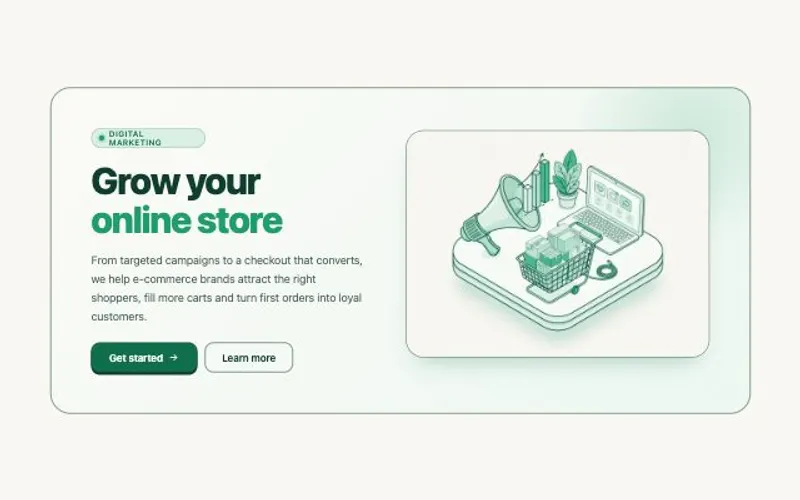 HTML componentOne self-contained UI component from your spec, with an illustration made for it.About 2 minutes
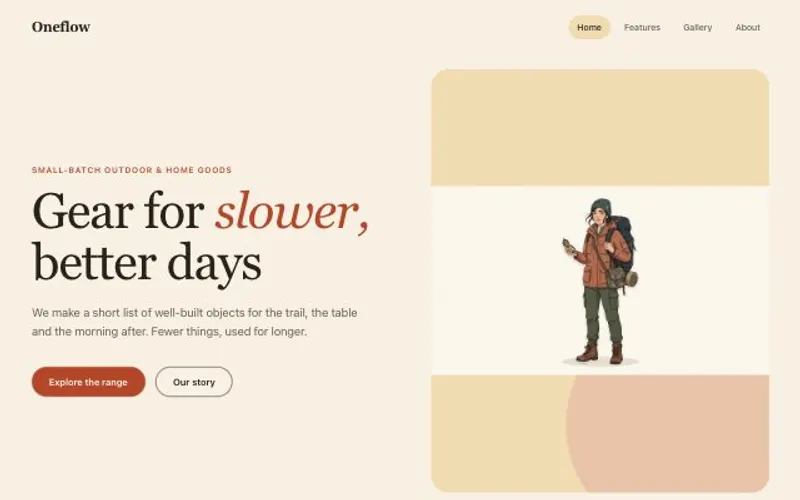 Website with a CMSPages that read from content you can edit, with one shared design system.About 5 minutes
 Website heroA hero image made for the layout, and the responsive hero section built around it.About 2 minutes