HTML reel
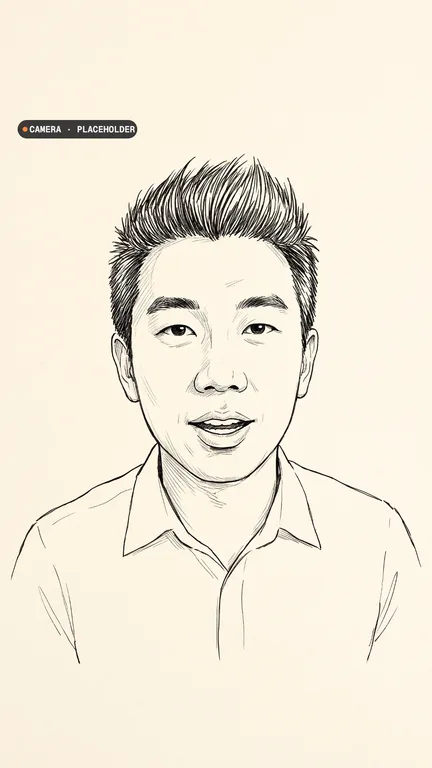
Turn a post, a video, a YouTube video or a landing page into a reel that says what it says and looks like it: cinematic titles in its fonts, its video cut to every word, and you on camera, drawn in ink until your takes are in.
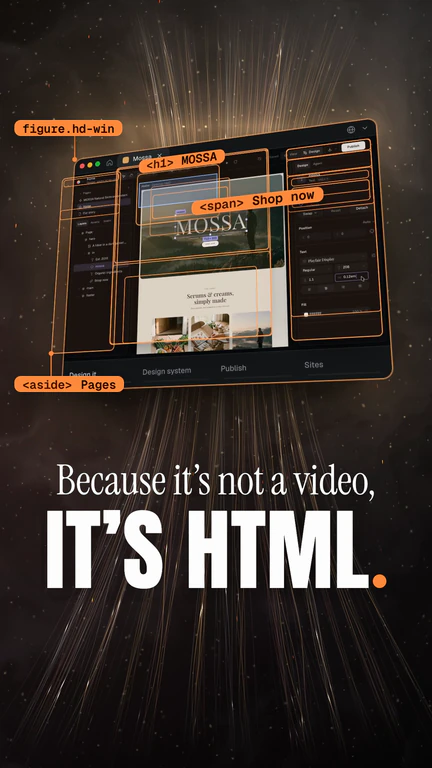
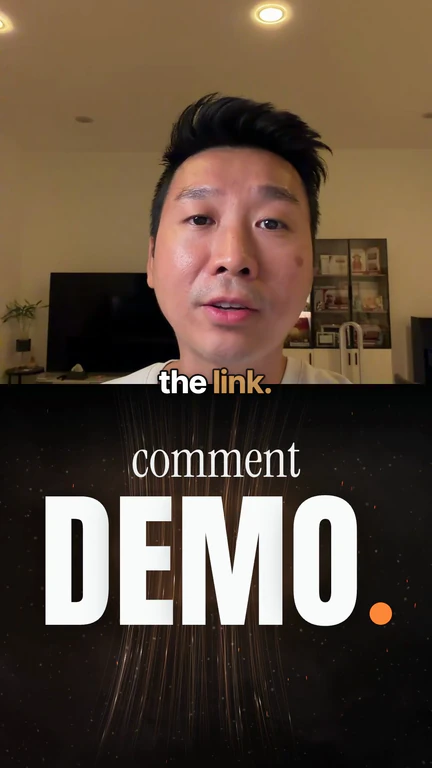
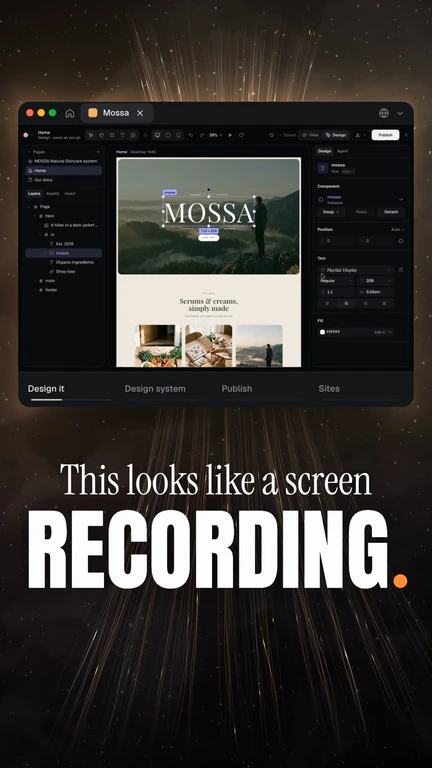
Paste a post, a page’s words or a video’s link, drop in its video and a photo of you. Claude writes Source.md (what it says and the facts the reel may use), Look.md (its fonts, colours and motifs) and Reel.md (the beats, each with its camera layout, its line and the word every move lands on), in a structure that suits it: a showcase, “found this”, a promo or an explainer. Your photo becomes an ink drawing of you that stands where your camera goes, the voiceover reads the lines in your voice, Claude Opus makes the hook and the tail as HTML scenes with cinematic titles in the source’s fonts, and the Video edit cuts the source’s video to the words with you as a bubble, a split and full frame. Record your takes on your phone with Teleprompter.md and they replace the drawing; an agent with the HTML Reel skill does it all, and can read a tweet, a page or a YouTube link itself.
Start this workflowWhat it makes
Also makesVoiceover
5 things in 3 steps. Every example here was made in Fil with this workflow; point at a clip to play it.
Watch the reelsMeng’s launch reel for HTML Demo, and reels made from his posts, each in its source’s own look.How it starts
- Say what you want“Turn my post about the landing pages I made with MiniMax M3.1 Flash into a reel, in my voice: comment PROMPTS for the whole process”, or a picture. Nothing to upload first.
- Pick from a few choicesClaude asks about the post, video or page to make it from, and what people should do after watching, and tells you if a file is missing.
- Generate allVoiceover and Camera placeholder first, then each next step as soon as what it needs is ready.
What you put in
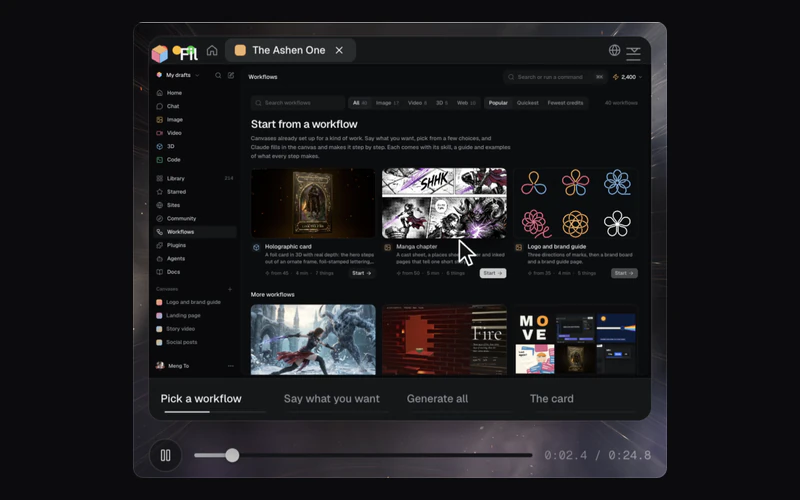 Source videoThe video the reel is made from: the post’s demo, a screen recording, a YouTube clip. Like this one.Optional
- Source pictureA screenshot of the post or the page, for its look: its fonts, colours and motifs. Never shown as it is.Optional
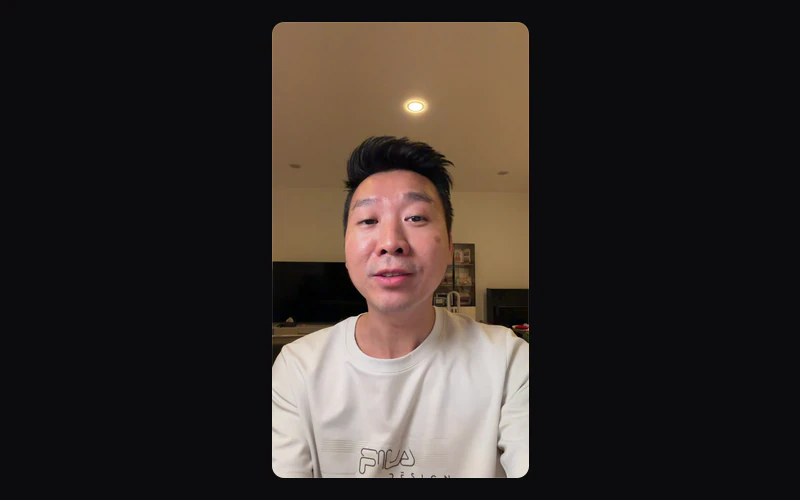 Your photoA photo of you, face and shoulders, looking into the lens: it becomes the ink drawing that stands where your camera goes. Like this one.Optional
- Your takesYour upright phone takes reading Teleprompter.md, face centred and chest in shot: each replaces the drawing where it stood.Optional
- Source.mdWhat the source says, and the facts the reel may use. Claude fills it in from your answers, or you can.Brief
- Look.mdThe look, taken from the source. Claude fills it in from your answers, or you can.Brief
- Reel.mdThe structure and each beat. Claude fills it in from your answers, or you can.Brief
- Teleprompter.mdWhat you say, for your phone’s teleprompter. Claude fills it in from your answers, or you can.Brief
Nothing has to be uploaded to start: the canvas opens with a place for each file, ready when you are.
How it runs
Generate all runs it left to right: each step starts as soon as what feeds it is ready, and you see the whole price first. Or run any step yourself.
Step by step on the canvas
- Generate Camera placeholder from your photo: you, drawn in ink, stand in every camera layout until your takes are in. Generate Voiceover: it reads Reel.md’s lines, and its words set the timing.
- Generate Hook and Tail: HTML scenes with cinematic titles in the source’s fonts, timed to the voiceover’s words.
- Open Reel to put it together: the hook, the source’s video cut to the words, you as a bubble, a split and full frame, the tail, cinematic captions and the beats as chapters. An agent with the HTML Reel skill does it over MCP, and can read a tweet, a page or a YouTube link itself.
- Record your takes on your phone (+ › Record › On your phone, with Teleprompter.md as the script) and drop them into Your takes: each replaces the drawing where it stood, and the skill retimes every scene to your words.
Skill
The craft every step follows, written out. It comes with the workflow, and you can change it on the canvas.
Read the skill
HTML reel
Read first
Source.md: the source's words word for word, the facts the reel may use, the one idea, the hook, whose work it is, the ask. Look.md: the shape, ground, ink, accent, the type as three roles (setup, payoff, labels), the background, motifs and motion, all taken from the source. Reel.md: the structure and each beat, with its line, what the picture shows and the word each move lands on. A picture wired in is the source as it looks: take its look, never show it. The voiceover wired in: its words are the clock. This skill wins over the usual way of making motion design.
The mechanism
Every frame of a scene is a pure function of one number: draw(t) sets everything on a fixed stage from t, the seconds into the scene, and one CSS scale fits it to any frame. So the scene plays the same in the Video edit, frame by frame, and when the creator records takes it plays again at t = W(τ), word anchors mapping their words to the voiceover's, with nothing animated again. Nothing on the stage keeps its own time: no CSS animations or transitions, no timers, no Math.random.
A scene
One HTML file on Fil's HTML reel kit, its look from Look.md in its own :root: ``html <!doctype html> <html data-mode="dark"><head><meta charset="utf-8"><meta name="fil:duration" content="6"> <link rel="stylesheet" href="https://fonts.googleapis.com/css2?family=IBM+Plex+Sans:wght@400;600&family=IBM+Plex+Mono:wght@500&display=block"> <link rel="stylesheet" href="https://fil.design/kits/html-reel/1.css"> <style>:root{--reel-bg:#0c0c0c;--reel-ink:#f4f4f4;--reel-accent:#7cf0b0; --reel-setup-font:'IBM Plex Sans',sans-serif;--reel-setup-size:44px;--reel-setup-weight:400; --reel-payoff-font:'IBM Plex Sans',sans-serif;--reel-payoff-size:88px;--reel-payoff-weight:600;--reel-payoff-case:none; --reel-label-font:'IBM Plex Mono',monospace;--reel-label-case:uppercase;--reel-label-track:.12em}</style> </head><body><div id="stage"> <p class="reel-label" data-safe>Fig 1 · one image, six layers</p> <div class="t" data-safe><span class="reel-setup"><span class="reel-mask"><span id="w1">One</span></span> …</span></div> </div> <script src="https://fil.design/kits/html-reel/1.js"></script> <script> const { scene, ease, out, word, mix, pulse } = HTMLReel; // The voiceover's words, in its seconds: every time is named after its word. const T = { one: 0.2, image: 0.5, layers: 1.4 }; scene({ dur: 6, shape: '9:16', anchors: [], draw(t, $) { $('#w1').style.transform = translateY(${(1 - word(t, T.one, 2.2)) * 135}%); } }); </script></body></html> ``
- scene({ dur, draw(t, $), setup, anchors, shape }): dur in the voiceover's seconds; shape '9:16', '4:5', '1:1' or '16:9' as Look.md says; $(sel) finds an element; setup() runs once before the first frame (measure after fonts); anchors stays [] until takes are in.
- Helpers: ease(t, a, b) 0 → 1 eased in and out; out(t, a, b) fast then settling; back(t, a, b) with a small overshoot; mix(t, a, b, from, to); word(t, at, leave) a word rising through its mask on its word and out from leave (hidden at 135%); fit(el) shrinks a one-line payoff to the stage's width, in setup; pulse(t, at) a beat; typed(text, t, a, b); cue(t, [[at, v], …], before).
- Type is three roles, never a font named in the markup: reel-setup (the line that sets up), reel-payoff (the word that lands), reel-label (tags, figures, numbers), each set in :root from Look.md (--reel-setup-font, -size, -weight, -case, -track, the same for payoff and label) and loaded from Google Fonts. A word rises through its reel-mask on its word of the voice; a phrase leaves through its masks before the next.
- Cinematic, at full size: the source gives the fonts, the reel their scale and rhythm. The setup line at about 52 px on the 540 stage, the payoff word at 90 to 110 px, heavy, landing on its word and ending on the accent; the ask's keyword as large as it fits across the stage (fit). Never shrunk into a band.
- Everything read is marked data-safe and stays inside y 140–820 of the 960 stage.
- The background is the source's own: its ground, its light, its texture, and its motifs reused (its cards, frames, figure labels, cursors).
The hook
The source's most surprising true thing in the first second, a line that makes them watch, the payoff before 5 s. Its picture is the source's best moment, drawn in HTML or left to the video under it.
The tail
The thing, named; where to get it; the ask in the payoff type. Someone else's work is credited by name and handle, on screen and in the voice.
The Video edit
- The hook, then the source's video as the story (its pieces cut to the words: split where each word lands, a speed per piece between 0.5 and 2.2, a crop on a detail every 2 to 4 s, in the top half where the creator takes the bottom), then the tail.
- The creator in every camera layout, Reel.md's for each beat, as the camera placeholder wired in (their ink drawing) over the story (overlay: true, motion null): full frame (fit fill, scale 1.3, y -290, the face above the captions), a bubble at the bottom right (fit fit, crop [0.18, 0.12, 0.815, 0.62], scale 0.248, x 315, y 300, corner_radius 30), the bottom half for a split (fit fit, crop [0, 0.15, 1, 0.65], y 480), the top half for the ask (y -480). The face grows as the ask grows: none in the hook. Their takes replace each placeholder later (replace keeps its crop, place and keyframes).
- The voiceover on its own lane; sound effects from Fil's inserts at volume 0.1 to 0.2, on real events.
- Cinematic captions from the voice: a heavy sans at about 78 px (Inter Tight 800, or the source's own heavy face), the ink colour with the spoken word in the accent, a 5 px dark outline, word by word, up to 3 words on one line, on a split's seam or under the picture; none on a full-frame face or under big type that says the same words (remove those lines); the beats as chapters.
Avoid
Words or facts the source doesn't have, someone else's work shown as the creator's own, the kit's default look when the source has its own, titles shrunk to fit a band, small plain captions, an empty space where the creator goes, a framing that never changes, titles over what the video shows, a cut that lands between words.
Wired into 3 steps on the canvas, where you can change it.
More workflows
 Story videoA character sheet, keyframes, shots and a score, ready to cut together.About 10 minutes
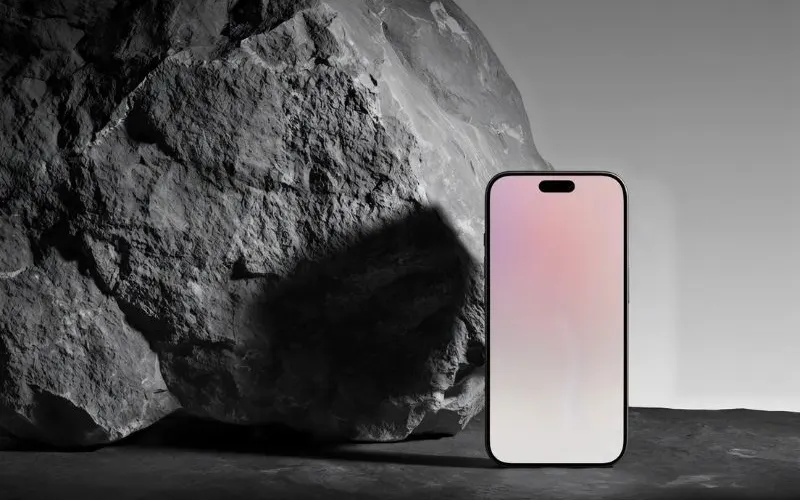 Product promo videoYour product photo becomes stills, clips, an end card and music to cut together.About 8 minutes
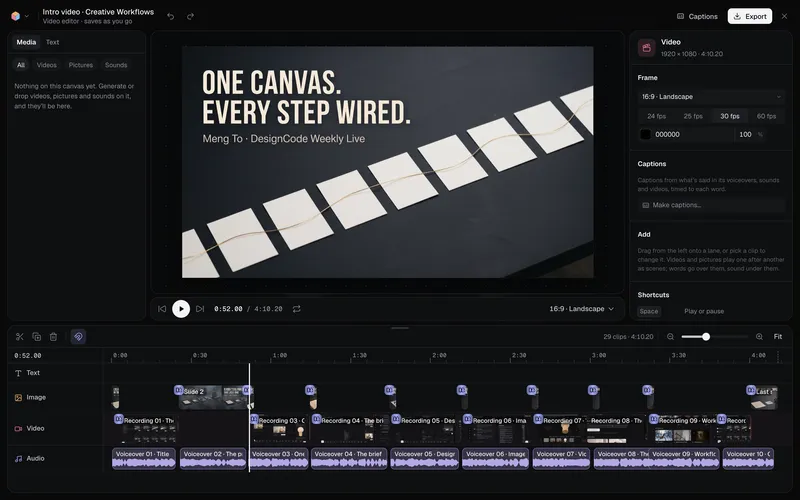 Long-form product videoA product demo, explainer or webinar intro planned chapter by chapter, with a picture and a voiceover for each, put together in the video editor.About 6 minutes