UGC video ad
A creator with your product, talking to the camera like a real review: a hook, a demo and a verdict.
Drop in a photo of your product. The UGC skill casts a believable creator in a real home, keeps your product exactly as it is, and films three phone-style clips where they say your lines to the camera: a hook, a demo and a verdict, ready to cut together.
Start this workflowWhat it makes
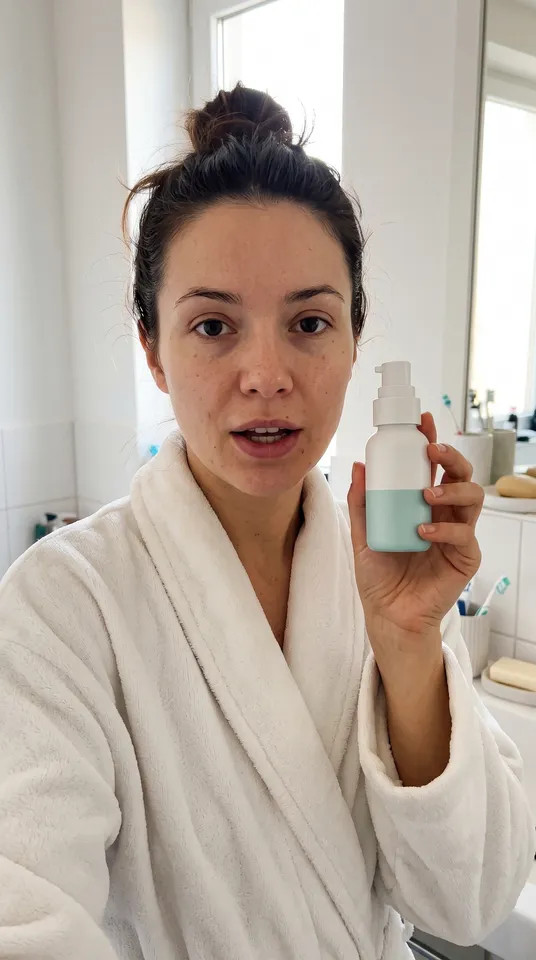
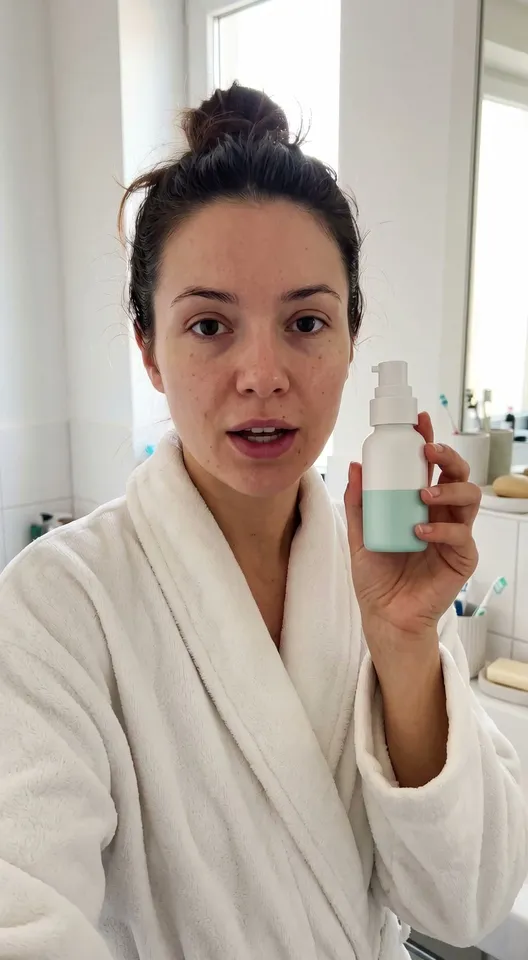
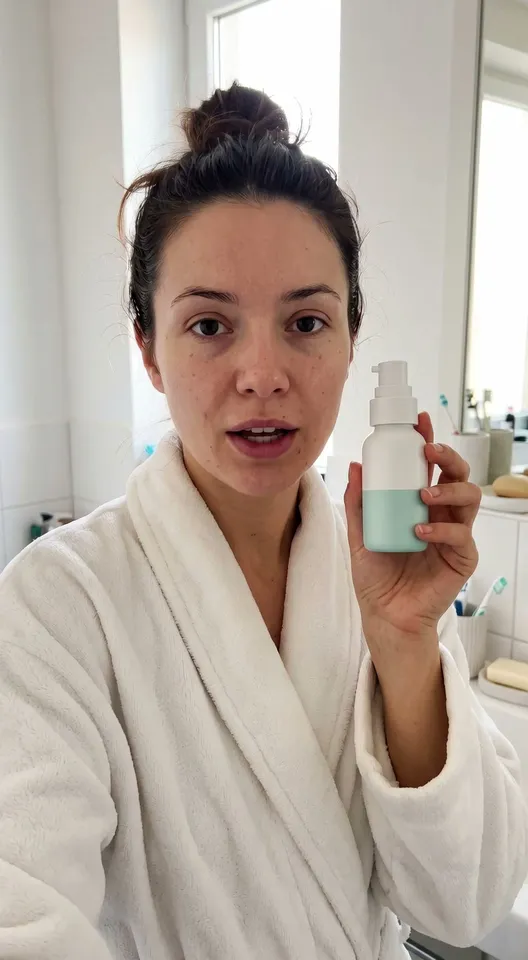
Also makesDemo stillVerdict stillVerdict
6 things in 3 steps. Every example here was made in Fil with this workflow; point at a clip to play it.
How it starts
- Say what you want“A creator in her kitchen showing our matcha starter kit and why she switched from coffee”, or a picture. Nothing to upload first.
- Pick from a few choicesClaude asks about who the creator is, where they film and what they say, and tells you if a file is missing.
- Generate allCreator still first, then each next step as soon as what it needs is ready.
What you put in
- Product photoA clear photo of your product, its label readable.Needed
- Creator photoA photo of the creator, if you have one in mind.Optional
- UGC.mdThe product, the creator, the place and the three lines. Claude fills it in from your answers, or you can.Brief
Nothing has to be uploaded to start: the canvas opens with a place for each file, ready when you are.
How it runs
Generate all runs it left to right: each step starts as soon as what feeds it is ready, and you see the whole price first. Or run any step yourself.
Step by step on the canvas
- Generate Creator still and check the product and the person, then Demo still and Verdict still, which follow it.
- Generate Hook, Demo and Verdict: each starts on its own still, so they cut together in order.
- Download the clips and cut them together, with captions, in your editor.
Skill
The craft every step follows, written out. It comes with the workflow, and you can change it on the canvas.
Read the skill
UGC video
Read first
UGC.md for the product, the creator, the place and the three lines; the product photo and the creator's photo wired in.
It looks real
- Shot on a phone at 9:16: handheld at arm's length or propped on a counter, at eye level, in natural window light, in a lived-in home (a kitchen, a bedroom, a car), with slight grain.
- The creator is an ordinary, likeable person as UGC.md describes, dressed for home, with natural skin and hair: no studio light, no model gloss. Exactly the person in the wired photo, when there is one.
- The product exactly as in its photo (shape, colours, label and logo), at its real size in their hand, the label turned to the camera.
Stills (each clip's first frame)
- Creator still: the hook's first frame, the creator mid-sentence, holding the product up near their face, looking into the lens, in their place.
- Demo still: the demo's first frame, a moment later, made from the creator still: the same person, clothes, place and light, the phone now propped on the counter at chest height so both hands are free, the product in use exactly as UGC.md's demo line says.
- Verdict still: the verdict's first frame, after the demo: the same person and place, the product back in hand or set down beside them, the result on show (skin, a drink, a tidy counter), the phone back in her hand at arm's length.
Clips (each starts on its still)
- The same person, place, light and product as its still, from its first frame, so the three cut together in order.
- The creator says the clip's line from UGC.md to the camera, word for word, in a natural voice with small pauses and gestures, lips in sync, with the room's own sound and no music.
- One clip, one beat: the hook (a reaction or a surprising claim in the first two seconds), the demo (using the product, the phone moving closer to show it), the verdict (the result and a simple call to action).
- Lines said the way people talk, never ad copy: about 18 words for eight seconds.
- Hands do exactly what the line says, with nothing that isn't in the still: no pads, tools or extra products appear, and a cream or drink goes where it really would.
- No captions, logos or text in the frame: those go on in the edit.
Avoid
Studio polish, a changed product or label, lips out of sync, a second person, lines that sound like an advert, claims the product can't make, and the creator's face or clothes changing between clips.
Wired into 6 steps on the canvas, where you can change it.
More workflows
 Story videoA character sheet, keyframes, shots and a score, ready to cut together.About 10 minutes
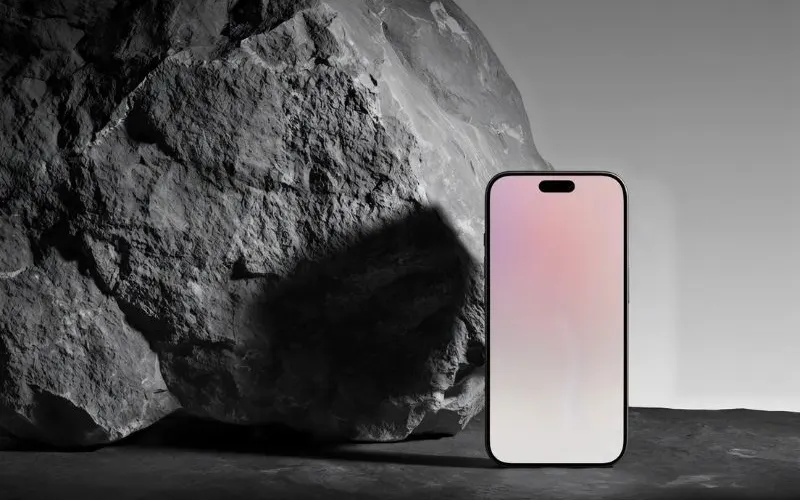 Product promo videoYour product photo becomes stills, clips, an end card and music to cut together.About 8 minutes
 Reel plannerA 30-second Reel planned scene by scene: pictures, what to say, a voiceover and a storyboard.About 4 minutes