HTML demo
Your app doing one task in a Mac window, drawn live in HTML from your screenshots: step by step, with a pointer that clicks, instead of a screen recording.
Drop in screenshots of your app and say what it should show. Claude writes Demo.md: three to five steps with their seconds, the words on screen and the pointer’s path. Claude Opus then redraws your app in HTML from the screenshots and plays the task in a Mac window with the HTML Demo skill: every frame drawn from one clock, so it stays sharp at any size, plays only on screen, can be scrubbed, and stands still on designed end frames for reduced motion.
Start this workflowWhat it makes
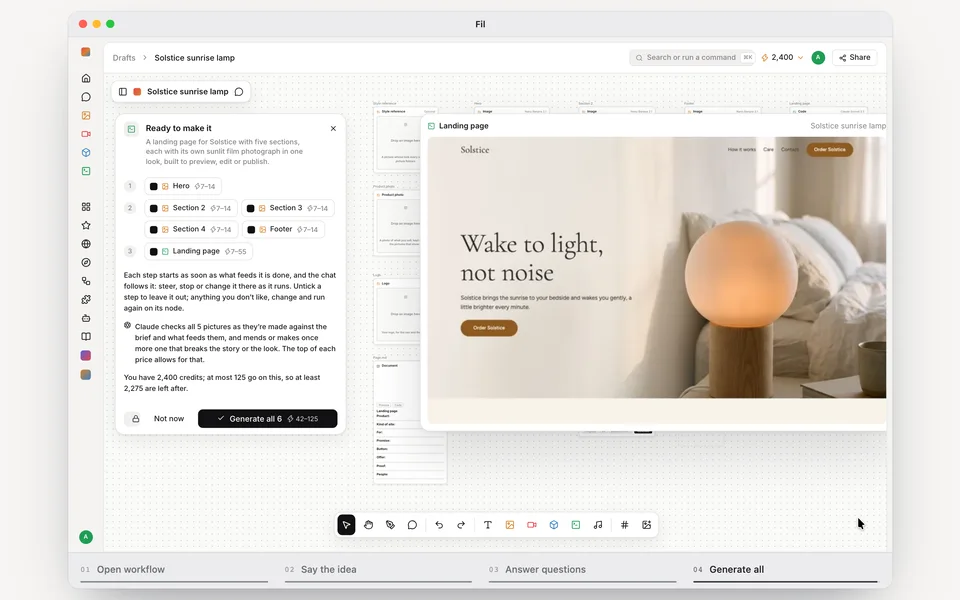
1 thing in 1 step. Every example here was made in Fil with this workflow; point at a clip to play it.
Play the exampleThe page this workflow made, live: pause it, scrub it or step through it.How it starts
- Say what you want“Fil: show how someone starts the Landing page workflow, says what they want, answers its questions and presses Generate all”, or a picture. Nothing to upload first.
- Pick from a few choicesClaude asks about your app, the one task to show and how it should end, and tells you if a file is missing.
- Generate allDemo, once you’ve seen the price.
What you put in
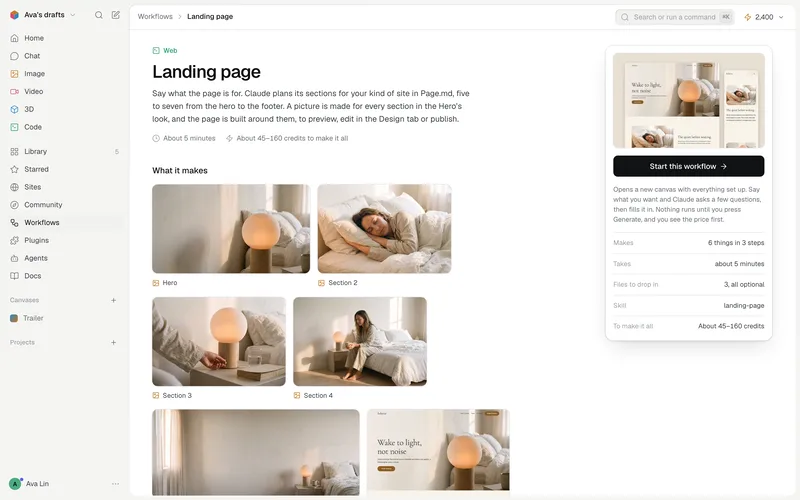 Screen 1A screenshot of your app where the task starts: the whole window, at 2× if you can. Like this one.Needed
- Screen 2The next screen the task reaches, when it changes.Optional
- Screen 3Another screen along the way.Optional
- Screen 4How the task ends, as the app shows it done.Optional
- ResultA picture your app made in this task (an image, a chart, a page), shown in the demo as it is.Optional
- Demo.mdThe app, the task, the look and each step. Claude fills it in from your answers, or you can.Brief
Nothing has to be uploaded to start: the canvas opens with a place for each file, ready when you are.
How it runs
Generate all runs it left to right: each step starts as soon as what feeds it is ready, and you see the whole price first. Or run any step yourself.
Step by step on the canvas
- Drop your screenshots into Screen 1 to Screen 4: where the task starts, where it goes, and how it ends.
- Check the steps in Demo.md: their names, seconds, words and pointer.
- Generate Demo. Open it to watch, scrub and step through it, edit it in the Design tab, or publish it.
Skill
The craft every step follows, written out. It comes with the workflow, and you can change it on the canvas.
Read the skill
HTML demo
Read first
Demo.md: the app, the task, the one example every step works on, the screens, the window, the look, the words, the page, and each step's seconds, start, pointer, typing, result and hold. The wired screenshots are the app: redraw it from them. A wired picture that isn't a screenshot (a result the app made) is shown as it is, by its address.
The mechanism
Every frame is a pure function of one number: a step's draw(t) sets everything in the window from t, the seconds into the step, on a fixed 1200 × 750 stage that one CSS scale fits to any width. State kept in timers, effects or transitions can't be scrubbed, frozen, shot or shown still, so nothing is.
The page
One HTML file on Fil's HTML demo kit, which draws the window, the clock, the scale, the pointer, the steps bar and the controls: ``html <link rel="stylesheet" href="https://fil.design/kits/html-demo/1.css"> <div id="demo"></div><div id="controls"></div> <script src="https://fil.design/kits/html-demo/1.js"></script> <script type="module"> const { mount, controls, ease, mix, typed, cue, glide, blink, crop } = HTMLDemo; const LINK_FROM = 0.9, LINK_TO = 2.1, GO_AT = 3.1, DONE_AT = 4.6; const paste = { id: 'paste', name: 'Paste a link', dur: 6, html: app({ view: 'import' }), draw(t, $) { $('[data-k=link]').textContent = typed(LINK, t, LINK_FROM, LINK_TO); $('[data-k=card]').style.opacity = ease(t, DONE_AT, DONE_AT + 0.6); return { cursor: glide(t, [[0, 0, 900, 600], [0.2, 0.8, '[data-aim=link]'], [2.4, 2.9, '[data-aim=go]'], [5, 5.6, 1080, 680]], [GO_AT]) }; } }; const demo = mount(document.getElementById('demo'), { steps: [paste], chrome: 'browser', url: 'app.example.com', theme: 'light', label: 'Import a page', stageClass: 'x-app' }); controls(document.getElementById('controls'), demo); </script> ``
- mount: chrome 'title' (a Mac app, with title), 'browser' (a web app, with url) or 'none' (the app draws its own top bar); theme 'light' or 'dark' as the app is; stageClass for the app's own root class.
- A step: { id, name (one to three words, as the bar shows it), dur (seconds), html (the whole app at 1200 × 750 in that step, built once as it starts), draw(t, $) }. $(sel) finds an element on the stage; draw sets styles, text and classes from t and returns { cursor }.
- Helpers: ease(t, a, b) 0 → 1 eased; mix(t, a, b, from, to); typed(text, t, a, b); cue(t, [[at, value], …], before); blink(t) for a caret; glide(t, path, clicks) where each point is [from, to, x, y] or [from, to, selector], aimed at the element as it's drawn; crop(address, [x, y, w, h]) shows part of a screenshot (fractions 0 to 1), filling the element it's put in: give that a width and height.
- The page's own script is a module, as above, so its names (top, name, status) can't clash with the window's and stop it.
- Nothing else drives the stage: no setTimeout, requestAnimationFrame, Math.random, CSS animations or transitions.
Drawing the app
- Redraw it from the screenshots in HTML and CSS: its sidebar, bars, panels, lists, buttons, radii, colours, type and icons at their 1× sizes (screenshots are usually 2×: halve what you measure), laid out as the app lays out in a 1200 × 750 window. Never a whole screenshot on the stage; crop() only for what HTML can't draw: a thumbnail, an avatar, a photo, its box hugging the picture alone, never its label or border.
- A label keeps the lines it has in the screenshots: one-line labels, buttons and fields don't wrap (white-space: nowrap) in boxes sized as the screenshot shows them.
- Every word on screen is one the screenshots or Demo.md show, letter for letter: labels, menus, toasts, numbers. One invented word breaks the spell.
- One example everywhere: the same project, file and names in every step.
- Build each step's html from shared functions (app(state), sidebar(), panel()) so a step opens exactly as the one before it ended.
- The app's classes share one short prefix (x-), its colours and fonts are the page's tokens, its icons from the Iconify set closest to its own, its font the closest Google font.
Steps
- Three to five, 4–8 s each, 18–30 s in all, named and timed as Demo.md says.
- Each: a beat to see the start (0.3–1 s), the action, the result appearing as the app shows it (a working state, then the result drawing in over 0.6–1.2 s), and at least 1 s holding on it.
- The last step ends on the task done: what it made, large and plain to see (drawn into its place, opened or in focus), from the wired result or crops of screenshots that show it, its buttons and status done. Nothing goes back to how the step began.
- Times are named constants at the top of each step (TYPE_FROM, SEND_AT, DONE_AT); phases are comparisons against them; anything that moves is eased from t.
- What a click causes starts 0.05–0.15 s after it, never before. Typing runs about 50 characters a second, with a caret while the field has focus.
- The pointer arrives 0.3–0.6 s before a click, presses 0.16 s, glides 0.5–0.9 s between targets, rests out of the way between actions, and hides (hide: true) while a result should be watched. Aim at elements by selector (data-aim), never by guessed coordinates.
- Compress time honestly: minutes play in seconds, but any number shown stays true.
End frames
Under reduced motion each step stands at t = dur, still, and the steps bar picks which: every end frame is a complete, good picture of its result, never half made.
Around the window
A quiet page in the app's mode: Demo.md's small label, title and line above the window, the controls under it, the window as wide as the column (up to 1120 px), and nothing else. 16 px side margins on a phone, no sideways scroll at 340 px.
Avoid
A screenshot as the demo, invented words or results, a pointer clicking where nothing is, a step that jumps from where the last ended, a result that pops in, and anything that moves outside draw(t).
Wired into 1 step on the canvas, where you can change it.
More workflows
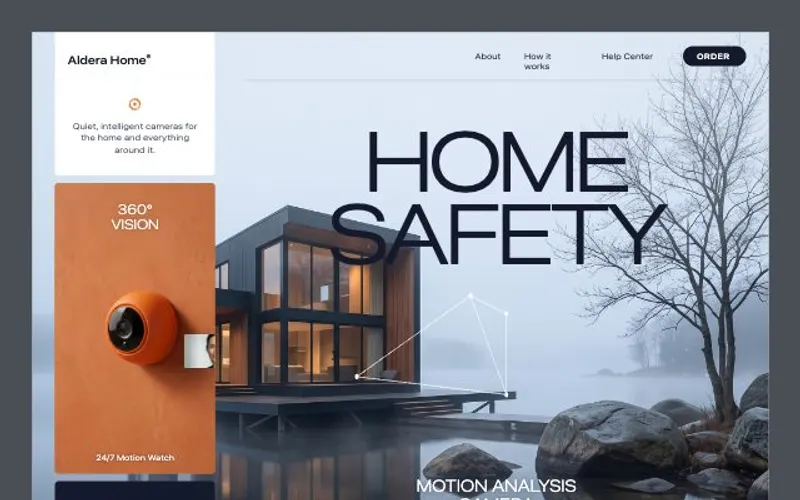 React websiteA React site from your brief, with a hero image and section pictures made for it.About 4 minutes
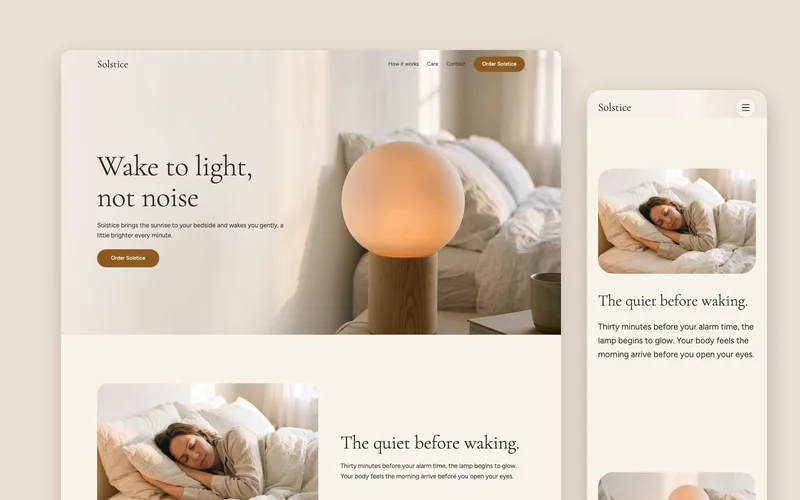 Landing pageA landing page planned for your kind of site, with a picture made for every section from the hero to the footer.About 5 minutes
 HTML componentOne self-contained UI component from your spec, with an illustration made for it.About 2 minutes