Icon set
A consistent set of icons on one sheet, and the same set redrawn as clean SVG.
List the icons you need in Icons.md and pick a style. The sheet draws them as one system, on one grid with one stroke, and the SVG node redraws the sheet as a clean vector file you can copy each icon from.
Start this workflowWhat it makes
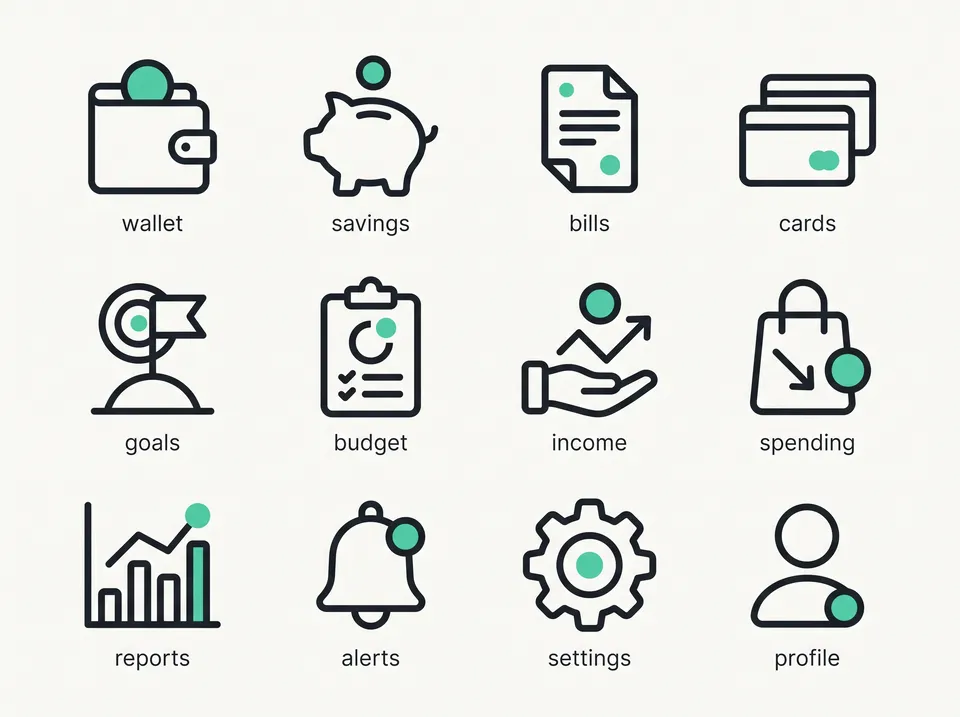
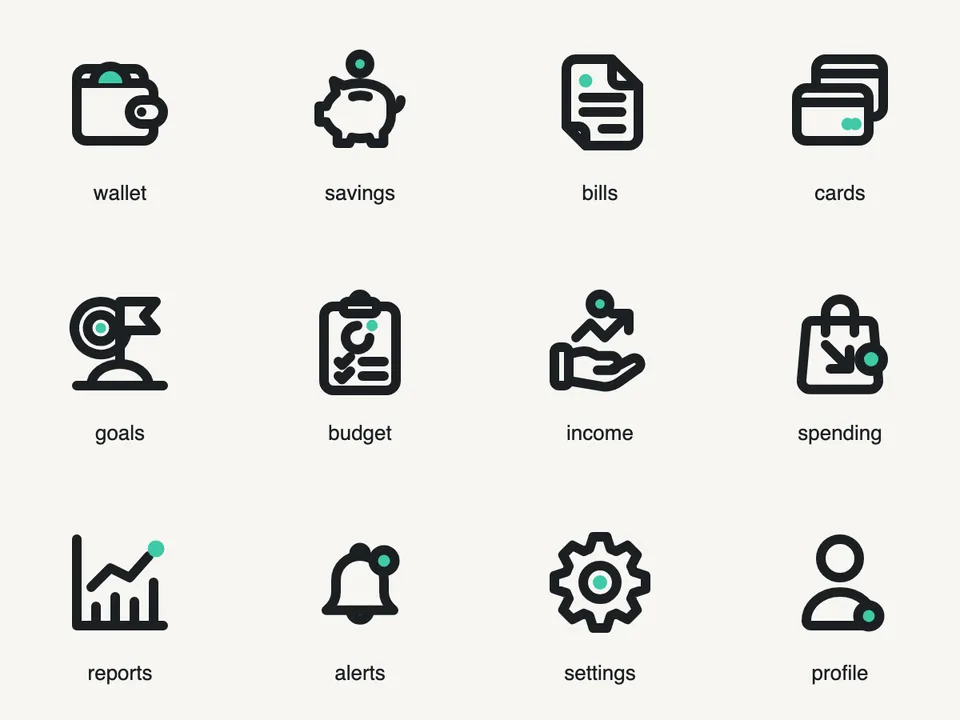
2 things in 2 steps. Every example here was made in Fil with this workflow.
How it starts
- Say what you want“Twelve icons for a budgeting app, friendly rounded line icons with a mint accent”, or a picture. Nothing to upload first.
- Pick from a few choicesClaude asks about the style, the stroke and the colours, and tells you if a file is missing.
- Generate allIcon sheet first, then each next step as soon as what it needs is ready.
What you put in
- Style referenceAn icon set or picture whose style the icons follow.Optional
- Or start from one of these styles, picked for this workflow:
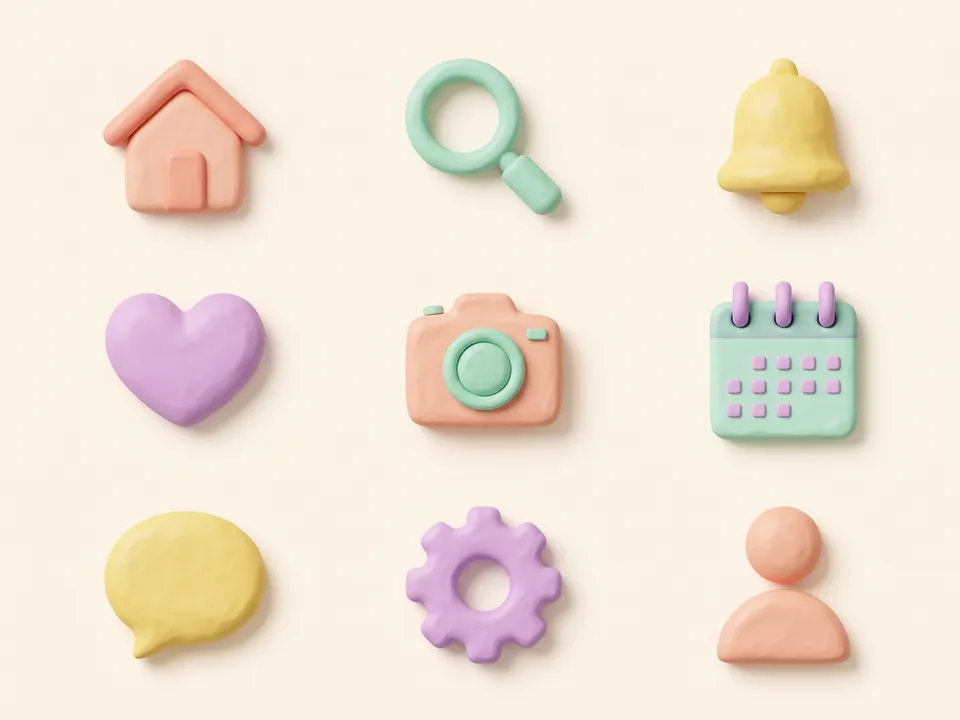 Clay icons
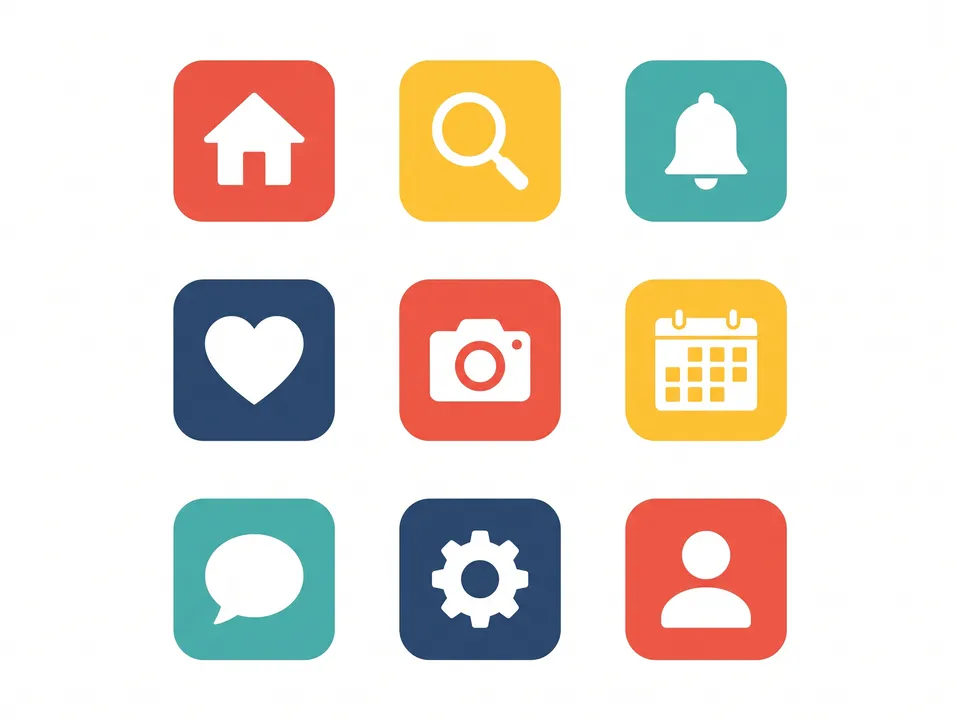 Flat colour
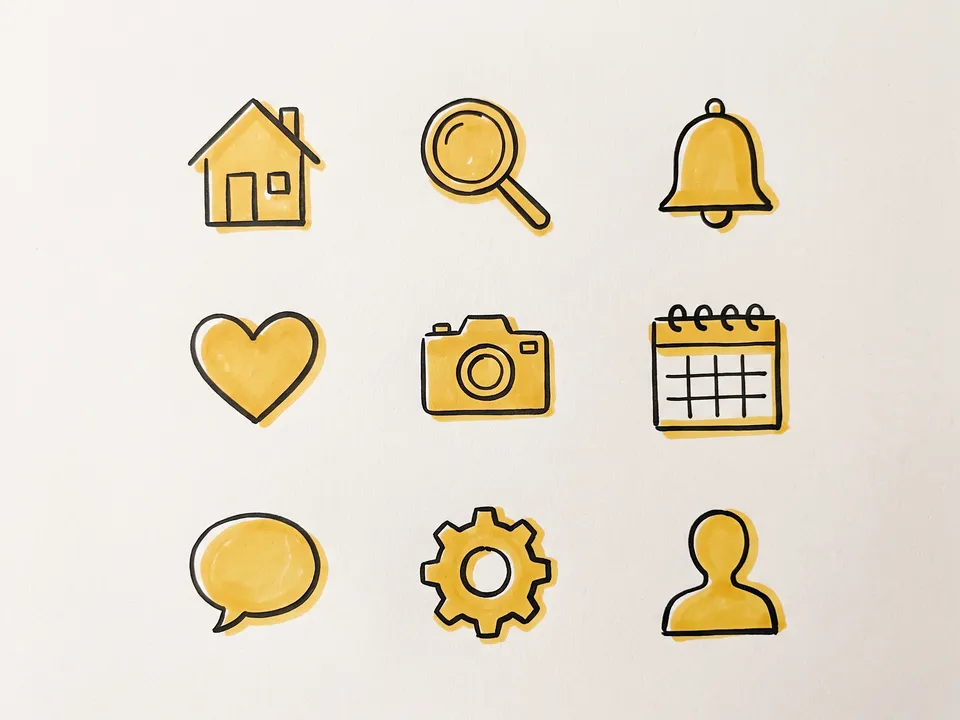 Hand-drawn
 Frosted glass
 Duotone
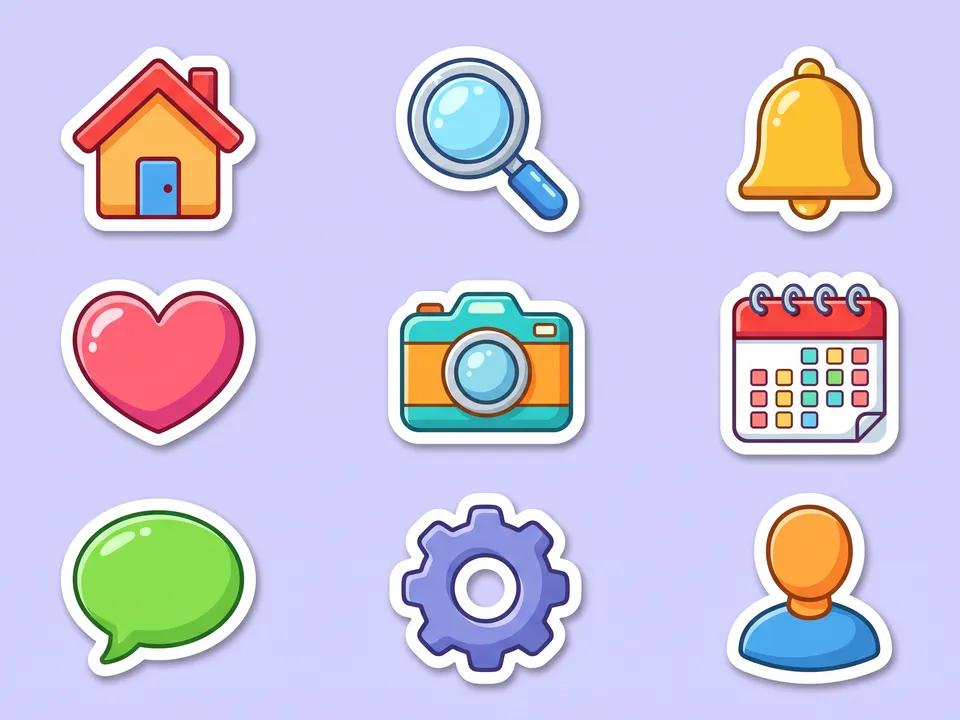 Sticker icons
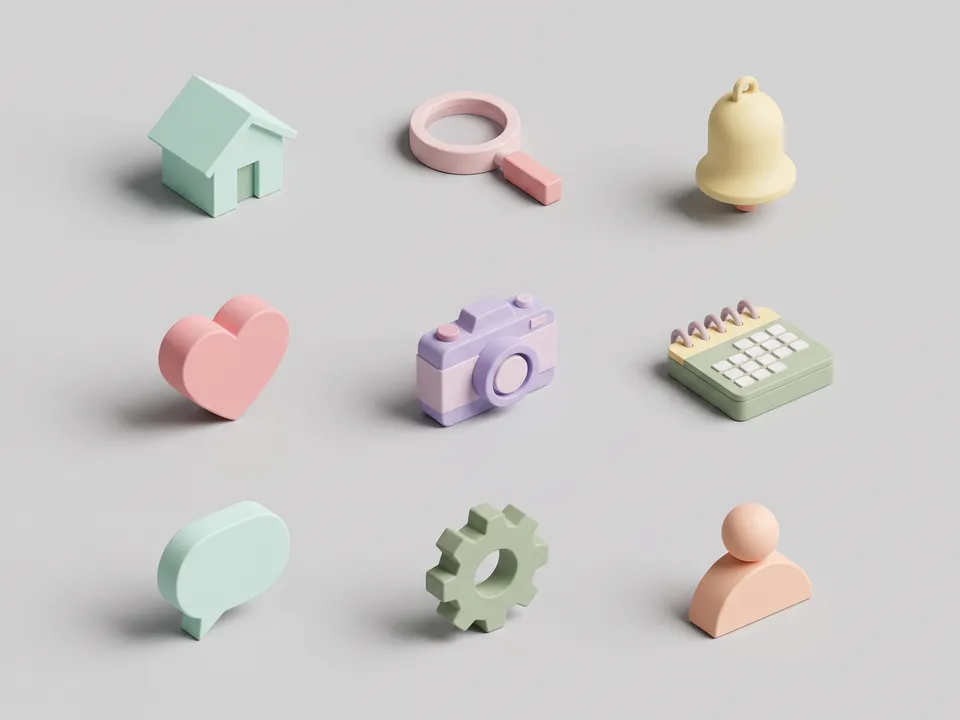 Isometric icons
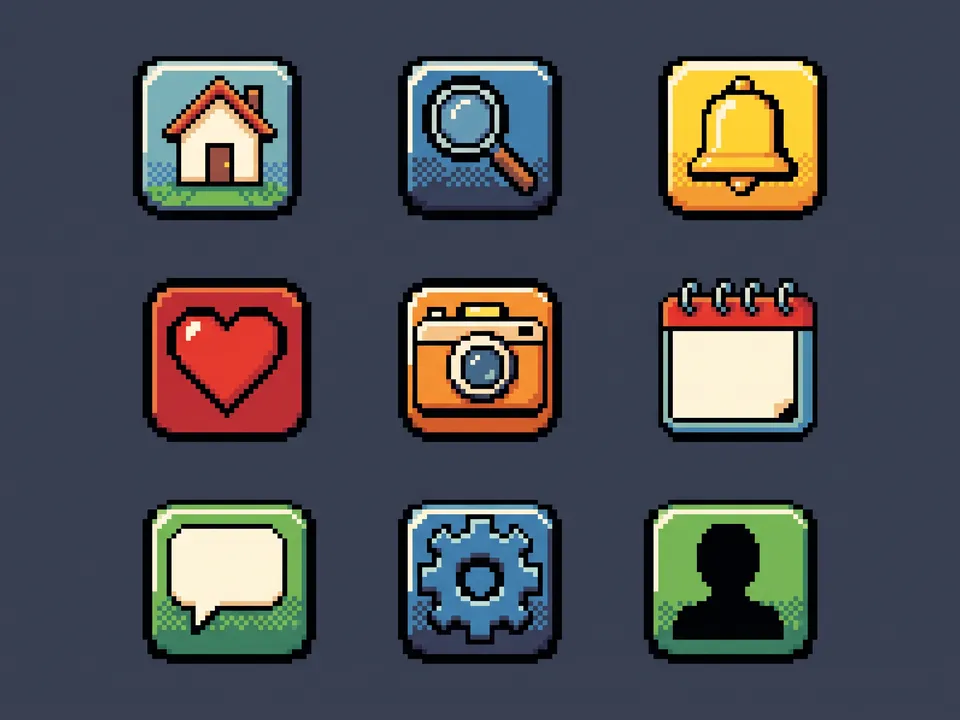 Pixel
Pixel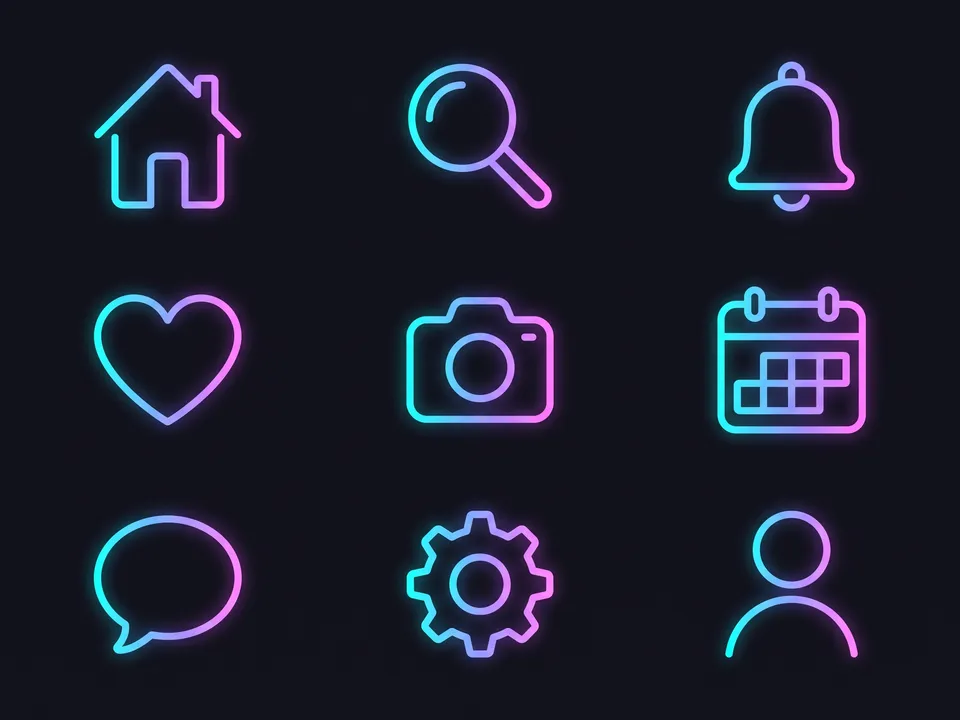 Gradient line
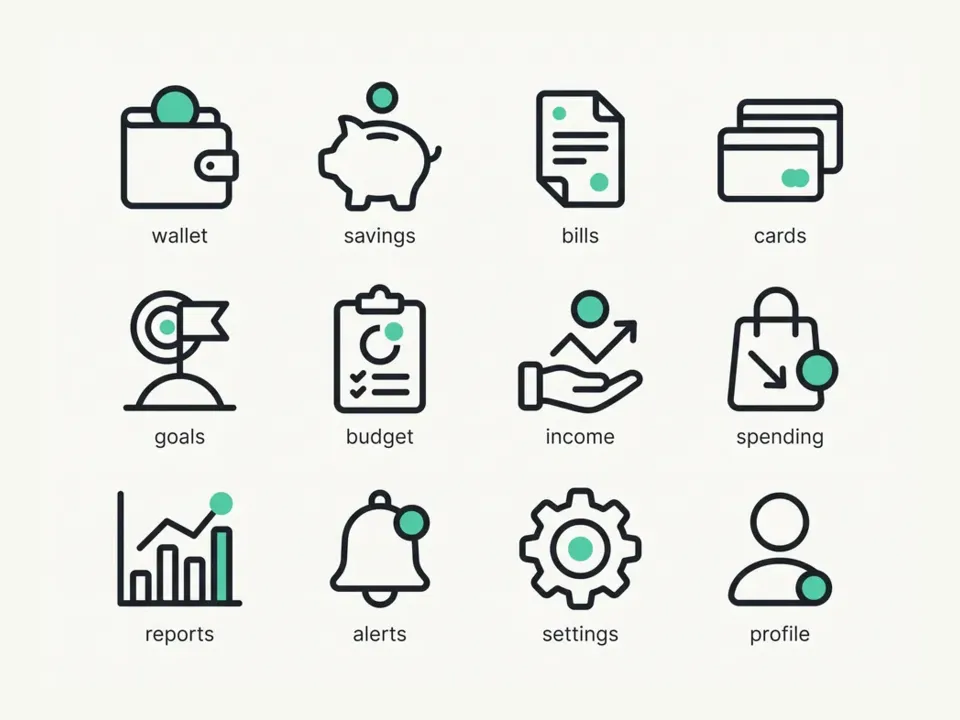 Line icons
- Icons.mdWhat they’re for, the style, the colours and the icons by name. Claude fills it in from your answers, or you can.Brief
Nothing has to be uploaded to start: the canvas opens with a place for each file, ready when you are.
How it runs
Generate all runs it left to right: each step starts as soon as what feeds it is ready, and you see the whole price first. Or run any step yourself.
Step by step on the canvas
- Generate Icon sheet and check every icon reads.
- Generate SVG icons to redraw the sheet as clean vectors.
Skill
The craft every step follows, written out. It comes with the workflow, and you can change it on the canvas.
Read the skill
Icon set
Read first
Icons.md for the product, the style, the colours and the icons by name, in order; any style reference wired in.
One system for every icon
- Each icon drawn on a 24 × 24 grid with 2 px of padding, at the same optical size, so a circle, a square and a tall shape look equally big.
- One stroke weight (Icons.md's, 1.5 or 2 px at 24 px) with the same caps and joins, the same corner radius and the same amount of detail in every icon.
- One point of view: all flat and front-on, unless Icons.md asks for another.
- Simple, familiar metaphors, one idea per icon, recognisable at 16 px, with no words or letters inside.
- Colour as Icons.md says: one colour, or one accent used identically in every icon (the same kind of shape at the same size in the same role, such as one small filled dot), never a dot in one and a bar or badge in another.
- At most three or four strokes or shapes per icon, with space between them: nothing crowds, touches or overlaps that shouldn't.
Sheet (4:3)
The icons in Icons.md's order on a clean grid (four across, three down for twelve), each centred in an equal cell on a plain background, large enough to judge, with its name in small type under it.
SVG icons
- One SVG that shows the whole set as the sheet does: each icon a 24 × 24 <symbol> with an id from its name (icon-wallet), placed with <use> in its cell and labelled under it, so the file previews as the sheet and each icon can be copied out.
- Drawn with paths, lines, rects and circles: stroke="currentColor" at the set's width, round caps and joins, fill="none" except where a part is meant to be solid, on whole or half pixels so lines stay crisp.
- The wired sheet's metaphors redrawn cleanly to this spec, with the accent the same in every icon; check that each still reads at 16 px.
Avoid
Mixed stroke weights or angles, detail that disappears at 16 px, clip-art, gradients and shadows, letters standing in for pictures, and icons of different sizes.
Wired into 2 steps on the canvas, where you can change it.
More workflows
 Logo and brand guideThree directions of marks, then a brand board and a brand guide page.About 4 minutes
 Manga chapterA cast sheet, a places sheet, a cover and inked pages that tell one short story.About 5 minutes
 Product photoshootYour product in a studio shot, a second angle, a close-up and a colourway.About 3 minutes