YouTube video plan
A video planned and scripted like the best channels: title, thumbnail, hook, story, intro and outro.
Say what the video is about. Claude writes the brief packaging first, the title and thumbnail, then the plan (the promise, the problem, the beats and re-hooks) and a two-column script from the 30-second hook to an outro that hands viewers to your next video, with the thumbnail, a title card and an end screen to match.
Start this workflowWhat it makes
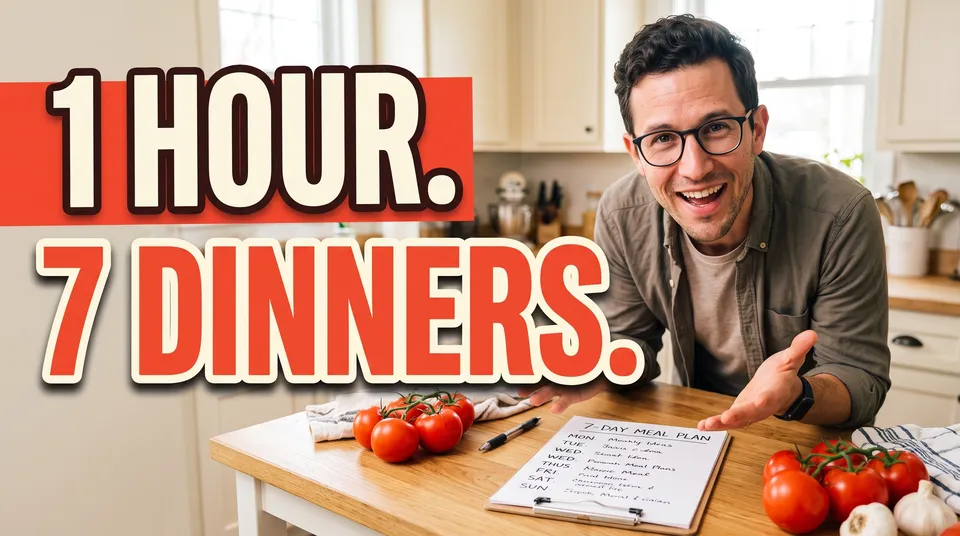
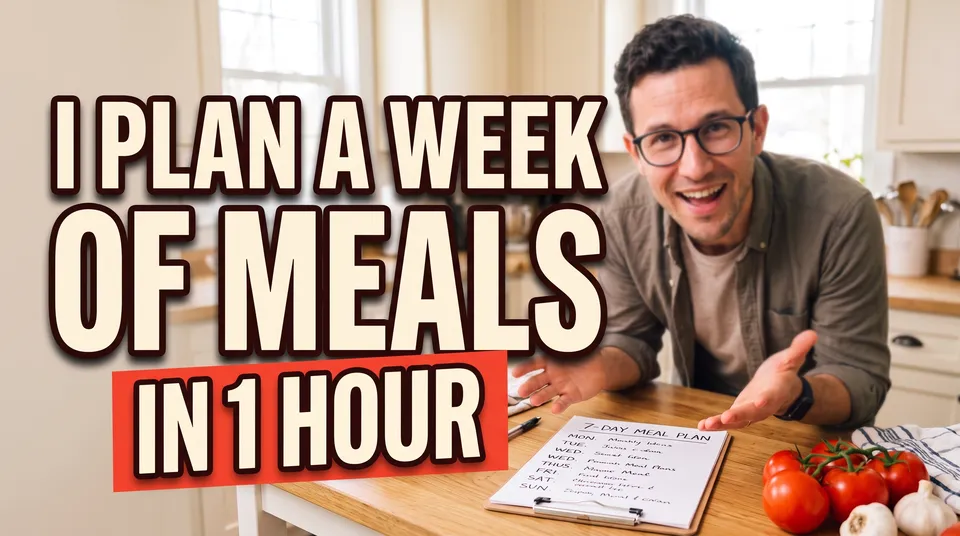
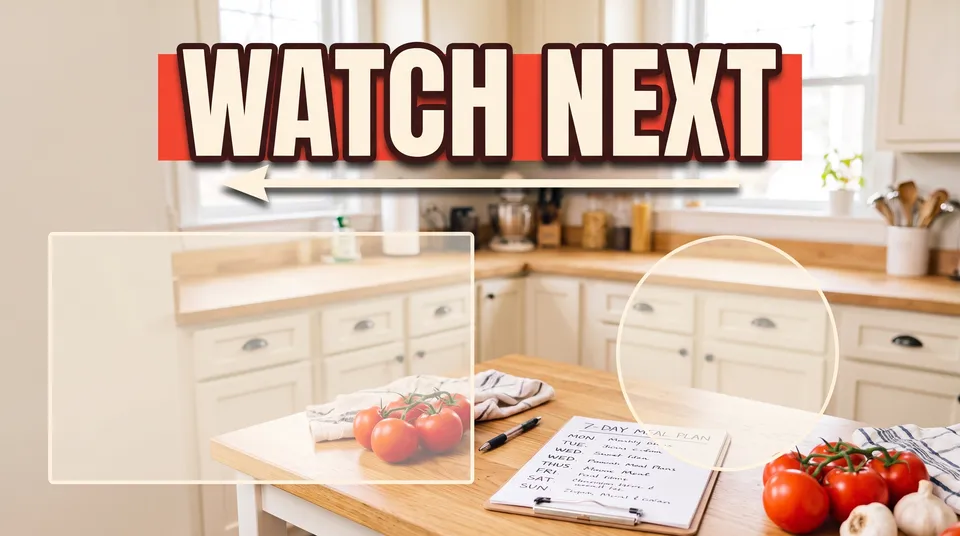
Also makesPlanScript
5 things in 2 steps. Every example here was made in Fil with this workflow.
How it starts
- Say what you want“A 10-minute video on how I plan a whole week of meals in one hour, for busy parents”, or a picture. Nothing to upload first.
- Pick from a few choicesClaude asks about who it’s for, the problem it solves and the moment people click for, and tells you if a file is missing.
- Generate allPlan and Thumbnail first, then each next step as soon as what it needs is ready.
What you put in
- Your photoA sharp photo of you, for the thumbnail, if you’re on camera.Optional
- Video.mdThe topic, who it’s for, the problem, the payoff, the title and the length. Claude fills it in from your answers, or you can.Brief
Nothing has to be uploaded to start: the canvas opens with a place for each file, ready when you are.
How it runs
Generate all runs it left to right: each step starts as soon as what feeds it is ready, and you see the whole price first. Or run any step yourself.
Step by step on the canvas
- Generate Plan: titles, the promise, the beats, re-hooks and chapters.
- Generate Script from the plan, and Thumbnail.
- Generate Title card and End screen in the thumbnail’s look.
Skill
The craft every step follows, written out. It comes with the workflow, and you can change it on the canvas.
Read the skill
YouTube video plan
Read first
Video.md for the topic, who it's for, the problem, the promise, the payoff, the title, the thumbnail, the length and the voice; the creator's photo wired in.
The plan: packaging first (the script is written after it, on its own)
- Ten titles under 60 characters, each with a curiosity gap that the video truly fills, then the pick and why: familiar but unexpected, never a lie.
- The thumbnail: one image and at most four words, saying what the title doesn't, and showing the payoff (the finished result people click for, never an empty starting point) as a real photograph: things held, propped or lit in the scene, never a flat graphic pasted on.
- The promise in one sentence: the hook, the story and the ending all keep it.
- The problem: what the viewer does now, why it fails, and the better way the video shows.
- Five to seven beats, each joined to the next by "but" or "therefore" (never "and then"), each a setup, a tension and a payoff, the biggest payoff (the moment people clicked for) last and teased early.
- Re-hooks at about a third and two thirds of the way, each placed after a beat (by name, not a time): a new question or a teased payoff, as the line to say.
- Chapters: at least three, by name, in order. No times: the script, written next, sets them.
The script
- A Markdown table of three columns: the time, what's said, and what's shown (B-roll, screen, on-screen text, sound), so every line has a picture.
- Video.md's length at about 150 spoken words a minute: the said column adds up to it (about 1,500 words for 10 minutes; count them, and never stop short), and the times match the plan's re-hooks and chapters.
- Each row's time is when its line starts: they rise from 00:00, each row after the one before by its words at 150 a minute (40 words is about 16 seconds), so the last row's time plus its words is Video.md's length. Work the times out from the words before writing them.
- Each idea is said once: no setup, panic or method told twice.
- Facts that hold together: what's cooked, made or bought in one beat is what's used later, and every time, count and claim adds up (a timed hour can't include a delivery arriving). The promise is one the video can show really happening.
- The plan's beats, re-hook lines and chapter names, used as the plan writes them: nothing added the plan doesn't have. The script's own times are the chapters: list them at the end as they fall, as YouTube takes them, the first at 0:00 (the hook and intro, under a name of its own) and each at least 10 seconds long.
- Hook, the first 30 seconds: confirm the click in the first sentence (the result, the stakes or the thumbnail's question), a few seconds of context, then the promise of the payoff. No greeting, channel intro, credentials or subscribe ask.
- Intro, to about a minute: why it matters to the viewer and what they'll be able to do after, then straight into the first beat.
- Body: the beats in order; after each payoff, tease the next; cut any line the picture already says.
- Outro: the biggest payoff, then end fast, with no recap and no "that's it for today": one call to action tied to what they just saw, pointing to one next video, and the last 20 seconds left for YouTube's end screen.
Pictures
No small writing in any generated picture (thumbnail, title card, end screen): a plan, list, screen or page there shows simple shapes or a blank sheet, since picture models garble small words. The script is filmed for real: what the viewer will want to read or screenshot (a menu, a shopping list, a recipe) goes on screen as a clean graphic added in the edit, word for word.
Title card (16:9)
The video's title as Video.md's working title gives it (never the thumbnail's words), set big in the thumbnail's colours and type, designed for the whole frame with one simple shape or object from the thumbnail's look so it never reads as the thumbnail with its photo taken out: the two seconds after the hook. Never the thumbnail's photo or the payoff the video saves for its end.
End screen (16:9)
A calm background in the video's look for its last 20 seconds: the line that points to the next video at the top in the thumbnail's own typeface, and clear, plain space for YouTube's elements (one large video box on the left, a round subscribe button on the right) with nothing busy behind them, and no other words.
Avoid
A slow start, an opening that doesn't match the title and thumbnail, beats joined by "and then", the best moment buried late, a recap or an early goodbye, more than one call to action, and lines with nothing to show.
Wired into 4 steps on the canvas, where you can change it.
More workflows
 Story videoA character sheet, keyframes, shots and a score, ready to cut together.About 10 minutes
 Product promo videoYour product photo becomes stills, clips, an end card and music to cut together.About 8 minutes
 Reel plannerA 30-second Reel planned scene by scene: pictures, what to say, a voiceover and a storyboard.About 4 minutes