Holographic card
Card art, its depth and a foil card in 3D you can tilt, spin and flip.
Say who or what is on the card, or drop in your own art. The art is painted with depth in mind, a depth map is drawn from it, and the card is built in Three.js: the art in parallax under a rainbow foil, an embossed frame with its name, a back, and a feel you can tilt, spin and flip.
Start this workflowWhat it makes
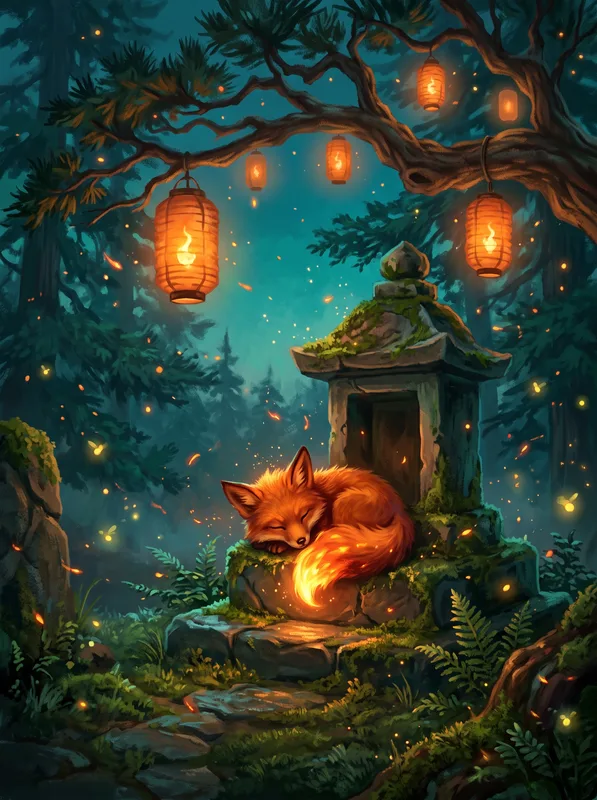
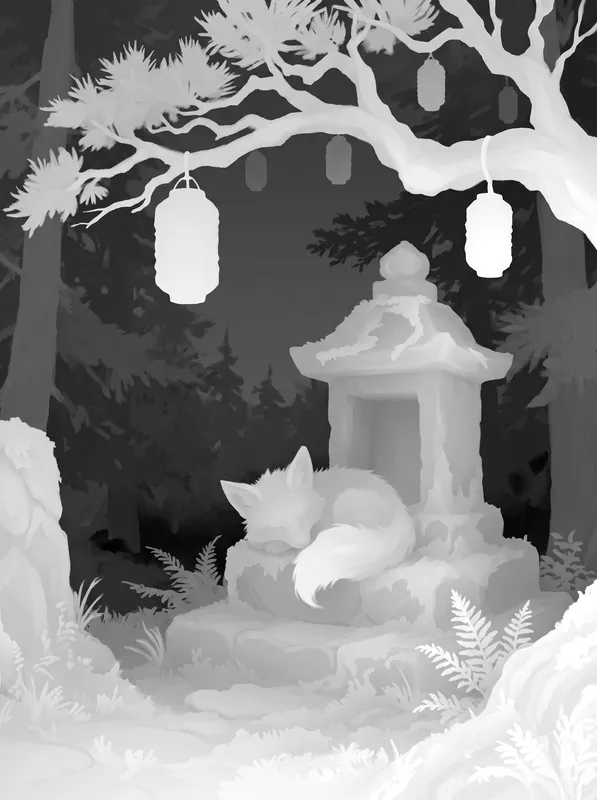
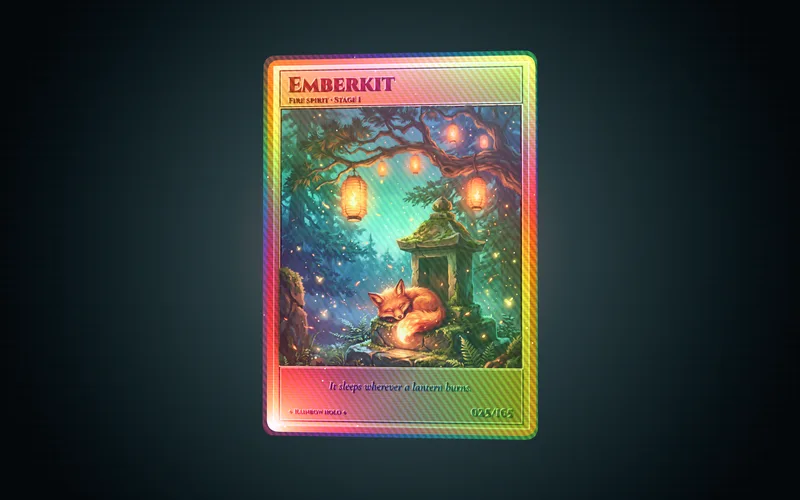
3 things in 3 steps. Every example here was made in Fil with this workflow.
How it starts
- Say what you want“A rainbow holo card of Emberkit, a small fire fox spirit curled on a mossy shrine at dusk”, or a picture. Nothing to upload first.
- Pick from a few choicesClaude asks about what’s on the card, the foil and the frame, and tells you if a file is missing.
- Generate allArt first, then each next step as soon as what it needs is ready.
What you put in
- Card artYour character, creature or illustration for the card. Without one, the art is painted for you.Optional
- Card.mdThe name, the art, the foil and the frame. Claude fills it in from your answers, or you can.Brief
Nothing has to be uploaded to start: the canvas opens with a place for each file, ready when you are.
How it runs
Generate all runs it left to right: each step starts as soon as what feeds it is ready, and you see the whole price first. Or run any step yourself.
Step by step on the canvas
- Generate Art and pick the take you like.
- Generate Depth map from it.
- Generate Holo card. Open it to tilt, spin and flip it, edit it or publish it.
Skill
The craft every step follows, written out. It comes with the workflow, and you can change it on the canvas.
Read the skill
Holographic card
Read first
Card.md for the card's name, subtitle, number, what the art shows, the foil and the frame; any art or style reference wired in. Keep a wired character or creature exactly as it is.
Card art (3:4)
- One subject, the card's hero, whole and centred in the upper two thirds, in a setting from Card.md, as a finished painted or rendered illustration.
- Clear depth: a foreground (the subject, maybe a near rock or leaf), a middle ground and a soft background, so the card can push them apart.
- Rich light with one bright source behind or beside the subject, and saturated colour that foil will make sing.
- No text, numbers, border, frame or card layout: the card adds those.
Depth map (3:4, from the art)
A grayscale depth map of the wired art, pixel-aligned: nearest white, farthest black, smooth gradients, the subject clearly in front, sharp edges where it overlaps the background, nothing of the art's colour or light.
Three.js card
- One complete page that fills the window on a dark backdrop with a soft glow behind the card, the card about three quarters of the window's height. The card is 63 × 88 mm in proportion with rounded corners, a thin edge and a back.
- Depth: the art on a finely divided plane displaced by the wired depth map, only toward the viewer (displacement bias 0: the farthest parts sit flat in the window, the subject comes forward), so the scene moves in parallax as the card tilts. Nothing of the card body, frame or back may ever show through the art: keep the art plane in front of them and the foil layer in front of the art's highest point. Tell the attached images apart by their descriptions (card art, depth map) and load each at its address exactly as listed.
- Foil: a rainbow holographic sheen (thin-film colours shifting with the view angle, faint fine diagonal lines) strongest on the frame, soft over the art's background and almost none over the subject, so the painting stays clear; gold or chrome when Card.md asks. It shifts as the card moves. Sparkle is sparse: a few percent of tiny round glints with soft falloff that flare as the angle passes them, never a grid of square pixels or a noise that reads as static.
- Frame: an embossed metal frame drawn into a canvas texture (with a bump map so the edges catch the light) with the name in a bold display face top left, the subtitle under it, the number and a short flavour line at the bottom, all from Card.md, spelt exactly. Small text sits on a solid plate in the frame's colour so it reads at every tilt.
- Back: a simple symmetric pattern in the frame's colours.
- Feel: the card leans toward the pointer, drag spins it with momentum, double-click flips it, it floats gently when left alone and turns back to its face. MeshPhysicalMaterial with clearcoat for the face, ACES filmic tone mapping, a key light and a rim light, OrbitControls off (the card moves, not the camera).
Avoid
Text or borders in the art, a flat picture with no depth, the card showing through gaps in the art, glitter that looks like static, foil so strong the art can't be seen, misspelt names, and a card that sits still.
Wired into 3 steps on the canvas, where you can change it.
More workflows
 3D assetA clean concept, a turnaround to check it, then a textured 3D model.About 4 minutes
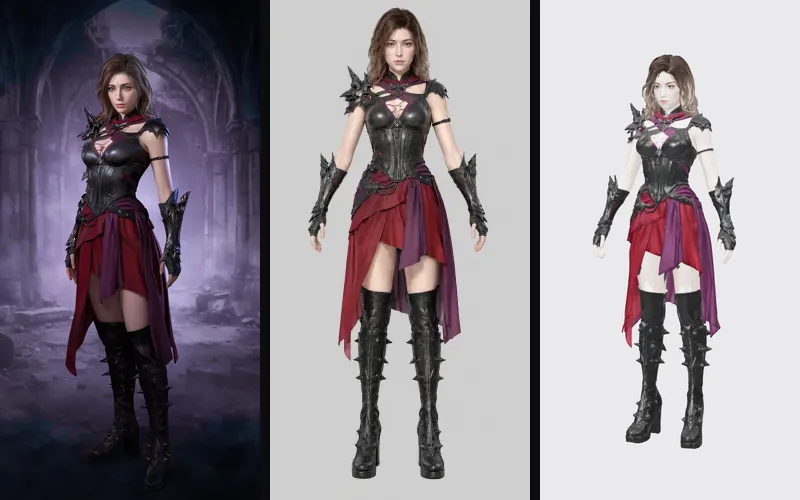 Game characterA concept, a clean A-pose turnaround and a 3D model ready to rig and animate.About 5 minutes
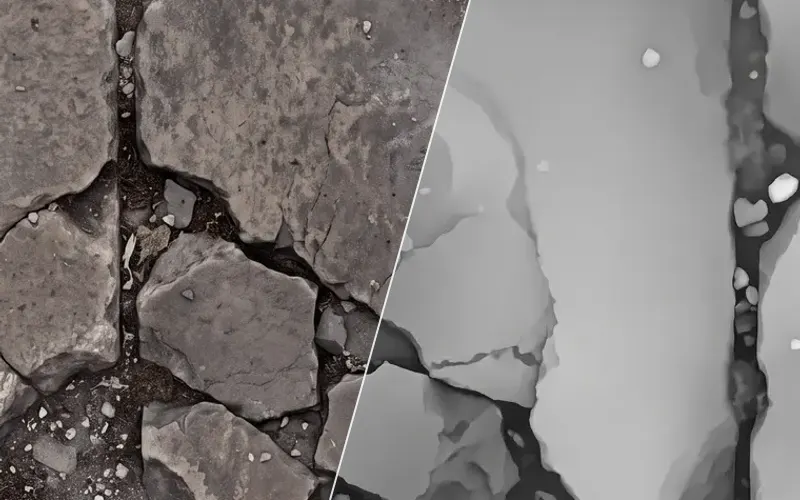 Material maps to Three.jsA seamless surface and its maps, lit in a Three.js scene you can turn and publish.About 4 minutes