Instagram carousel
Seven slides that read as one post, a hook, five points and a call to action, and more up to ten.
Write the post once in Slides.md, or let Claude write it from your idea. Slide 1 sets the design, and every other slide follows it, so the carousel swipes as one piece. Add slides to take it up to ten.
Start this workflowWhat it makes
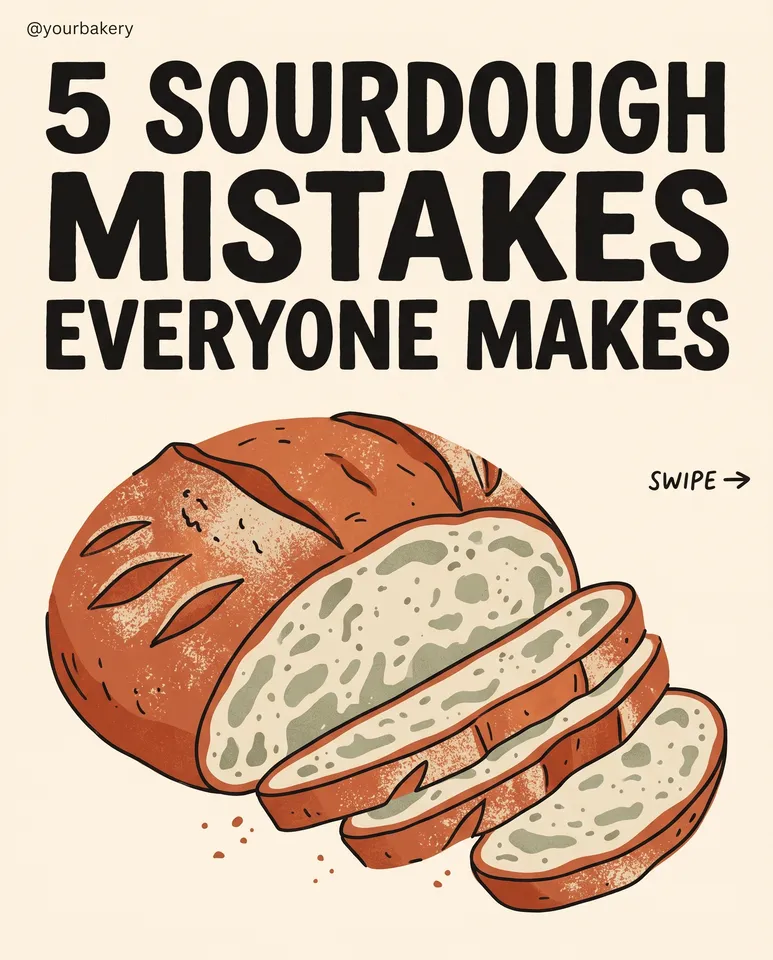
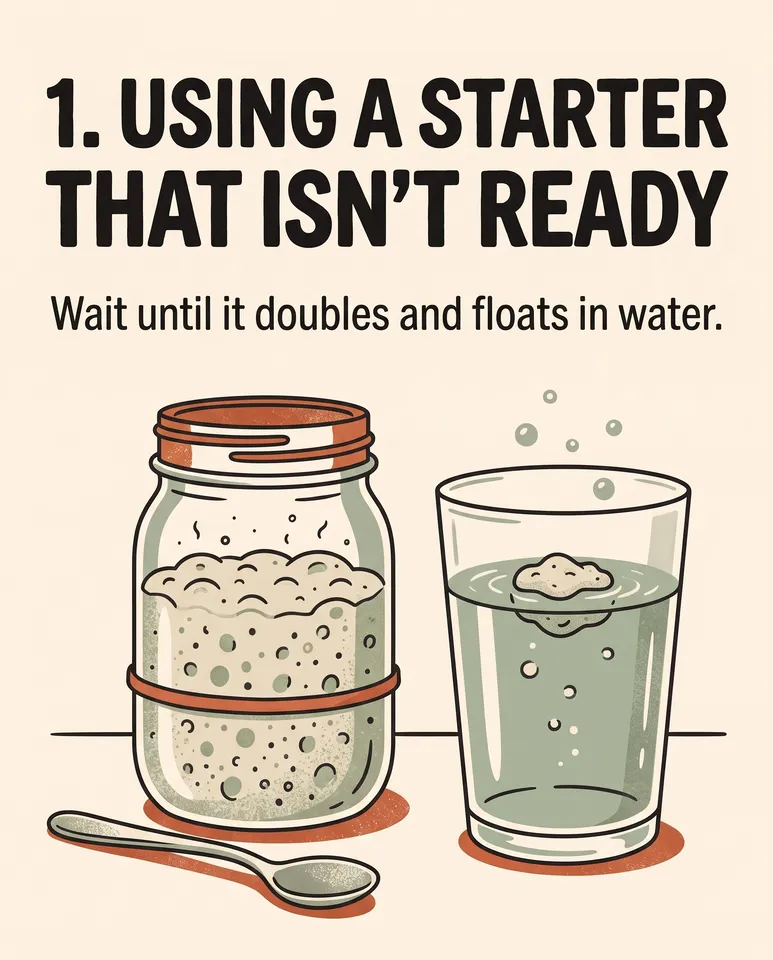
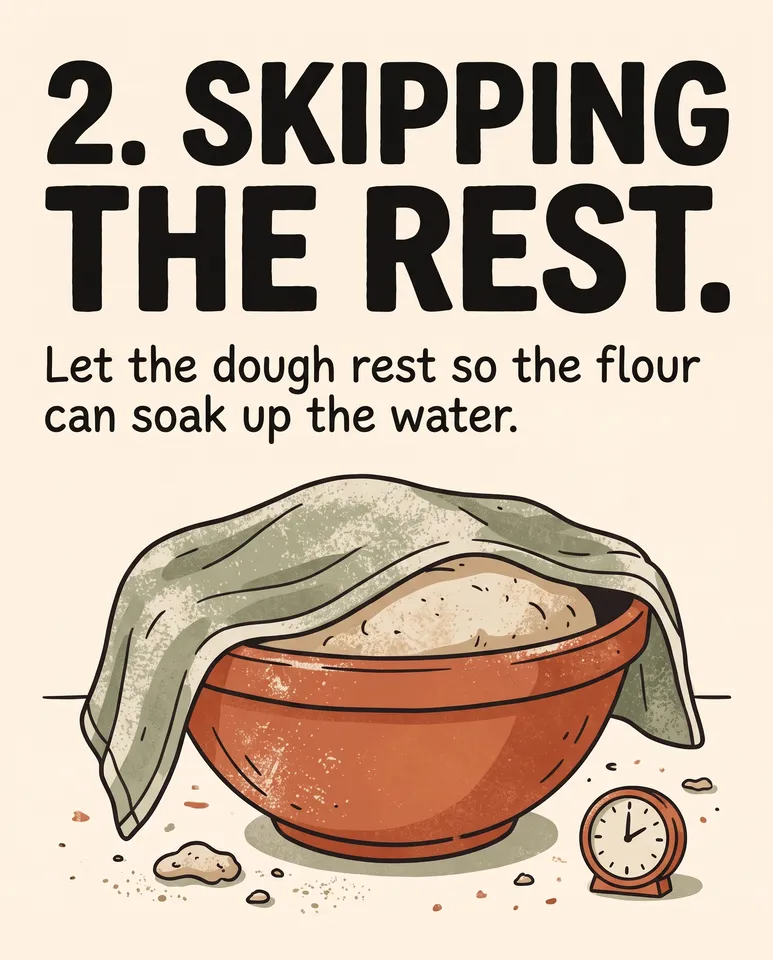
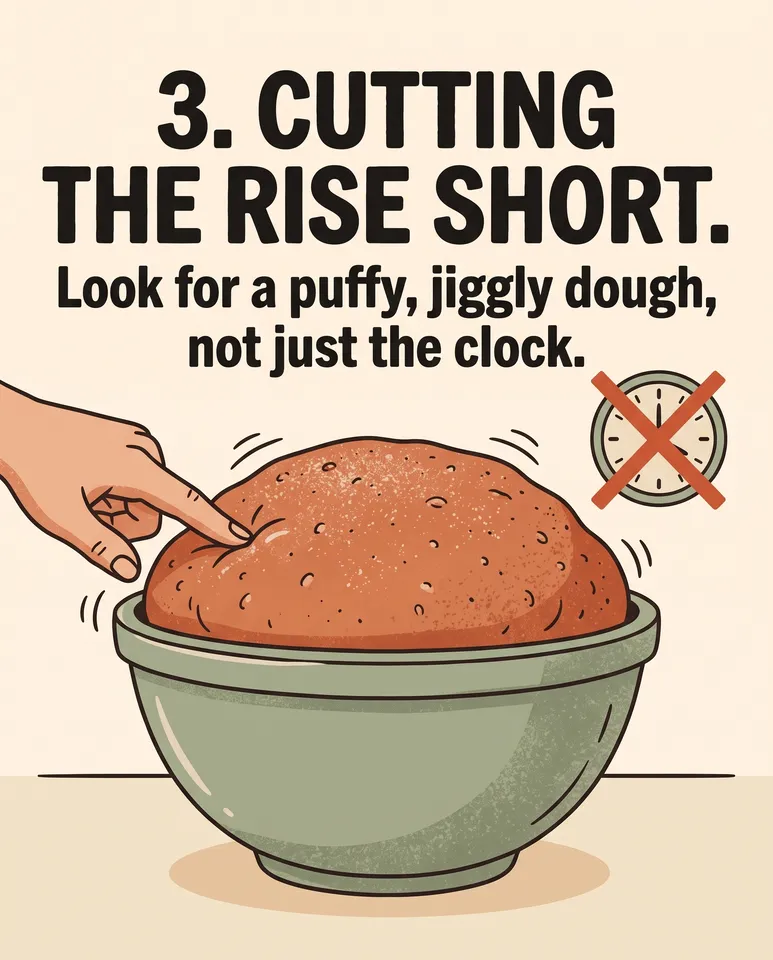
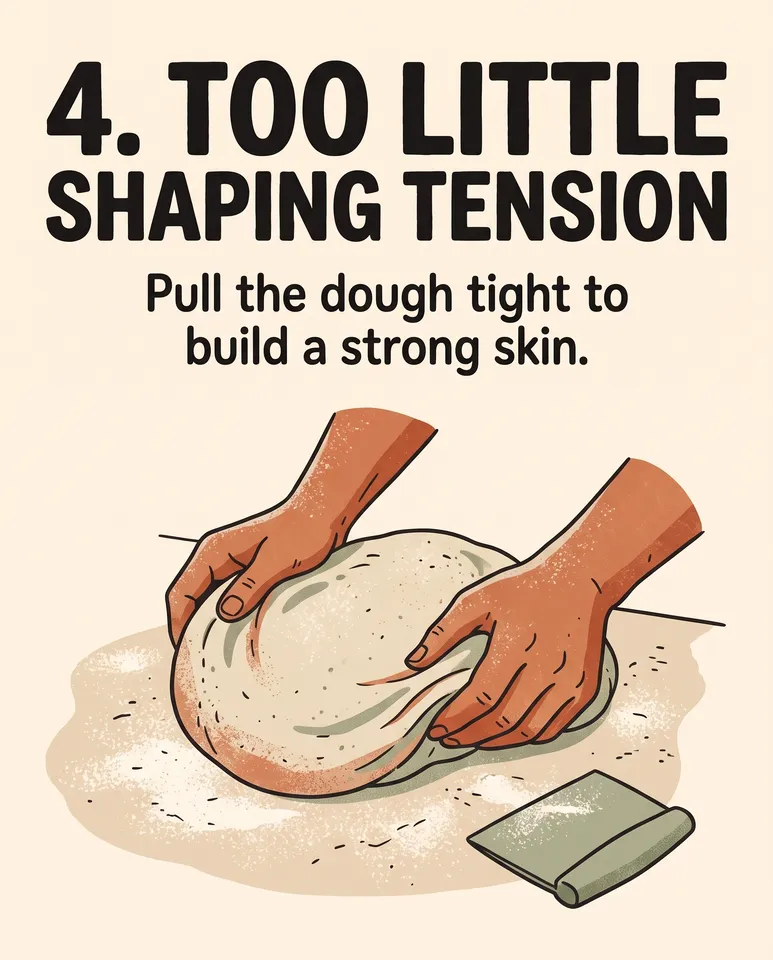
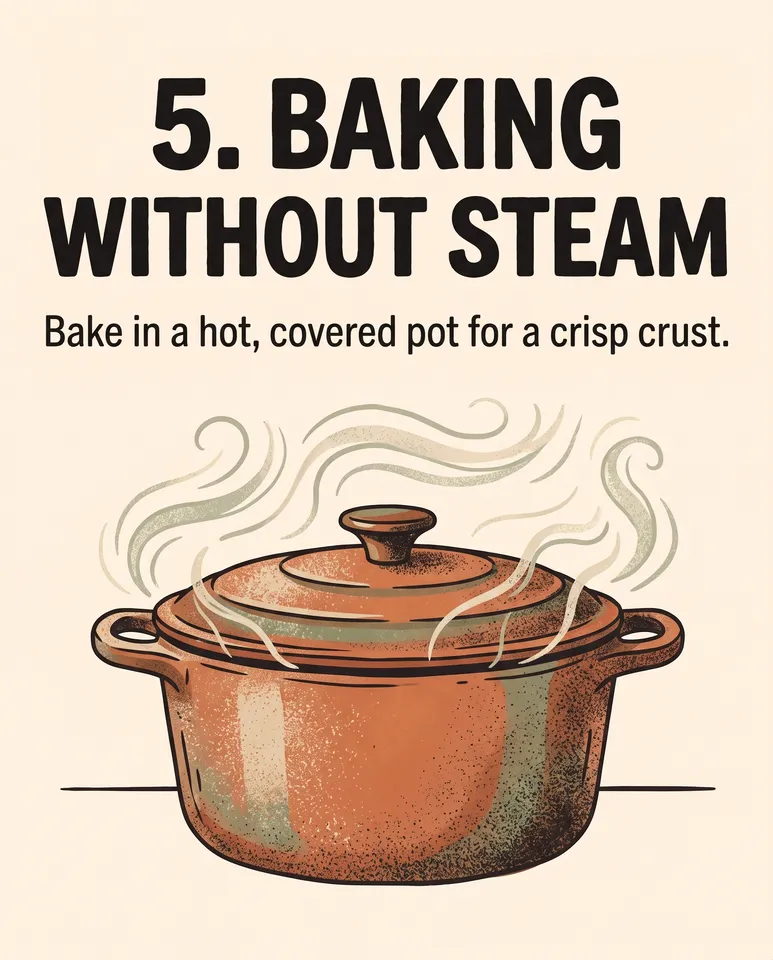
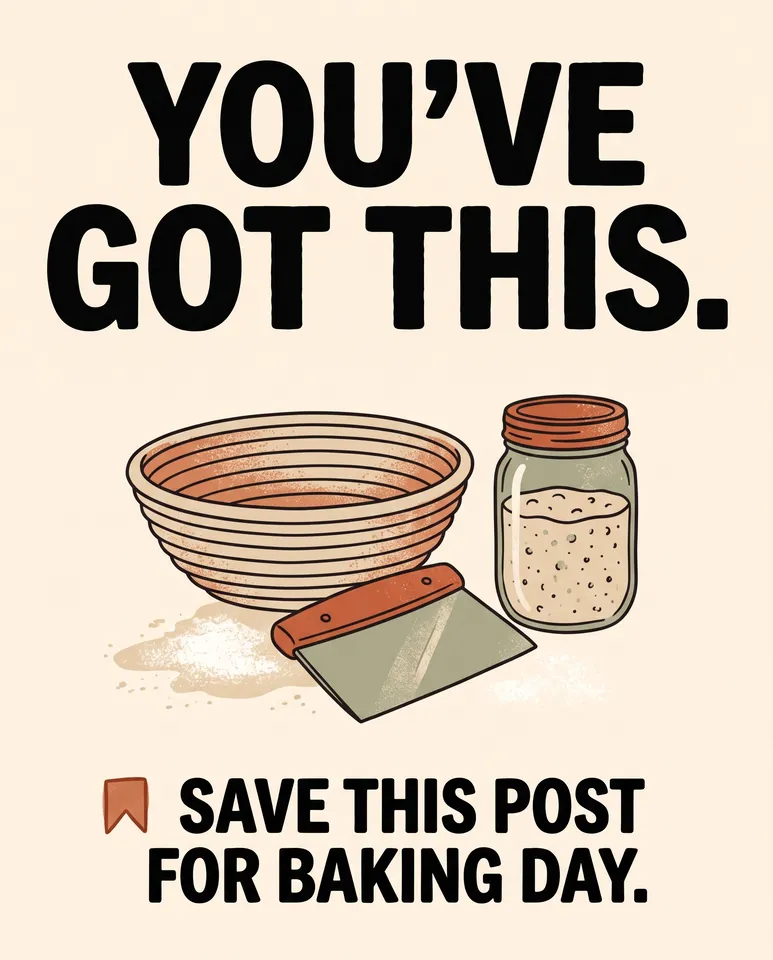
7 things in 2 steps. Every example here was made in Fil with this workflow.
How it starts
- Say what you want“5 mistakes beginners make with sourdough, for our bakery’s Instagram”, or a picture. Nothing to upload first.
- Pick from a few choicesClaude asks about the look, the voice and what each slide says, and tells you if a file is missing.
- Generate allSlide 1 first, then each next step as soon as what it needs is ready.
What you put in
- Style referenceA picture whose style the slides follow.Optional
- Or start from one of these styles, picked for this workflow:
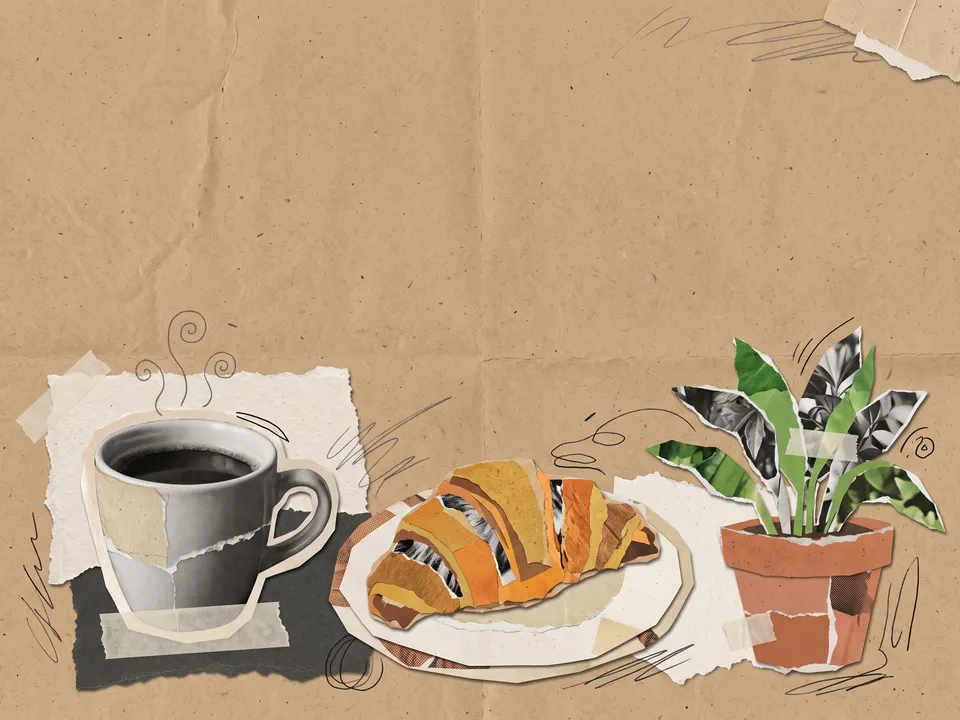 Paper collage
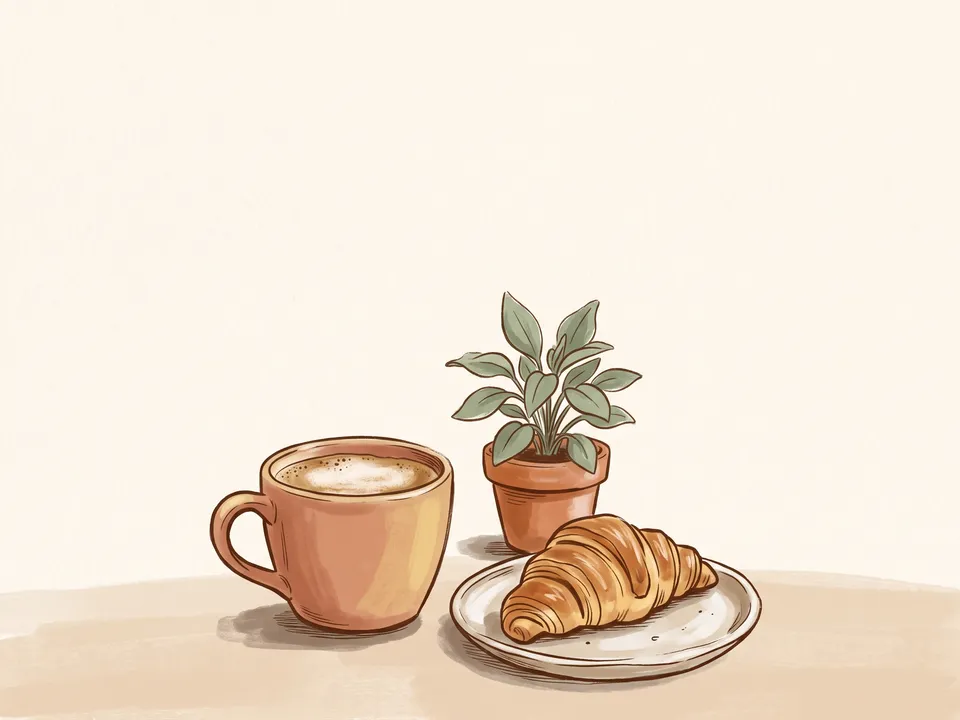 Warm editorial
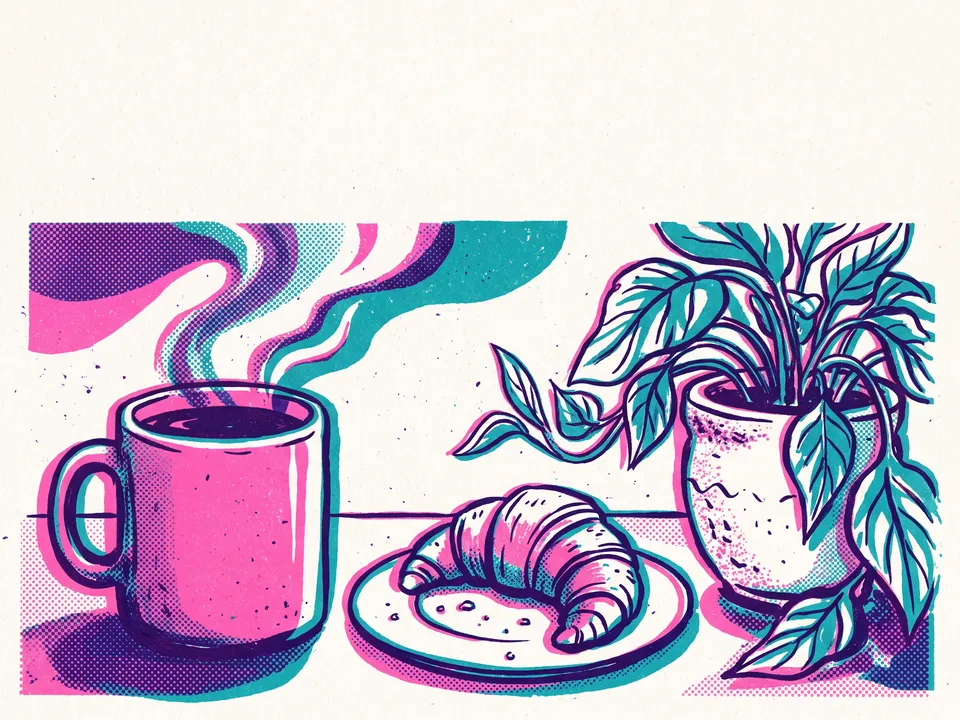 Risograph
 Grain gradient
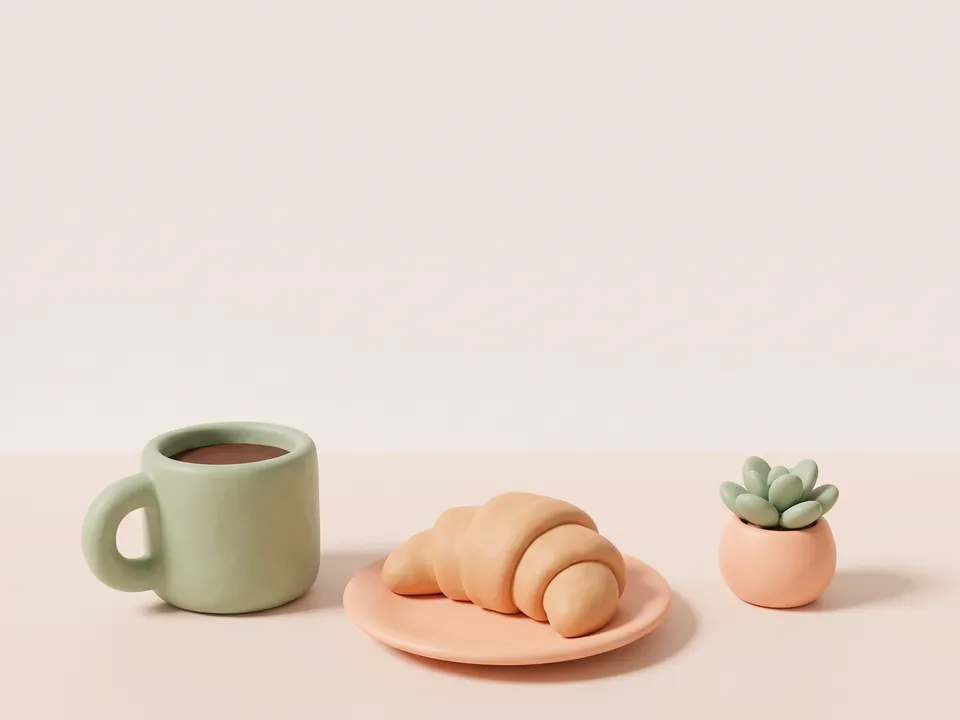 Clay render
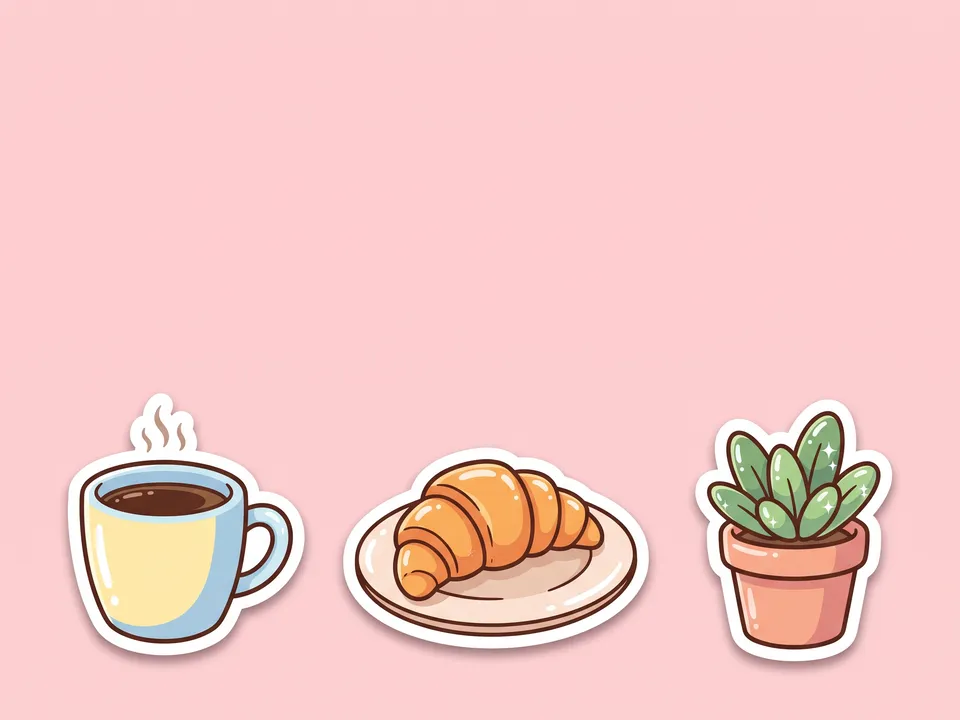 Stickers
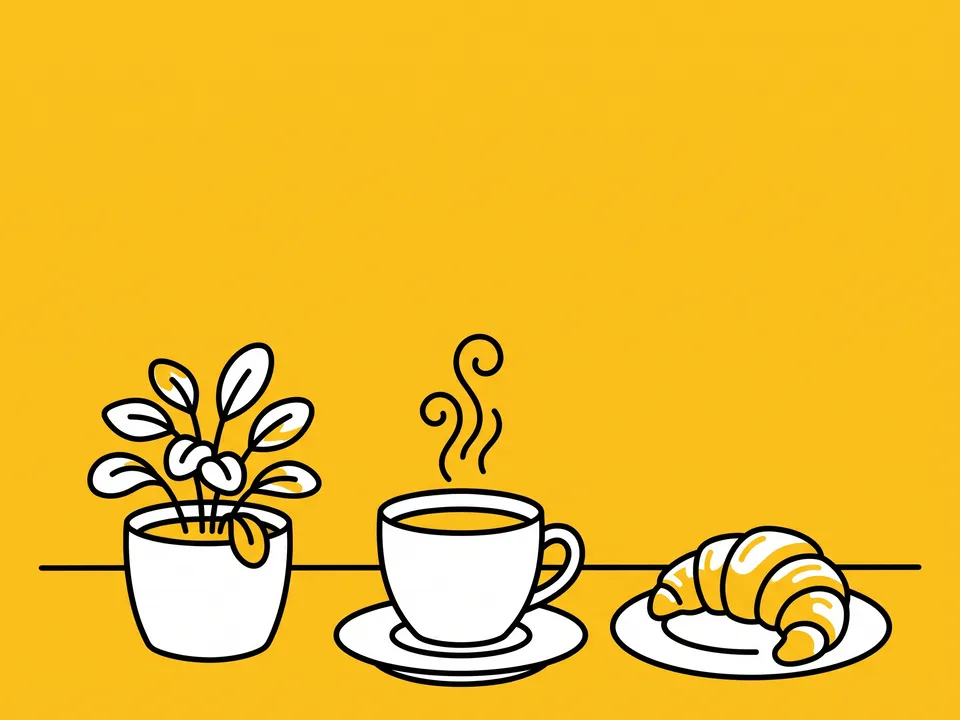 Bold line
 Colour block
 Grainy gouache
 Line interior
- LogoYour logo or profile picture for the last slide.Optional
- Slides.mdThe topic, your handle, the look and every slide’s words. Claude fills it in from your answers, or you can.Brief
Nothing has to be uploaded to start: the canvas opens with a place for each file, ready when you are.
How it runs
Generate all runs it left to right: each step starts as soon as what feeds it is ready, and you see the whole price first. Or run any step yourself.
Step by step on the canvas
- Generate Slide 1, the hook, and pick the take you like: it sets the design.
- Generate Slide 2 to Slide 6 and Last slide: each follows Slide 1. Untick any you don’t need for a shorter post.
- Want more? Add slides writes the next points into Slides.md and adds their slides.
Skill
The craft every step follows, written out. It comes with the workflow, and you can change it on the canvas.
Read the skill
Instagram carousel
Read first
Slides.md for the topic, the handle, the look and every slide's words; the style reference and logo wired in.
One design on every slide (4:5)
- The same background, margins (about 7% all round), grid, typefaces, colours and picture style on every slide, so the post reads as one piece when swiped. Every slide after the first copies the wired Slide 1's design.
- Words exactly as Slides.md writes them, set large: a headline of at most eight words, and at most two short lines under it. Nothing written that Slides.md doesn't say.
- One type system on every slide, Slides.md's Type: the headline in the same face, size, case and alignment (left, with no full stop), the lines under it in the same face and weight, at the same place on every slide.
- One visual per slide that shows its point (an illustration, a photo, an object or a simple diagram), large, in the same style on every slide: a new picture on every slide, never the hook's again, and always of the topic itself, never the style reference's subject.
- After the first slide, the handle from Slides.md small at the top left (none when it says none: never a made-up one).
- Words kept inside the middle 80% of the slide, away from the edges where the app's dots and buttons sit.
The slides
- Slide 1, the hook: the biggest type in the post, the promise or the question in a few words, and one striking visual of the topic filling most of the slide, with a small arrow at the right edge that says swipe (the only slide with one).
- The middle slides: one point each, the headline starting with its point's number from Slides.md (1., 2., 3.…), set the same way and the same size on every slide, with its line under it in one weight. A number in the hook (5 mistakes) is how many points there are.
- The last slide: the takeaway in one line and the call to action from Slides.md (save it, follow, the link in bio), with a picture of the topic's happy result and a small bookmark or follow cue, and the handle large when Slides.md has one.
Avoid
Walls of text, small type, two ideas on a slide, a slide in a different style, misspelled words, stock-photo clichés, and words in the bottom fifth.
Wired into 7 steps on the canvas, where you can change it.
More workflows
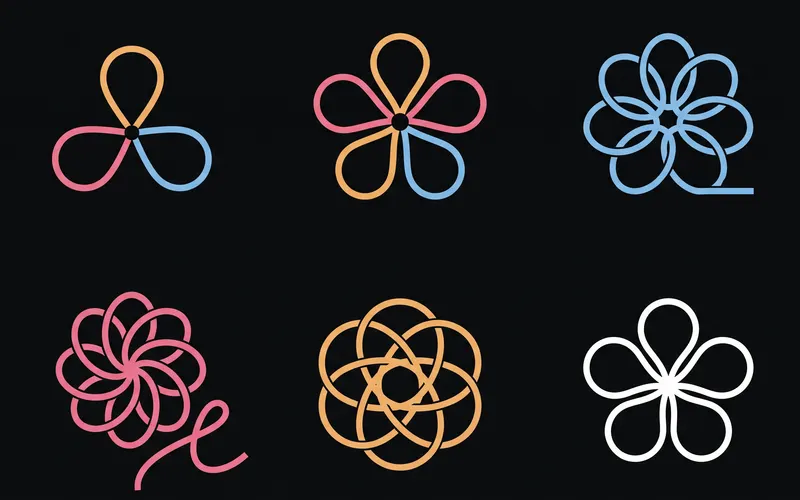 Logo and brand guideThree directions of marks, then a brand board and a brand guide page.About 4 minutes
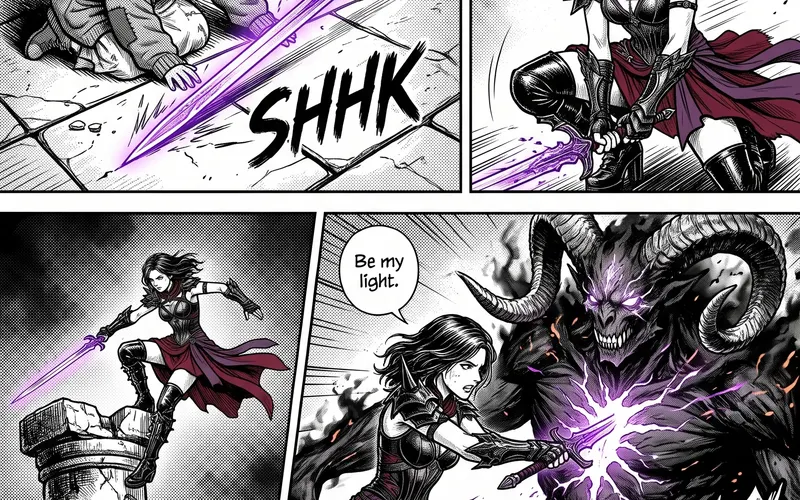 Manga chapterA cast sheet, a places sheet, a cover and inked pages that tell one short story.About 5 minutes
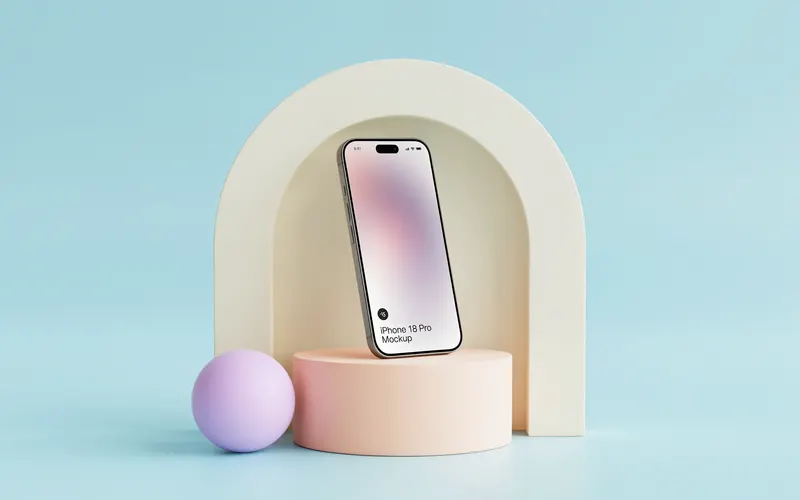 Product photoshootYour product in a studio shot, a second angle, a close-up and a colourway.About 3 minutes