Illustration set
Three illustrations in one consistent style, and a vector SVG of your favourite.
Set the style once in Style.md, or drop in a reference. Each scene keeps the same character, palette and finish, and the SVG node redraws your favourite as an editable vector.
Start this workflowWhat it makes




4 things in 2 steps. Every example here was made in Fil with this workflow.
How it starts
- Say what you want“A little red fox who codes, for our app’s onboarding screens”, or a picture. Nothing to upload first.
- Pick from a few choicesClaude asks about your character, the palette and the finish, and tells you if a file is missing.
- Generate allScene 1 first, then each next step as soon as what it needs is ready.
What you put in
- Style referenceAn illustration whose style you want to match.Optional
- Or start from one of these styles, picked for this workflow:
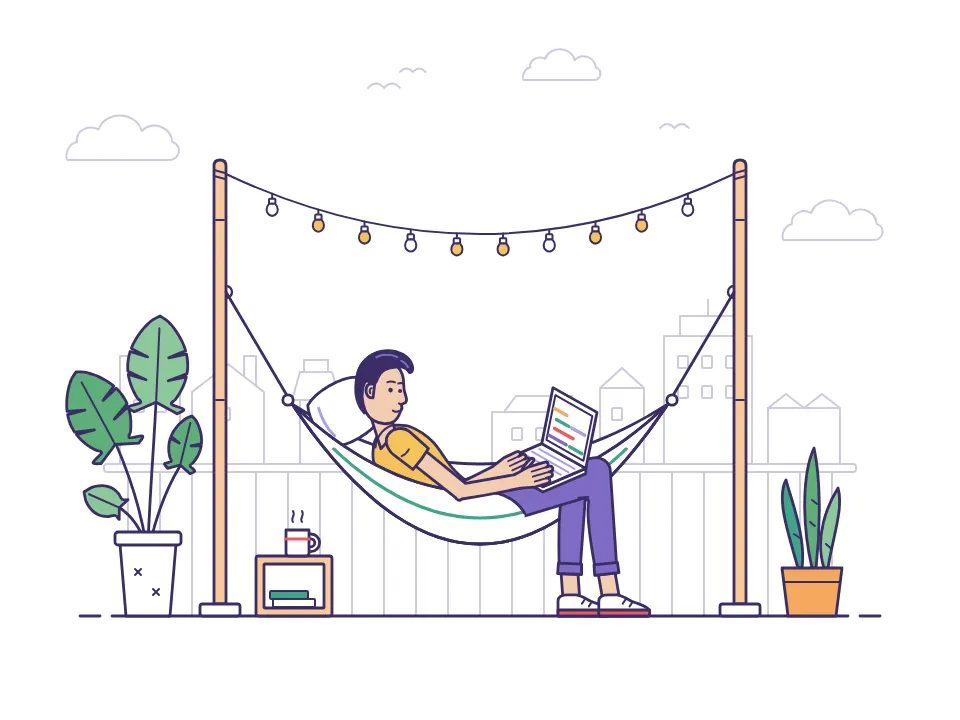 Line interior
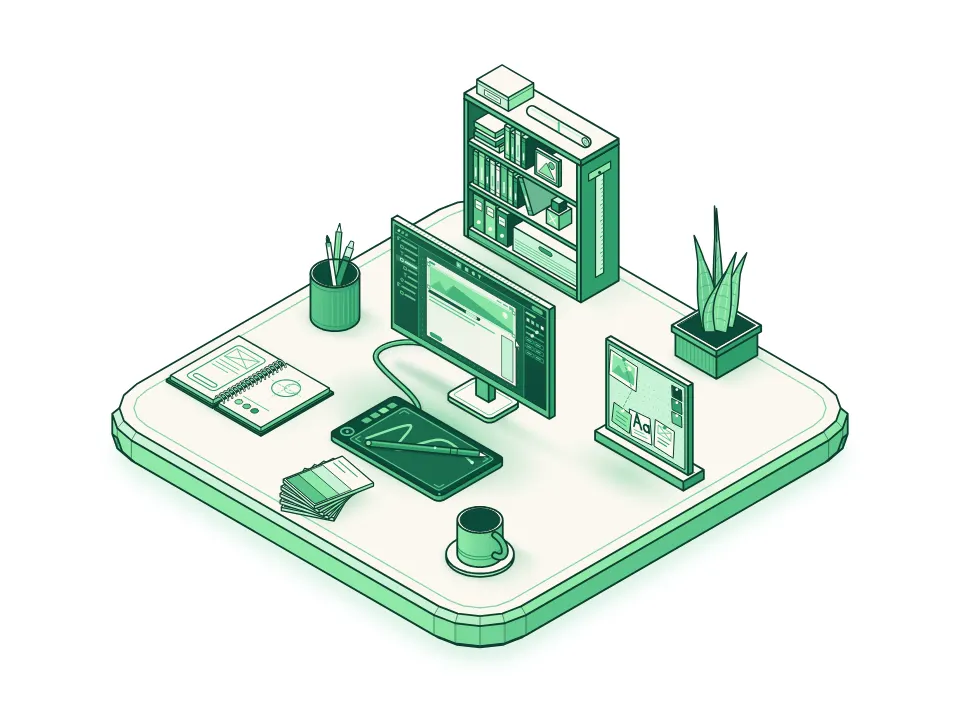 Isometric
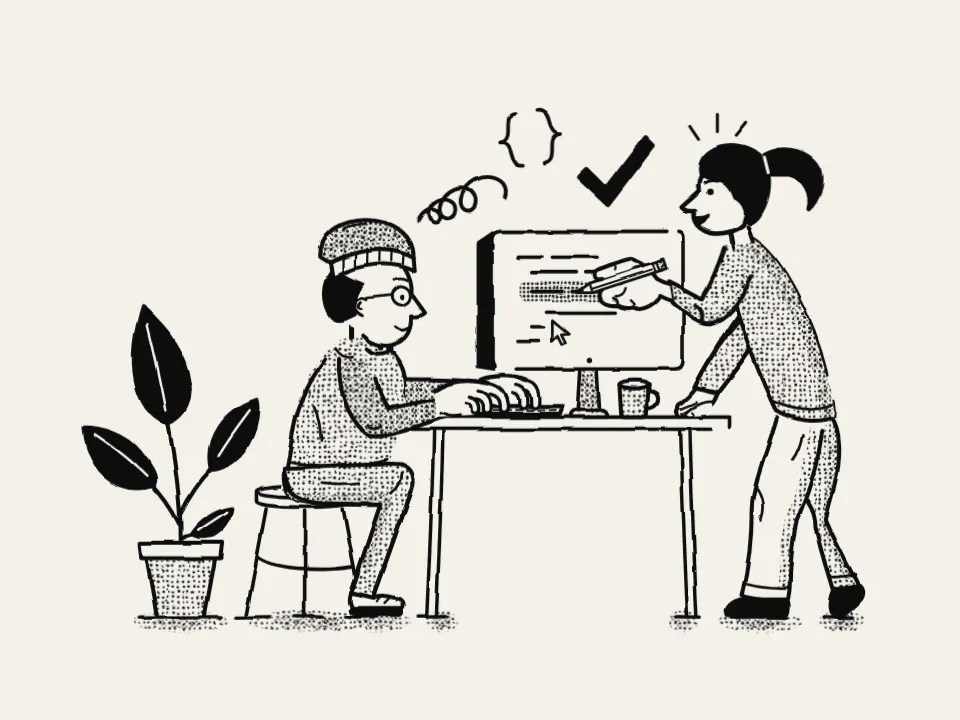 Halftone line
 Outlined cartoon
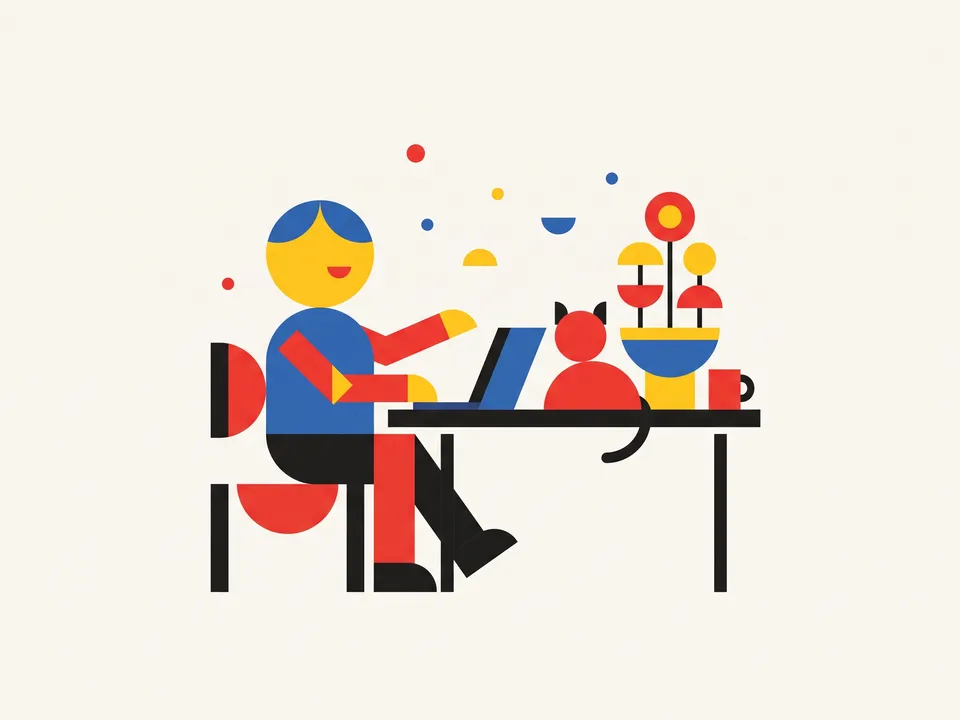 Geometric
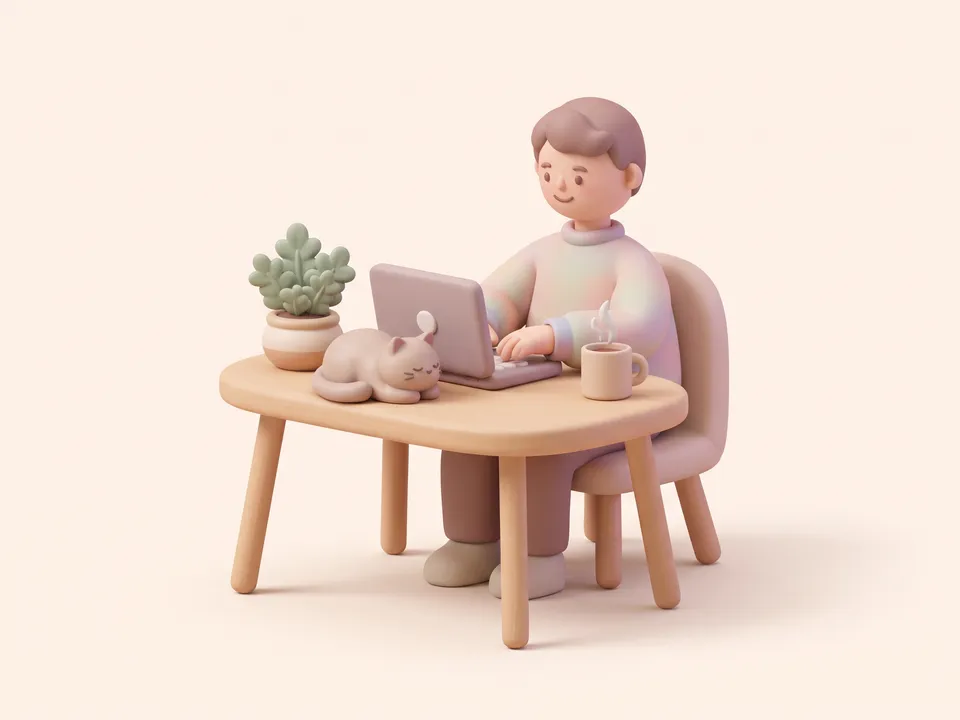 3D illustration
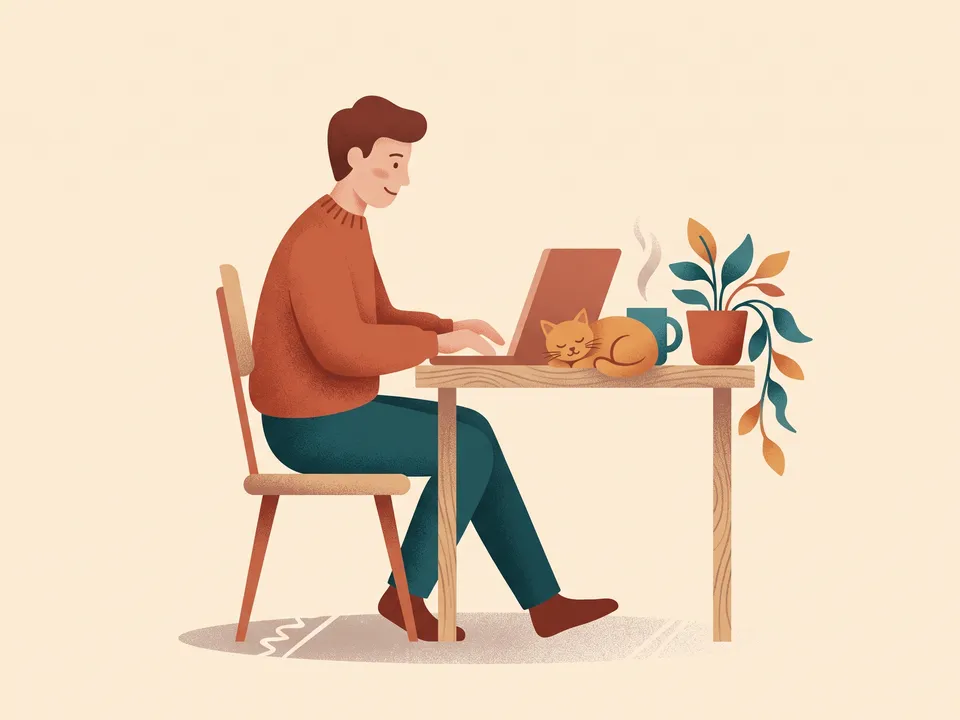 Textured flat
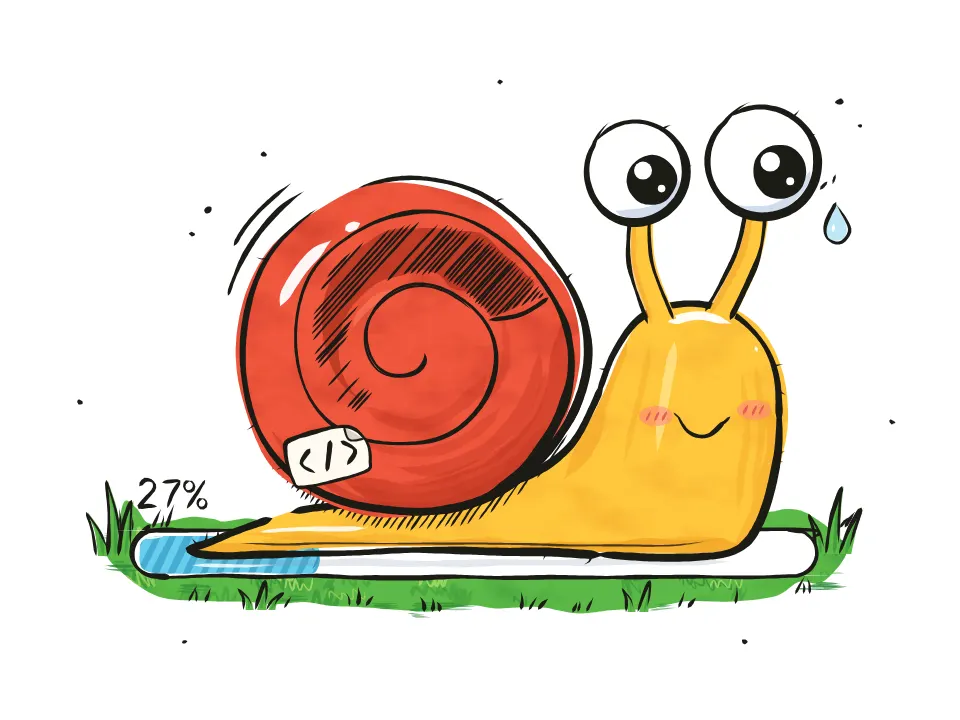 Ink sketch
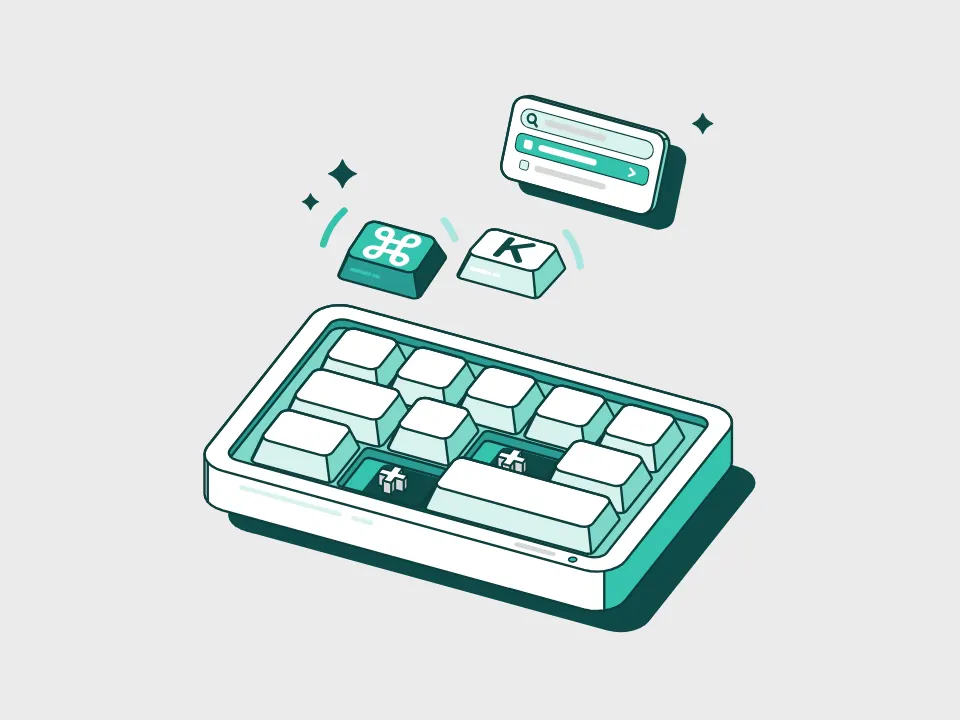 Teal spot
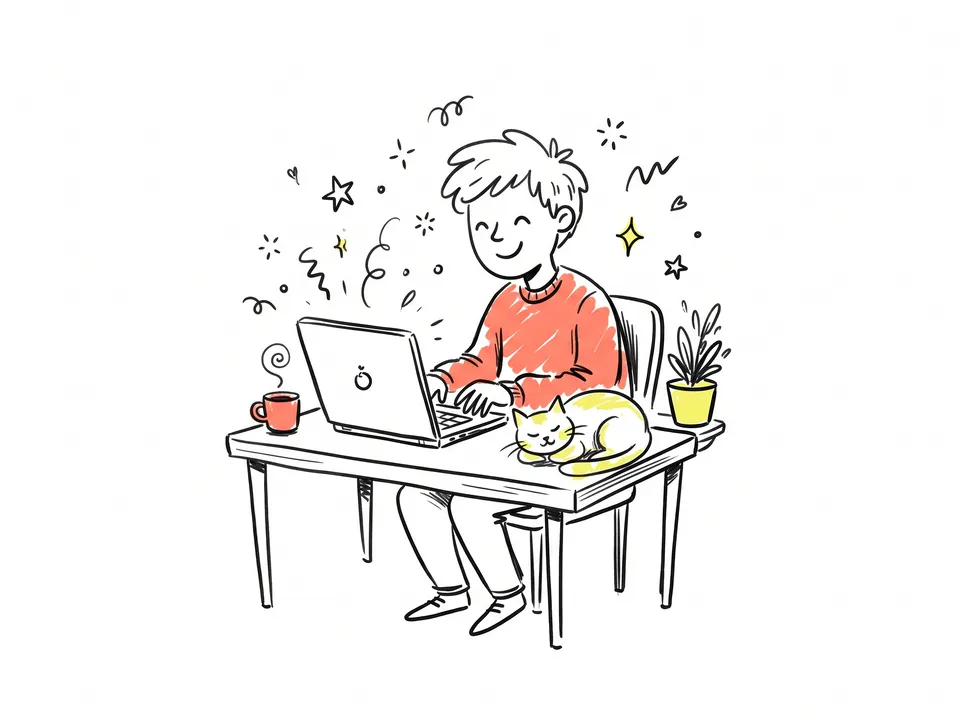 Doodle
- Style.mdYour character, the palette and the finish. Claude fills it in from your answers, or you can.Brief
Nothing has to be uploaded to start: the canvas opens with a place for each file, ready when you are.
How it runs
Generate all runs it left to right: each step starts as soon as what feeds it is ready, and you see the whole price first. Or run any step yourself.
Step by step on the canvas
- Generate Scene 1: it sets the look, with two takes to pick from.
- Generate Scene 2 and Scene 3, which follow Scene 1’s character and finish.
- Generate SVG version to redraw Scene 1 as a vector. To redraw another scene, wire it in instead.
Skill
The craft every step follows, written out. It comes with the workflow, and you can change it on the canvas.
Read the skill
Illustration set
Read first
Style.md for the subject, palette and finish; any style reference wired in. Every scene follows both.
One style across the set
- The same character design in every scene: proportions, face, colours and outfit; props and accessories (headphones, a scarf) keep their colours.
- The same background colour in every scene, so the set reads as one.
- One palette of at most five colours, from Style.md, including the background colour.
- One finish throughout (grainy gouache, clean vector, ink and halftone): the same edges, texture and shading.
- 4:3, one idea per picture, the subject large, a simple background in the palette and a little air around it.
- Each scene its own pose, framing and props for its moment: never the same composition with one detail changed, and small details (bubbles, stars) placed anew. A wired scene lends its character and finish only, never its pose or layout.
- Together the scenes make a little arc where they can (arrive, do, celebrate), each showing a different thing the subject does, every pose in the mood Style.md sets (a calm set celebrates calmly).
- Props that come back (a laptop, a desk, a mug, headphones) look the same in every scene, on the same side of the character.
SVG version
- Redraw the scene as flat shapes in a single SVG with a 4:3 viewBox: the same composition and palette, grain as small dots if at all.
- Keep every feature that makes the character: the face (eyes, mouth, cheeks), fins, ears or hands, as clean closed shapes joined without gaps or slivers.
- Group the parts (background, character, props) so they can be edited or animated.
Avoid
Text in the picture, extra characters, photographic detail, gradients that fight the palette and styles that drift between scenes.
Wired into 4 steps on the canvas, where you can change it.
More workflows
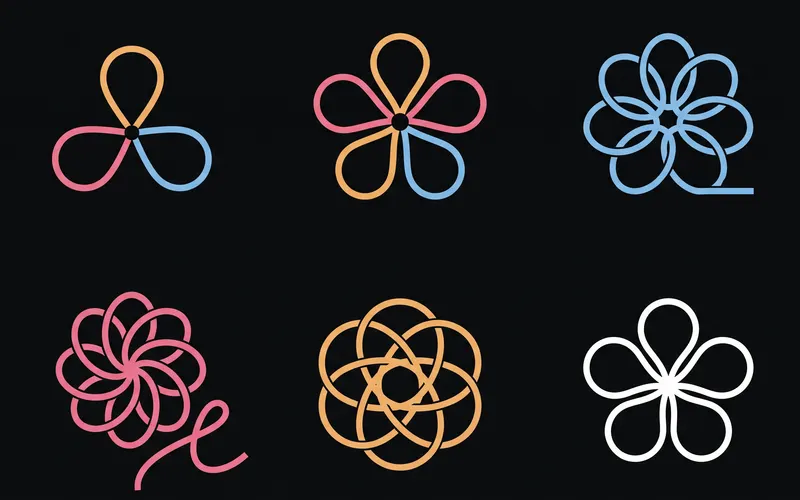 Logo and brand guideThree directions of marks, then a brand board and a brand guide page.About 4 minutes
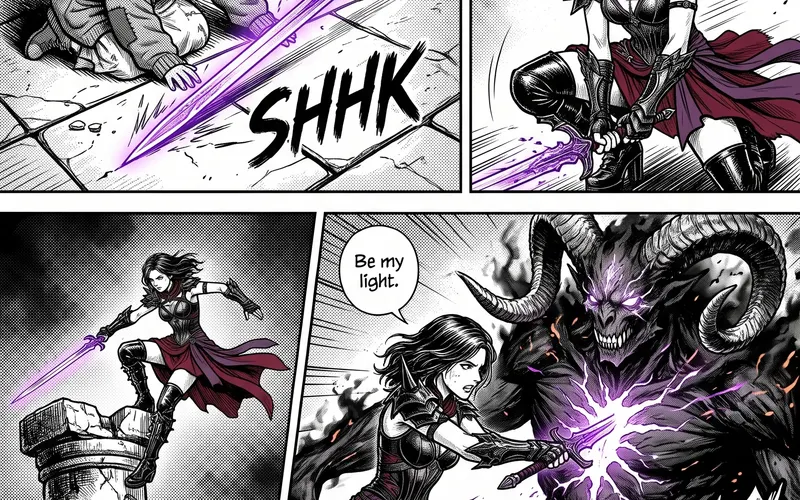 Manga chapterA cast sheet, a places sheet, a cover and inked pages that tell one short story.About 5 minutes
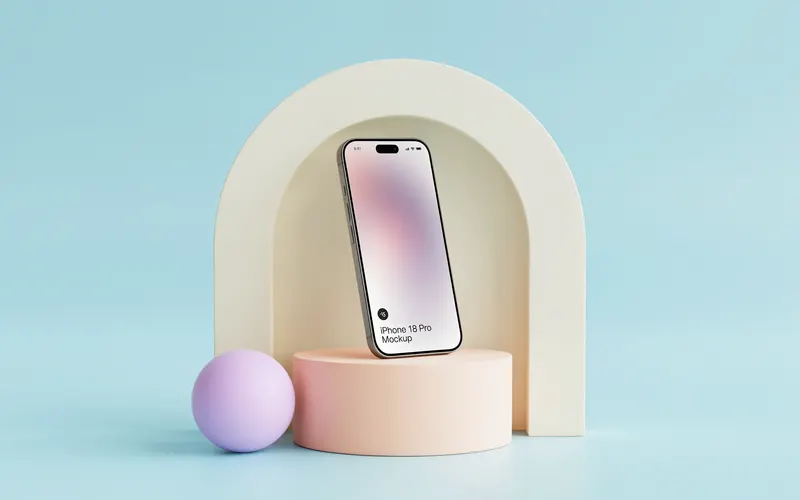 Product photoshootYour product in a studio shot, a second angle, a close-up and a colourway.About 3 minutes