Website with a CMS
Pages that read from content you can edit, with one shared design system.
Describe the site in Brief.md and its content in Content.md. The Website node makes the pages, the design system they share and the data they read, each a node you can edit, then publish the whole site in one click.
Start this workflowWhat it makes

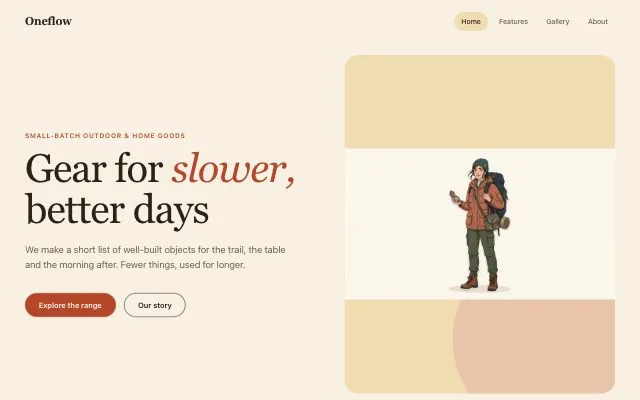
2 things in 2 steps. Every example here was made in Fil with this workflow.
How it starts
- Say what you want“A shop and journal for Oneflow, small-batch outdoor gear”, or a picture. Nothing to upload first.
- Pick from a few choicesClaude asks about the look, the voice and what the collections hold, and tells you if a file is missing.
- Generate allHero image first, then each next step as soon as what it needs is ready.
What you put in
- Design referenceA screenshot of a site whose layout you like.Optional
- Brief.mdThe site, who visits, the pages, voice and look. Claude fills it in from your answers, or you can.Brief
- Content.mdThe collections and their fields. Claude fills it in from your answers, or you can.Brief
Nothing has to be uploaded to start: the canvas opens with a place for each file, ready when you are.
How it runs
Generate all runs it left to right: each step starts as soon as what feeds it is ready, and you see the whole price first. From your answers, Claude may add up to 6 pictures for the page’s sections, made before Website. Or run any step yourself.
Step by step on the canvas
- Generate Hero image.
- Generate Website. It adds its design system and its data as their own nodes; edit entries there and every page follows.
Skill
The craft every step follows, written out. It comes with the workflow, and you can change it on the canvas.
Read the skill
Site with a CMS
Read first
Brief.md for the site, its pages and its voice; Content.md for the collections and their fields; the hero image and reference wired in.
Content
- Each collection from Content.md becomes data with the fields it lists, and at least six real-sounding entries in the brief's voice.
- Every entry has a slug, a title and a short summary; images get descriptive alt text.
- Lists show the newest or featured entries first; each entry gets its own page from one detail template.
Pages
- Home: a hero that says what the site is, the featured entries, and one call to action.
- A list page per collection, with filters if a field has a few values (a category, a tag).
- A detail page per entry, from the collection's fields.
- One shared design system: the type scale, colours, spacing and components every page uses.
Look
- Follow the wired reference's layout and mood without copying its brand; the brief's palette, with one accent colour.
- Two typefaces at most and one type scale (e.g. 64 / 40 / 24 / 16) shared by every page; spacing on an 8 px grid.
- The hero image large in the hero, never boxed small; collection pictures at one shape in a grid. Every wired picture is used where its name says: an entry's photo (matched by name) in its data, a section's picture in that section. An entry with no picture yet shows a plain block in the palette (its initial or a small icon), never a broken image or its alt text.
- One primary button per screen in the accent colour; any second action is quiet (outlined or a text link).
Avoid
Content typed straight into pages that should come from a collection, lorem ipsum, placeholder contact details (example.com), and pages that each invent their own style.
Wired into 1 step on the canvas, where you can change it.
More workflows
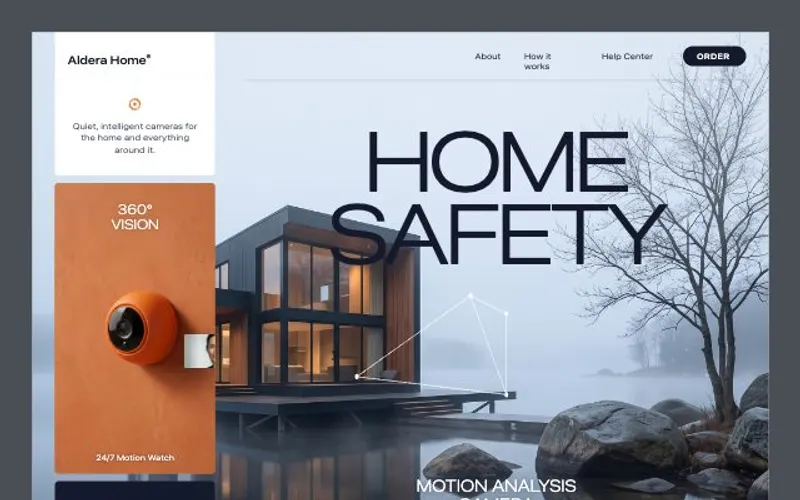 React websiteA React site from your brief, with a hero image and section pictures made for it.About 4 minutes
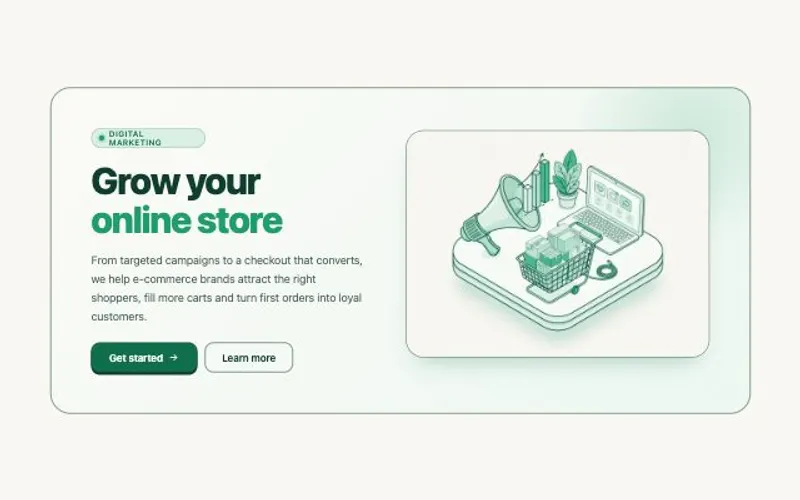 HTML componentOne self-contained UI component from your spec, with an illustration made for it.About 2 minutes
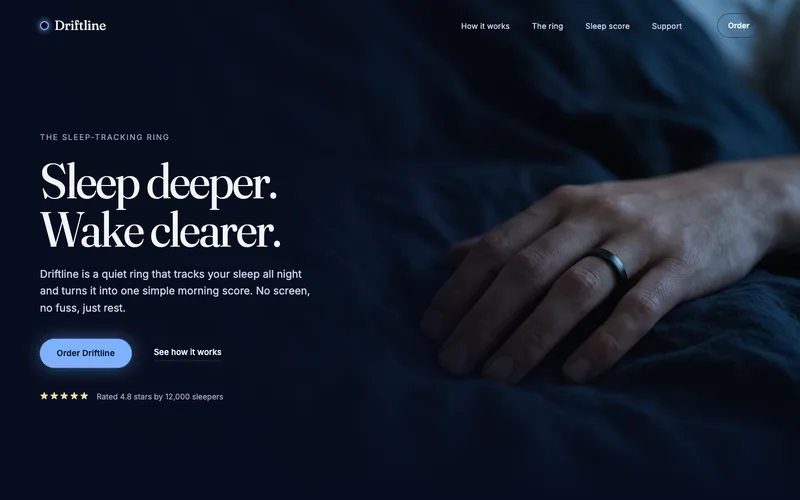 Website heroA hero image made for the layout, and the responsive hero section built around it.About 2 minutes