Game character
A concept, a clean A-pose turnaround and a 3D model ready to rig and animate.
Describe a character once in Character.md. The concept finds the design, the A-pose turnaround redraws it front, side and back the way image-to-3D models like, so the model has every side, and the 3D model comes out ready for the Rig and Animate buttons.
Start this workflowWhat it makes
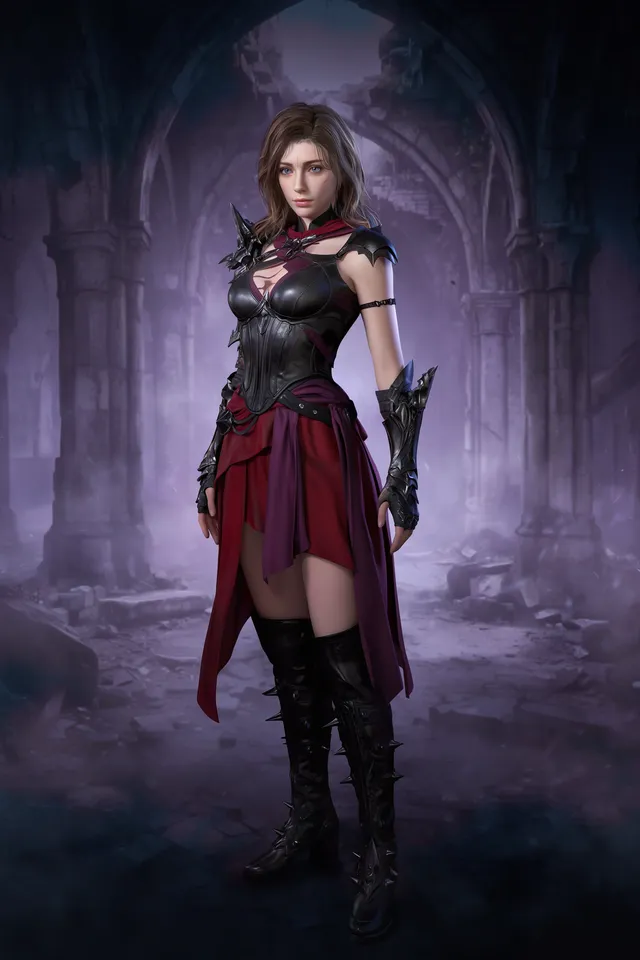
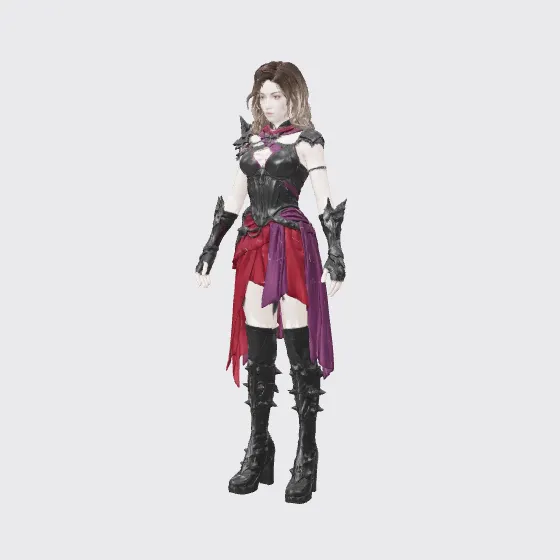
Also makesA-pose turnaround
3 things in 3 steps. Every example here was made in Fil with this workflow; point at a clip to play it.
How it starts
- Say what you want“A swordswoman in black leather and a torn crimson skirt, for a dark fantasy game”, or a picture. Nothing to upload first.
- Pick from a few choicesClaude asks about who they are, what they wear and the art style, and tells you if a file is missing.
- Generate allConcept first, then each next step as soon as what it needs is ready.
What you put in
- Concept artA drawing of your character, if you have one.Optional
- Style referenceArt from a game whose look you want.Optional
- Or start from one of these styles, picked for this workflow:
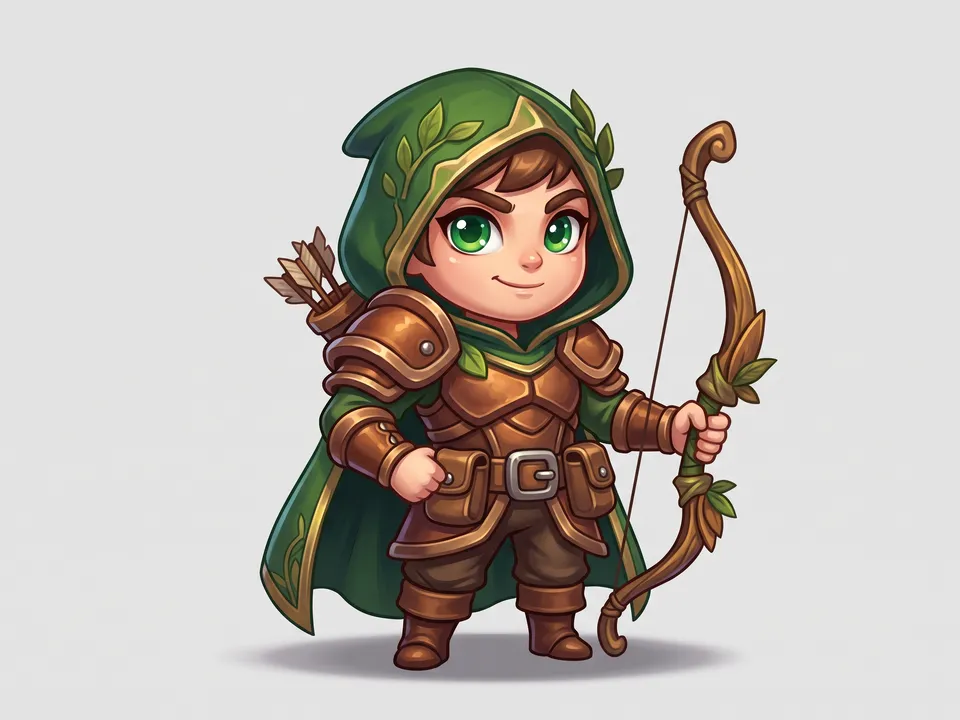 Chibi
Chibi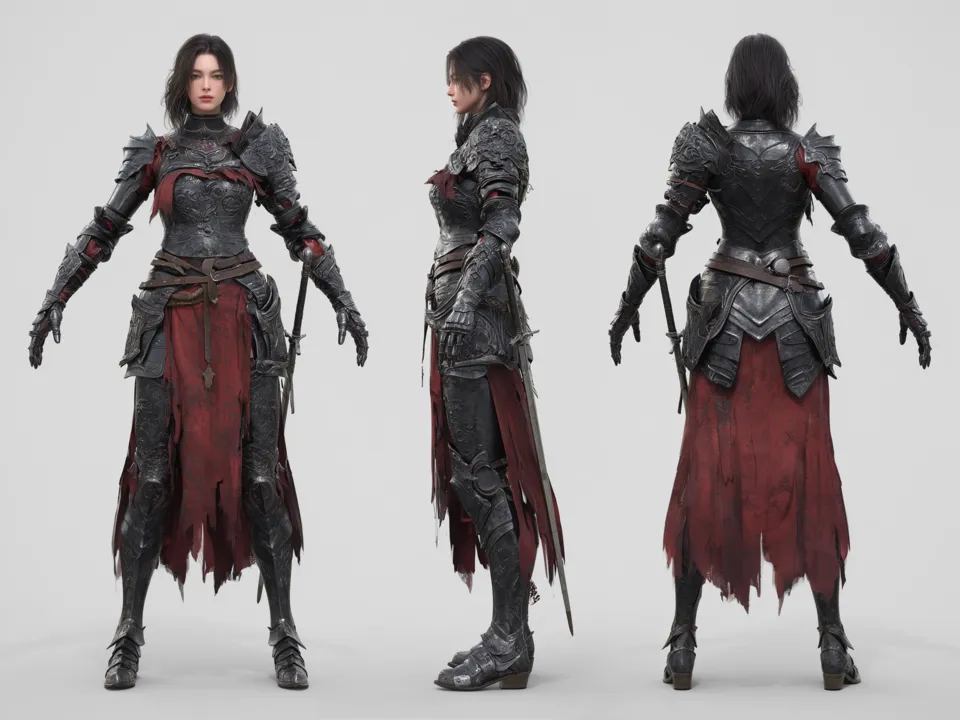 Game 3D
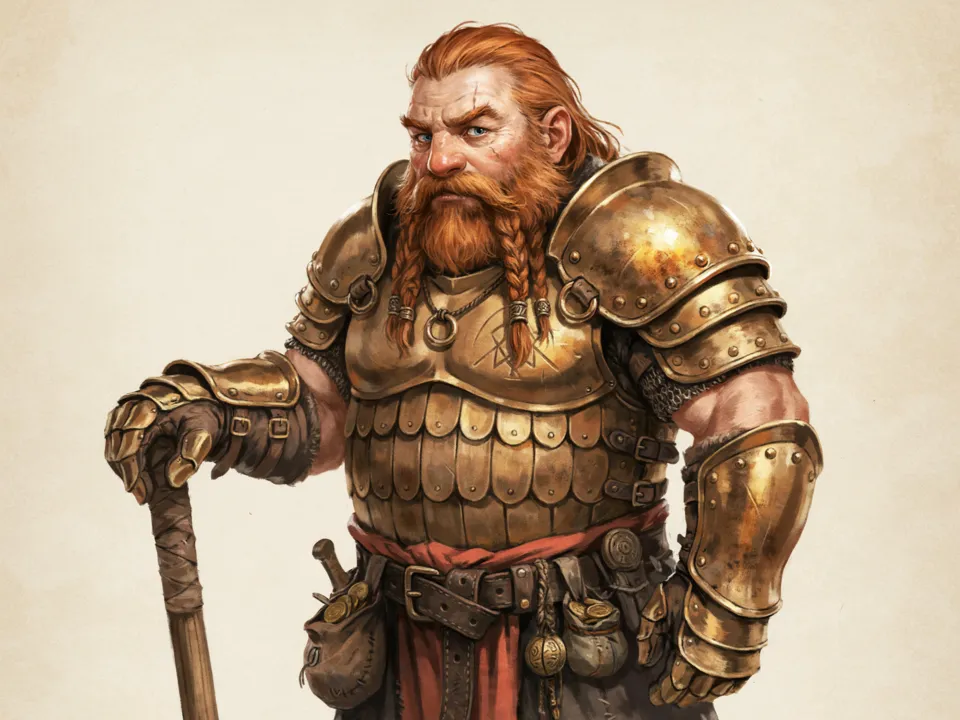 Painted concept
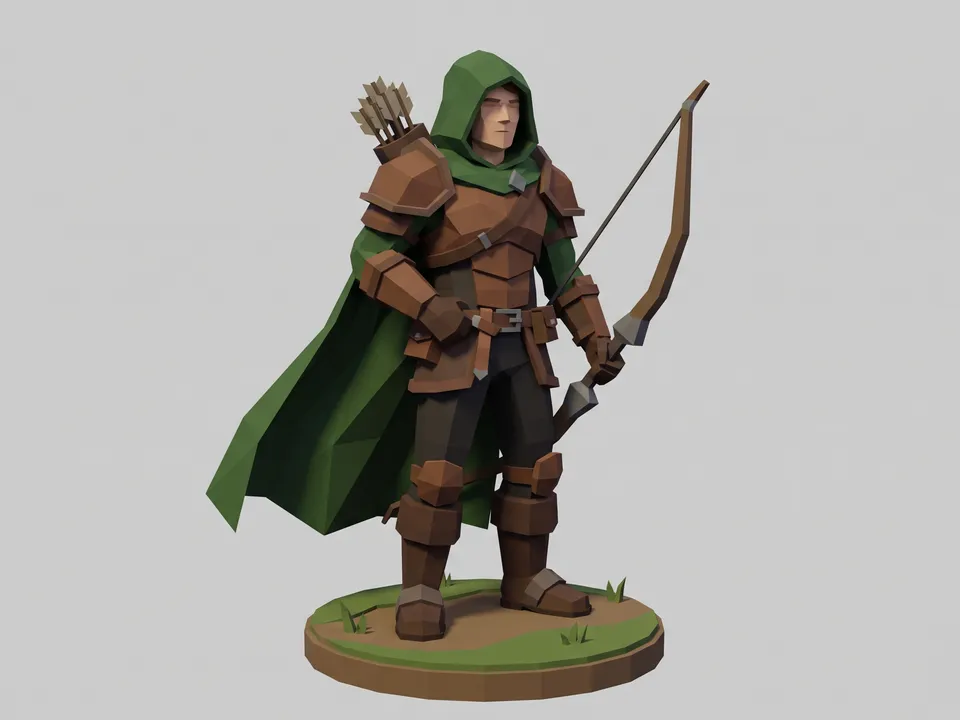 Low poly
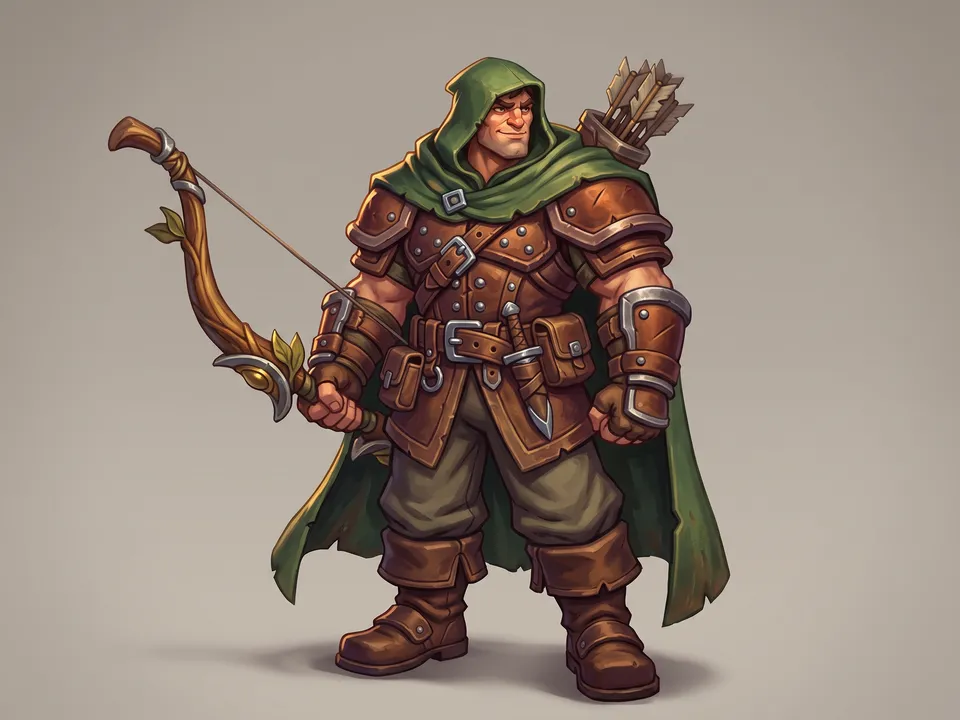 Stylized 3D
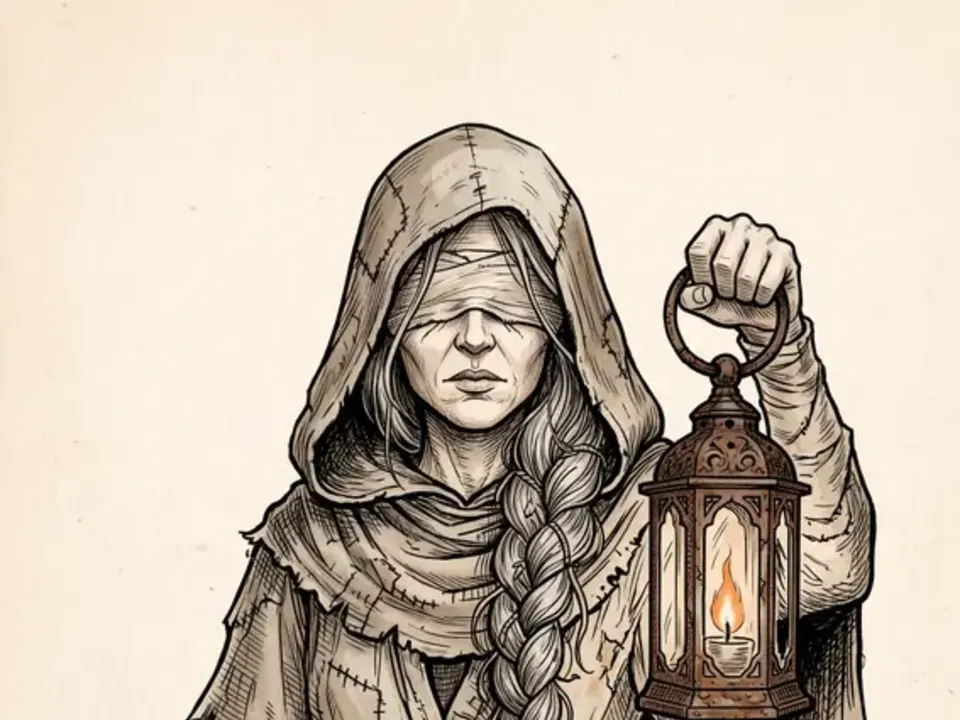 Sepia ink
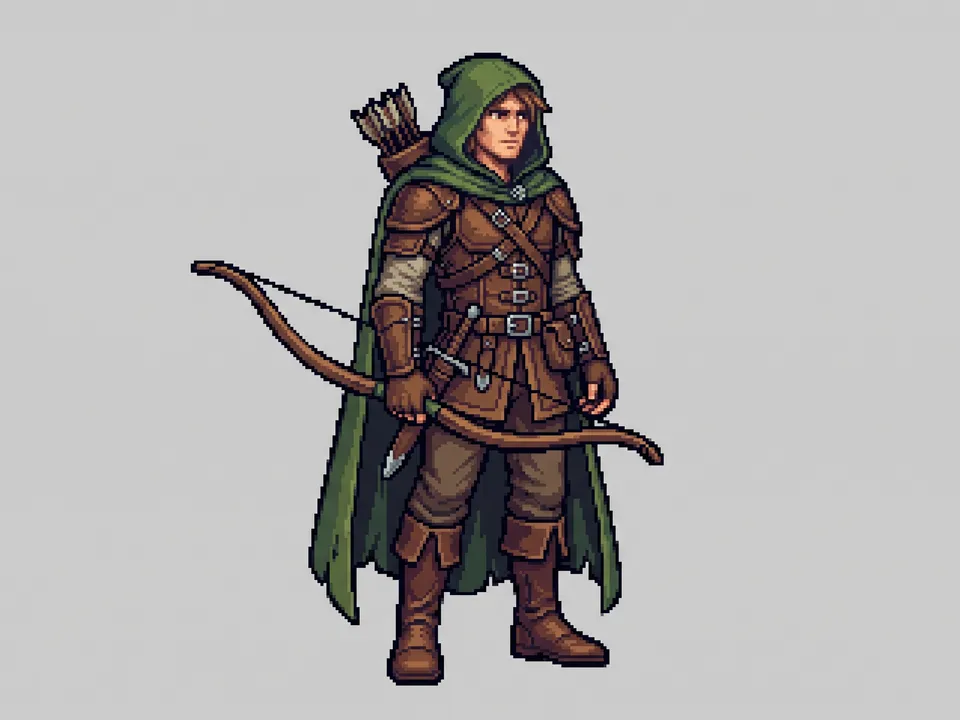 Pixel sprite
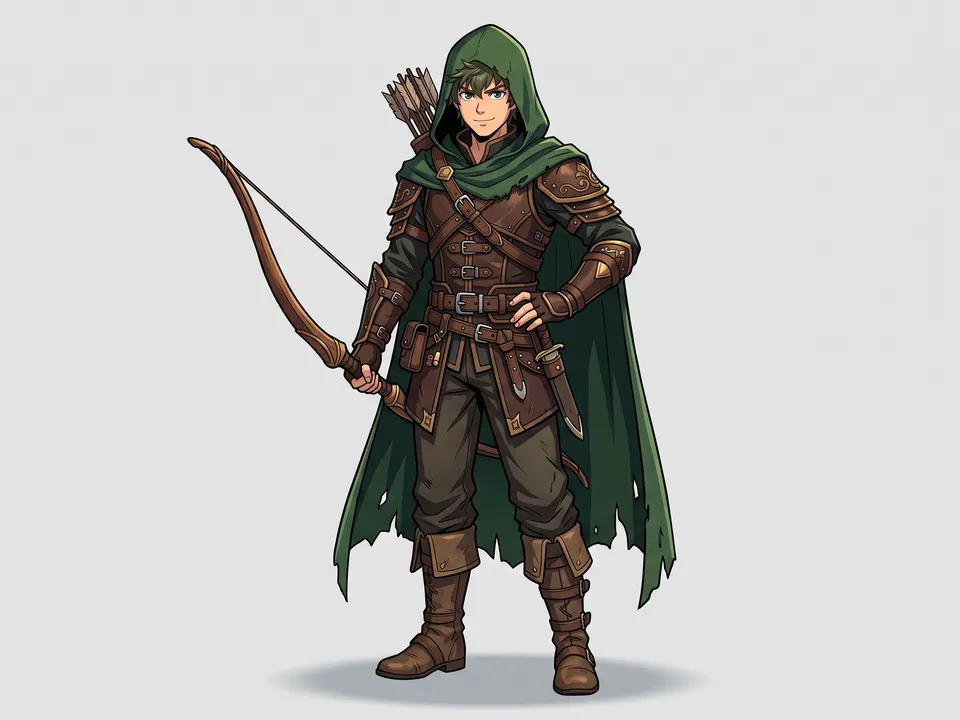 Cel-shaded
- Character.mdWho they are, their look, outfit and style. Claude fills it in from your answers, or you can.Brief
Nothing has to be uploaded to start: the canvas opens with a place for each file, ready when you are.
How it runs
Generate all runs it left to right: each step starts as soon as what feeds it is ready, and you see the whole price first. 3D model waits, unticked: check the turnaround’s three views first, then make the model. Or run any step yourself.
Step by step on the canvas
- Generate Concept and pick the design you like.
- Generate A-pose turnaround from it, and check its three views agree.
- Generate 3D model from the turnaround, then use Rig and Animate on the model.
Skill
The craft every step follows, written out. It comes with the workflow, and you can change it on the canvas.
Read the skill
Game character
Read first
Character.md for who they are, their look, outfit, gear and style; any concept or style reference wired in.
Concept (3:4)
- The full figure, head to feet, in a characterful pose, rendered in the style from Character.md (a realistic game render, painted concept art or stylised).
- A readable silhouette: one or two big shapes (a cloak, a weapon, horns) that say who they are.
- Materials described plainly: worn leather, dented steel, wet fur.
A-pose turnaround (16:9, for 3D)
Image-to-3D models crop the front, side and back of a clean turnaround and model every side from them, instead of guessing the back.
- Exactly three full-body views of the same character side by side, left to right: front, side profile and back, at the same scale and in the same relaxed A-pose (arms 30 to 45° from the body with clear background under them, legs slightly apart, empty hands, head straight), standing on one shared baseline, evenly spaced with clear space between and around them, each whole from top to bottom.
- A plain light grey background with soft, even light and no cast shadows. Nothing else on the sheet: no close-ups, detail panels, colour swatches, props drawn on their own, text or labels.
- Defining features stay where the concept has them in every view (a raised hood, goggles, horns, a scarf); a signature weapon stays slung flat against the back, other loose props are removed; capes short enough to clear the legs and arms.
- Identical design to the concept and between the views: face, colours, armour pieces and markings.
Avoid
Dynamic poses on the turnaround, views that disagree, perspective distortion, scenery, text, and anything floating.
Wired into 2 steps on the canvas, where you can change it.
More workflows
 3D assetA clean concept, a turnaround to check it, then a textured 3D model.About 4 minutes
 Material maps to Three.jsA seamless surface and its maps, lit in a Three.js scene you can turn and publish.About 4 minutes
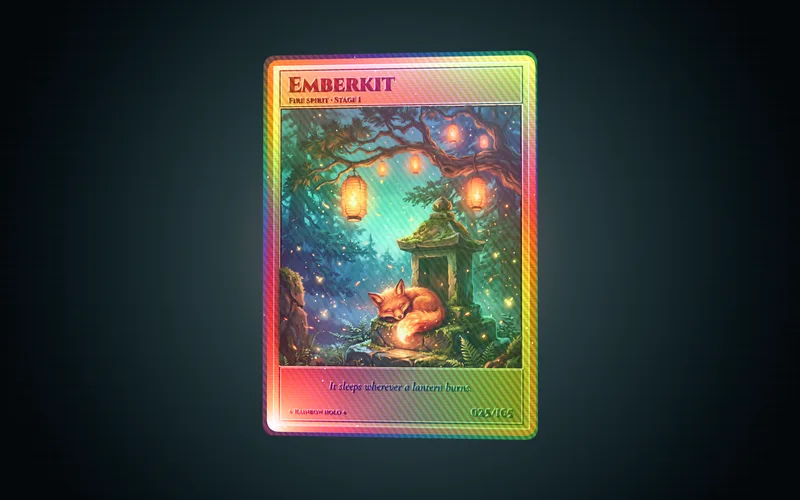 Holographic cardCard art, its depth and a foil card in 3D you can tilt, spin and flip.About 3 minutes