Packaging design
Your pack’s front and back as print artwork, then the pack, the range and a lifestyle shot.
Describe the product and its pack once in Pack.md. The front and back come out as flat print artwork with your words spelled exactly, then the pack is made real in a studio shot, recoloured as a range of three, and shown in its world.
Start this workflowWhat it makes
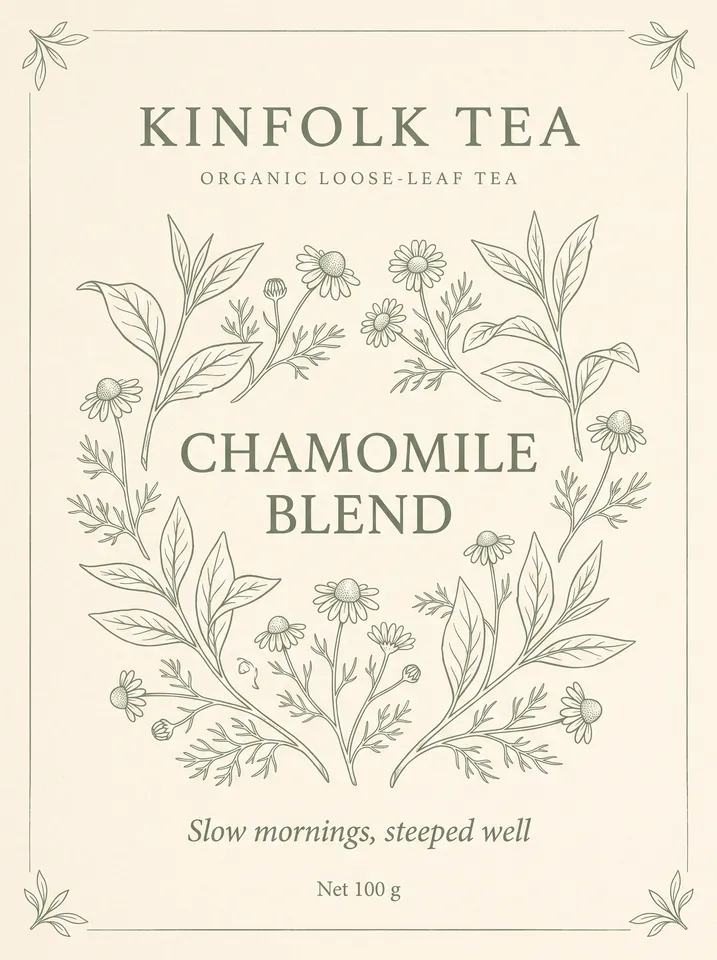
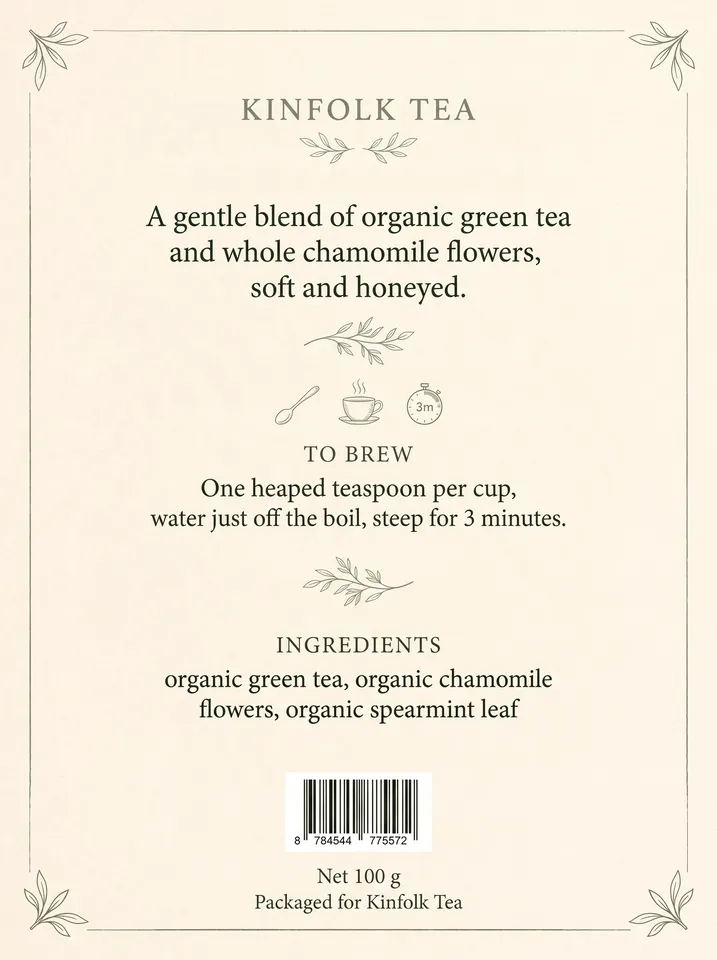
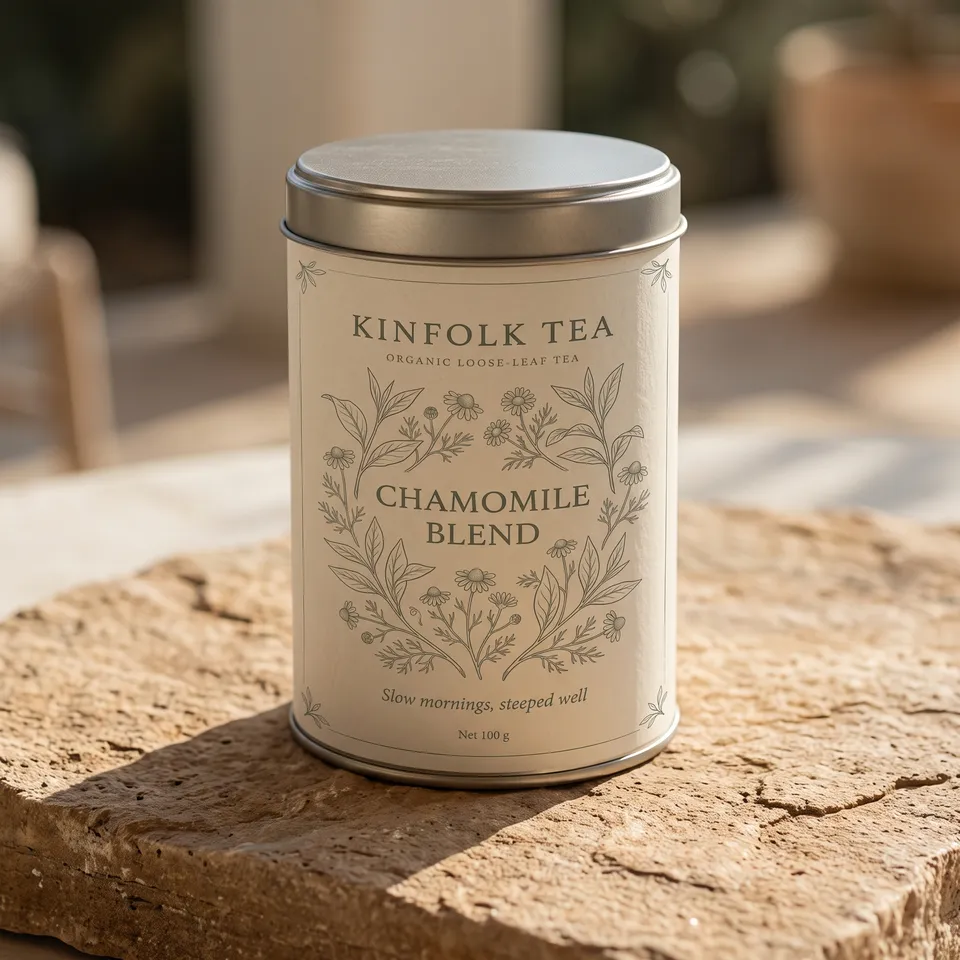
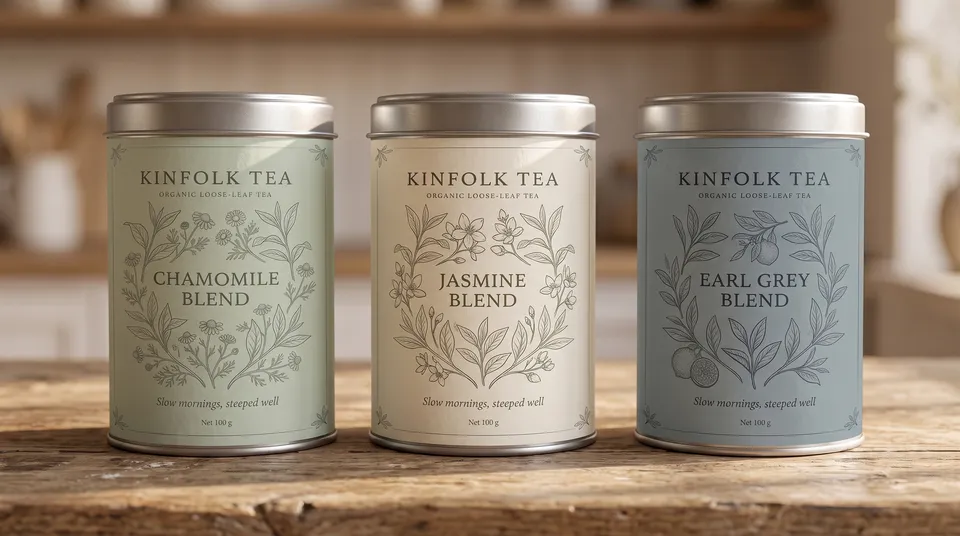
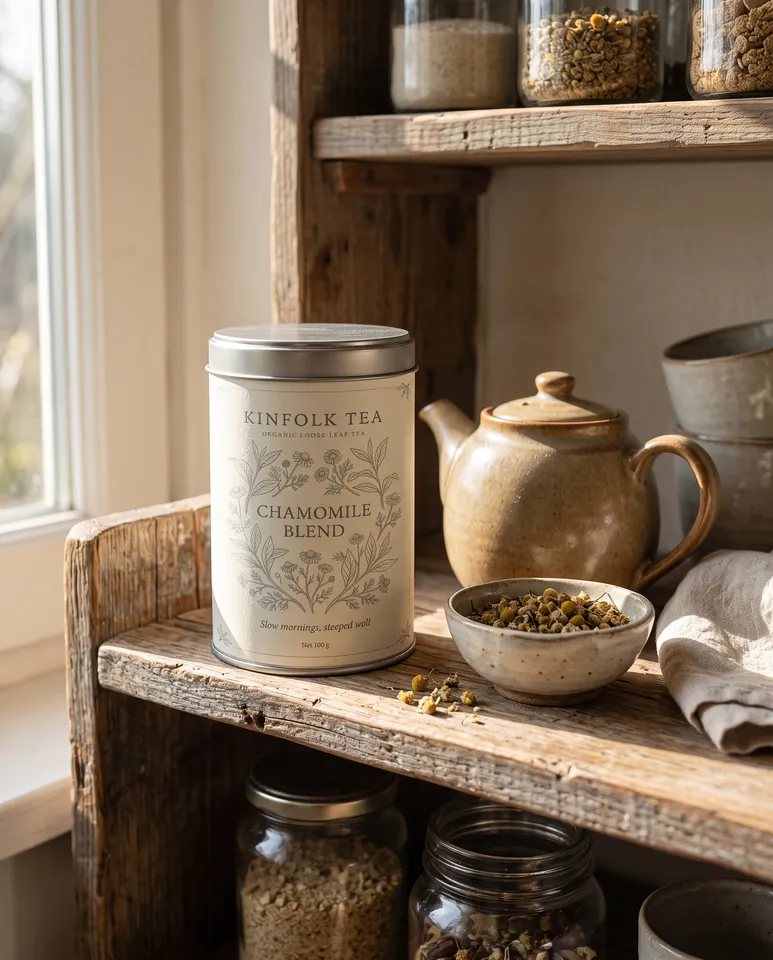
5 things in 4 steps. Every example here was made in Fil with this workflow.
How it starts
- Say what you want“Packaging for Kinfolk Tea, an organic loose-leaf tea in a tin: calm, botanical, sage and cream”, or a picture. Nothing to upload first.
- Pick from a few choicesClaude asks about the pack, the words on it, the range and the look, and tells you if a file is missing.
- Generate allFront first, then each next step as soon as what it needs is ready.
What you put in
- LogoYour logo, ideally a PNG or SVG.Optional
- Style referenceA picture whose style the pack follows.Optional
- Or start from one of these styles, picked for this workflow:
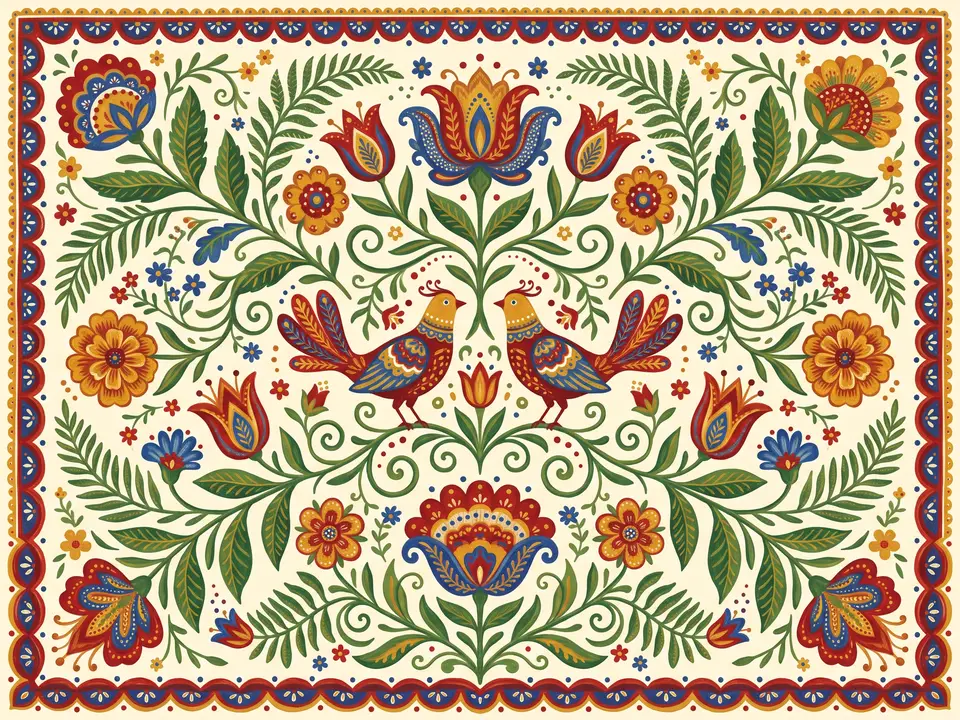 Folk art
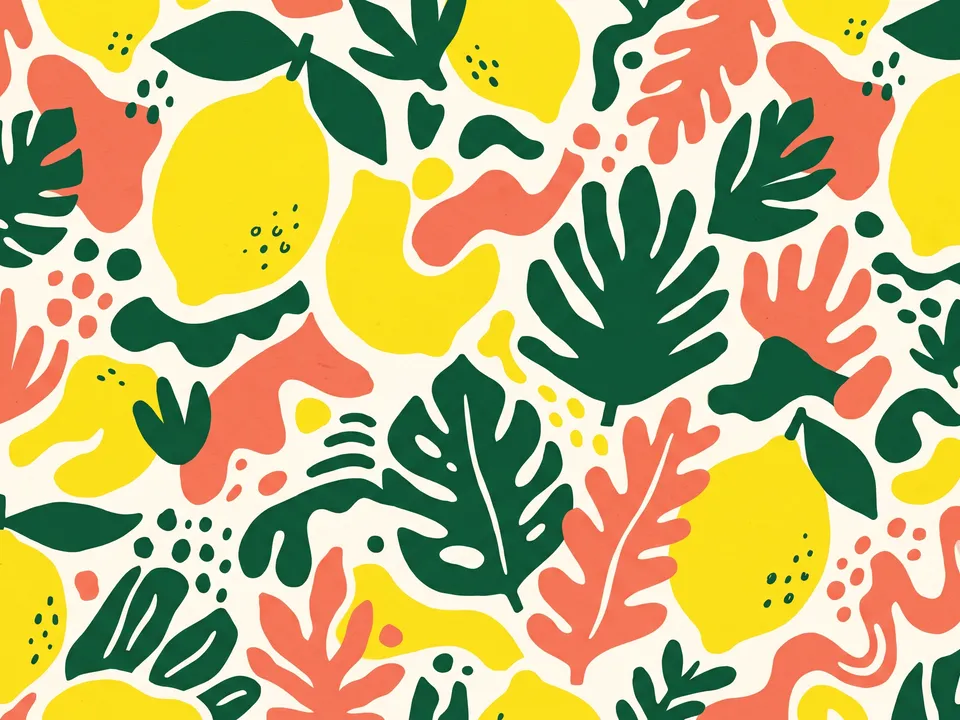 Bold pattern
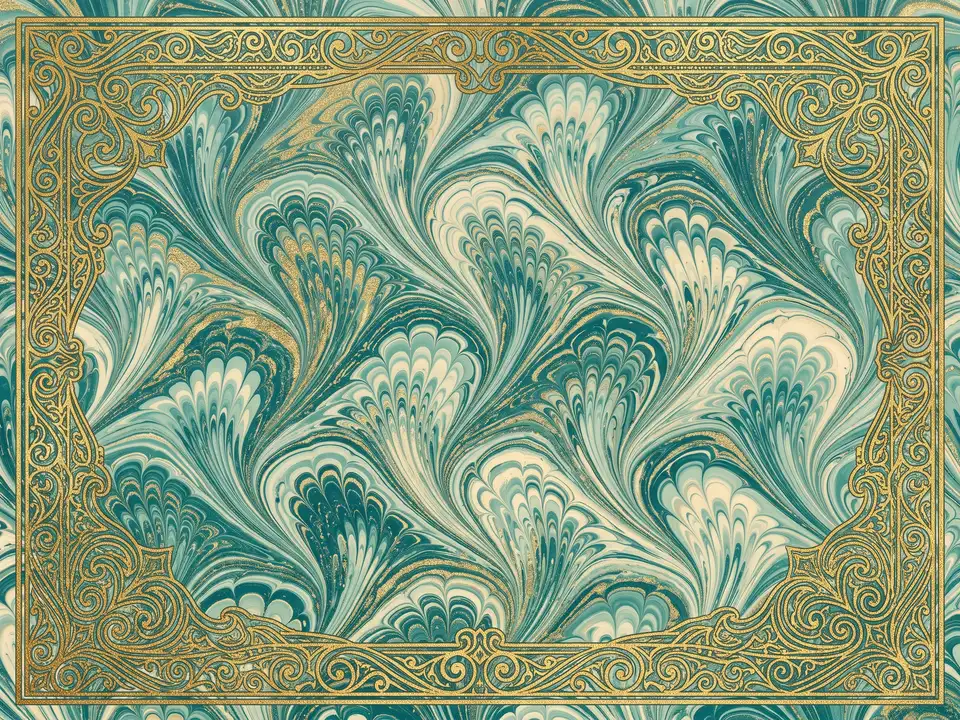 Marbled paper
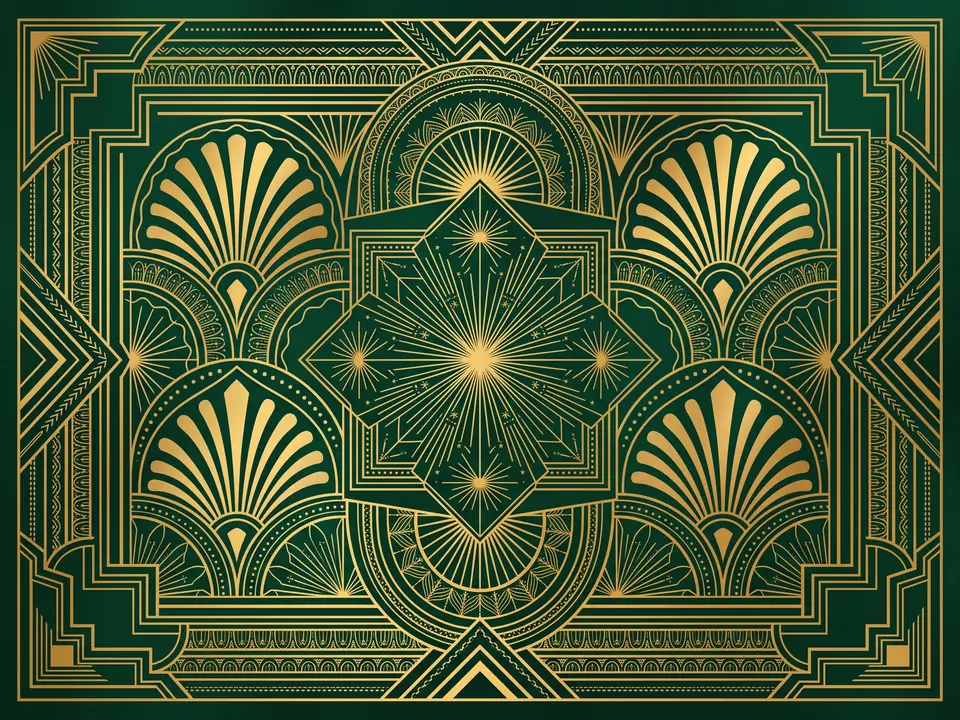 Art deco
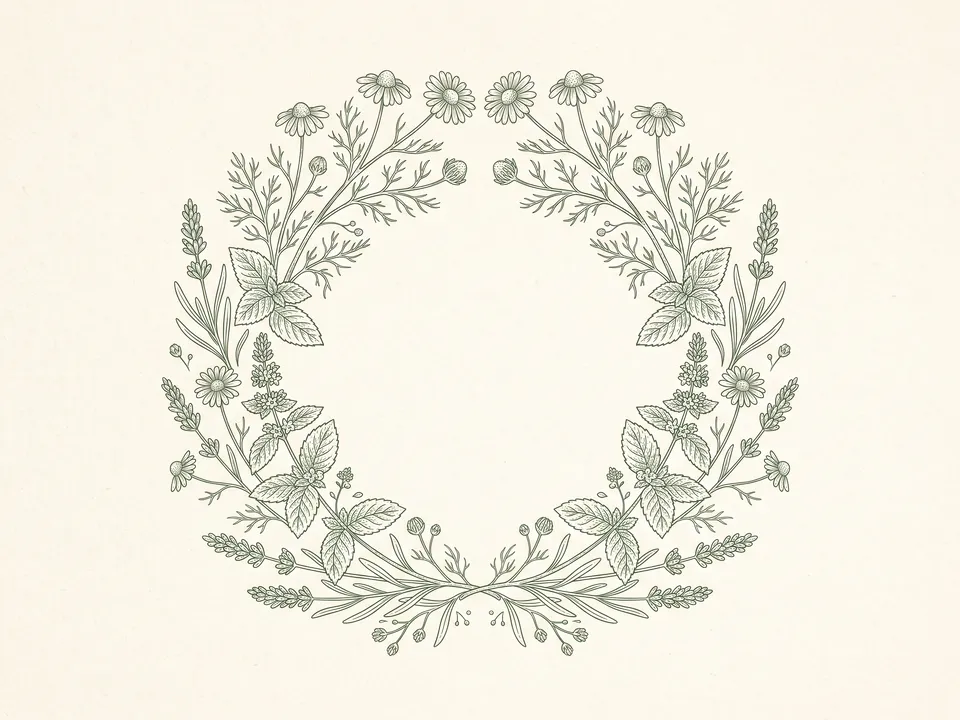 Botanical line
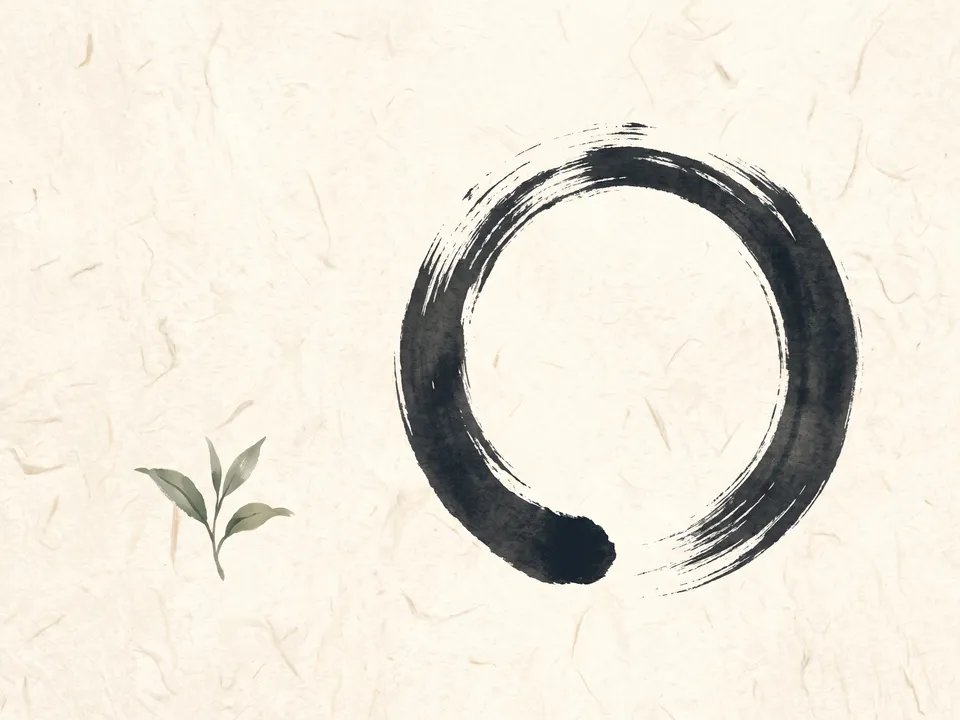 Japandi
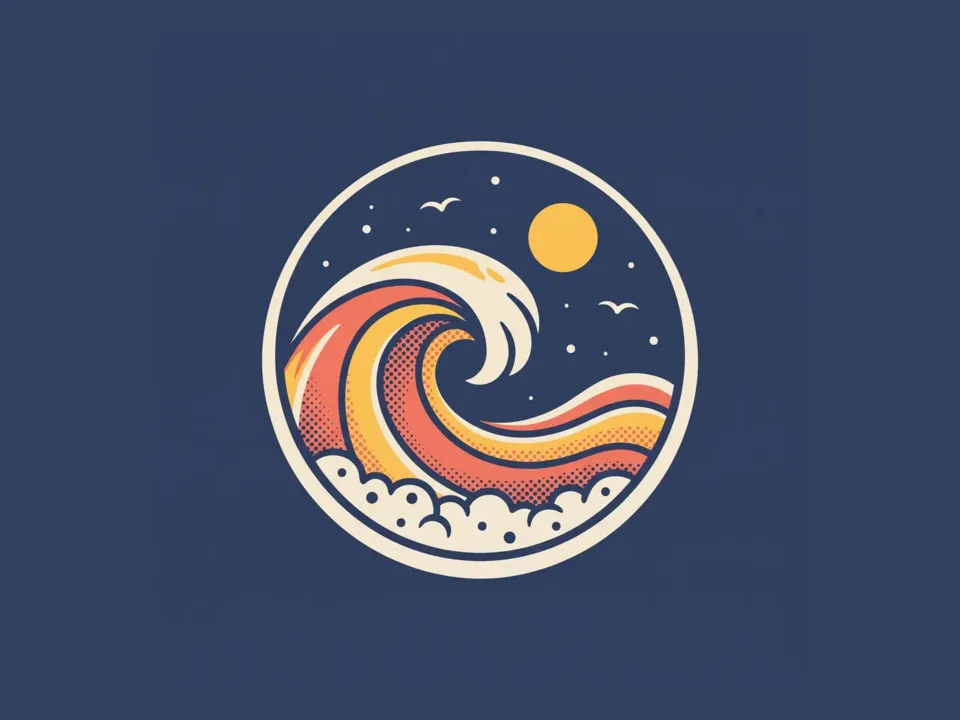 Retro badge
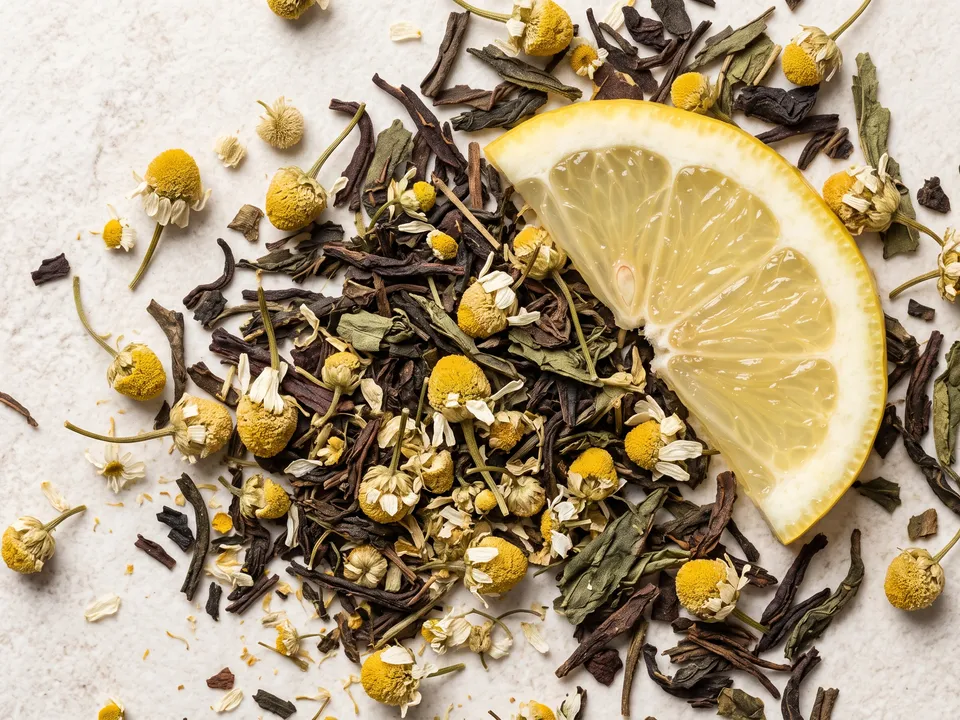 Ingredient photo
- Container photoA photo of the tin, box or bottle, if you have its shape already.Optional
- Pack.mdThe brand, the product, the pack, the words, the range and the look. Claude fills it in from your answers, or you can.Brief
Nothing has to be uploaded to start: the canvas opens with a place for each file, ready when you are.
How it runs
Generate all runs it left to right: each step starts as soon as what feeds it is ready, and you see the whole price first. Or run any step yourself.
Step by step on the canvas
- Generate Front and check the words.
- Generate Back: it follows the front.
- Generate Pack shot, then Range and In use from it.
Skill
The craft every step follows, written out. It comes with the workflow, and you can change it on the canvas.
Read the skill
Packaging design
Read first
Pack.md for the brand, the product, the pack, the words on each face, the range, the colours and the look; the logo, style reference and any photo of the container wired in.
Flat artwork (front and back, 3:4)
- Each face is the print file itself: flat and straight on, filling the picture edge to edge, with no 3D, shadow or mockup.
- Front, read from a shelf in a second: the brand, then the product name, then the variant, then one short claim, and the net amount at the bottom. One hero illustration or pattern that says what's inside.
- Back: the description, how to use it and the ingredients from Pack.md in a calm column, a plain white barcode box with no digits, and the brand small.
- Words exactly as Pack.md spells them, and only those words: no made-up claims, certifications or badges.
- Pack.md's palette and at most two typefaces; front and back clearly one design, in the colour of the first variant in Pack.md's range.
- With a logo wired in, use it exactly; without one, set the brand's name in the design's type.
Pack shot (1:1)
The pack made real with the wired artwork, in the shape and material Pack.md names (a matte card box, a tin, a glass jar), a front three-quarter view in a clean studio with one soft light and a soft shadow, the print exactly as designed.
Range (16:9)
Three packs side by side, the same design recoloured for each variant in Pack.md, standing on one surface in one light.
In use (4:5)
The pack in its real world (a kitchen shelf, a bathroom, a picnic), in natural light, beside what it holds, still the hero of the picture, its words exactly as on the wired pack shot.
Avoid
Misspelled words, more than two typefaces, text too small to read, crowded fronts, made-up claims, a pack shot that changes the design, and generic stock scenes.
Wired into 5 steps on the canvas, where you can change it.
More workflows
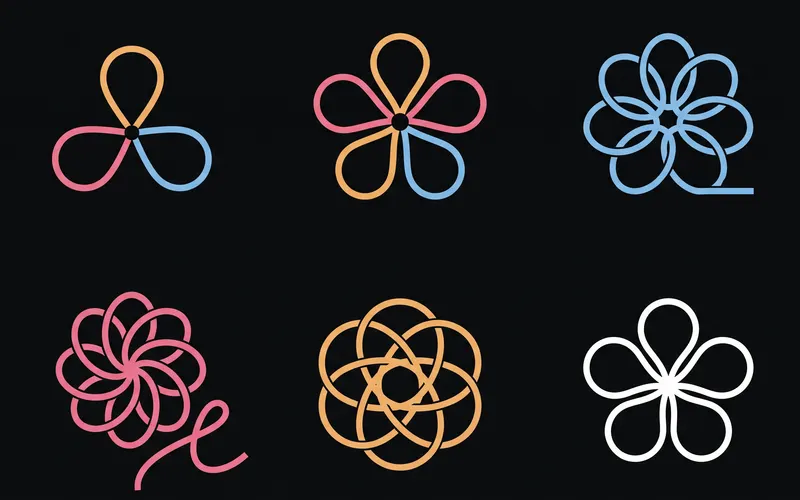 Logo and brand guideThree directions of marks, then a brand board and a brand guide page.About 4 minutes
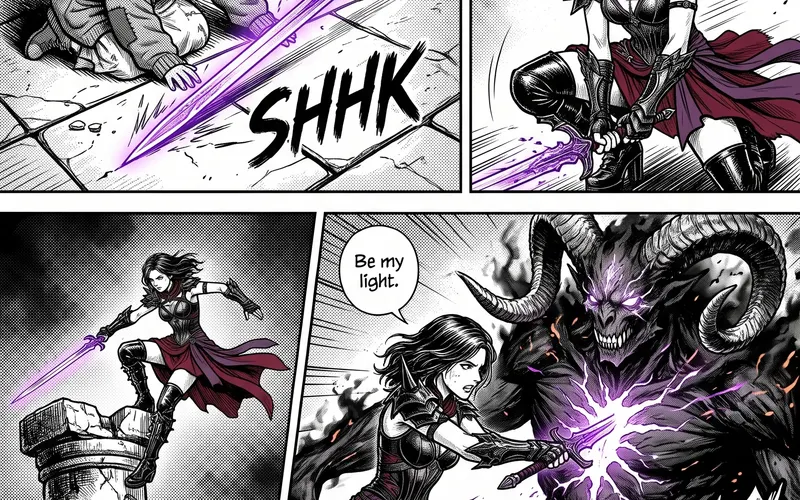 Manga chapterA cast sheet, a places sheet, a cover and inked pages that tell one short story.About 5 minutes
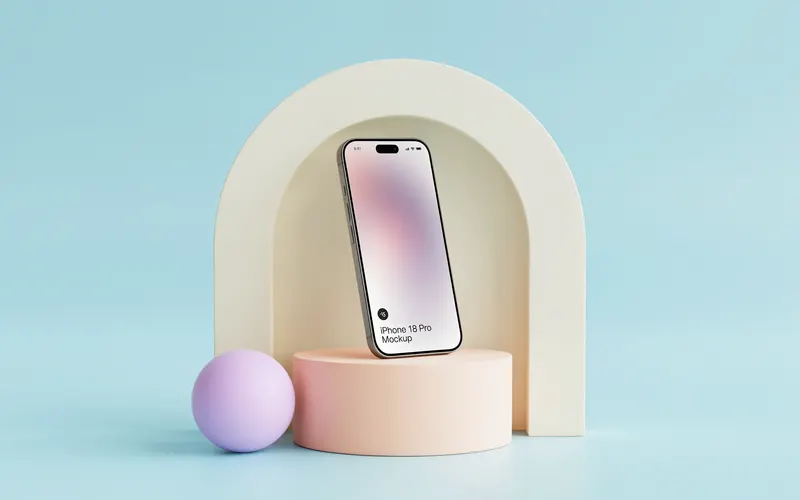 Product photoshootYour product in a studio shot, a second angle, a close-up and a colourway.About 3 minutes