Workshop day
A 9-to-5 hands-on workshop planned to the minute, with the slides and visuals to teach it.
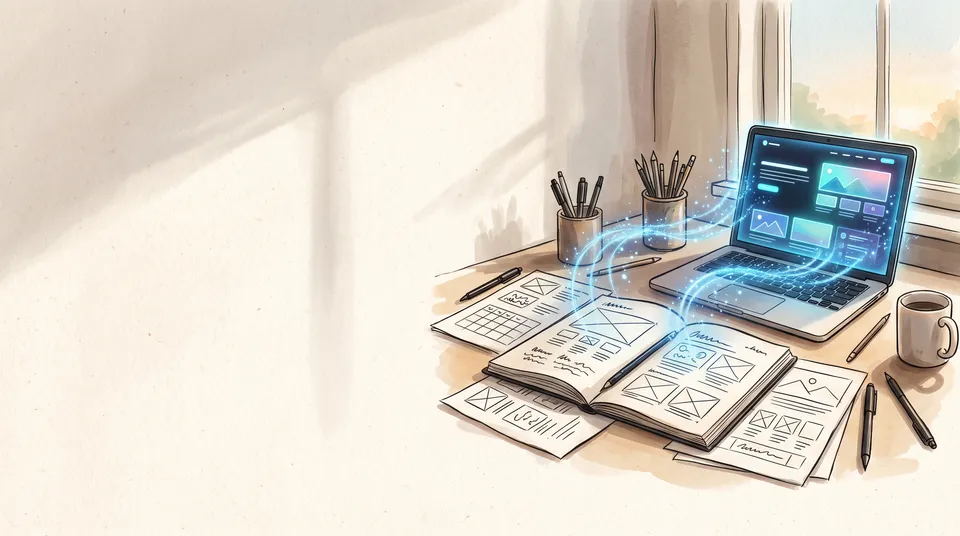
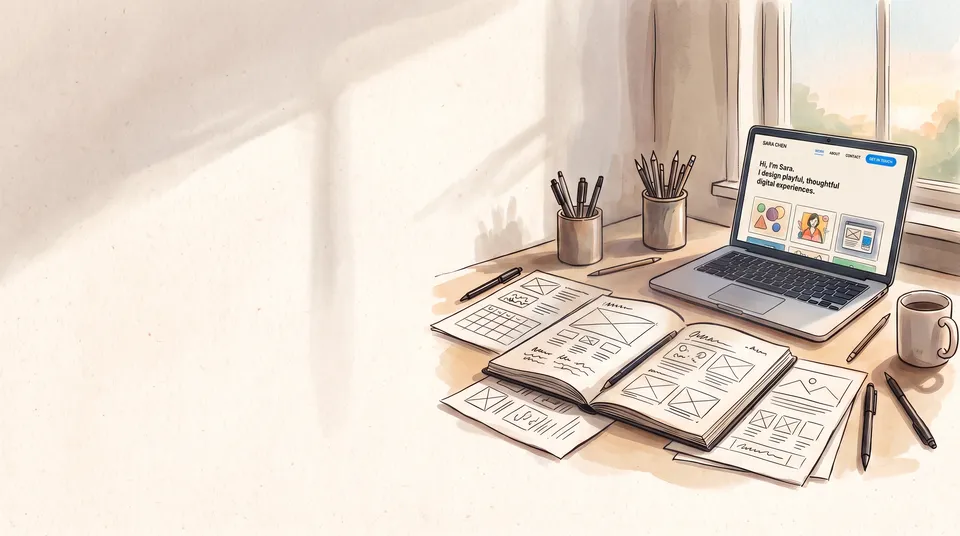
Say what you’re teaching and to whom. Claude plans the day around one project, from a hook at 9:00 to the demos at 16:15: short talks, then building, breaks every 60 to 90 minutes, afternoon lightning demos and a ship-it sprint. Then it makes the slides for the whole day, with a cover and a picture of what everyone will build.
Start this workflowWhat it makes
Also makesDay plan
4 things in 3 steps. Every example here was made in Fil with this workflow.
How it starts
- Say what you want“A one-day workshop teaching designers to build a web app with AI coding agents, for 20 people”, or a picture. Nothing to upload first.
- Pick from a few choicesClaude asks about who comes, what they’ll build by 5 pm and the look of the slides, and tells you if a file is missing.
- Generate allCover visual and Day plan first, then each next step as soon as what it needs is ready.
What you put in
- LogoYour logo or the event’s, for the slides.Optional
- Style referenceA picture whose look the visuals follow.Optional
- Or start from one of these styles, picked for this workflow:
 Isometric
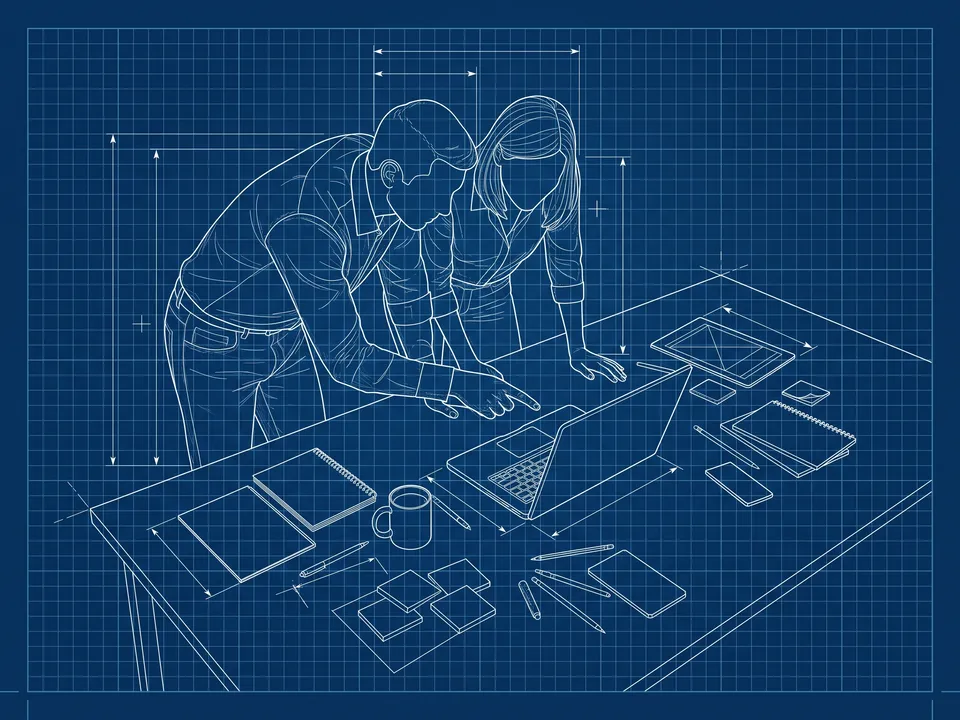 Blueprint
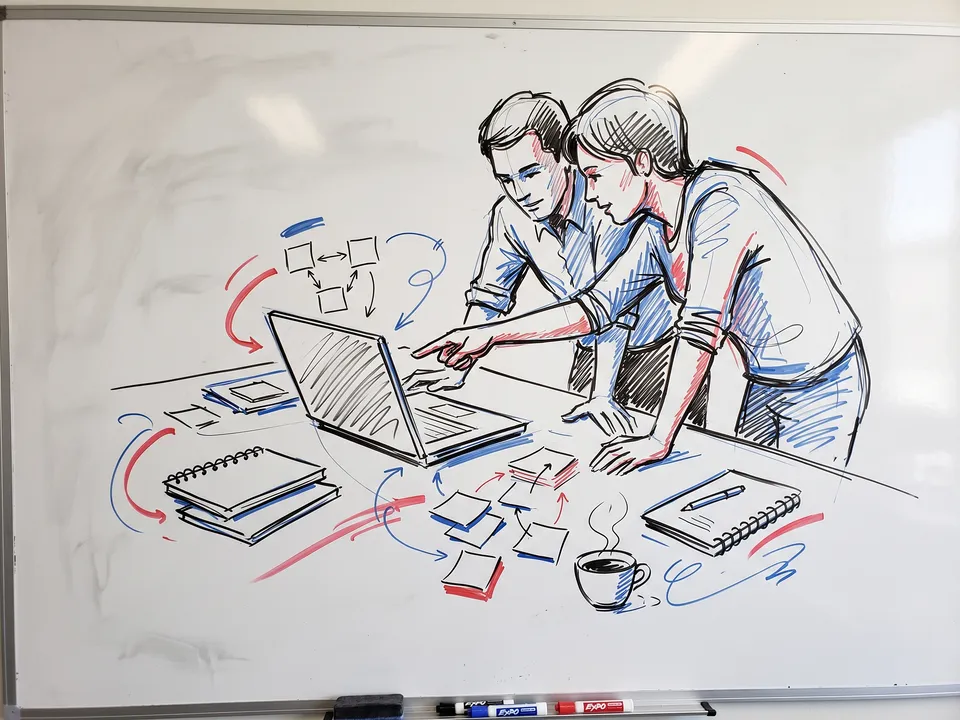 Whiteboard
 Layered paper
 Teal spot
 Grainy gouache
 Soft 3D
 Workshop photo
- Workshop.mdWhat it teaches, who comes, what they’ll build and the look. Claude fills it in from your answers, or you can.Brief
Nothing has to be uploaded to start: the canvas opens with a place for each file, ready when you are.
How it runs
Generate all runs it left to right: each step starts as soon as what feeds it is ready, and you see the whole price first. Or run any step yourself.
Step by step on the canvas
- Generate Cover visual and Project visual.
- Generate Day plan: the timetable and every block, minute by minute.
- Generate Slides for the whole day, from the plan and the visuals.
Skill
The craft every step follows, written out. It comes with the workflow, and you can change it on the canvas.
Read the skill
Workshop day
Read first
Workshop.md for the topic, the people, what they'll have built by 5 pm, the project, the concepts, the tools, the talks and the look; the logo, the visuals and the plan wired in.
The shape of the day
- One project carried through the whole day, from the smallest version that works to the one people show at 16:15. Three concepts, simple to complex: one in each morning block and the third in the 15:00 ship-it talk; cut anything the project doesn't need.
- Talk in short chunks, then do: 10 to 15 minutes of talk (never over 20), then hands-on work. Whole-room talk is under a quarter of the day.
- New ideas in the morning; the afternoon, after the post-lunch dip, is for building.
- A break every 60 to 90 minutes, and a light lunch.
Timetable (these times unless Workshop.md changes them)
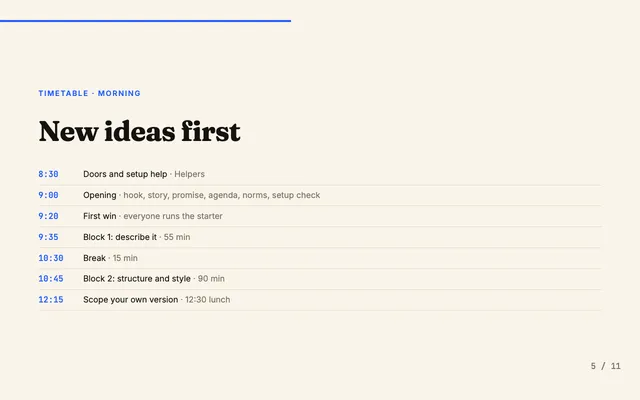
8:30 doors and setup help · 9:00 opening · 9:20 first win (everyone puts the starter online, so shipping is practised from the start) · 9:40 block 1 · 10:30 break · 10:45 block 2 · 11:45 break · 11:55 scope your own version · 12:15 lunch · 13:15 recall with a partner · 13:30 two lightning demos · 13:45 build sprint 1 · 14:45 break · 15:00 ship-it talk · 15:10 build sprint 2 (freeze at 15:55, then a five-minute stretch) · 16:00 demos · 16:45 outro, done by 17:00. No stretch over 90 minutes without a break; demos get a minute of changeover for every five people.
Day plan
- The timetable as a table: time, minutes, block, what happens and who leads.
- Opening: the hook (show the finished thing live in the first three minutes), a 90-second story of a real problem it solved, the promise ("by 5 pm you'll have built and shown…"), the agenda with break times, norms (sticky notes in two colours for done and stuck, the helpers by name), and a setup check before any teaching.
- Each block: the concept in one line; I do (a live demo: say it, do it, recap it), we do, you do in pairs, then alone; the exercise in core, stretch and wild tiers; a checkpoint file at the end so no one is left behind.
- Afternoon: a stand-up recall with a partner, two lightning demos of 5 to 7 minutes that feed the sprint, build sprints with a visible timer and a mid-sprint check, scope cuts at 15:30 and a feature freeze 10 minutes before demos.
- Demos: two minutes each (what I built, it working, one thing I learned, what's next), volunteers first, applause after each, and "I like, I wish, what if" cards.
- Outro: the learners recap, each says "after today I will…", the resources page, the feedback survey in the room, then the community and office hours. End on the demos' energy, not logistics.
- Pre-work (setup guides, accounts, a reminder two days before), follow-up (a rebuild-it-from-memory challenge at two days and two weeks), and one helper for every 8 to 10 people.
Slides
- One deck for the whole day, slide by slide in exactly the order the timetable runs (never an afternoon slide before lunch): the title beside the wired cover visual, which sits in its own part of the slide, never behind the title, with no word or underline touching any of its lines, the hook and the promise with the wired project visual, the agenda, the norms, one or two slides per concept, every exercise with its tiers and minutes, lunch, the lightning demos, the ship-it checklist, the demo order and format, and the outro.
- Every slide fills its space: a headline with a picture, a big number, a step list or a code block, never a lone column beside empty half a slide; each picture on one slide only (the cover visual on the title slide, the project visual on the promise), never the same picture twice.
- A big number sits with its words on one line or stacked inside its card, never spilling past it.
- Cards and code blocks are sized to what they hold (never more than a third empty), and a slide's content fills its frame in a balanced layout: no small cluster floating in a large empty slide, no text running into a picture. A slide with little to say says it big: its few words set larger, so they fill cards sized to them, and the headline and cards together fill the slide, starting just below the headline; never tall cards with a line of small text at the top, and never a short row of small cards stranded mid-slide.
- Workshop.md's Look on every slide, its hand-drawn details (scribbles, underlines, doodles) included, not only on the title and the pictures; its one accent colour, no second one.
- Every break in the timetable gets the same kind of slide.
- The last slide is the day's ending as the plan writes it (the wall of everyone's live sites, the one line to remember), never logistics: resources and the survey go in the notes or a small line.
- Everything fits its 16:9 frame with room to spare: no card running off the slide, no label or code line breaking a word onto its own line, the slide count clear of the content.
- Few words a slide (a headline and at most three short lines), big type, code or steps in a clear monospace block, the minutes on every exercise slide, speaker notes in the notes, and Workshop.md's look throughout. The plan and slides are for the room: no notes to yourself about the template.
Avoid
A bio and slides before anyone touches the tool, setup eating the morning, talks over 20 minutes, a lecture straight after lunch, blank-page exercises, no checkpoints, no feature freeze, long or cold-called demos, and ending on logistics.
Wired into 2 steps on the canvas, where you can change it.
More workflows
 React websiteA React site from your brief, with a hero image and section pictures made for it.About 4 minutes
 HTML componentOne self-contained UI component from your spec, with an illustration made for it.About 2 minutes
 Website with a CMSPages that read from content you can edit, with one shared design system.About 5 minutes