Product launch video
A 45-second launch film in nine five-second motion design scenes, each in its own style, made as code and put together in the video editor.
Say what you’re launching and pick a look. Claude writes Launch.md: nine scenes of five seconds, each with its message and a scene style from Fil’s motion design scenes (cards that flip to the same wireframe, facts a marker picks out, dots that settle into a number, a ruled grid, a wall of references that dives into the one that fits). Check each scene’s message and style, then each one is made as an HTML scene in that style and put together in the Video edit, where its words and colours can still be changed.
Start this workflowWhat it makes
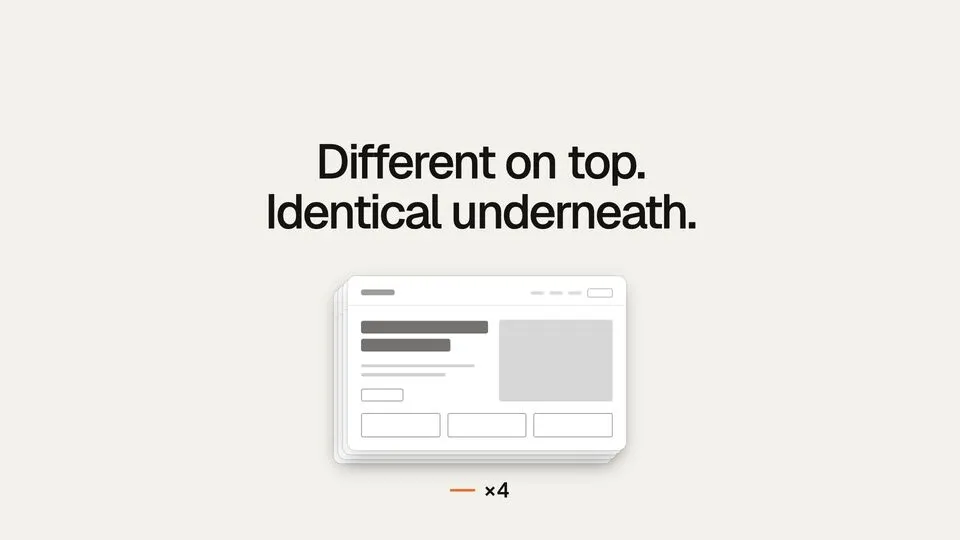
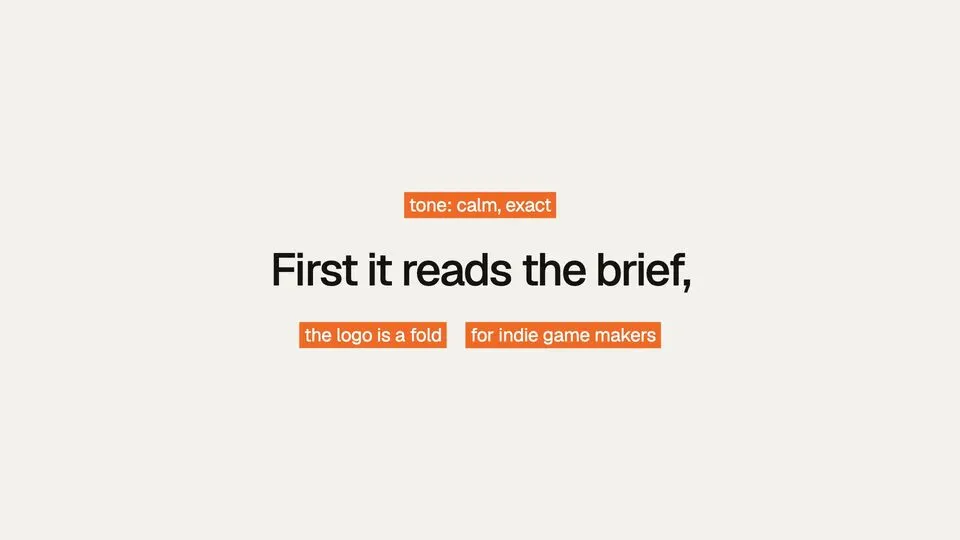
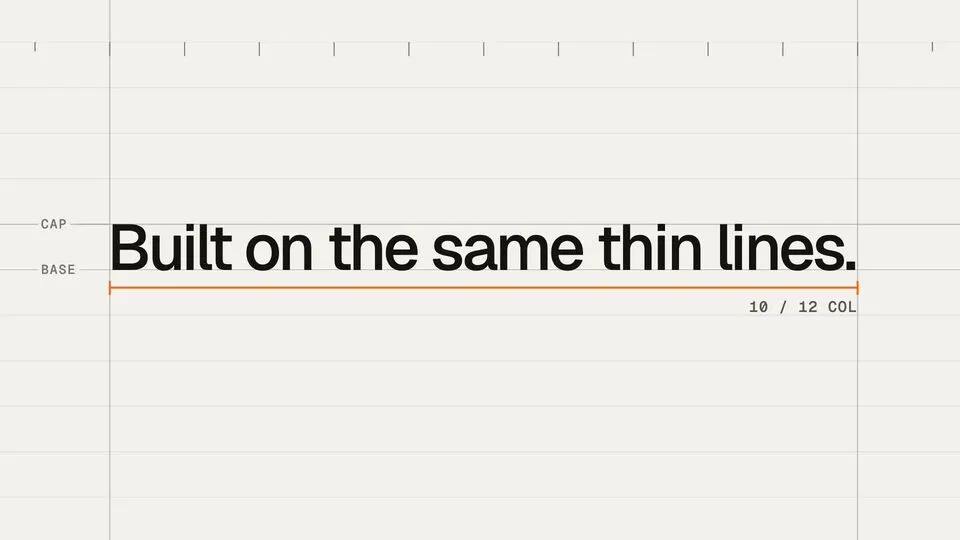
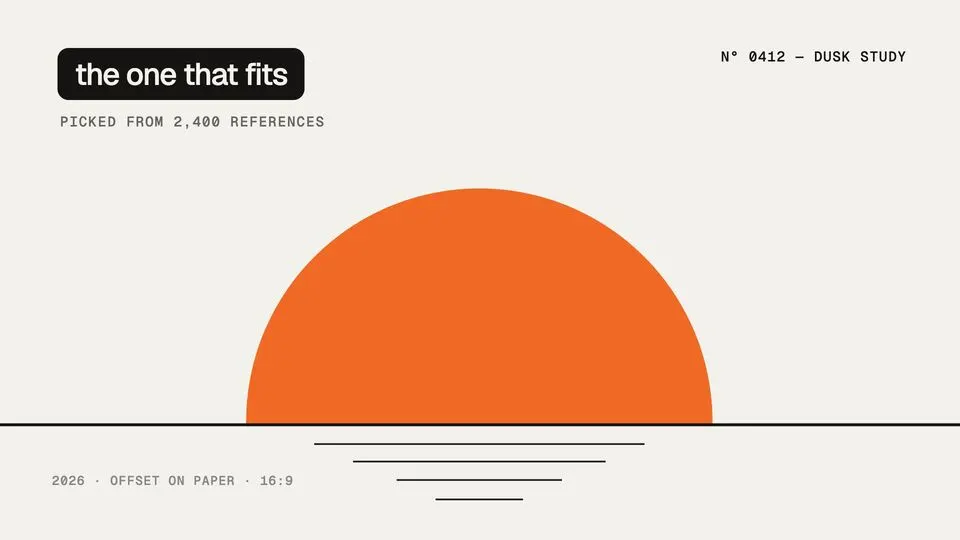
10 things in 2 steps. Every example here was made in Fil with this workflow.
How it starts
- Say what you want“Fil Desktop, our Mac app: every canvas in its own tab, open from the Dock, launching next Tuesday”, or a picture. Nothing to upload first.
- Pick from a few choicesClaude asks about what you’re launching and the look, and tells you if a file is missing.
- Generate allScene 1, Scene 2, Scene 3, Scene 4, Scene 5, Scene 6, Scene 7, Scene 8 and Last scene first, then each next step as soon as what it needs is ready.
What you put in
- LogoYour logo, for the close, beside the product’s name.Optional
- StylesThe scene style this scene is made in: one of Fil’s HTML scenes, set by its Style in Launch.md. Drop in another page to use it instead. One for each scene, there whenever you have one.Optional
- Launch.mdThe product, the look and each scene. Claude fills it in from your answers, or you can.Brief
Nothing has to be uploaded to start: the canvas opens with a place for each file, ready when you are.
How it runs
Generate all runs it left to right: each step starts as soon as what feeds it is ready, and you see the whole price first. Or run any step yourself.
Step by step on the canvas
- Each Scene is made in the style wired into it, from its message in Launch.md: the hook, seven more, and the close.
- Change a scene’s Style in Launch.md, or drop another page into its style, to change how it moves.
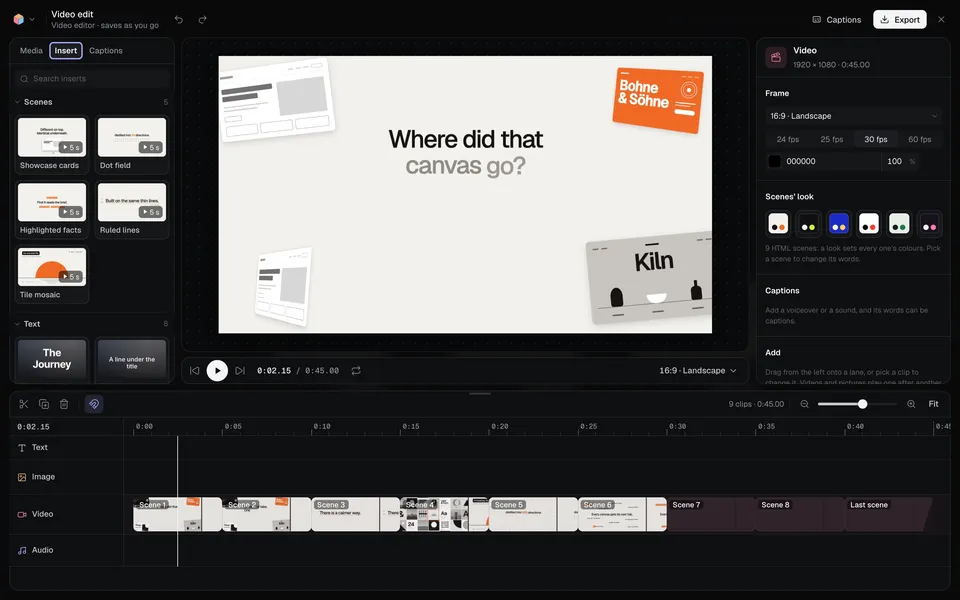
- Video edit puts the nine scenes together, five seconds each. Open it to watch, change a scene’s words and colours, and export.
Skill
The craft every step follows, written out. It comes with the workflow, and you can change it on the canvas.
Read the skill
Launch film
Read first
Launch.md: the product, what it is, who it's for, the one line, the look, the mark and where to get it, and every scene's message, style and words. Each scene's style is the scene file wired into it, and the logo is wired in when there is one.
The film
- About 45 seconds: nine scenes of five seconds, one beat each, in the order a viewer needs them: the hook (what people do today, or the question), the problem, the turn, the product's name and line, three scenes of how it works (one idea each), the proof, and the close.
- Each scene says one thing in at most ten words on screen, usually three to six, plain and specific to this product. The film reads as one sentence told across cuts: a scene can end mid-thought and the next one finish it.
- Each scene's style suits its message (below), and two scenes in a row never share a style; across the film, use each style about twice at most. The close is Ruled lines: the product's name and its line as the headline, where to get it as the small note.
Scene styles
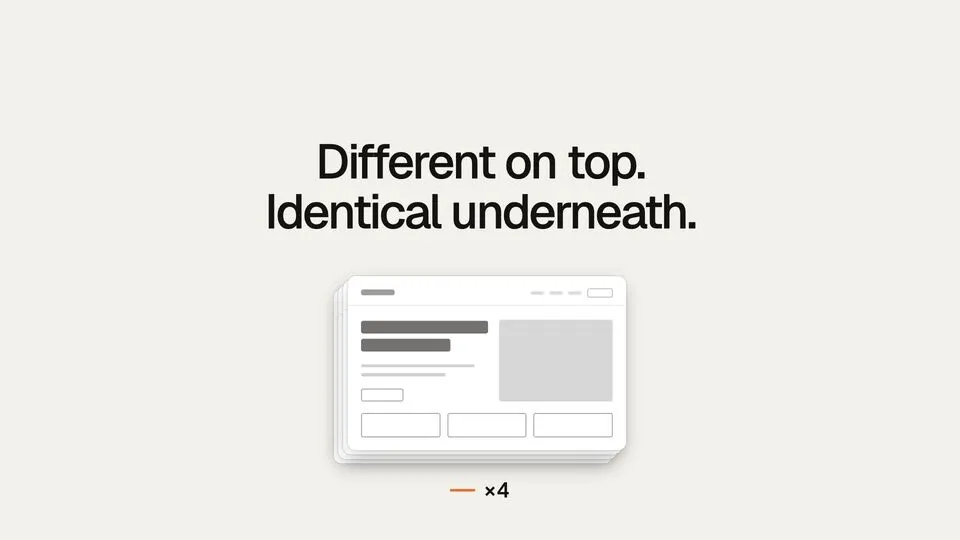
- Showcase cards: Four brand cards fly in around a headline, flip to the same wireframe underneath and stack into one. For a before and after, many things that are really one. Words: headline, card names.
- Dot field: A field of dots streams into a band as a number rolls down, and exactly that many dots settle into a grid. For a number, many becoming few, data. Words: first line, second line, before the number, number, second line, after the number.
- Highlighted facts: Small facts gather round a sentence; a marker picks the ones that matter and the rest fall away. For what it reads or knows, details, proof. Words: sentence, facts around it, facts to highlight (their numbers).
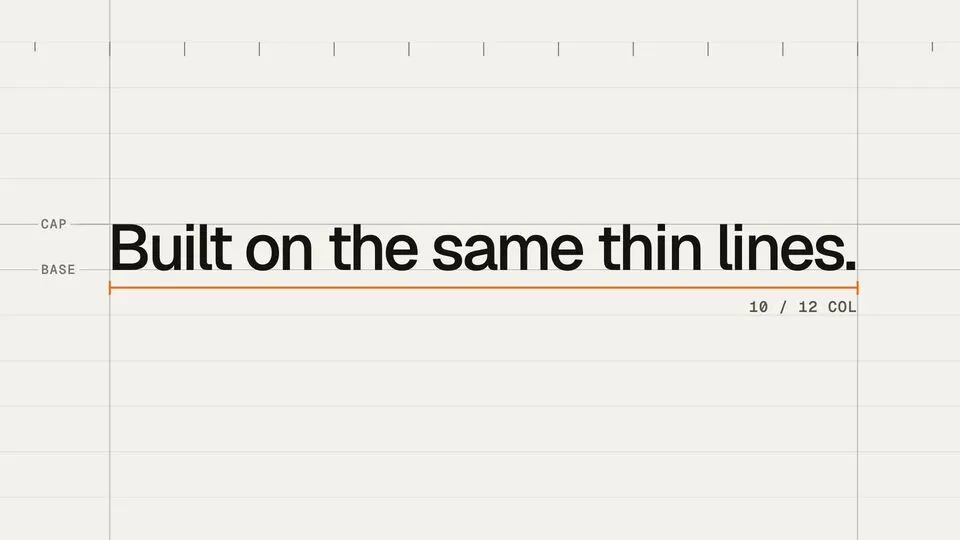
- Ruled lines: Hairlines draw a ledger, the headline sets on it, and an accent measure marks the columns it spans. For precision, structure, how it’s built. Words: headline, small annotation.
- Tile mosaic: A wall of references; a frame picks the one that fits and the camera dives into it as the count climbs. For choosing one from many, a library, the right reference. Words: label, small line under the label.
Making a scene
- The wired scene file is the starting point: keep its choreography, timing, easing, type scale, layout and craft as they are, and change what this scene's message needs: its marked words (data-fil-text) and the things that carry them (how many labels, facts, options or cards), never its motion design.
- Set the Look's colours in its first :root rule exactly as Launch.md gives them, and hard-code no others.
- Keep <meta name="fil:duration" content="5">, every data-fil-text and data-fil-label mark, the :root variables and the scripts' rules: words read from their elements when the page loads, measured in the stage's units and again when it's resized, randomness seeded.
- Words fit the scene: a headline no longer than the style's own (shorten the words before shrinking the type), a list as many items as the style shows, every word spelled as Launch.md gives it.
- The product's mark: the wired logo where the style has room for one (the close), as an <img> of its address set small beside the headline; without one, none.
Avoid
Changing a style's motion, new effects, slideshow fades, more words than the style holds, numbers or claims Launch.md doesn't give, stock phrases ("revolutionary", "next-level", "game-changer"), emoji, and colours outside the Look.
Wired into 9 steps on the canvas, where you can change it.
More workflows
 Story videoA character sheet, keyframes, shots and a score, ready to cut together.About 10 minutes
 Product promo videoYour product photo becomes stills, clips, an end card and music to cut together.About 8 minutes
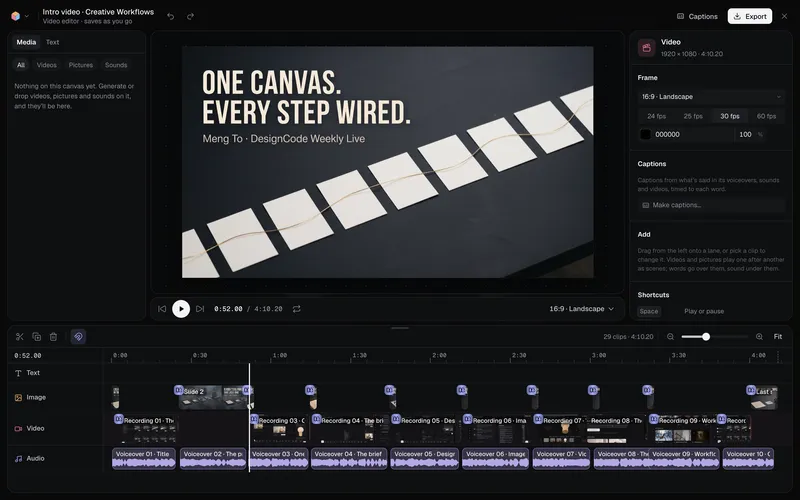 Long-form product videoA product demo, explainer or webinar intro planned chapter by chapter, with a picture and a voiceover for each, put together in the video editor.About 6 minutes