Book cover
A front and a back cover that are one piece of art, and the printed book.
Give your book’s title, author and blurb once in Cover.md. The front cover sets the art and the title together, the back carries the same art with your blurb and a barcode box, and the mockup shows them as a printed hardback.
Start this workflowWhat it makes
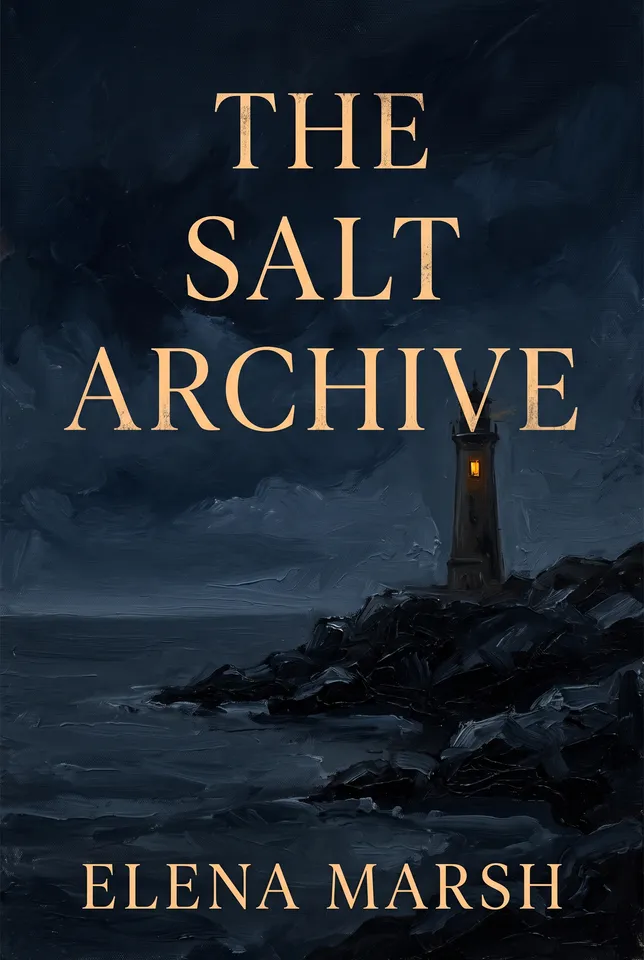
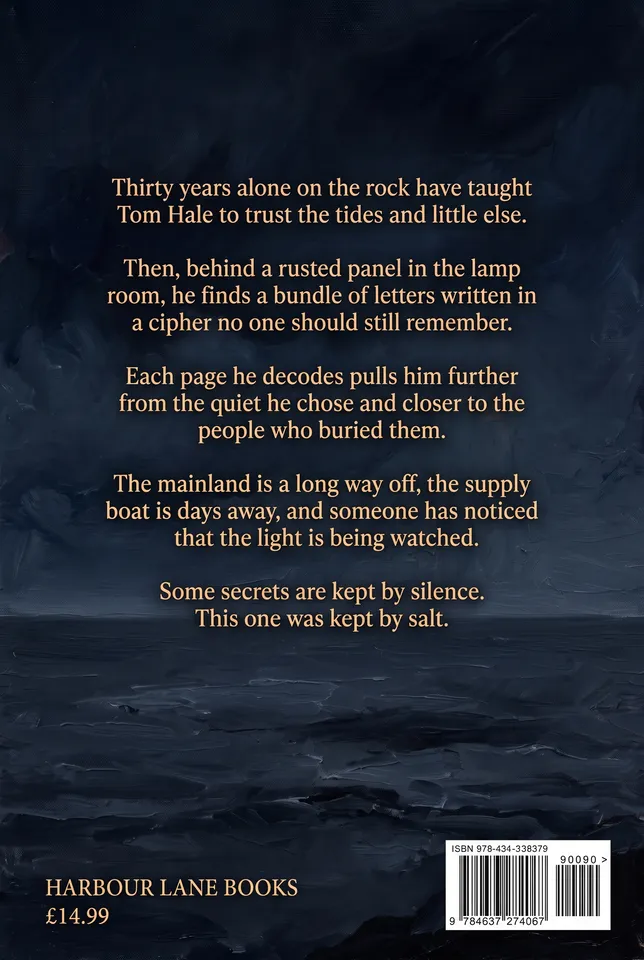
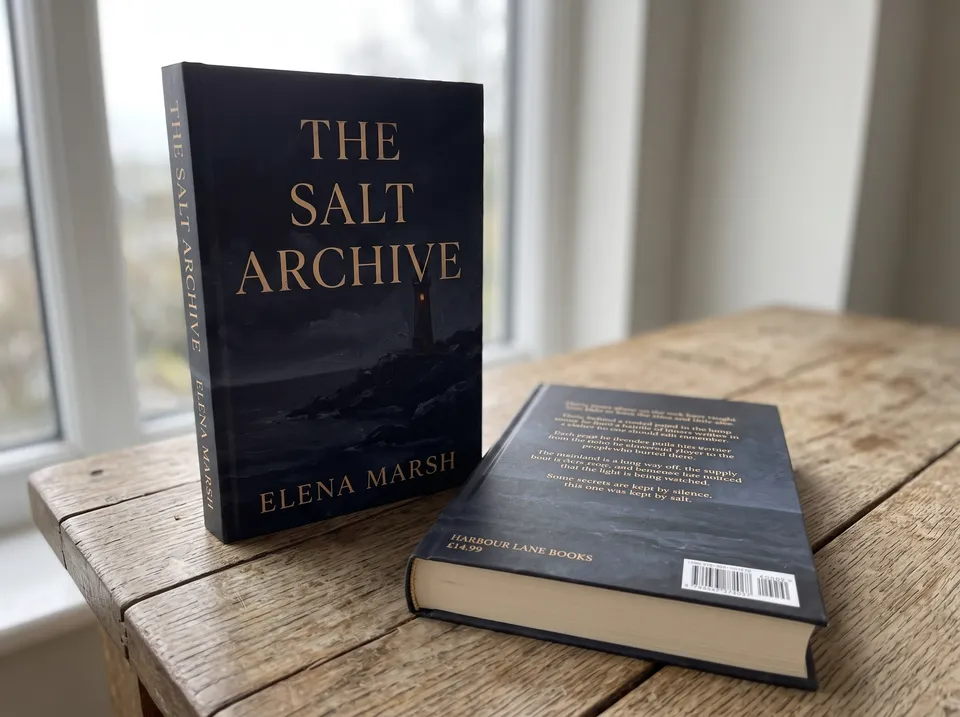
3 things in 2 steps. Every example here was made in Fil with this workflow.
How it starts
- Say what you want“A literary thriller called The Salt Archive, about a lighthouse keeper who finds coded letters”, or a picture. Nothing to upload first.
- Pick from a few choicesClaude asks about the image on the front, the look and the type, and tells you if a file is missing.
- Generate allFront cover first, then each next step as soon as what it needs is ready.
What you put in
- Style referenceA picture whose style the cover art follows.Optional
- Or start from one of these styles, picked for this workflow:
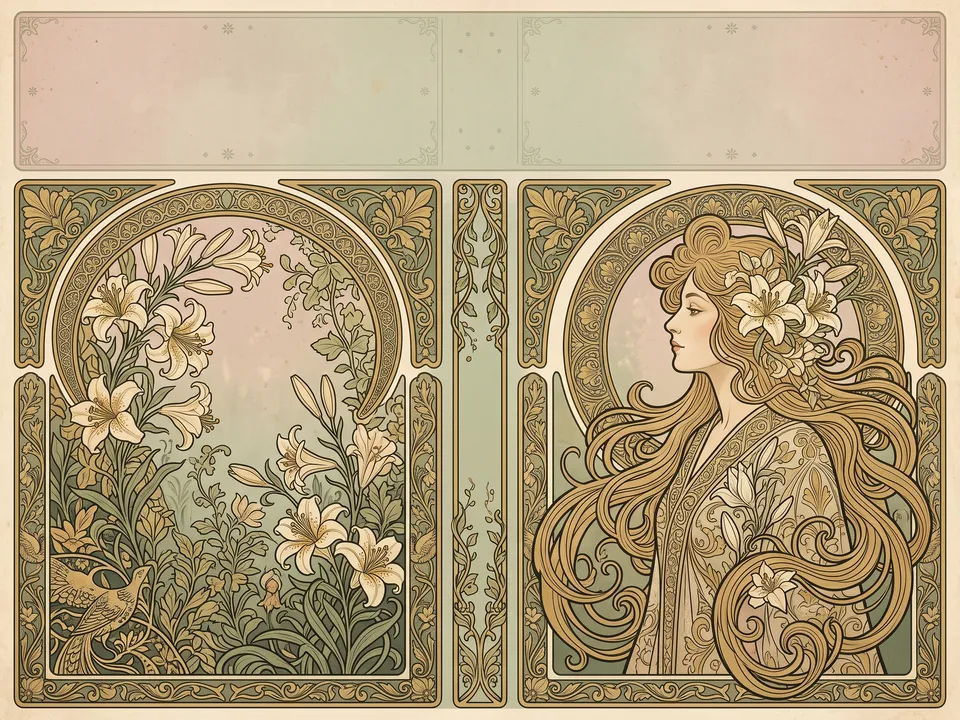 Art nouveau
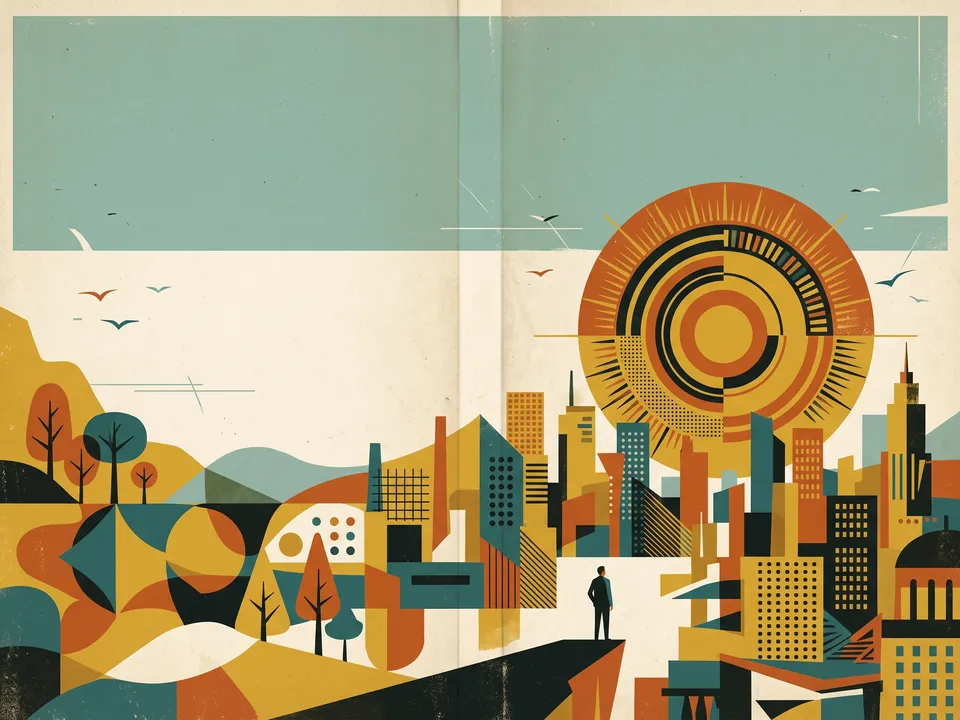 Mid-century
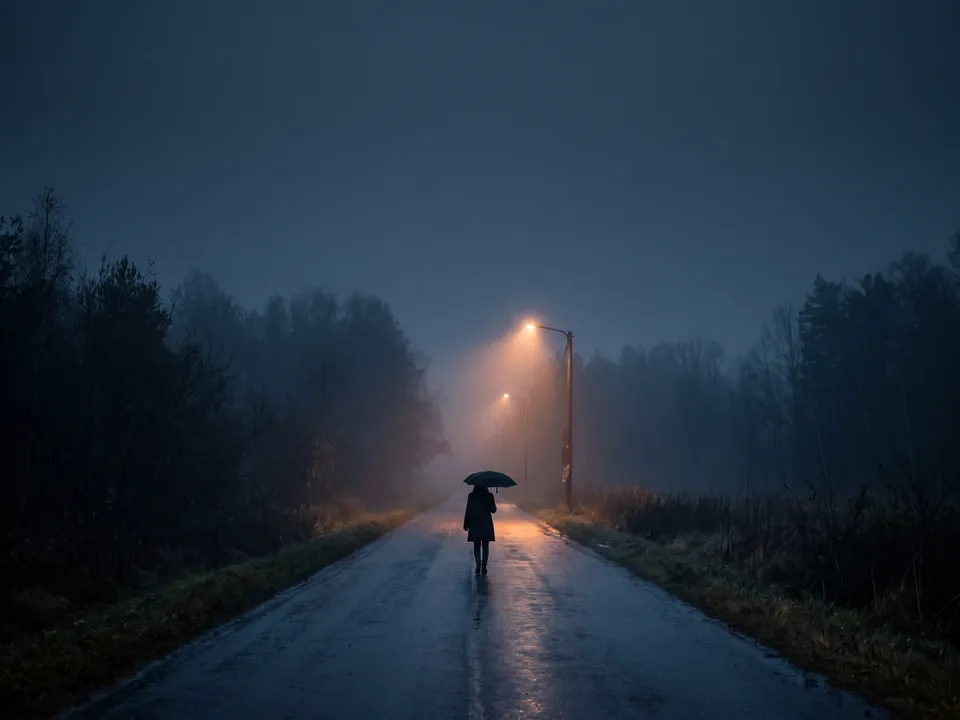 Moody photo
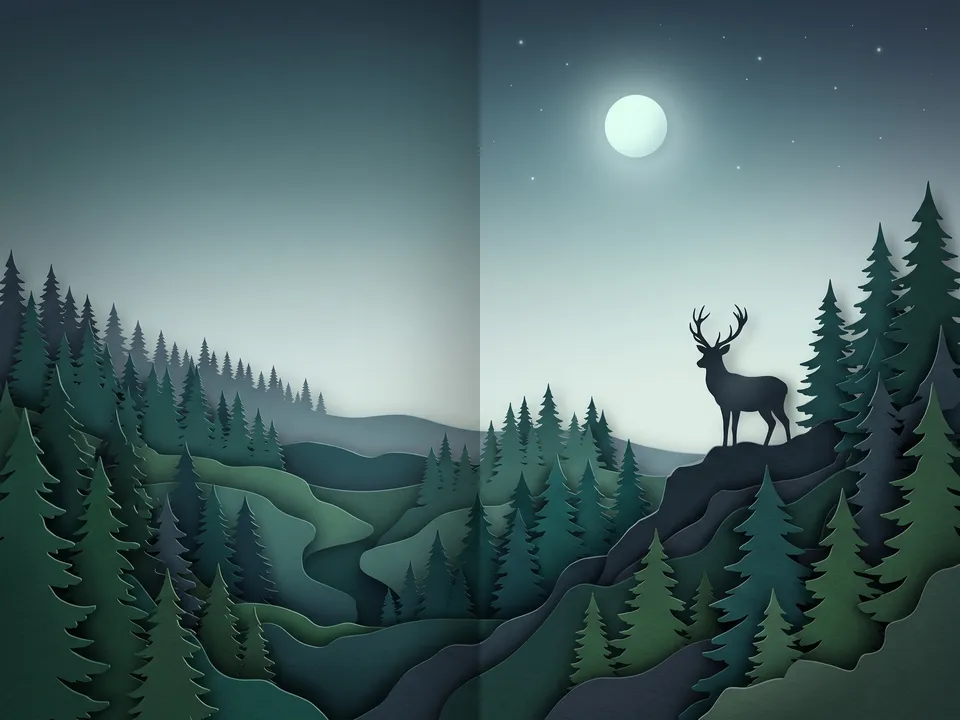 Paper cut
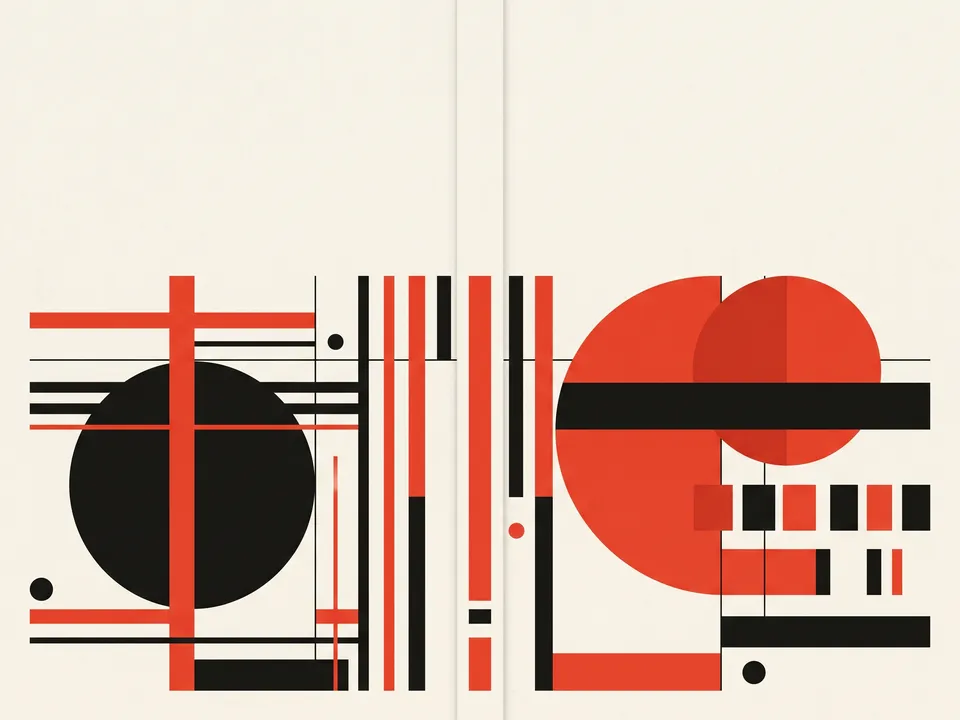 Swiss graphic
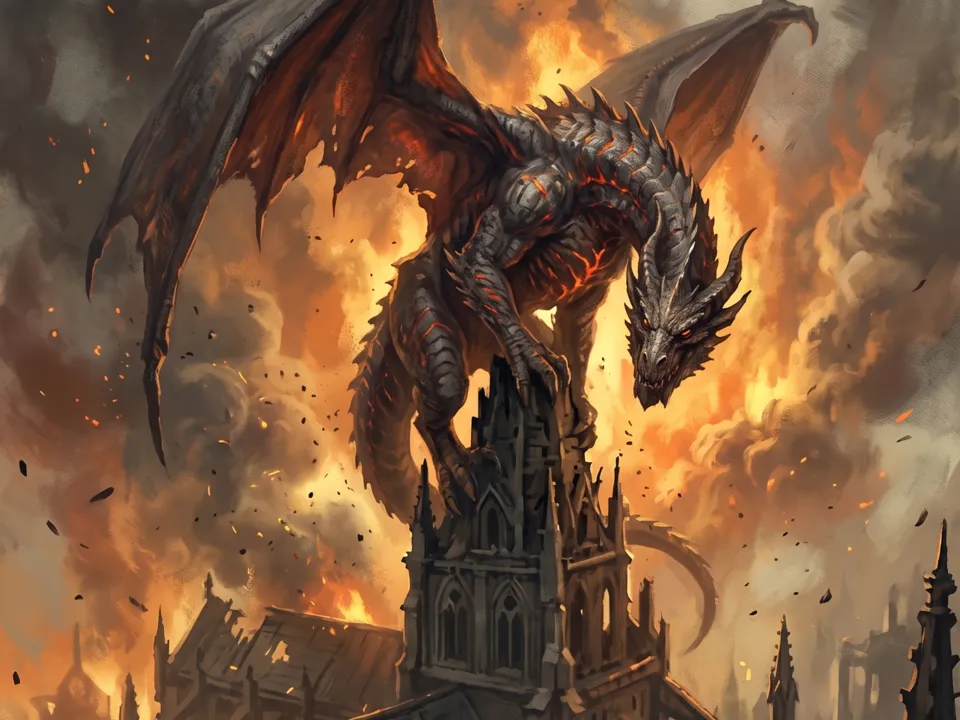 Dark fantasy
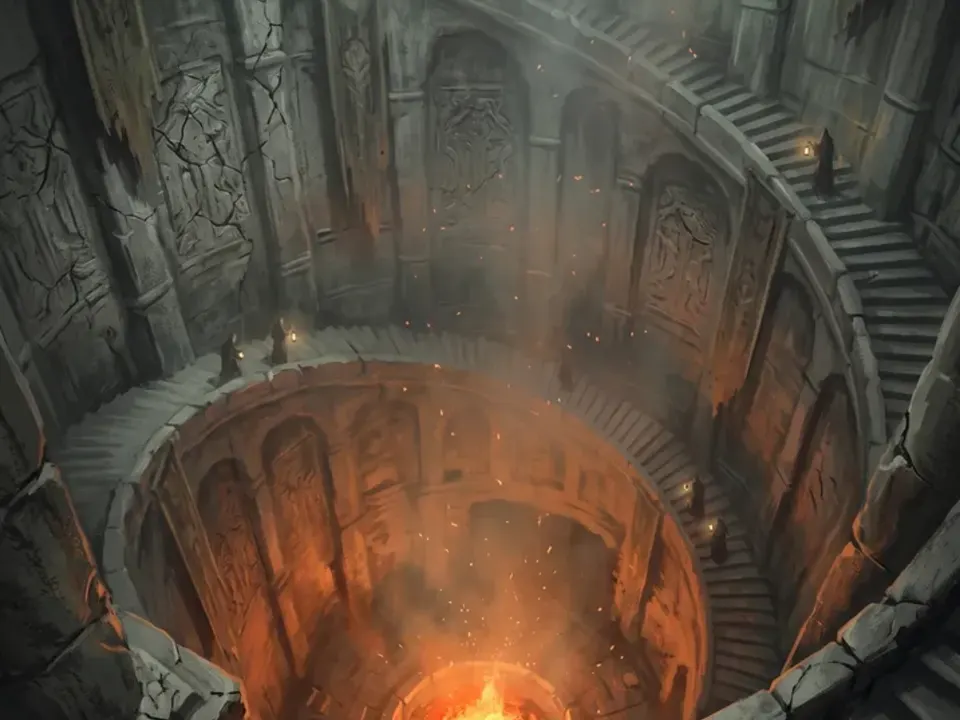 Oil painting
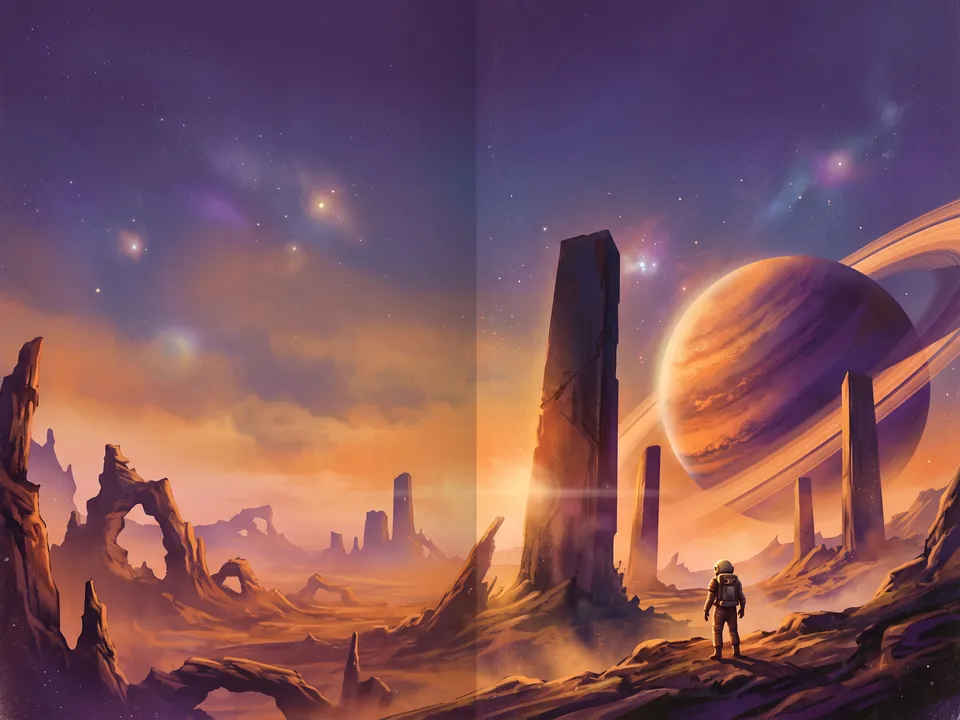 Retro sci-fi
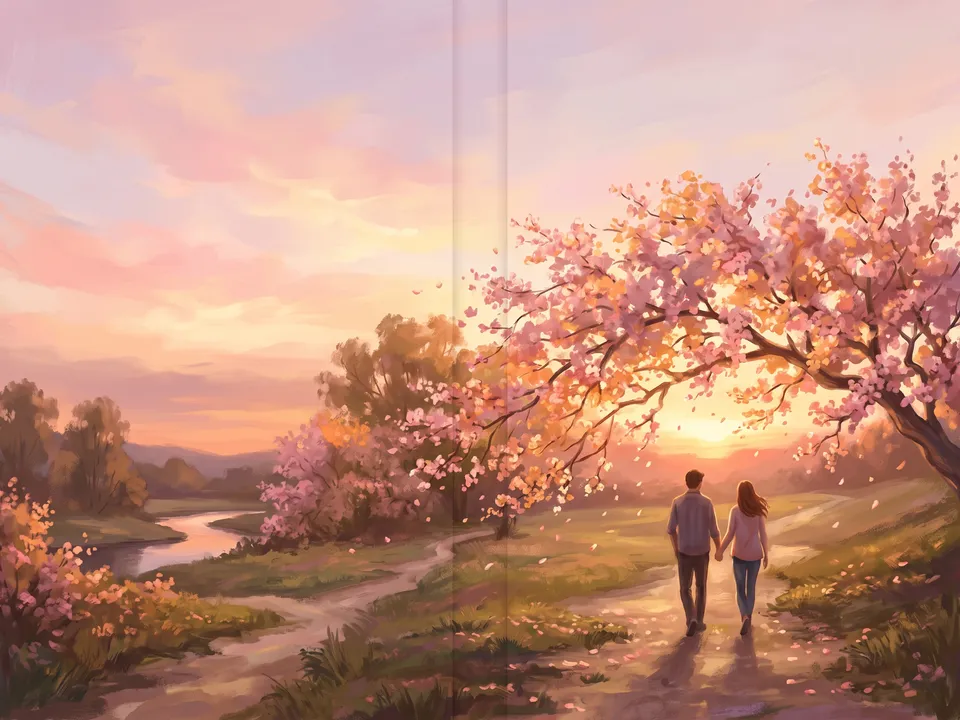 Romantic painting
- ArtworkA painting or photo to build the front cover around.Optional
- Cover.mdThe title, the author, the image, the look and the blurb. Claude fills it in from your answers, or you can.Brief
Nothing has to be uploaded to start: the canvas opens with a place for each file, ready when you are.
How it runs
Generate all runs it left to right: each step starts as soon as what feeds it is ready, and you see the whole price first. Or run any step yourself.
Step by step on the canvas
- Generate Front cover and pick the take you like.
- Generate Back cover: it carries on from the front.
- Generate Mockup to see the two as a printed book.
Skill
The craft every step follows, written out. It comes with the workflow, and you can change it on the canvas.
Read the skill
Book cover
Read first
Cover.md for the title, the author, the genre, the image, the look and the blurb; any style reference or artwork wired in.
Front and back: flat artwork
Each cover is the print file itself: flat and straight on, filling the whole picture to every edge, with no book, spine, page edges, rounded corners, shadow or mockup.
Front cover (2:3)
- One strong image that says the genre at a glance, built around one focal point in the lower half, with the upper third left calm and empty for the title: the type never touches the subject.
- The title exactly as Cover.md spells it, large enough to read when the cover is 120 px tall in a store list; the author's name smaller but clear; a subtitle only if Cover.md has one.
- Type and image designed together: a typeface that suits the genre (a high-contrast serif for literary fiction, a condensed sans for a thriller, hand lettering for children's books), set in the calm area, never over the focal point.
- Cover craft: a limited palette, depth and texture, the image running off every edge, nothing important within 3% of the edges, where it's trimmed.
Back cover (2:3)
- The front's art carrying on (its sky, sea, wall or texture), or a calm field in its colours: clearly the same book, with no new focal point.
- The blurb from Cover.md word for word, in a narrow column (about 45 characters a line) at a readable size.
- A plain white barcode box at the bottom right with no digits in it (the printer adds the real one), and the publisher's name small at the bottom left, with the price if Cover.md gives one.
- The blurb set plainly on a calm area of the art: no glow or drop shadow behind it.
- The left edge (beside the spine) and the top kept calm; no title as large as the front's.
Mockup (4:3)
The printed book photographed as a real hardback on a simple surface in soft daylight: one copy standing with the wired front facing us and a second lying beside it face down, its spine showing the title. The front exactly as designed; the back's blurb is never redrawn.
Avoid
Misspelled titles or names, more than two typefaces, type over a face, clip-art, stock-photo clichés, clutter, invented review quotes, and a back that looks like another book.
Wired into 3 steps on the canvas, where you can change it.
More workflows
 Logo and brand guideThree directions of marks, then a brand board and a brand guide page.About 4 minutes
 Manga chapterA cast sheet, a places sheet, a cover and inked pages that tell one short story.About 5 minutes
 Product photoshootYour product in a studio shot, a second angle, a close-up and a colourway.About 3 minutes