Three.js landing page
One 3D place your page scrolls through, a piece made at each stop, and a piece you can lift out and turn.
Say what the brand makes and where. Claude writes its chapters into World.md, a still of the first screen sets the light and materials, a sheet shows every piece, and Claude Opus builds the page in Three.js: one place lit like the still that the scroll travels through, each piece made under the scroll at its own station, large editorial type beside it, a piece you can lift out and turn, and a closing section with a form.
Start this workflowWhat it makes
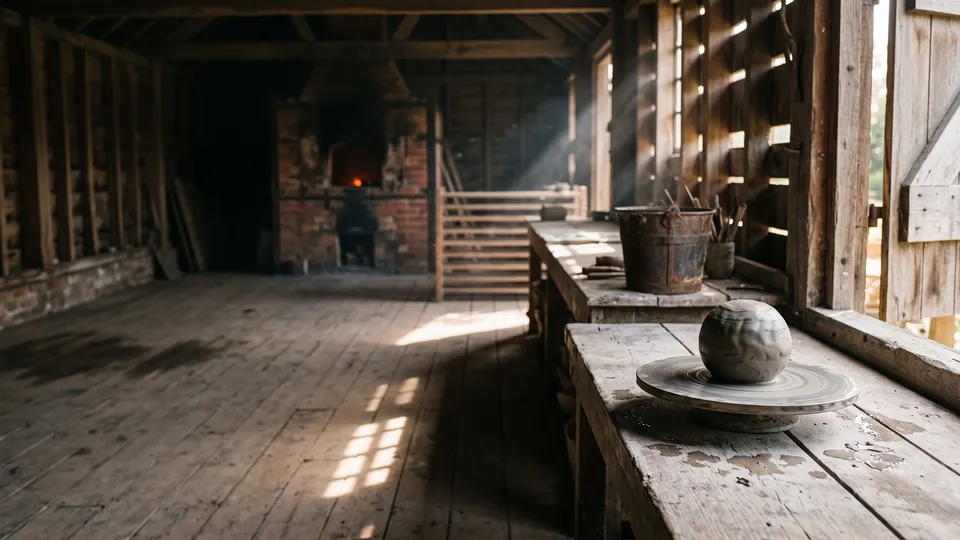
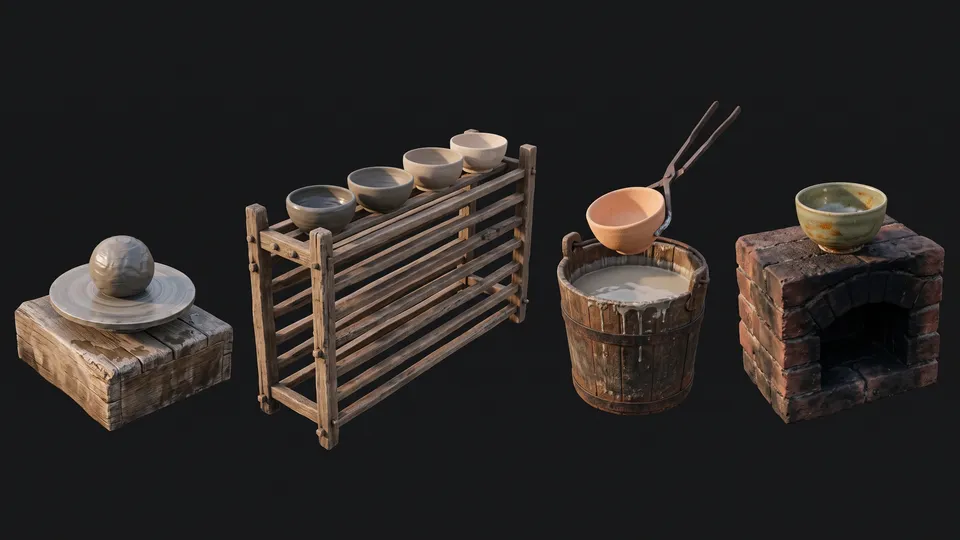
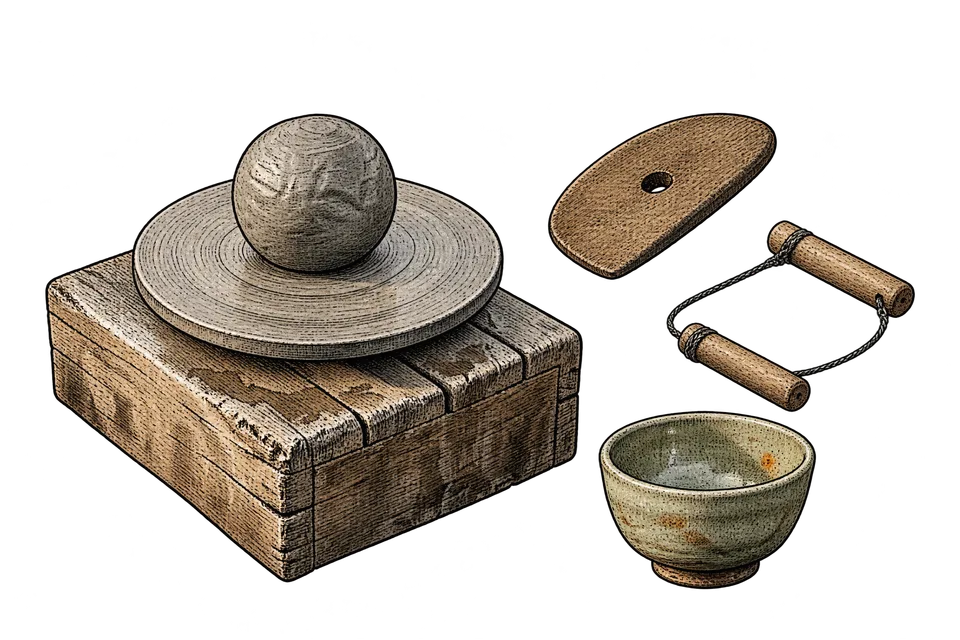
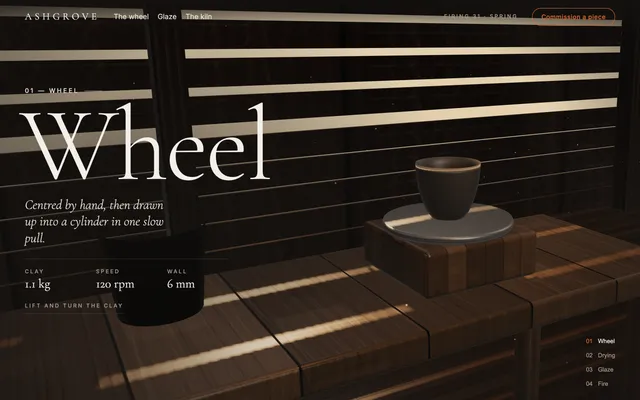
4 things in 4 steps. Every example here was made in Fil with this workflow.
How it starts
- Say what you want“Ashgrove, a wood-fired pottery: scroll through its kiln shed from wet clay on the wheel to a tea bowl out of the fire”, or a picture. Nothing to upload first.
- Pick from a few choicesClaude asks about the brand, the place the camera travels through and what each chapter makes, and tells you if a file is missing.
- Generate allKey art first, then each next step as soon as what it needs is ready.
What you put in
- Place photoA photo of the place, or of what you make, for the light and materials to follow.Optional
- Design referenceA screenshot of a landing page whose type and layout you like.Optional
- LogoYour logo, for the nav.Optional
- World.mdThe brand, the place, the light, the look and each chapter. Claude fills it in from your answers, or you can.Brief
Nothing has to be uploaded to start: the canvas opens with a place for each file, ready when you are.
How it runs
Generate all runs it left to right: each step starts as soon as what feeds it is ready, and you see the whole price first. Or run any step yourself.
Step by step on the canvas
- Generate Key art: the first screen as a still, which sets the light and materials.
- Generate Pieces and Closing print from it.
- Generate Landing page. Open it to scroll through it, lift a piece out and turn it, edit it in the Design tab or publish it.
Skill
The craft every step follows, written out. It comes with the workflow, and you can change it on the canvas.
Read the skill
Three.js landing page
Read first
World.md for the brand, its line, the place, its materials, the light, the look, the close and every chapter: its piece, line, three facts and what happens at its station as you scroll. The wired key art is the look to match: light, materials, haze. The pieces sheet shows each chapter's piece: model them from it. A design reference lends type and layout only; a logo goes in the nav.
Key art (16:9)
- The page's first screen as a photograph: World.md's place in its light, the first chapter's piece whole at its station in the right half, life-size on the floor or a bench, and calm, darker space on the left for the name.
- One key light from one side (a window, a lamp, a fire) with a soft fill, deep shadows that are never black, a little haze. The materials keep their own colours under that light (warm timber, grey clay, red brick); the look's colours are the page's, for its shadows, words and accents.
- Forms that can be built from simple shapes. No people, words or logos.
Pieces (16:9)
Every chapter's piece from World.md, in order, left to right (two rows past four), each whole on one plain dark ground in the key art's light, three-quarter from a little above, at true scale to each other, with room around each; materials, joints, edges and thickness clear for a modeller. No words.
Closing print (3:2, transparent)
An engraved still life of the brand's tools with one finished piece, in a print style that suits it (woodcut, etching or ink line): black line with fine hatching, the materials' own colours washed inside the objects only, one small accent from the look, asymmetric, on a fully transparent background with no paper, frame, shadow or words.
The page
One HTML file, Three.js 0.170 from cdn.jsdelivr.net by import map (three and three/addons/). Everything is built in code: no model files, stock photos or video.
The place
- One renderer, scene and camera on a fixed canvas behind the page. The stations stand in a line, left to right, about 7 m apart, and the space between them belongs to the same place (posts, racks, lamps), so the camera never cuts.
- Spend most of the file on the place and the pieces, lit so their materials read: a dark material still shows its grain, edges and highlights. Build each piece from its real parts as the sheet shows them (a bucket from staves and hoops, a rack from posts and slats, a kiln from bricks and an arch) and dress each station with two or three things that belong there. RoundedBoxGeometry and ExtrudeGeometry with bevelled edges, LatheGeometry for anything turned, TubeGeometry for cords and curls, InstancedMesh for anything repeated, static architecture merged. Things stand on the floor or a bench with a contact shadow. Nothing is a plain slab of one colour: a door is boards and battens, a doorway shows the dim room beyond.
- Materials: MeshStandardMaterial or MeshPhysicalMaterial with canvas textures of 1024 px or more (grain with growth rings, fibre, plaster, clay, worn edges) and a matching roughness map, sRGB colour, mipmaps, anisotropy 8. Bricks, boards and tiles at real size (a brick 21.5 × 6.5 cm with mortar, a board 12–20 cm): repeat = the surface's size over the tile's. A RoomEnvironment through PMREM, low, for metal, glaze and lacquer.
- Light as dark and contrasted as the key art: most of the frame in shadow, light falling in shapes (bars through slats, a pool under a lamp, a shaft, a fire's glow). One shadow-casting key (PCFSoftShadowMap, 2048 map fitted to the station) does nearly all of it, with a HemisphereLight fill of about 0.2, small warm practicals and fog in the background colour; ACES filmic at an exposure of about 1, a soft vignette and fine grain. An opening shows as bright gaps and the shapes they throw, never a flat bright wall.
- Dust drifting in the light (Points) and soft shafts as additive planes.
The scroll
- Native scroll on a tall, empty track, never scroll-jacked: each chapter a dwell of about 1.15 screens and a move of 0.85, the close 1.35. Turn the scroll into the station and the dwell's and move's progress; ease the camera toward its target each frame, and snap under prefers-reduced-motion.
- The camera: about 34°, near 0.08. Each station has its own position and target, a different height, distance and angle each time, and the camera travels the place between them, pushing in slowly through each dwell. Frame each piece so it can't be lost: the camera's target is the piece's own centre (from its bounding box), at a distance where it fills a third to half the frame's height, then a fixed lens shift per station (setViewOffset by about a fifth of the width, eased between stations) moves it into the half away from its words. On a tall screen pull back, widen, and shift down instead, the piece in the upper half.
- The making: through each dwell the station does what World.md says (parts lock into the piece, a tool leaves its cut, a glaze runs, a fire flares and dies). The piece is whole by the dwell's end, and it all runs backward when you scroll back.
- Between stations a transition that suits the brand (a wipe of light, a burn, smoke, a pass behind a post), and pointer parallax of a degree or two, off for touch and reduced motion.
The words
- First screen: a thin nav bar (the brand, two or three links, a small edition label, one outlined button that keeps to one line), the brand's name very large on the left in a display serif with wide tracking (with any second script, seal or mark World.md has), its line under it in italic, a small "Scroll" cue at the bottom centre and the chapter index at the bottom right (number and name, the current one brighter).
- Each chapter's words on the side away from its piece, alternating: a small tracked-capitals label with a short rule ("01 — Lattice", 14 px, 0.26em), the name huge (clamp(82px, 16.5vw, 322px), line-height 0.79, letter-spacing -0.024em), its line, and its three facts in a row, a small label over each value. They come in under the scroll (label, the name letter by letter, line and facts) and go as the move begins, over a soft scrim on their side only.
- Every word is in the HTML, so the page reads before its script runs. The index, the nav's links and the brand scroll smoothly to their chapter. The index, cue and chapter words go when the close comes up.
- Two Google Fonts at most, a display serif and a quiet sans, light on the dark scene.
Lift and turn
Hovering a piece warms a lamp over it and shows a small "Lift" cue. A click, or Enter on its index entry, lifts it to the middle of the screen while the room goes soft and dark and the words step back, with its name, a one-line note and "Drag to turn · Close · Esc". Dragging turns it with momentum; Close, Esc or a click on the room puts it back. No scrolling while it's out. Raycast simple proxy boxes.
Opening
A quiet loader (a count to 100 or a thin line) while the scene builds, then the place arrives deliberately (the light comes up, a fade through the key light, a burn) and the name comes in after it. The key art is the poster: an <img> filling the first screen until the scene is ready, kept if WebGL is unavailable.
The close
After the last chapter, a sheet of the brand's own material (paper with a torn edge, linen, a slab) rises over the world: World.md's heading and paragraph, the closing print beside them shown whole, the form it asks for (labels, fields, one button; sending thanks them and sends nothing), the details in three or four columns, and "Back to the top". The nav stays readable over it (dark text, or a backing of its own).
Craft
- Pixel ratio capped at 2 (1.5 on phones), one shadow-casting light, shared geometries, materials and textures, the loop paused when hidden: smooth on a laptop.
- Declare all state the loop and handlers share at the top of the module, before the first await. If the build throws, the loader still goes and the poster and words stay.
- 360 to 1440 px: on a phone the words sit low over a scrim, the piece high, the nav just the brand and a short button that fits (Commission, Visit), the index a compact count. Real headings, labelled fields, visible focus.
Avoid
A camera that cuts, flies through walls or frames every station alike; chapters that differ only in words; flat boxes; floating pieces; a flat bright wall; tiny repeats or giant bricks; white-out bloom; words over the piece; the pieces sheet on the page; model files, stock photos or video.
Wired into 4 steps on the canvas, where you can change it.
More workflows
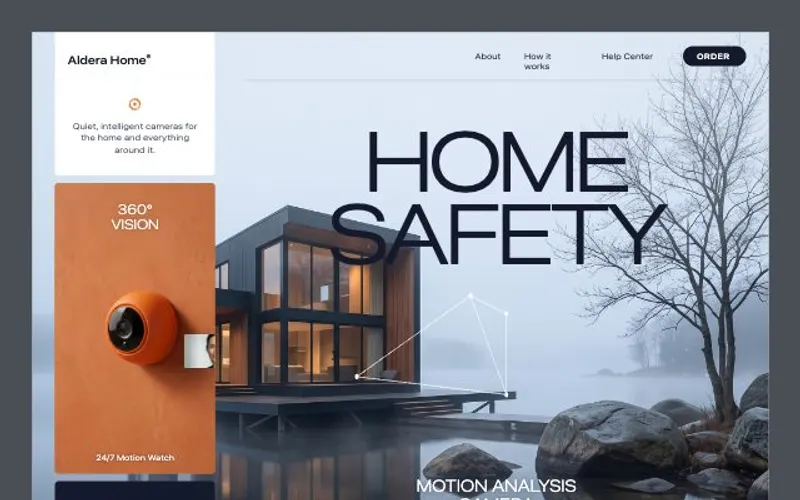 React websiteA React site from your brief, with a hero image and section pictures made for it.About 4 minutes
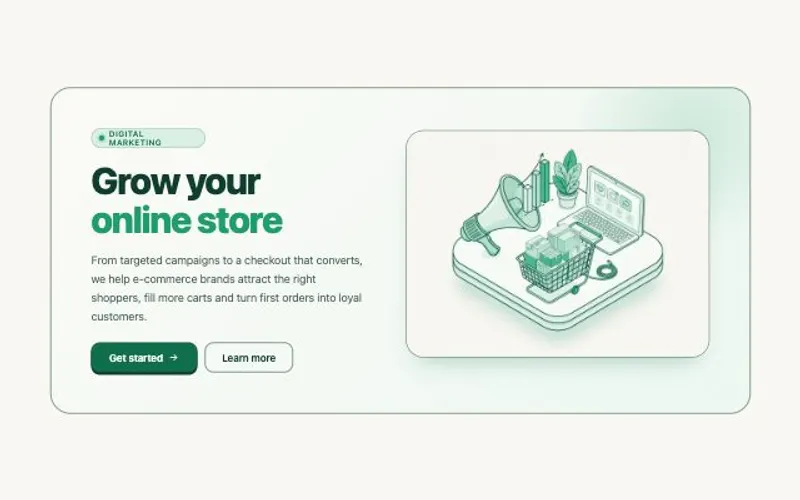 HTML componentOne self-contained UI component from your spec, with an illustration made for it.About 2 minutes
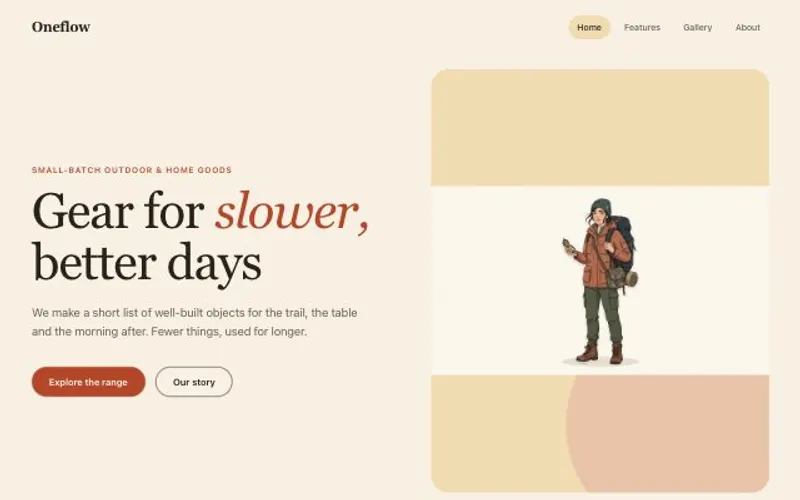 Website with a CMSPages that read from content you can edit, with one shared design system.About 5 minutes