Motion film
A finished short film made entirely in code, as a motion director would: facts, a storyboard and a style bible, style frames, music on a beat grid, then every scene built to hand on to the next, in one of five popular styles.
Say what the film is about, who’s watching and what they should feel, and pick a style: Product UI, Kinetic type, Flat explainer, Character story or Cinematic 3D. Claude writes Brief.md and Film.md: the facts it may claim, three directions and the one picked, the style bible, the tempo, and a storyboard of five to eight scenes in whole beats, each handing one object on to the next. Then the style frames set the look in code, the music is written to the tempo, each scene is built as an HTML motion scene that opens on the last frame of the one before, and the Video edit cuts them together on the beat, with a sound on each real moment.
Start this workflowWhat it makes


Also makesMusic
8 things in 7 steps. Every example here was made in Fil with this workflow; point at a clip to play it.
How it starts
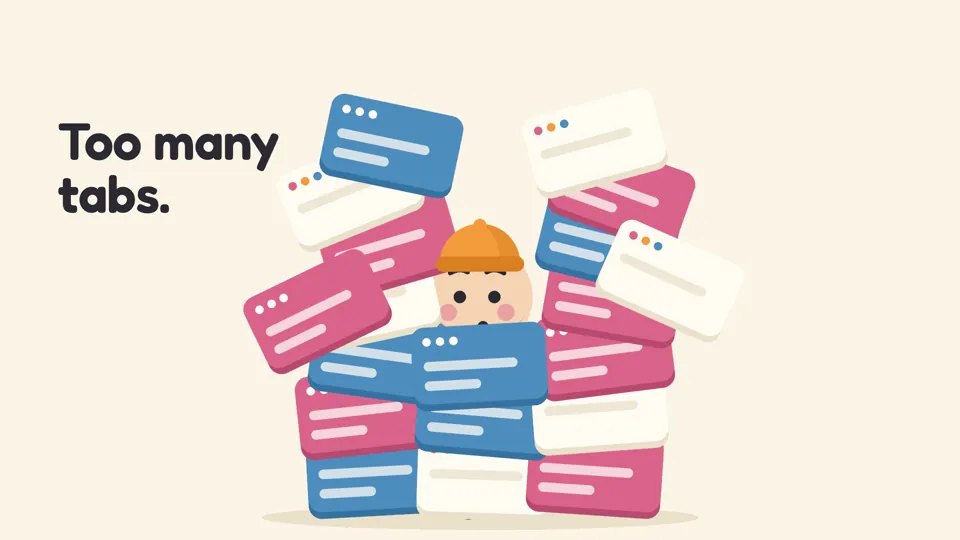
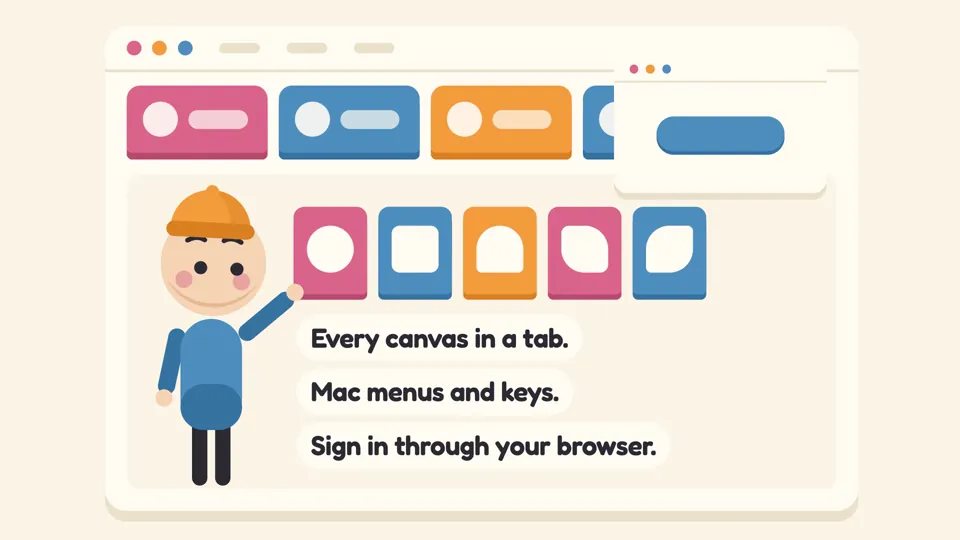
- Say what you want“A 20-second launch story for our Mac app: a designer buried in browser tabs finds every canvas in its own tab”, or a picture. Nothing to upload first.
- Pick from a few choicesClaude asks about what the film is about, who’s watching and its style, and tells you if a file is missing.
- Generate allStyle frames and Music first, then each next step as soon as what it needs is ready.
What you put in
- LogoYour logo, for the end mark, shown as it is and never redrawn.Optional
- ProductA screenshot of your product at 2×, which the scenes rebuild as live parts that move.Optional
- Style pictureA frame whose look the film follows: one of the five styles, or a still from a film you love.Optional
- Or start from one of these styles, picked for this workflow:
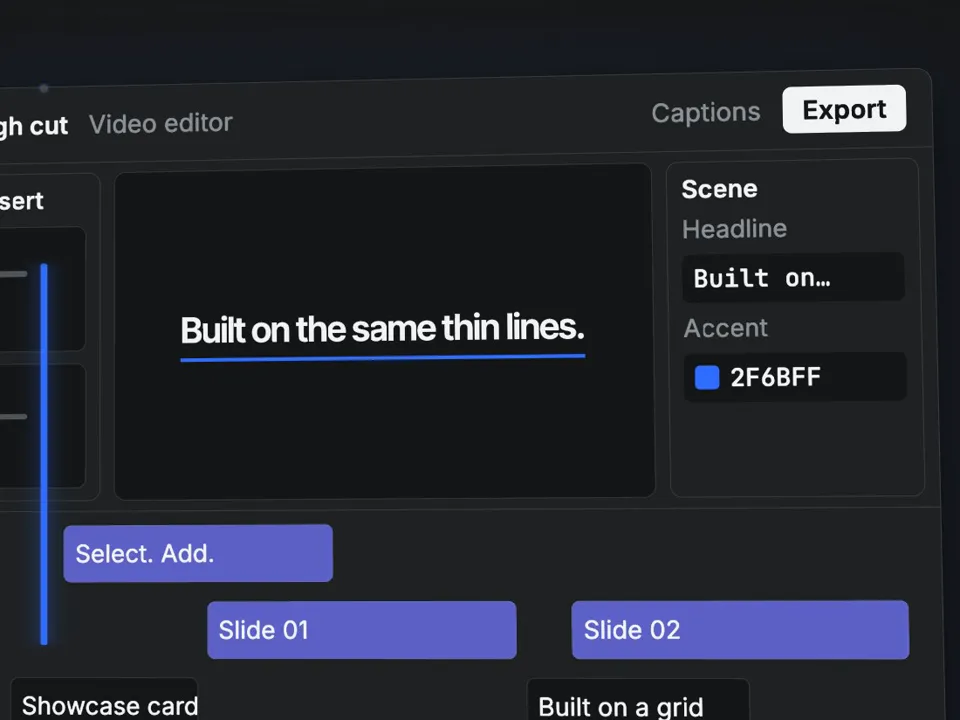 Product UI
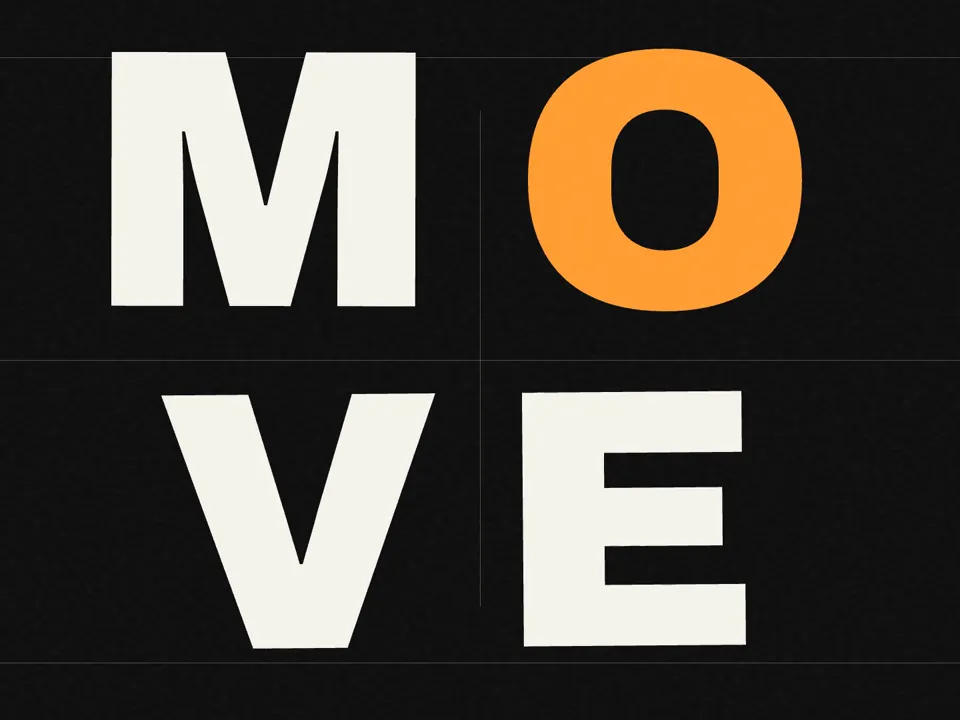 Kinetic type
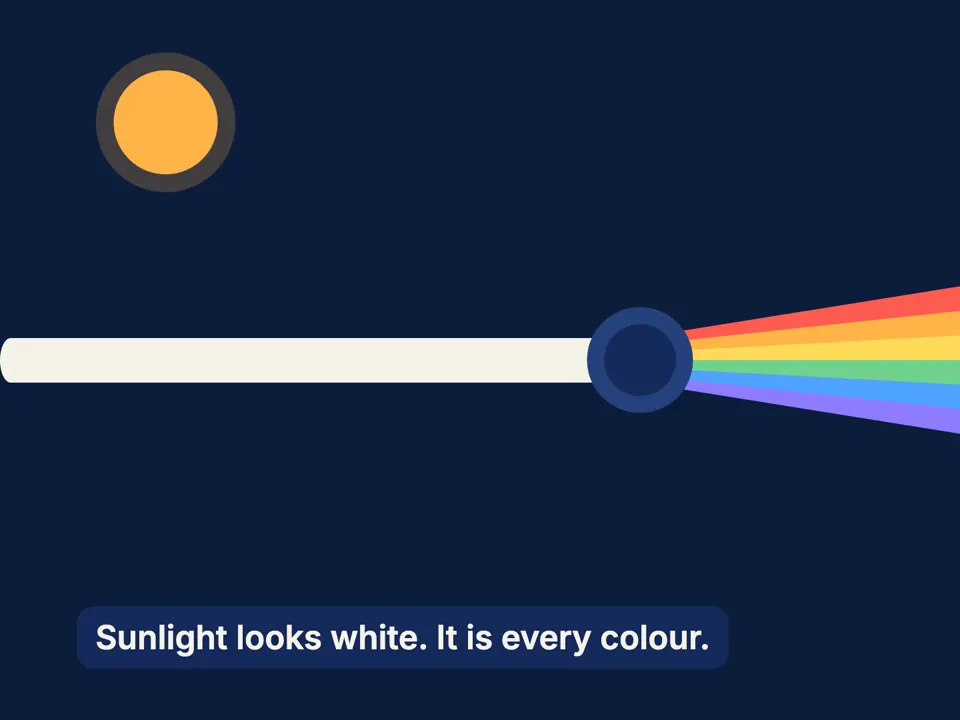 Flat explainer
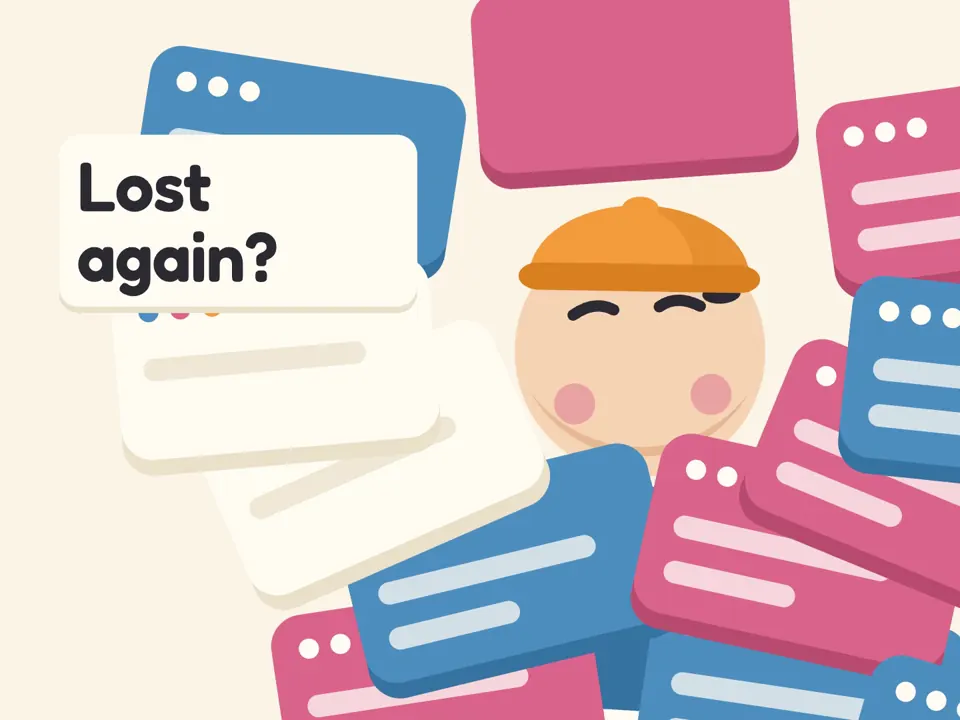 Character story
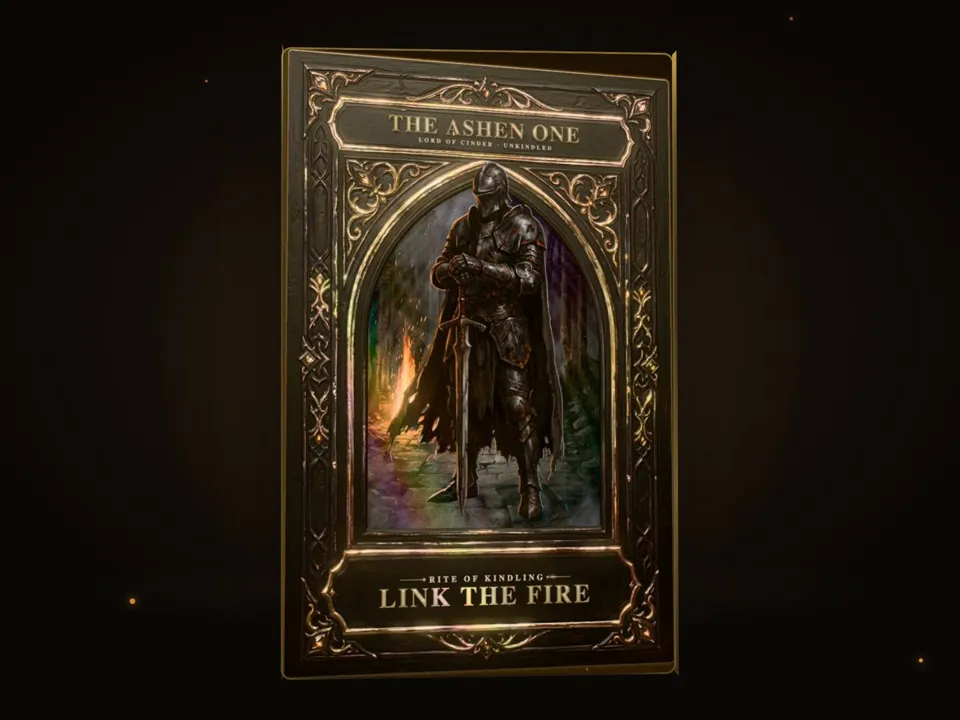 Cinematic 3D
- Brief.mdWhat the film is for, its style and what it may claim. Claude fills it in from your answers, or you can.Brief
- Film.mdThe facts, the concept, the style bible, the tempo and every scene. Claude fills it in from your answers, or you can.Brief
Nothing has to be uploaded to start: the canvas opens with a place for each file, ready when you are.
How it runs
Generate all runs it left to right: each step starts as soon as what feeds it is ready, and you see the whole price first. From your idea, Claude plans 5 to 8 scenes, and adds a step for each one past the 5 it comes with. Or run any step yourself.
Step by step on the canvas
- Style frames sets the film’s look in code, from Film.md’s style bible: every scene matches it.
- Music is written to Film.md’s tempo, as long as the film, so every cut lands on a beat.
- Each Scene is built from its line in Film.md, as long as its whole beats, opening on the last frame of the scene before.
- Video edit cuts the scenes together with the music under them and a sound on each real moment. Open it to watch, change words and colours, and export.
Skill
The craft every step follows, written out. It comes with the workflow, and you can change it on the canvas.
Read the skill
Motion film
You are the film's motion director. Judge every choice against the best work in its genre and style: a scene with no bugs isn't finished until it holds up beside that work. Brief.md wins any conflict, then Film.md, then this skill.
Read first
- Brief.md: the mode, subject, viewer, end state, length, brand, facts, style and sign-off.
- Film.md: the film itself: its facts, concept, style bible, tempo and every scene in order. Build a scene from its own line, and its first and last frames from the lines either side of it.
- The style frames wired in: the film's look in code. Take their :root colours, fonts, textures and motion vocabulary exactly, and make the scene new.
- The scene before, wired in: this scene opens on its last frame exactly and carries on from there.
- Pictures wired in: the style picture (its look only, never its subject); the product (a screenshot of an interface: rebuild its panels, icons and text as live HTML and SVG so each part can move, never a flat screenshot; a picture of a thing: show it as it is, at its full size, never redrawn); the logo (as it is, never redrawn).
Modes
- Showreel: the craft is the subject. One idea that keeps transforming, never a sampler of effects: type, shape, interface, depth, an organic moment and one transition worth rewinding. A new composition every 1 to 2.5 s, with one or two held breaths. No made-up clients, logos or numbers.
- Product: the product is the hero. Its real logo, its interface rebuilt as live parts, every action with a visible result, ending on its name and where to get it. A new composition every 1.4 to 3.5 s.
- Launch story: characters carry the release. Readable poses, holds on faces, funny timing, one or two facts at most, woven into their world.
- Explainer: one cause and its effect: a hook, the familiar world, what disrupts it, how it works, what that means, a recap. The answer itself is said in words and shown in a picture, never left for the viewer to join, every picture is true to the facts, and labels never repeat what's already shown.
Styles
- Product UI: the product's own interface rebuilt as live parts, in its own theme and colours (read from the screenshot's pixels, never from words in it), with real content and no placeholder bars, on a calm studio ground that suits it. The style frames rebuild it once; every scene reuses that rebuild as it is and moves the camera and cursor through it. A clean grotesk; soft two-layer shadows, hairlines, 12 to 20 px corners. A cursor leads on natural arcs and presses (a 0.96 squeeze), panels arrive on springs, the camera pushes into what's pressed, lists stagger by 40 ms. Wide on panels tilted in depth, then macro on one control.
- Kinetic type: words are the picture. One heavy grotesk, huge, filling the frame (every letter whole), on a strict grid, in black and off-white with one signal colour, and thin rules. Words slam in on expo eases, mask and wipe, split and restack; a word becomes a bar or a dot that carries into the next scene. Letters stretch along a variable font's width and weight axes, or by their size, never by a squashing scale. Locked to the beat, with held breaths.
- Flat explainer: flat vector shapes on a deep navy or a cream ground, four or five warm colours, no outlines, one shade tone. Icons and diagrams morph into one another, arrows draw on, cause and effect run as a chain, labels sit on rounded plates; pops overshoot and settle.
- Character story: simple 2D characters of circles and capsules (big heads, dot eyes, eyebrows that act, a body with jointed arms and legs), one rig set in the style frames and reused in every scene, in a bright, soft world of a few flat props. Whole-body key poses with anticipation, squash and stretch and overshoot, an idle breath and blinks while on screen, holds on reactions, one funny beat per scene; the product is an object in their world.
- Cinematic 3D: built in Three.js (from cdnjs) on one dark studio stage the style frames set. The product's picture as the face of a thin box (also an <img> in the page, so it's loaded before the first frame), or the object that stands for it, in product-shot light: a soft key, a rim, a floor reflection. Slow orbits at 35 to 55°, macro push-ins on its real detail, a narrow specular sweep under a second, motion blur on fast moves; small, precise white type with one accent glow.
Craft
- The first frame is a finished picture that works as a still on a busy feed, and the hook lands in the first second.
- Film.md's carrier (one object, shape or word) carries the film: a scene's last frame and the next one's first show it at the same place, size and colour, as its Carries says in % of the stage. Keep it out of any group that's scaled or squashed, and give it something to do in every scene: a still line beside a headline reads as a stripe.
- Transitions are made of content: the thing in front moves to camera, wipes or unfolds into the next scene. A hard cut only when size, direction and subject match. Cut mid-move: no scene slows to a stop before its cut, and the next one opens on that move. A cut never lands on an empty stage: a scene's last frame and the next one's first are full pictures, the next subject in frame within 0.15 s.
- One lead movement with overlapping secondary ones. Nothing starts or stops all at once.
- Speed always changes: arrive slowly enough to read, leave fast. No linear easing; use anticipation, follow-through, squash and stretch, springs and arcs.
- Every action has a visible result.
- Type is motion, not captions: it enters, masks and reveals, each kind of words in one face and one place through the film, as the style frames set them. Leave about 0.3 s a word to read it (0.7 s at least), and never set it over a busy picture without a plate. If the picture says it, cut the word. Words people must read (headlines, captions, the sign-off and its address) are set at 4cqh or more (4% of the stage's height), nothing under 2.5cqh, and there are no decorative labels, counters or index numbers.
- Vary scale and layout: macro, wide, overhead, full-frame type. The subject fills the frame. Never repeat the layout of the scene before.
- Holds breathe with micro-motion; nothing freezes. Camera moves are motivated, with motion blur on the fast ones.
- 3D only where it explains something spatial (Three.js or CSS 3D), with its labels as HTML. Each frame is drawn as a picture of the page, where backface-visibility hides nothing: a two-sided object shows one face at a time, swapped when it's edge-on.
- Every effect earns its place: no decorative particles, generic gradients or stock glitches.
The end mark is set in the display face and lands on a beat: the sign-off at 4cqh or more, whole and still for its last 2 seconds but breathing, its call to action saying where.
Tempo and sound
Film.md's tempo is the grid: each scene lasts whole beats, so every cut lands on one, and its big moments land on beats too. Mark sounds only for real events on screen, each at the frame its event happens: one soft whoosh at a scene change, a click on a real press, a pop on an arrival, a hit on the end mark.
Quality bar
- Exactly as long as Film.md says, on its stage, at any size.
- The first frame finished; something moves on every frame to the last, and nothing is still for more than half a second.
- Every animation you write plays: an
animationshorthand resets the name, delay and fill of any animation set apart from it, so give each moving element its whole animation in one rule, on a selector no less specific than any other that animates it. A script that fits words measures their own inline width (a span), never a full-width block's scrollWidth. What GSAP moves has no transform in its CSS (GSAP adds its own to it): set its start with gsap.set. - Text contrast at least 4.5:1, no collisions, inside safe margins (5% of the stage; on 9:16, 12% clear top and bottom for the app's buttons).
- The brand's colours exactly, and understood with the sound off. An accent too light to read as letters on its ground (under 4.5:1) is a field or a shape, never words.
- Every claim from Film.md's facts; nothing invented: no testimonials, ratings, prices, results or real people.
Avoid
A sampler of effects, slideshow fades, everything moving at once, linear or even timing, frozen holds, words over busy pictures, a redrawn logo, made-up numbers or clients, stock phrases ("revolutionary", "game-changer"), emoji, and colours outside the style bible.
Wired into 6 steps on the canvas, where you can change it.
More workflows
 Story videoA character sheet, keyframes, shots and a score, ready to cut together.About 10 minutes
 Product promo videoYour product photo becomes stills, clips, an end card and music to cut together.About 8 minutes
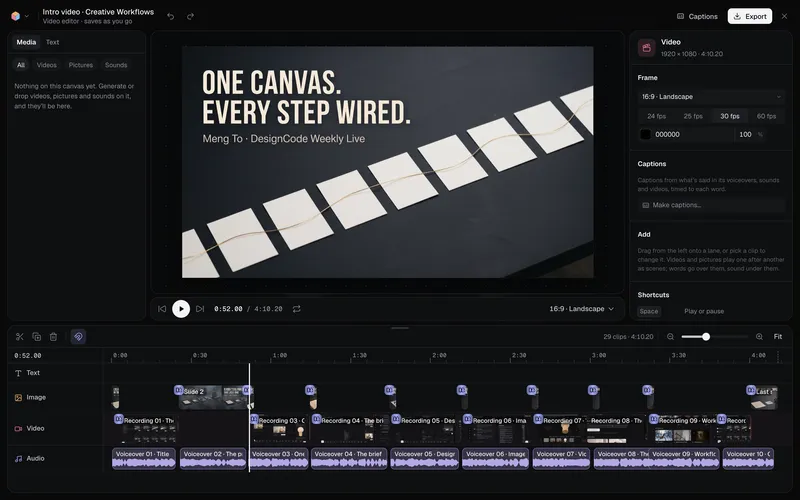 Long-form product videoA product demo, explainer or webinar intro planned chapter by chapter, with a picture and a voiceover for each, put together in the video editor.About 6 minutes