YouTube thumbnails
Your photo in four thumbnail styles for one video, to pick from or A/B test.
Drop in a photo of yourself and say what the video is about. The thumbnails skill keeps your face exactly as it is while each of the four styles (bold, cinematic, clean and illustrated) gives the same idea and words a different look.
Start this workflowWhat it makes
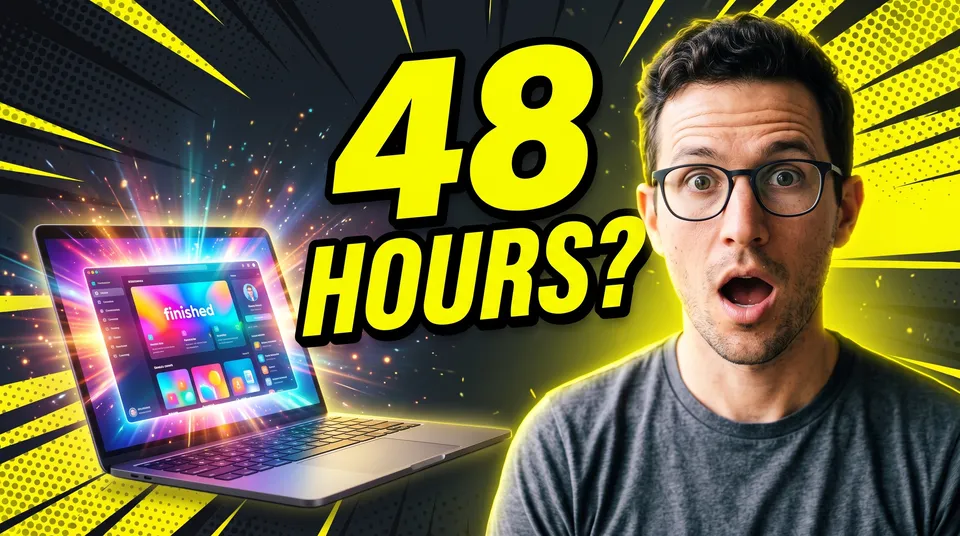
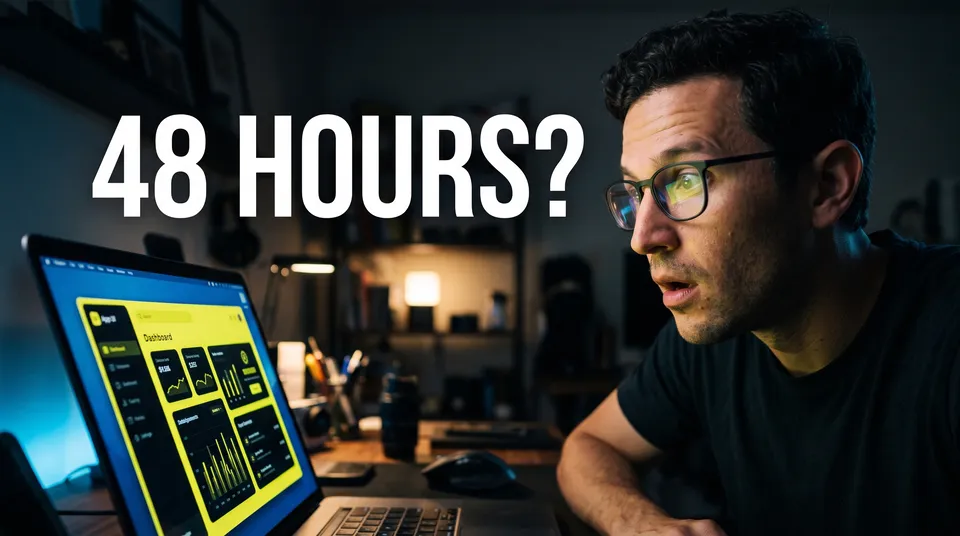
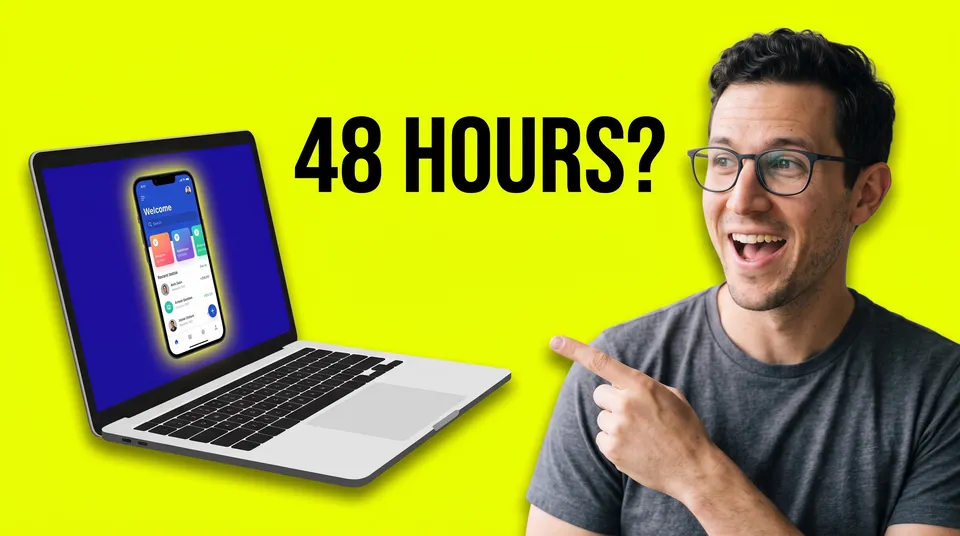
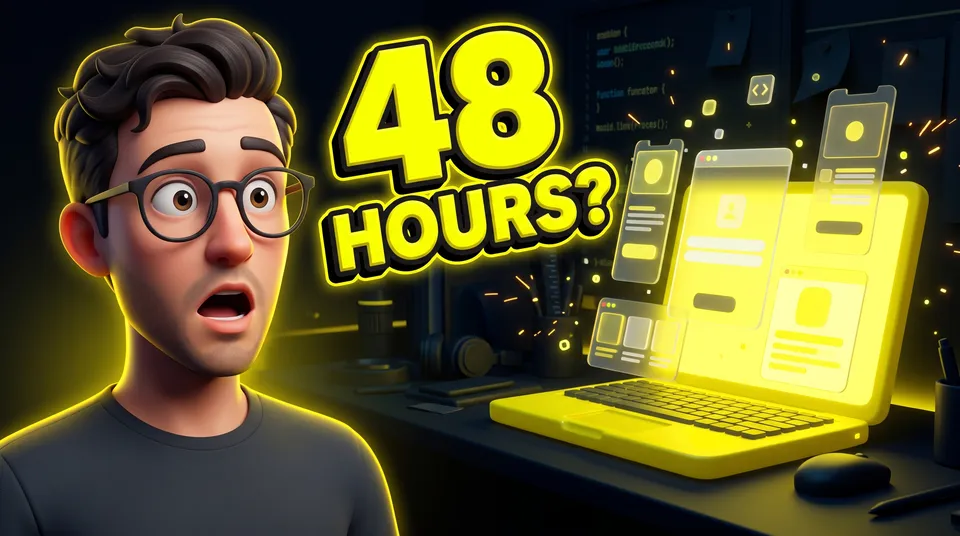
4 things in 1 step. Every example here was made in Fil with this workflow.
How it starts
- Say what you want“My video on building a whole app in one weekend with AI, with me amazed at the result”, or a picture. Nothing to upload first.
- Pick from a few choicesClaude asks about the words on it, your expression and what to show beside you, and tells you if a file is missing.
- Generate allBold thumbnail, Cinematic thumbnail, Clean thumbnail and Illustrated thumbnail, once you’ve seen the price.
What you put in
- Your photoA sharp, well-lit photo of your face, from the chest up, looking at the camera.Needed
- What it’s aboutThe product, screen or object the video is about.Optional
- Style referenceA style for the Illustrated thumbnail.Optional
- Or start from one of these styles, picked for this workflow:
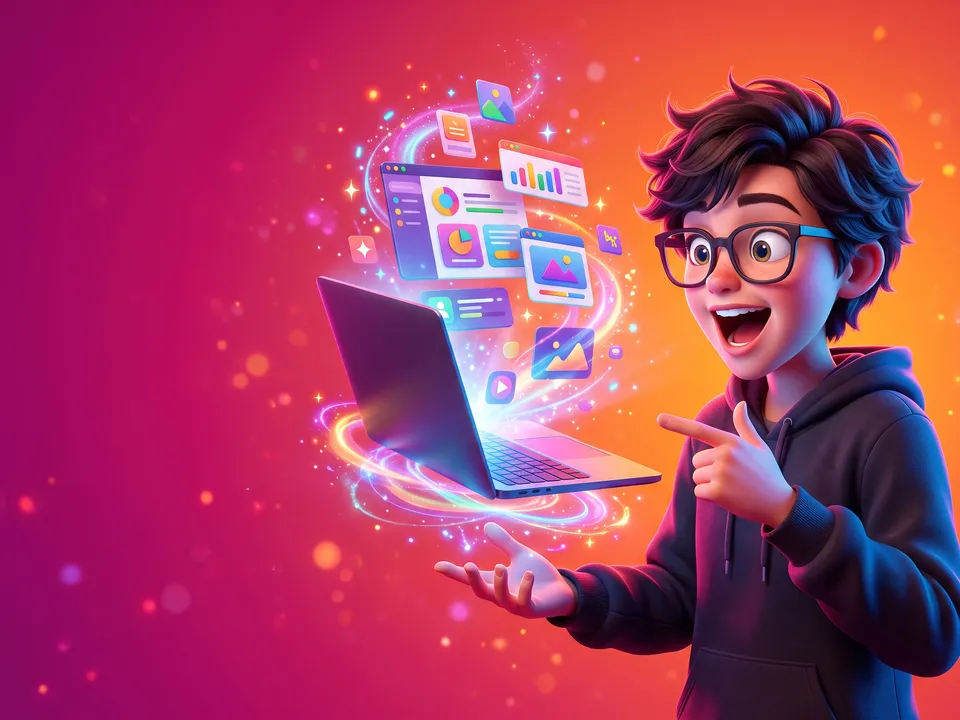 3D animated
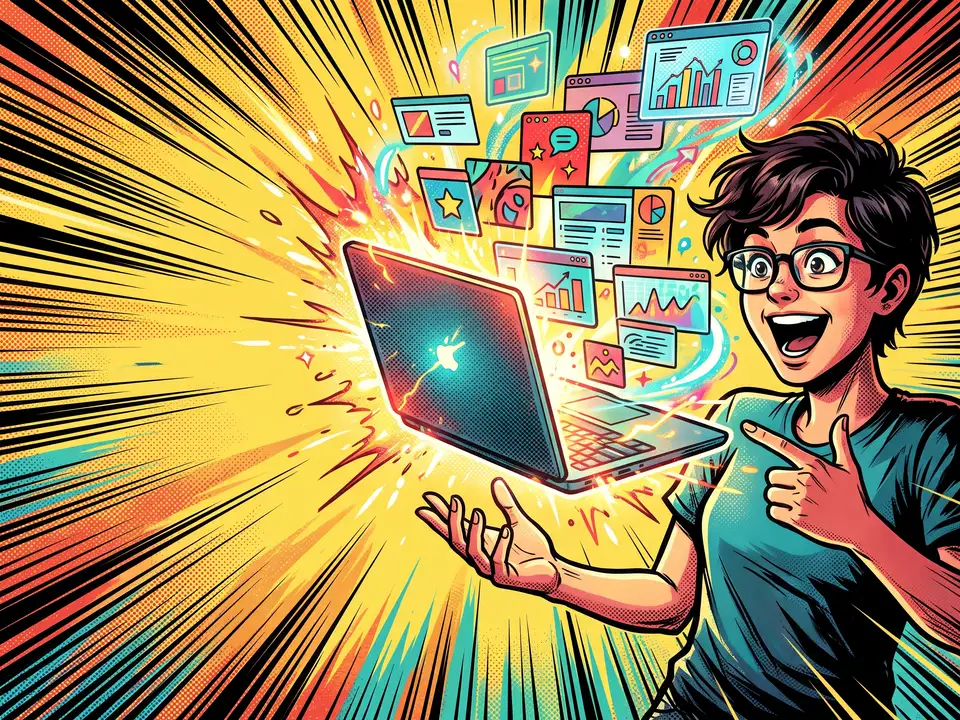 Comic book
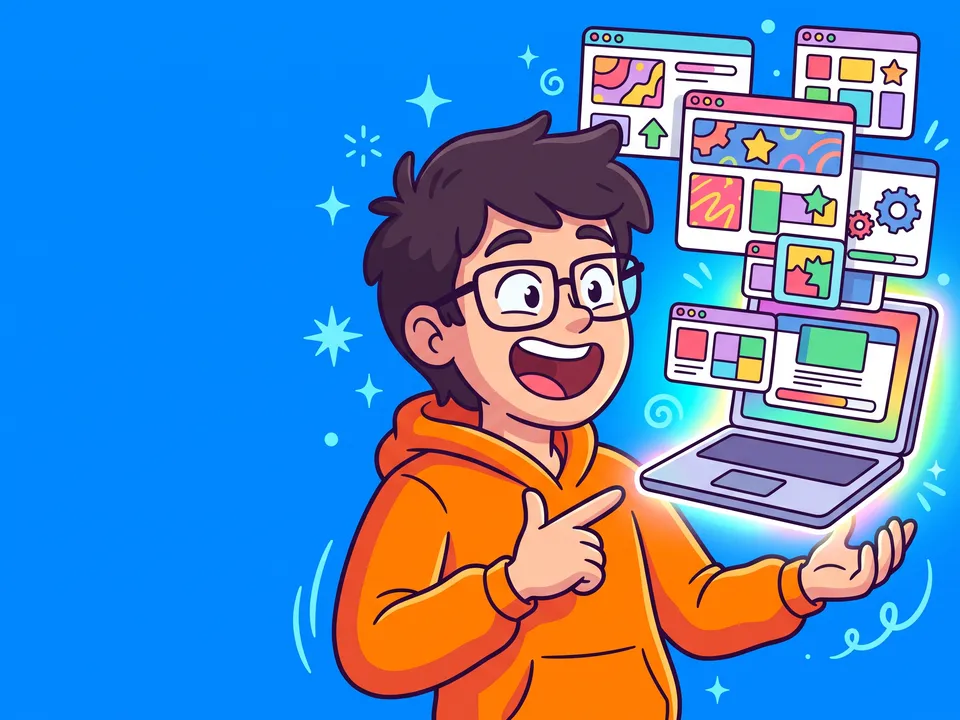 Vector cartoon
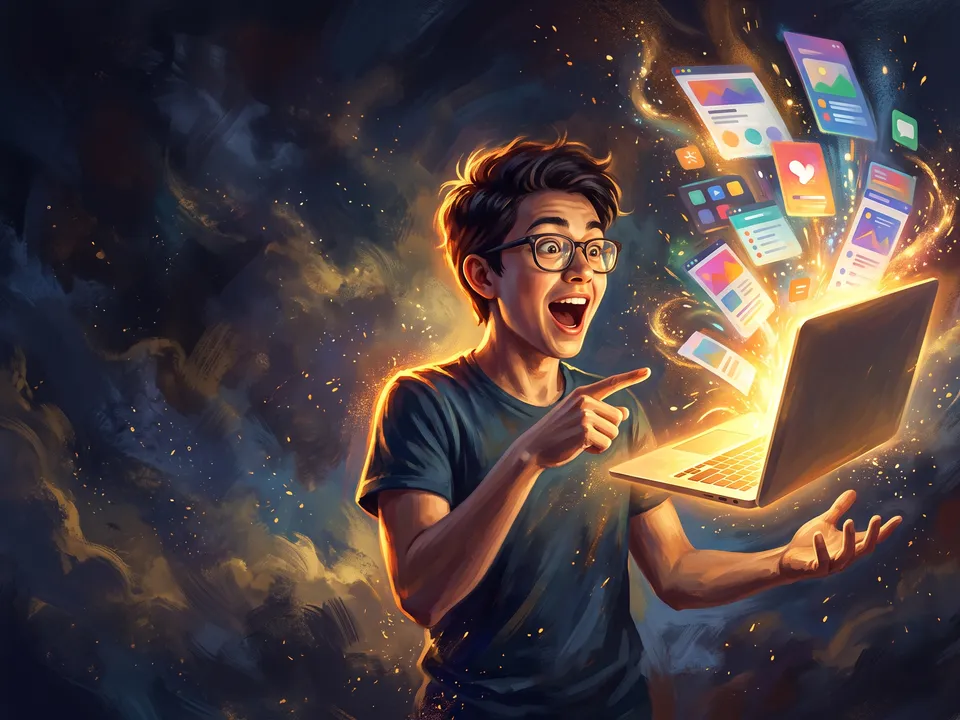 Painted poster
 Pixel scene
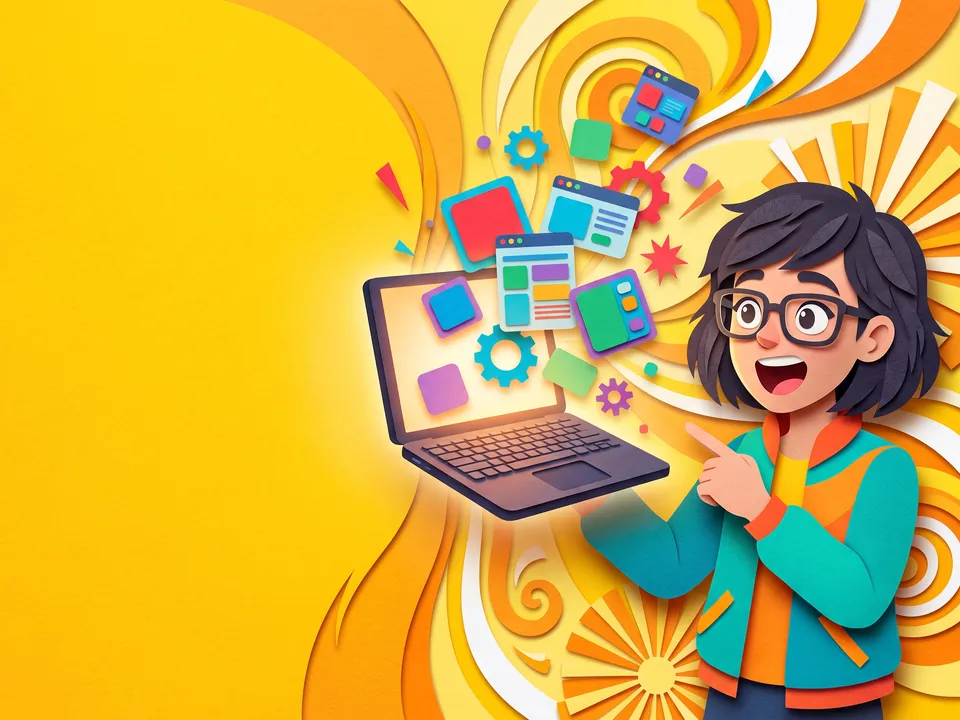 Papercraft
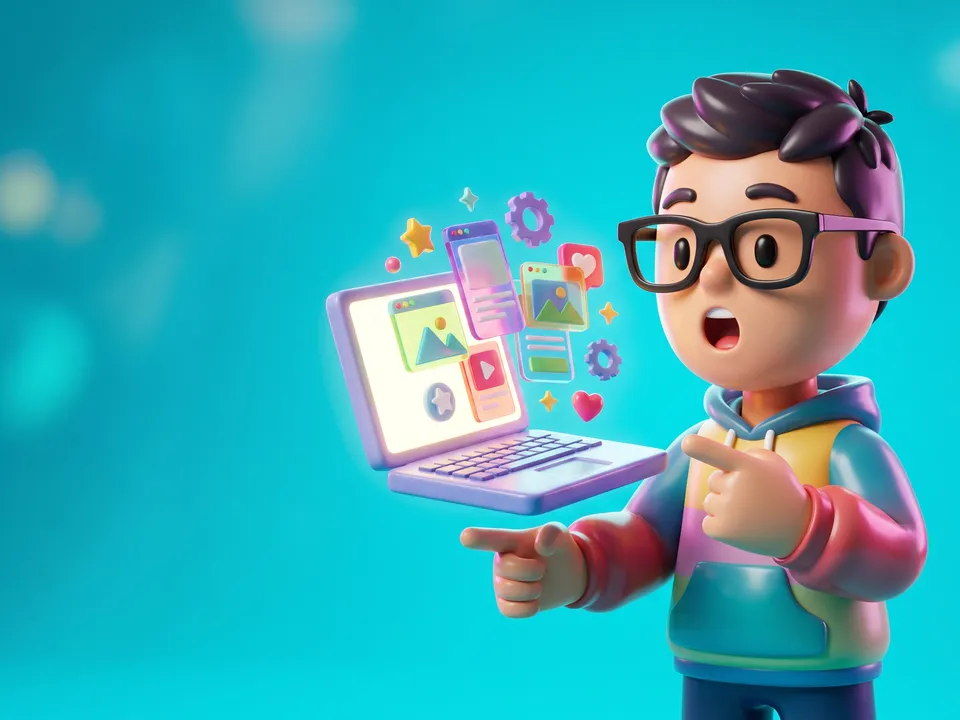 Toy figure
 Bold pop
 Low poly
- Video.mdThe title, the words on it, your expression and what to show. Claude fills it in from your answers, or you can.Brief
Nothing has to be uploaded to start: the canvas opens with a place for each file, ready when you are.
How it runs
Generate all runs it left to right: each step starts as soon as what feeds it is ready, and you see the whole price first. Or run any step yourself.
Step by step on the canvas
- Generate all four thumbnails: each reads your photo and Video.md, so they share one idea in four styles.
- Pick the strongest, or upload two and let YouTube’s test pick.
Skill
The craft every step follows, written out. It comes with the workflow, and you can change it on the canvas.
Read the skill
YouTube thumbnails
Read first
Video.md for the title, the promise, the words, the expression and the thing to show; the creator's photo and anything else wired in.
Every thumbnail
- One idea that makes people curious about the video's promise, read in under a second at 160 px wide: the face, the thing, and at most four words.
- The creator from the photo, kept exactly: the same face, features, skin tone, hair and glasses; only the expression changes, to the one in Video.md. Chest up and large (40 to 60% of the frame), eyes sharp, on one third of the frame, looking at the camera or at the thing.
- The thing to show, big and simple on the other side: a product, a screen, a result, a before and after. A screen shows big, simple shapes in Video.md's colours, never small words, code or a device inside a device.
- The words exactly as Video.md spells them, in a heavy, clean sans-serif in Video.md's colours, two lines at most, in the space beside the face, never over it. Nothing else written anywhere: no captions, interface text, code, logos or watermarks unless Video.md asks.
- Every style keeps Video.md's expression (amazed means raised brows and an open mouth), the creator's clothes from the photo, and Video.md's colours, even on screens.
- Strong separation: a rim of light around the creator, a background darker or calmer than them, high contrast and rich colour.
- The bottom-right corner kept clear: YouTube puts the video's length there.
- For a Shorts cover (9:16): the face in the upper half, the words in the middle, the bottom fifth clear.
The four styles
Each keeps the same creator, idea and words, so they compare fairly.
- Bold: a bright, saturated colour behind, a punchy key light, big words with a thick outline.
- Cinematic: a real place from the video's world, low-key dramatic light, a film grade, the words in clean white.
- Clean: one flat colour from Video.md, the creator cut out with a soft shadow, the thing beside them, lots of space, the fewest words.
- Illustrated: the creator redrawn as a stylised 3D character (or in the wired style), still clearly them, in a playful scene, the words in the same art.
Avoid
A changed or prettified face, more than one idea, more than four words, small text, arrows and circles everywhere, clutter, misspelled words, and a promise the video doesn't keep.
Wired into 4 steps on the canvas, where you can change it.
More workflows
 Logo and brand guideThree directions of marks, then a brand board and a brand guide page.About 4 minutes
 Manga chapterA cast sheet, a places sheet, a cover and inked pages that tell one short story.About 5 minutes
 Product photoshootYour product in a studio shot, a second angle, a close-up and a colourway.About 3 minutes