AI digital twin
You in your own room, three stills at a time from new cameras, a line in your own voice, and a talking clip from the one you pick.
Drop in sharp frames of your face from your own videos and three photos of the room you film in. Twin.md holds your face in words, your room, your gear and the three shots. Seedream 5 Pro makes three stills of you there, from three cameras; your instant ElevenLabs clone reads the line on v4; and Seedance 2.5 turns the still you pick into a five-second talking clip. Only for your own face and voice, or someone who agreed.
Start this workflowWhat it makes
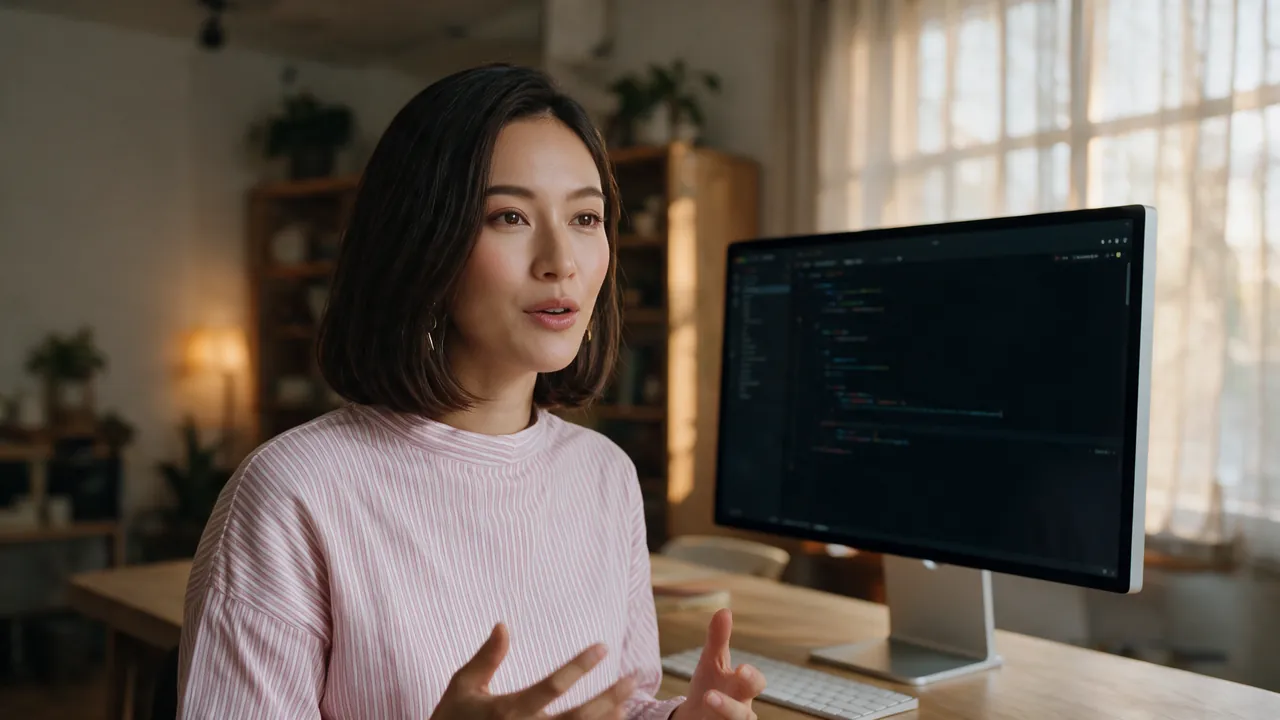
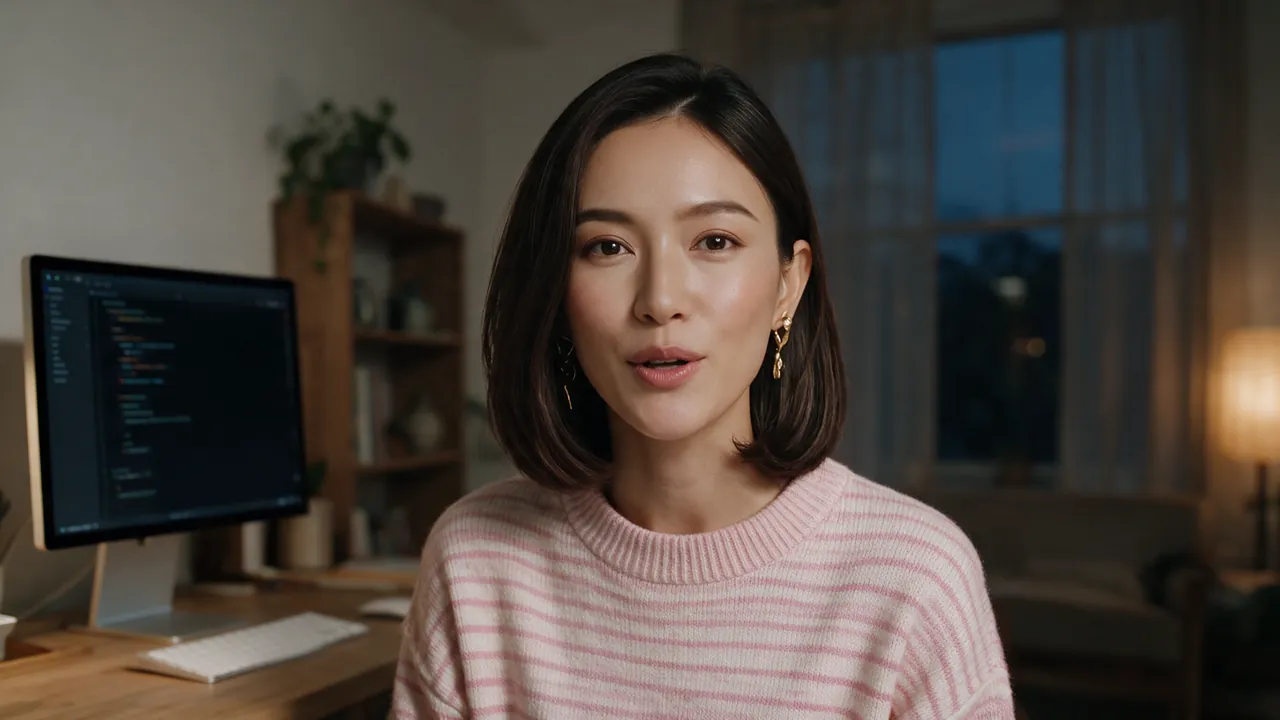
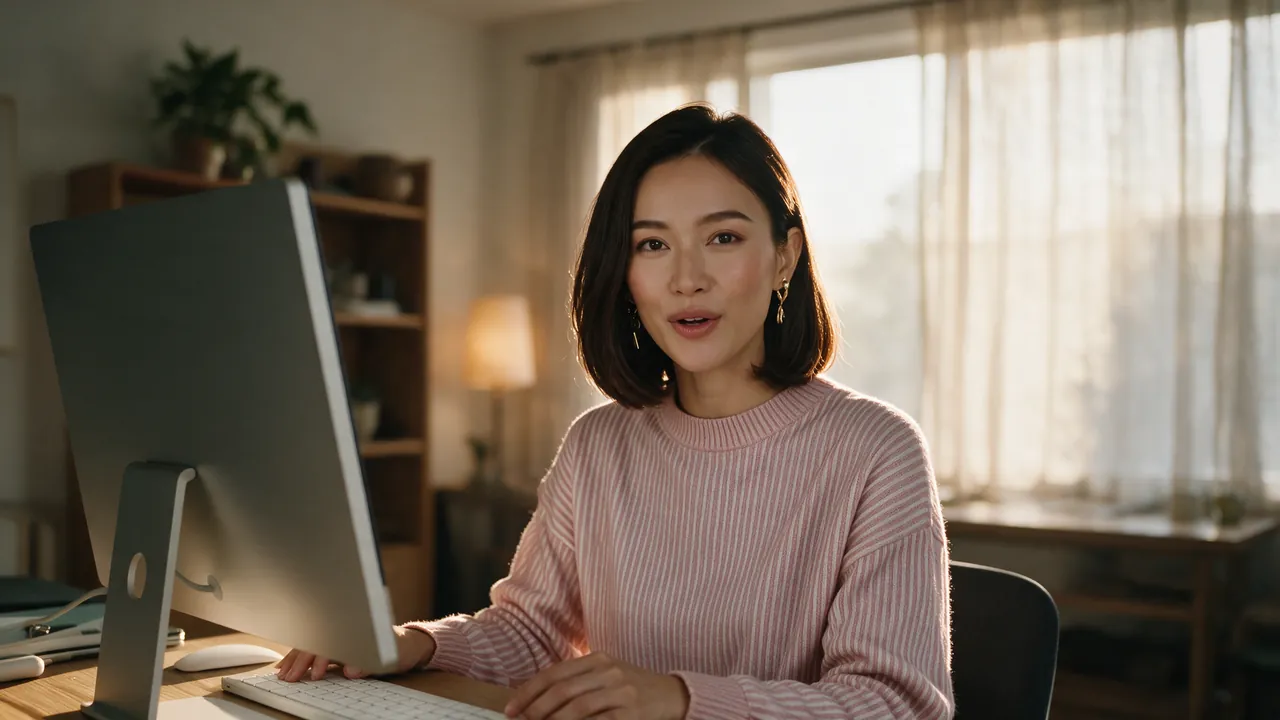
Also makesVoice
5 things in 2 steps. Every example here was made in Fil with this workflow; point at a clip to play it.
Made with this workflow
Shared on Fil Community by the people who made them.
How it starts
- Say what you want“Me at my desk for my course intro: three stills in my own studio at early sunrise, and one saying “This course is different. The agent writes the code now.””, or a picture. Nothing to upload first.
- Pick from a few choicesClaude asks about who you are, your room, the look, the shots and the line, and tells you if a file is missing.
- Generate allStill 1, Still 2, Still 3 and Voice first, then each next step as soon as what it needs is ready.
What you put in
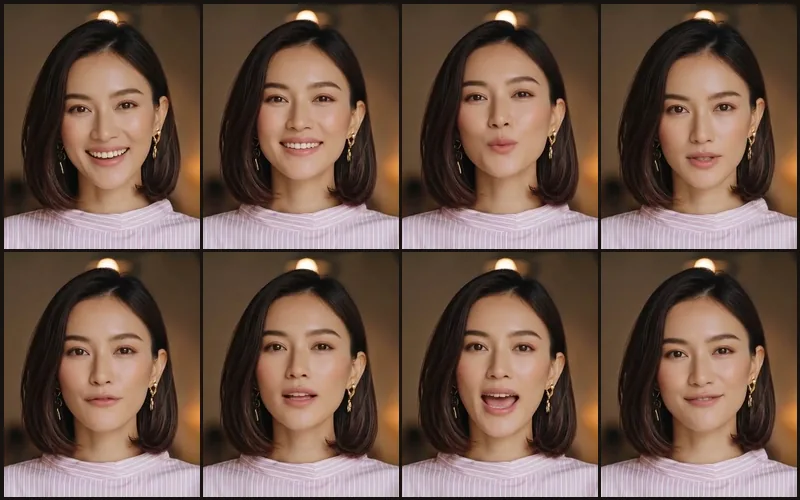 Your faceSix to eight sharp frames of your face from your own talking-head videos: head upright, mouth closed or nearly, no selfies. Like this one.Needed
- Your roomThree photos of the room you film in: the whole room, your desk and the window. They go in last, so it stays your room.Needed
- Twin.mdYour face in words, your room, your gear, the look, the shots and the line. Claude fills it in from your answers, or you can.Brief
Nothing has to be uploaded to start: the canvas opens with a place for each file, ready when you are.
How it runs
Generate all runs it left to right: each step starts as soon as what feeds it is ready, and you see the whole price first. Talking clip waits, unticked: pick the still that looks most like you and add it to Settings › Your face first: Seedance takes a real face only once it’s yours. Or run any step yourself.
Step by step on the canvas
- Generate the three stills and pick the ones that look like you. Change only the shots in Twin.md for the next three.
- In Voice, pick your own ElevenLabs clone and listen to the line beside a real one of yours.
- Add the still you picked to Settings › Your face, then generate Talking clip.
Skill
The craft every step follows, written out. It comes with the workflow, and you can change it on the canvas.
Read the skill
Digital twin
Read first
Twin.md: who it is and that they agreed, their face in words, their room, their gear and clothes, the look, the three shots and the line. The face frames wired in are who they are; the room photos wired in last are where they are.
Consent
Only the person's own face and voice, or someone who gave documented consent for this use. Never a public figure or anyone who hasn't agreed. A platform's identity check (a face check on the phone, a voice check) is theirs to do; never work around one.
The stills
- One prompt, four parts in this order: who they are (Twin.md's face, in words), the room (the same text for all three), the shot (Time: and Camera:), then the gear and the finish. Under 4,000 characters.
- Their real room only, never an invented place: the room photos keep it one room from every camera. Only the camera (lens, height, angle, distance), the time of day and one or two small objects change.
- 85 mm at eye level for close shots, 50–65 mm for medium; the key light from camera left, a soft neutral fill on the face so the skin keeps its tone however warm the room.
- Their gear by name ("an Apple Studio Display, thin aluminium, no chin"), and "no light stands, softboxes or tripods in frame".
- No hair colour they don't have: say what it isn't ("no grey hair anywhere").
The voice
Their instant voice clone on ElevenLabs v4, with [calm] before the line: without it v4 often reads higher and brighter than the person. Score it against their real voice, then let them listen beside a real line.
The talking clip
The still they picked, with the line in quotes: "speaks English", "the head mostly still with small natural nods", "small, soft lip movements, the lips only slightly parted, no wide-open mouth", "the face exactly as in the still". One clip per still.
Judge it
They decide which ones are them. Show three at a time, numbered, and ask. Before a still becomes a clip, look at it in nine tiles for wrong gear (an iMac's chin and logo is the most common miss), extra objects, hands and stray hair, and fix those parts only.
Avoid
A selfie or a generated face as a reference, smiling or mid-word reference frames (the face comes out long and wide), someone else's photo as a style reference (their face bleeds in), and a new batch before they've picked from the last one.
Wired into 4 steps on the canvas, where you can change it.
Questions
What does the Digital twin workflow make?
Still 1, Still 2, Still 3, Voice and Talking clip, in 2 steps. You in your own room, three stills at a time from new cameras, a line in your own voice, and a talking clip from the one you pick.
How do I start it?
Say what you want, for example “Me at my desk for my course intro: three stills in my own studio at early sunrise, and one saying “This course is different. The agent writes the code now.””. Claude asks about who you are, your room, the look, the shots and the line, fills in the briefs, and Generate all runs each step as soon as what it needs is ready. Nothing runs until you’ve seen the price.
How long does it take, and what does it cost?
About 5 minutes, and about 90–120 credits to make it all. You see the price before anything runs, and failed runs are refunded.
What do I need to bring?
Nothing has to be uploaded to start. The canvas has a place for your face and your room; your face and your room are needed before the steps that use them.
Can I use its skill with my own agent?
Yes. The skill it’s built on is free for Claude Code, Codex and Cursor, with its scripts and a demo, at https://fil.design/skills/digital-twin.
Do I need an invite?
Fil is invite-only for now. Without an invite, Start this workflow opens the waitlist.
More workflows
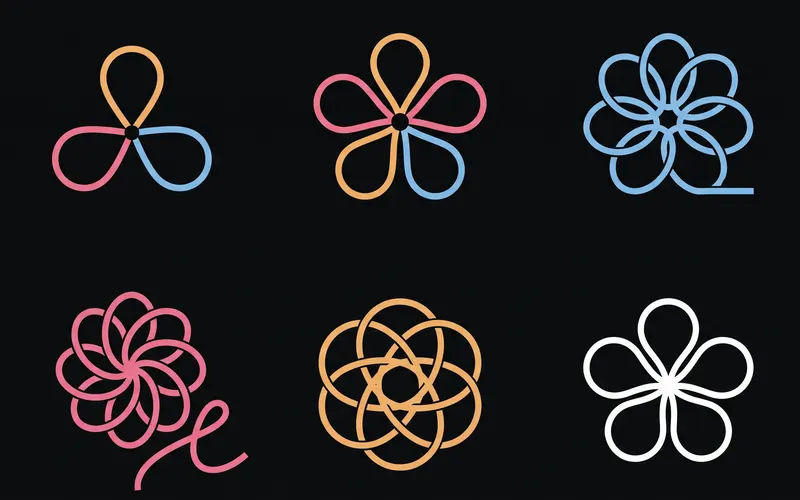 Logo and brand guideThree directions of marks, then a brand board and a brand guide page.About 4 minutes
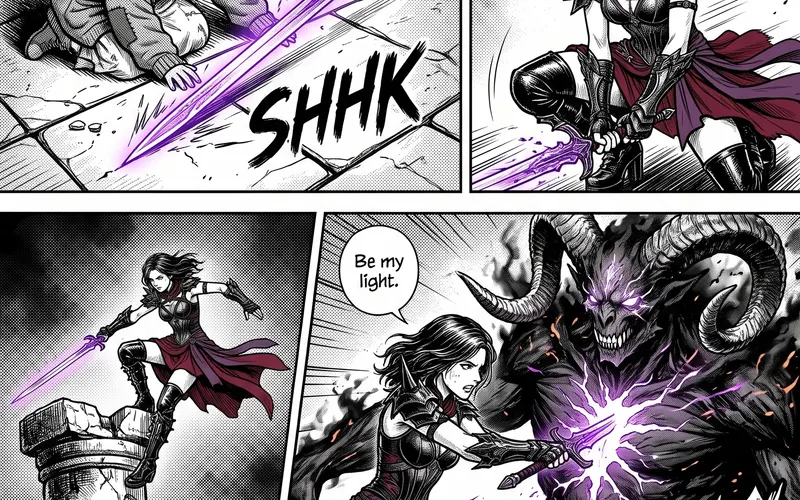 Manga chapterA cast sheet, a places sheet, a cover and inked pages that tell one short story.About 5 minutes
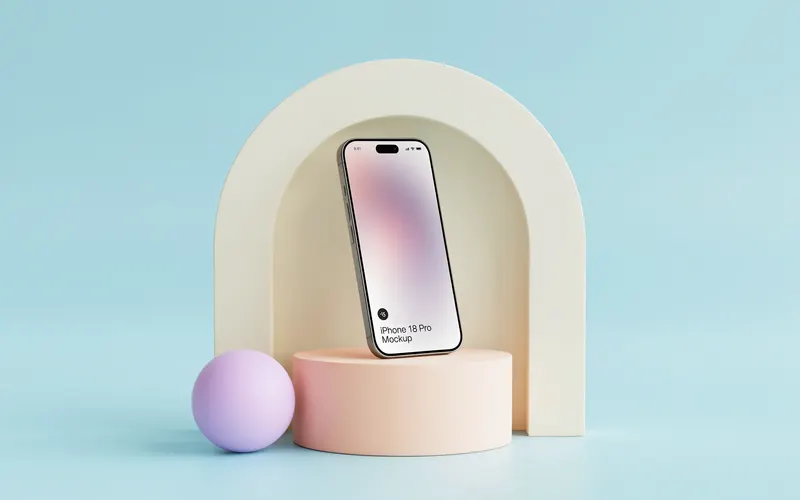 Product photoshootYour product in a studio shot, a second angle, a close-up and a colourway.About 3 minutes
All 44 workflows · Images people made in Fil · Every image model