3D asset
A clean concept, a turnaround to check it, then a textured 3D model.
A 3D model is only as good as the picture it starts from. This flow draws a clean, model-ready concept first, turns it into a clean turnaround (front, side and back), then makes a textured model from every side of it, ready to download as a GLB.
Start this workflowWhat it makes
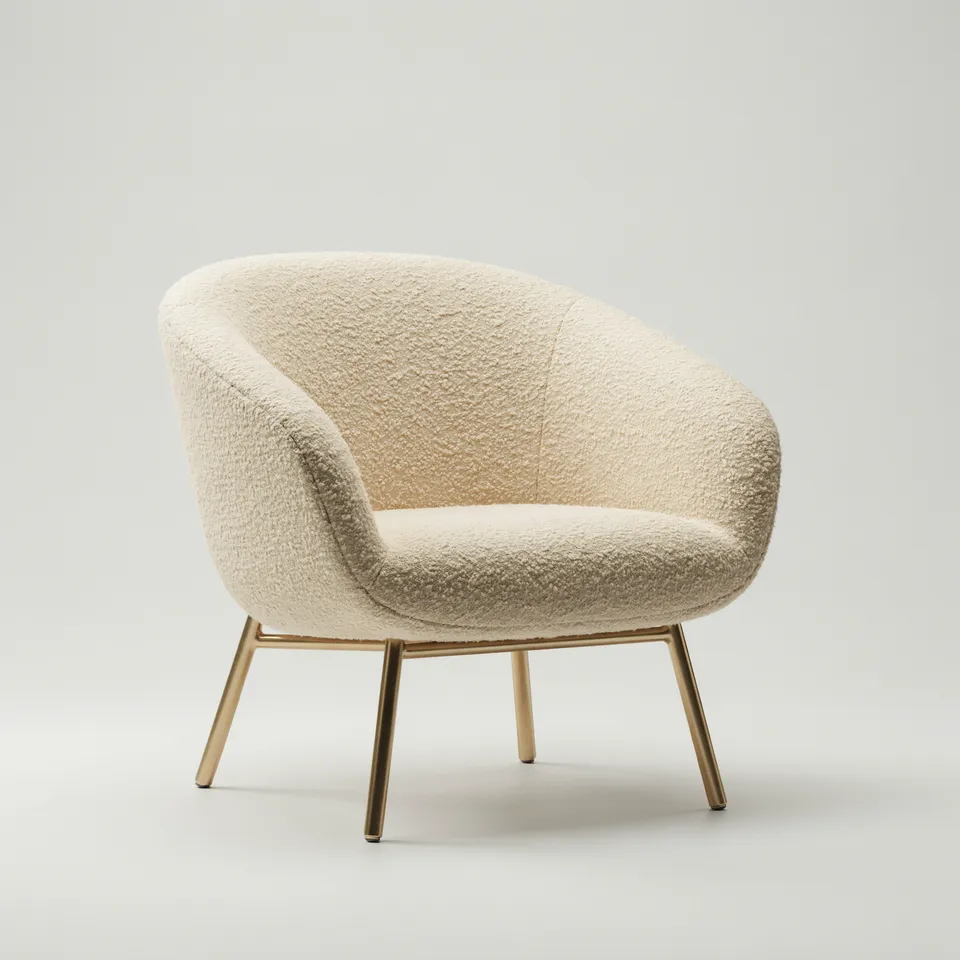
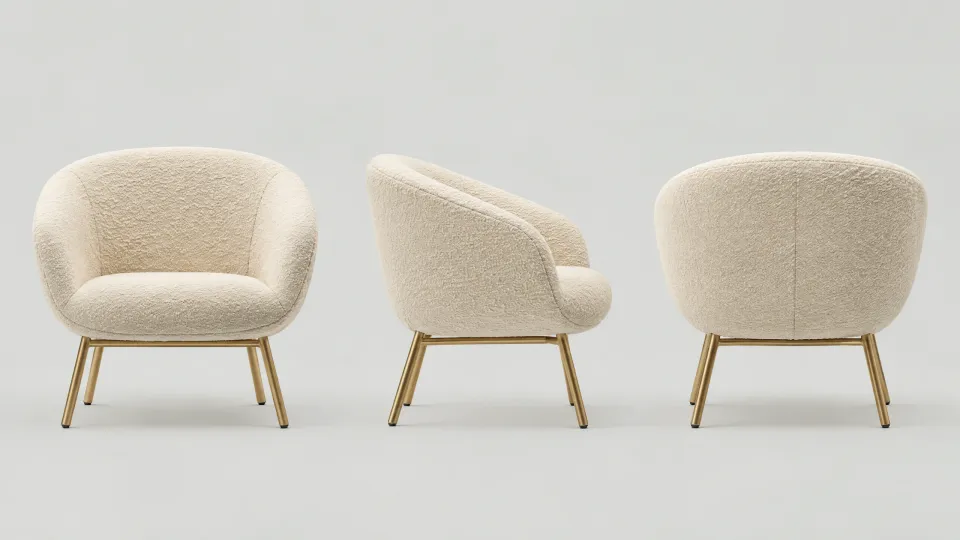
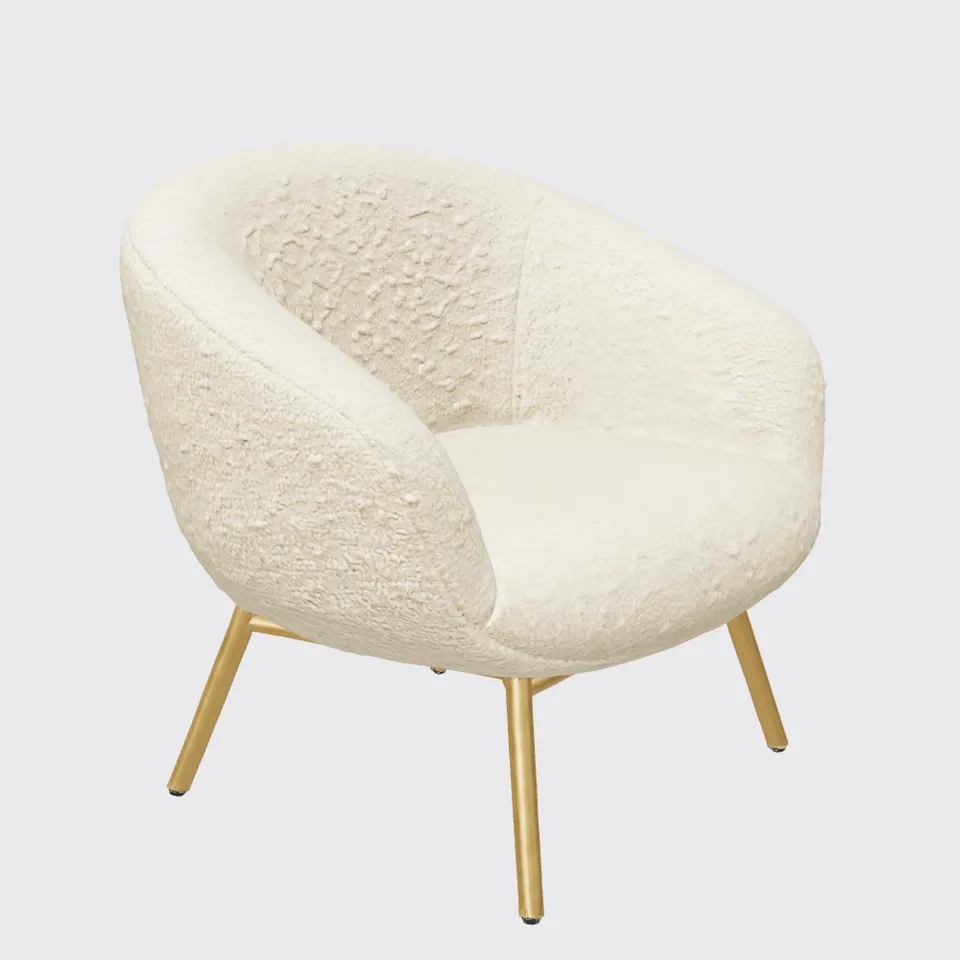
3 things in 3 steps. Every example here was made in Fil with this workflow; point at a clip to play it.
How it starts
- Say what you want“A sculptural lounge chair in cream bouclé on thin brass legs”, or a picture. Nothing to upload first.
- Pick from a few choicesClaude asks about the object, its materials and its style, and tells you if a file is missing.
- Generate allConcept first, then each next step as soon as what it needs is ready.
What you put in
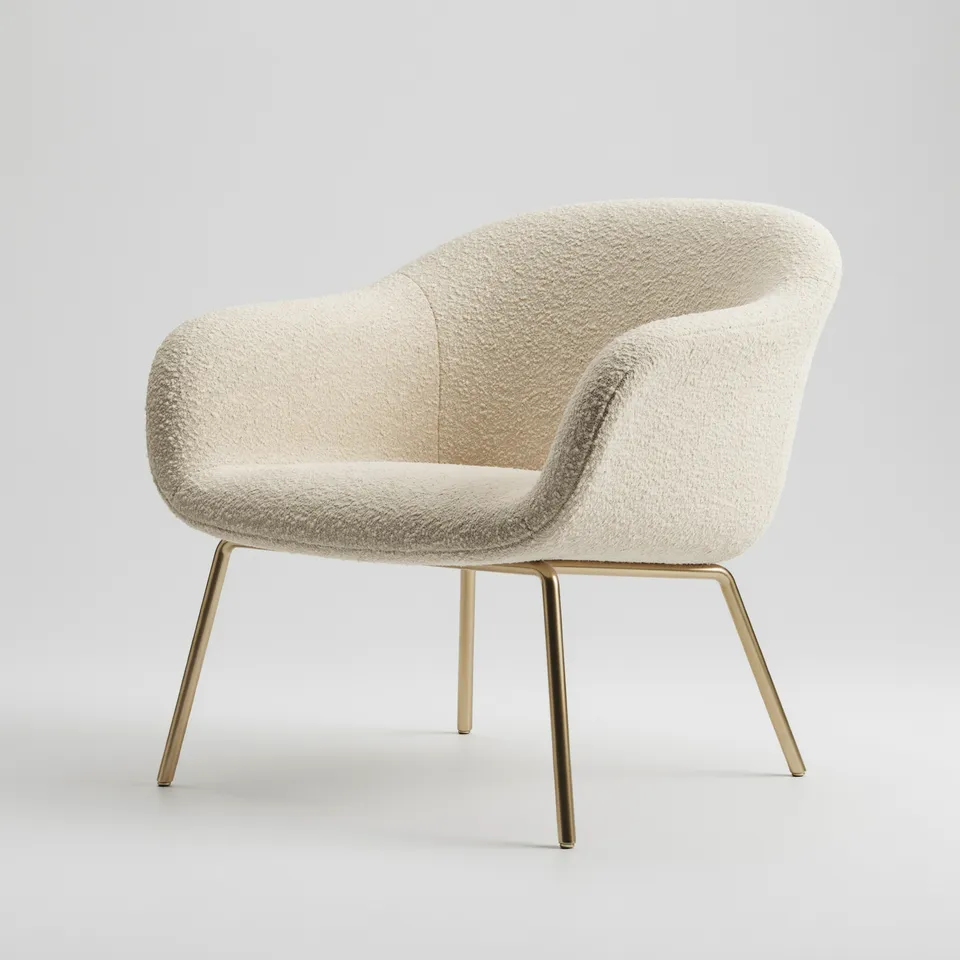 ReferenceA photo or sketch of the object. Like this one.Optional
- Describe your objectA sculptural lounge chair in cream bouclé on thin brass legs, rounded and soft, with a deep seat.Prompt
Nothing has to be uploaded to start: the canvas opens with a place for each file, ready when you are.
How it runs
Generate all runs it left to right: each step starts as soon as what feeds it is ready, and you see the whole price first. 3D model waits, unticked: check the turnaround first, then make the model. Or run any step yourself.
Step by step on the canvas
- Generate Concept and pick the take you like.
- Generate Turnaround and check its three views agree before you spend on the model: the model is made from it.
- Generate 3D model from the turnaround. Rig, animate or download it from the model.
Skill
The craft every step follows, written out. It comes with the workflow, and you can change it on the canvas.
Read the skill
3D-ready concept
Concept (1:1)
- One object, whole and centred, filling about 70% of the frame, in a three-quarter view from slightly above.
- A plain light grey seamless background, soft even light and only a faint contact shadow.
- Real materials named plainly (oak, brushed steel, bouclé, glazed ceramic) with their colours.
- No text, props, hands, cropping, motion blur or depth of field.
Turnaround (16:9)
Exactly three whole views of the same object side by side, left to right: front, side profile and back, at the same scale and light on one shared baseline, evenly spaced with clear space around each, on the same grey. Nothing else on the sheet (no close-ups, swatches or text): the 3D model is made from it, cropping each view. The object turns 90° between views and nothing else changes: a part that leans left in the front view leans the matching way in each side view, and nothing appears that the concept doesn't have (no cords, stands or extra parts).
Shapes that model well
Solid, closed forms with clear silhouettes. Thin parts (cables, straps, hair) a little thicker than in life. Glass and liquids shown as frosted or opaque, since 3D models read them as solid.
Avoid
Scenes, several objects, floating parts, busy patterns that read as geometry, and strong reflections of a room.
Wired into 2 steps on the canvas, where you can change it.
More workflows
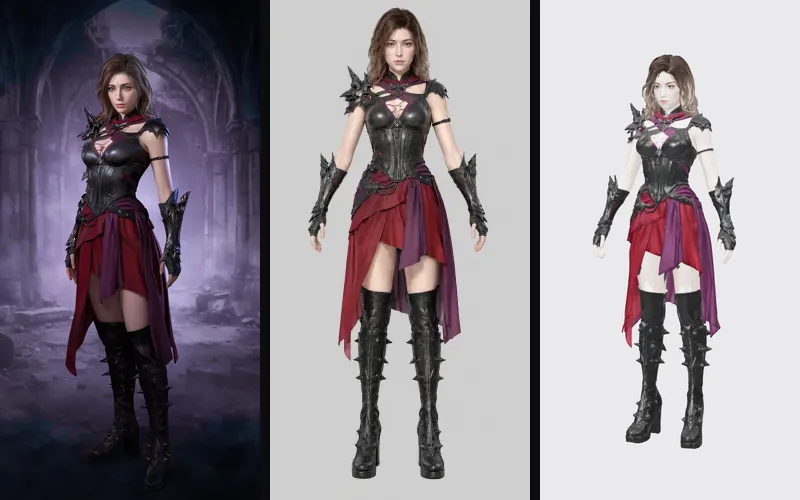 Game characterA concept, a clean A-pose turnaround and a 3D model ready to rig and animate.About 5 minutes
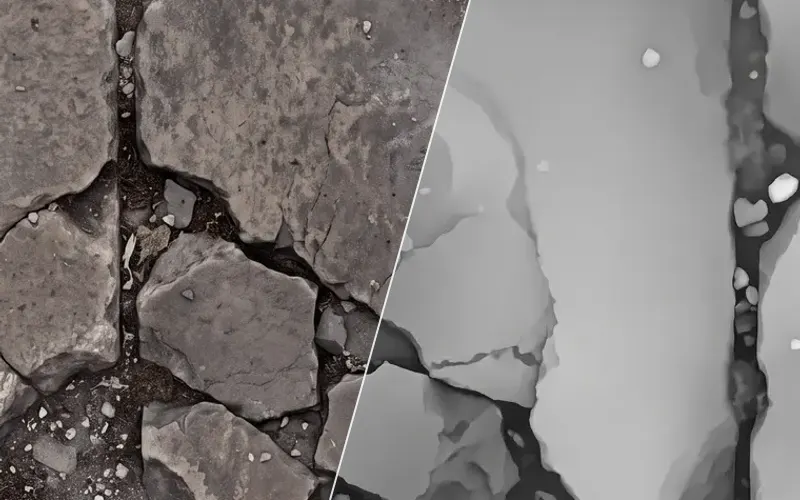 Material maps to Three.jsA seamless surface and its maps, lit in a Three.js scene you can turn and publish.About 4 minutes
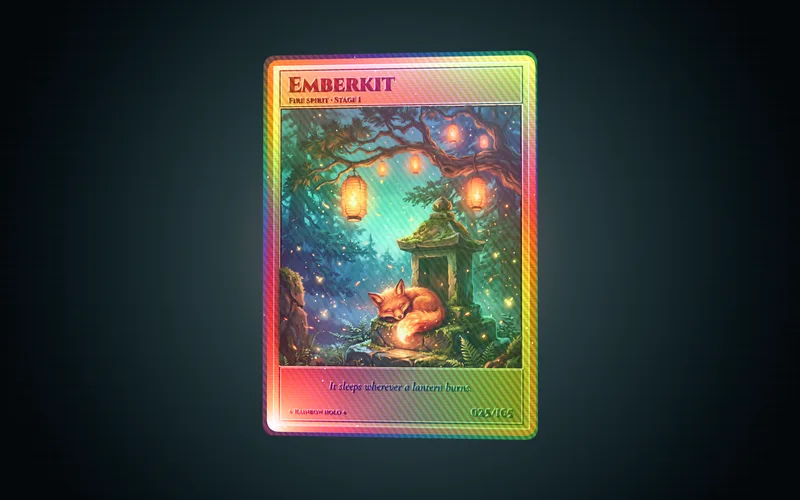 Holographic cardCard art, its depth and a foil card in 3D you can tilt, spin and flip.About 3 minutes