Material maps to a Three.js scene skill
Makes a seamless PBR material from one surface (base colour, height and roughness maps, and a normal map built from the height), then builds a real-time Three.js scene that uses them. Use for textures, PBR materials, stone, wood, fabric and metal surfaces, and WebGL scenes lit to show them off.
A SKILL.md for Claude Code, Codex and any agent that reads skills. It’s the craft behind Fil’s Material maps to Three.js workflow, written out so your agent can follow it too.
Install it
Unzip it into your agent’s skills folder. The agent reads its name and description, and the rest only when a task needs it.
curl -fsSL https://fil.design/skills/material-maps-scene.zip -o /tmp/material-maps-scene.zip && unzip -o /tmp/material-maps-scene.zip -d ~/.claude/skillscurl -fsSL https://fil.design/skills/material-maps-scene.zip -o /tmp/material-maps-scene.zip && unzip -o /tmp/material-maps-scene.zip -d ~/.codex/skillsInstall the Material maps to a Three.js scene skill from https://fil.design/skills/material-maps-scene: unzip https://fil.design/skills/material-maps-scene.zip into your skills folder (~/.claude/skills for Claude Code, ~/.codex/skills for Codex), then read its SKILL.md.The skill
Read first
Scene.md for the surface, its size, the scene, the light and the camera; a surface photo wired in, if there is one.
Base colour (1:1)
- Strictly top-down and orthographic: the camera points straight down, with no perspective, horizon or vignette.
- Flat, even, shadowless light: only the material's own colour, with no baked highlights or cast shadows.
- Seamless: the left edge runs into the right and the top into the bottom, with no single feature that repeats obviously.
- What fills the seams and cracks is exactly what Scene.md says (ash, sand, moss), nothing else.
- Real materials at real sizes from Scene.md (worn limestone flagstones 60 cm across, oak boards 12 cm wide).
Height map (1:1, from the base colour)
- Grayscale and pixel-aligned with the base colour: the highest surfaces white, the lowest black, smooth gradients between.
- Seams, cracks and grooves dark; raised details (pebbles, knots, stitches) light; no colour, light or photo texture.
Normal map (built in the scene, from the height map)
Picture models can't draw a tangent-space normal map accurately, so the scene computes it: read the height map into a canvas, take each pixel's slope with a Sobel filter (strength from Scene.md's surface, about 2 for stone), and write it as an OpenGL normal map (green up, flat areas #8080FF), wrapping at the edges so it tiles.
Roughness map (1:1, from the base colour)
- Grayscale and pixel-aligned: white is matte (dry stone, chalk, ash, fabric), black is glossy (wet patches, polished metal, glaze).
- Broad and calm: roughness changes with the material, not with every speck.
Three.js scene
- The surface as a MeshStandardMaterial: the base colour as map, the computed normal map as normalMap, roughnessMap, and the height map as displacementMap on a finely divided plane, since a normal map changes shading but only displaced vertices change the silhouette. Keep the displacement small (about 2% of a tile's width, bias so the tops stay level): stone stays flat-topped and only the seams sink, never a lumpy crust.
- Keys 1 to 5 show the base colour, height, normal and roughness maps on their own, then the lit surface, with a small label saying which.
- Colour space: only the base colour is sRGB; the height, normal and roughness maps are data, with no colour-space conversion.
- Every map of the material shares one tiling: RepeatWrapping and the same repeat from Scene.md, with mipmaps and anisotropy up to renderer.capabilities.getMaxAnisotropy() for grazing views. If the maps show a seam where they repeat, use MirroredRepeatWrapping on all of them instead.
- Stone, wood, fabric and plaster are not metals: metalness 0, and shine comes from the roughness map, never from raising metalness.
- Tell the attached maps apart by their descriptions (base colour, height, roughness) and load each at its address exactly as listed.
- Light that shows the maps off: one low, raking key light that moves slowly (the torch, sun or lamp from Scene.md) so the normals, seams and roughness catch it, ACES filmic tone mapping (exposure about 1.1).
- Fill, so the whole surface reads: a HemisphereLight (sky and ground colours from Scene.md's light, intensity about 0.8) plus any second light Scene.md names (moonlight as a cool DirectionalLight, about 0.6). Stone outside the key light stays clearly visible, never black; the lit pool is bright without blowing out.
- A light you can see (a torch, a lamp) is a PointLight with a small glowing flame: a THREE.Sprite whose SpriteMaterial uses AdditiveBlending and a soft radial-gradient CanvasTexture (white-yellow core fading to transparent orange), flickering gently in size and intensity. Never a mesh sphere, circle or flat disc.
- Depth: scene.background and FogExp2 in the same dark colour, dense enough that the far floor fades out completely; the floor plane is several times wider than the view and its edge always lies inside the fog, so no line where the floor ends ever shows. A backdrop Scene.md names (arches, walls, trees) is simple geometry in the surface's material, lit by the fill and fading into that fog, never flat black shapes.
- The camera from Scene.md, with OrbitControls kept above the surface.
- Props from Three.js geometry only when Scene.md asks for them: few, smooth (enough segments, bevelled edges), in the same material or a darker take on it, never faceted low-poly blobs.
Avoid
Perspective or light in the maps, maps that don't line up, seams when tiled, colour in the height, normal or roughness maps, a scene lit flat from the front, a scene mostly in black, the floor's edge in view, and a light drawn as a flat disc.
What it reads
It was written for Fil’s Material maps to Three.js workflow, which wires these into every step. Elsewhere, give your agent the same, or let it ask.
- Scene.mdThe surface, its size, the scene, the light and the cameraBrief
- Surface photoA straight-down photo of the surface you want: stone, wood, fabric or metal.Optional
Questions
What does the Material maps to a Three.js scene skill do?
Makes a seamless PBR material from one surface (base colour, height and roughness maps, and a normal map built from the height), then builds a real-time Three.js scene that uses them. Use for textures, PBR materials, stone, wood, fabric and metal surfaces, and WebGL scenes lit to show them off.
How do I install it in Claude Code?
Download https://fil.design/skills/material-maps-scene.zip and unzip it into ~/.claude/skills, or into a project’s .claude/skills folder, or run the command on this page. Claude Code reads the skill’s description and loads the rest when a request needs it.
Does it work in Codex and other agents?
Yes. Unzip it into ~/.codex/skills for Codex. It’s one SKILL.md file, so any agent that reads skills can use it, and you can paste it into a chat as well.
Do I need Fil to use it?
No. It was written for Fil’s Material maps to Three.js workflow, which wires in Scene.md and Surface photo: give your agent the same, or let it ask. In Fil, the workflow runs it with the best models and shows the price before anything runs.
Is it free?
Yes. The skill is free to download.
More skills
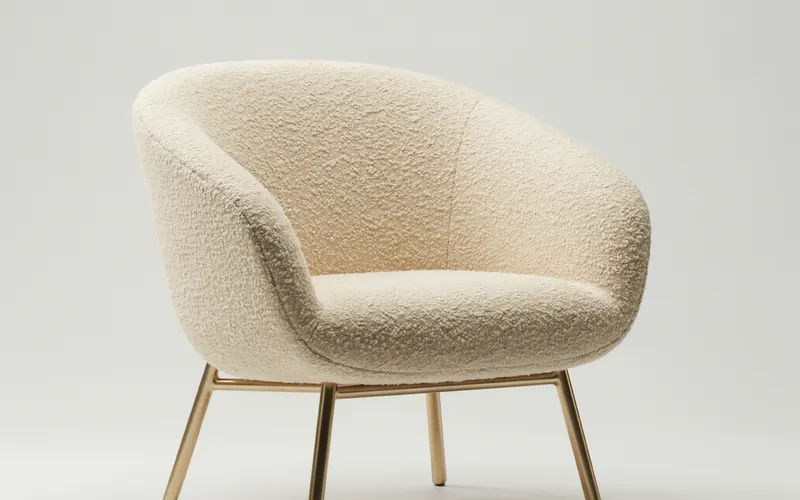 3D-ready conceptDraws objects as clean, model-ready concepts and turnarounds, so an image-to-3D model reads their shape correctly. Use…From the 3D asset workflow
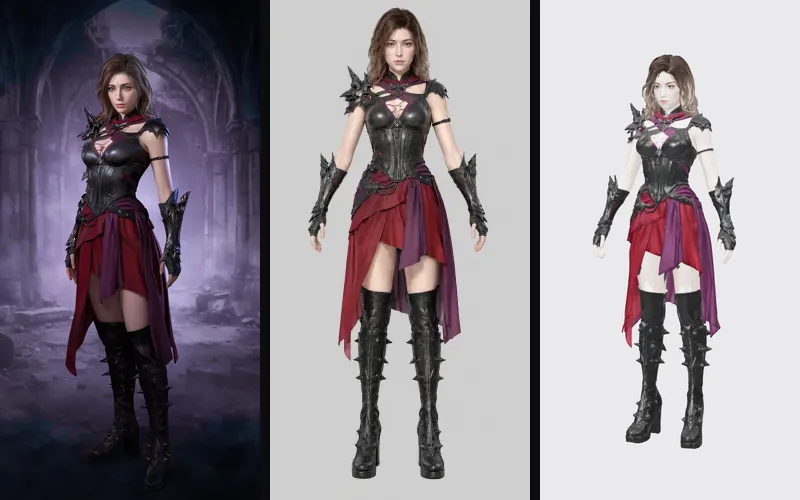 Game characterDesigns a game character as a full-figure concept and a clean A-pose model sheet that image-to-3D models turn into a…From the Game character workflow
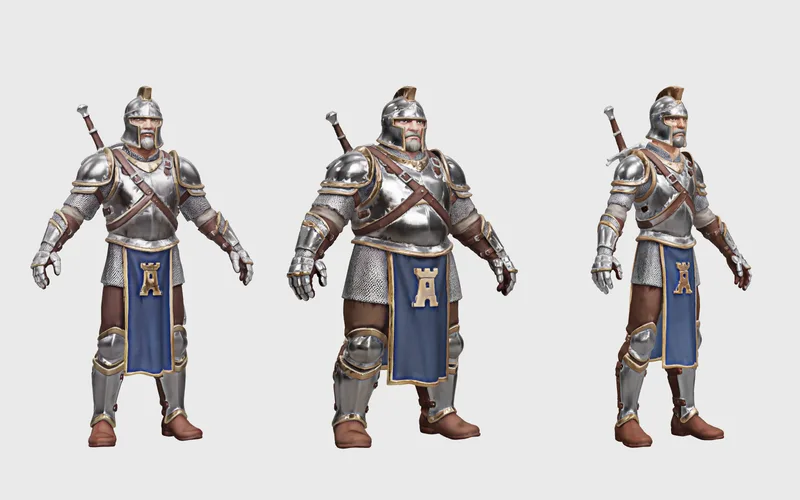 Character gearDesigns a gear set and fits it to a game character in several body types, as clean A-pose turnarounds that image-to-3D…From the Character gear workflow