Story video
A character sheet, keyframes, shots and a score, ready to cut together.
Write a three-shot script, and the flow keeps it consistent: the character sheet holds your lead, each keyframe sets up its shot, and each shot plays from its keyframe with one camera move.
Start this workflowWhat it makes
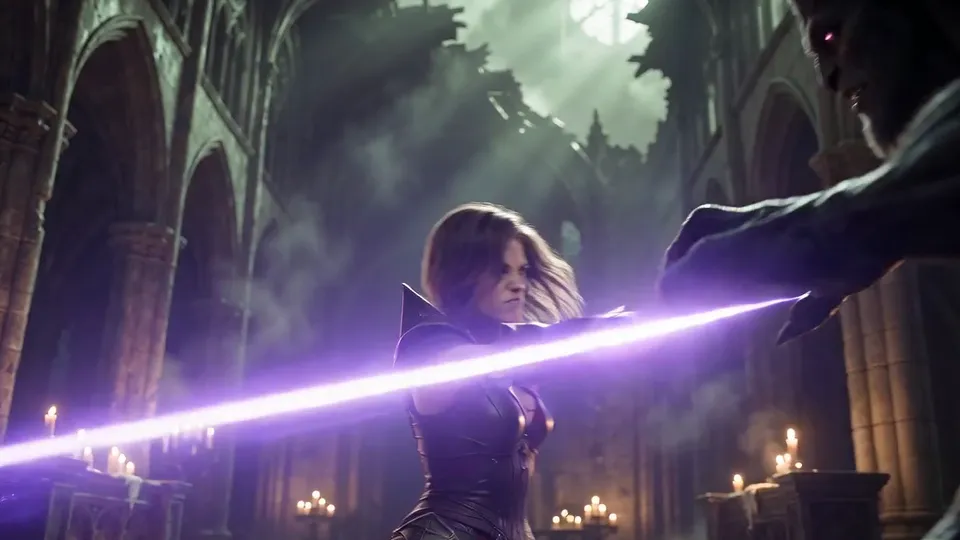
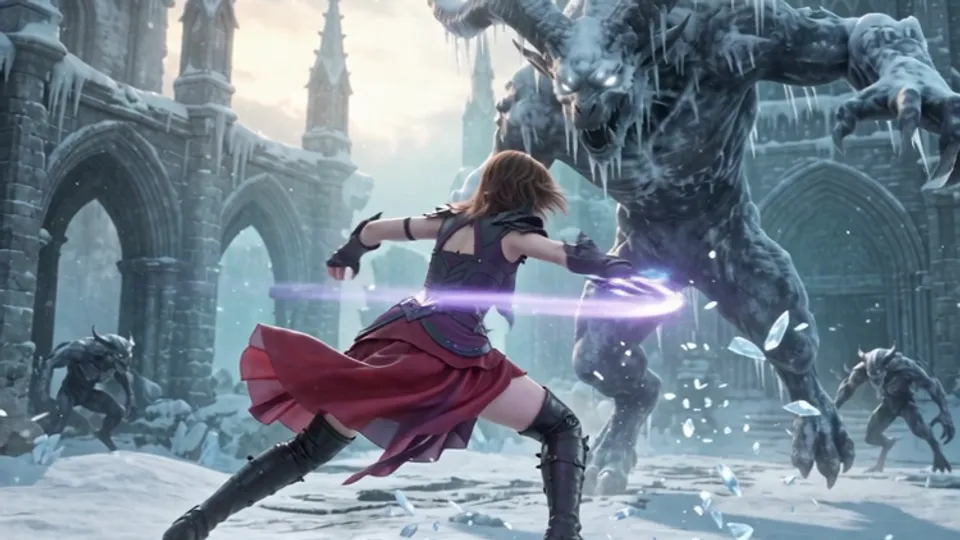
Also makesShot 3Soundtrack
8 things in 4 steps. Every example here was made in Fil with this workflow; point at a clip to play it.
How it starts
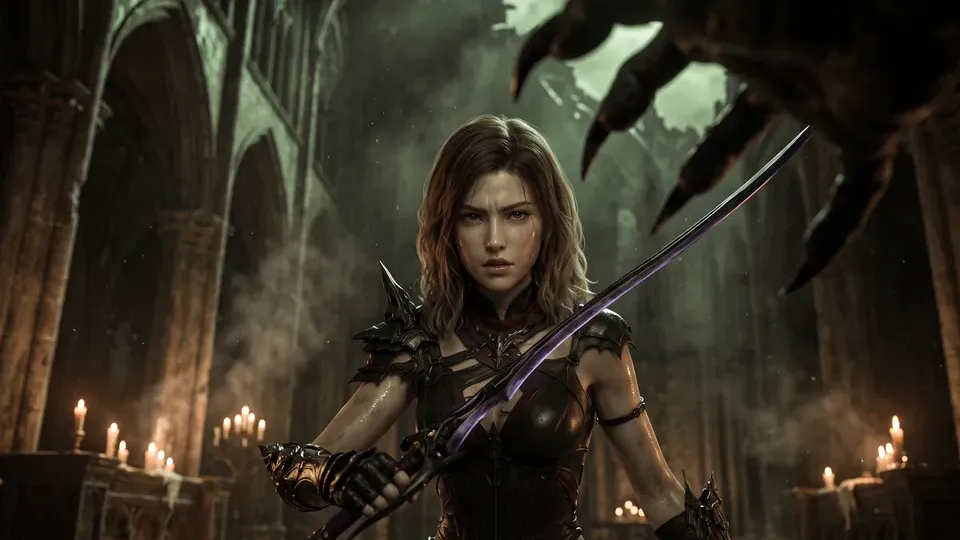
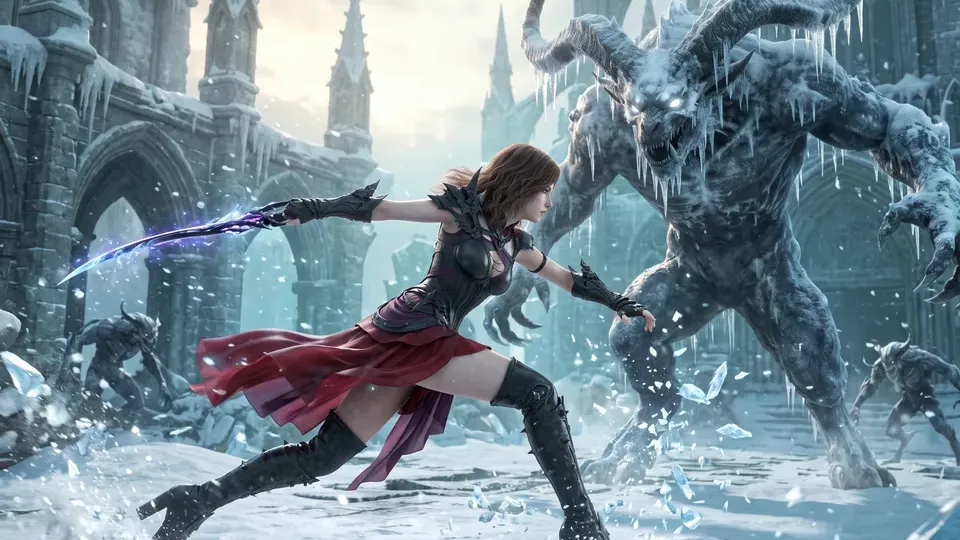
- Say what you want“A swordswoman in a red cloak holds a ruined cathedral against an ice demon at dawn”, or a picture. Nothing to upload first.
- Pick from a few choicesClaude asks about the look, your lead and how each shot moves, and tells you if a file is missing.
- Generate allCharacter sheet and Soundtrack first, then each next step as soon as what it needs is ready.
What you put in
- Main characterA drawing, render or photo of your lead.Optional
- Style frameA still whose light and colour you want.Optional
- Or start from one of these styles, picked for this workflow:
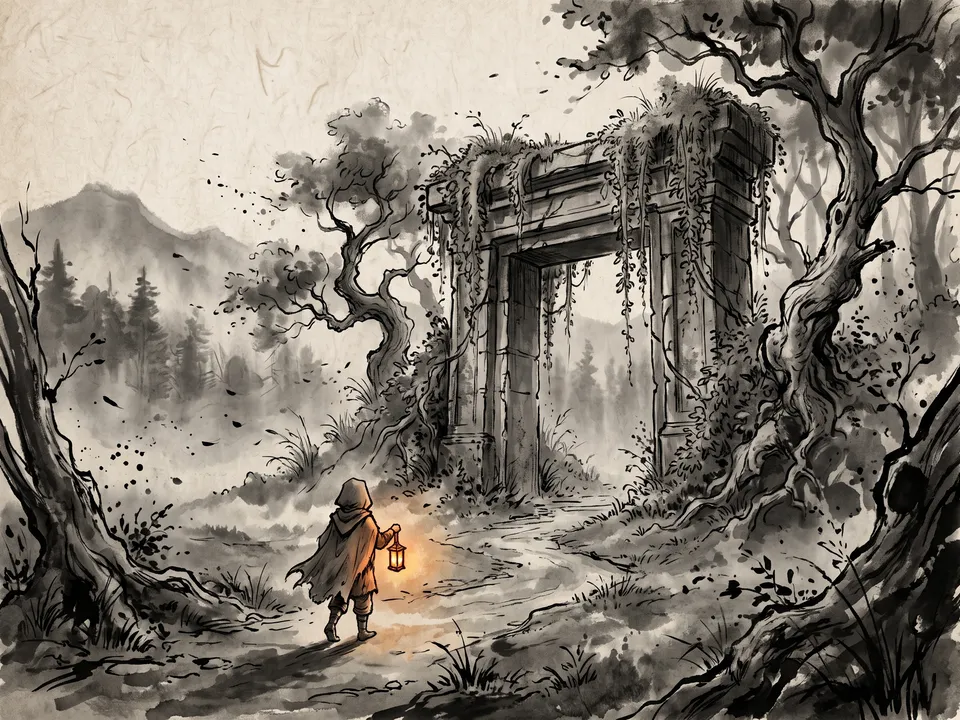 Sumi-e
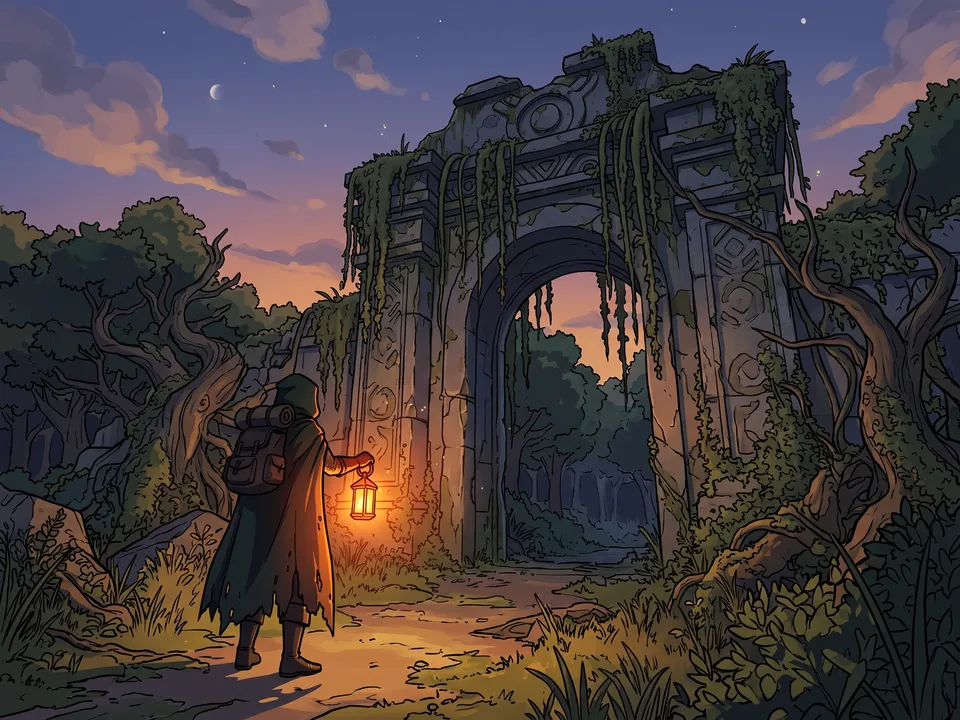 Toon-shaded 3D
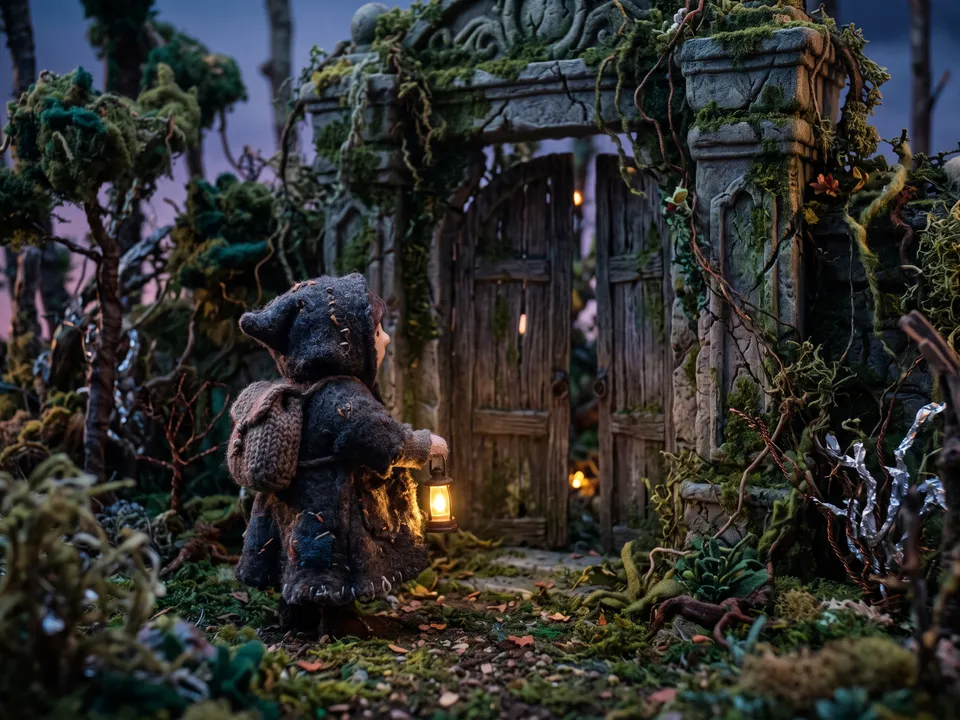 Stop motion
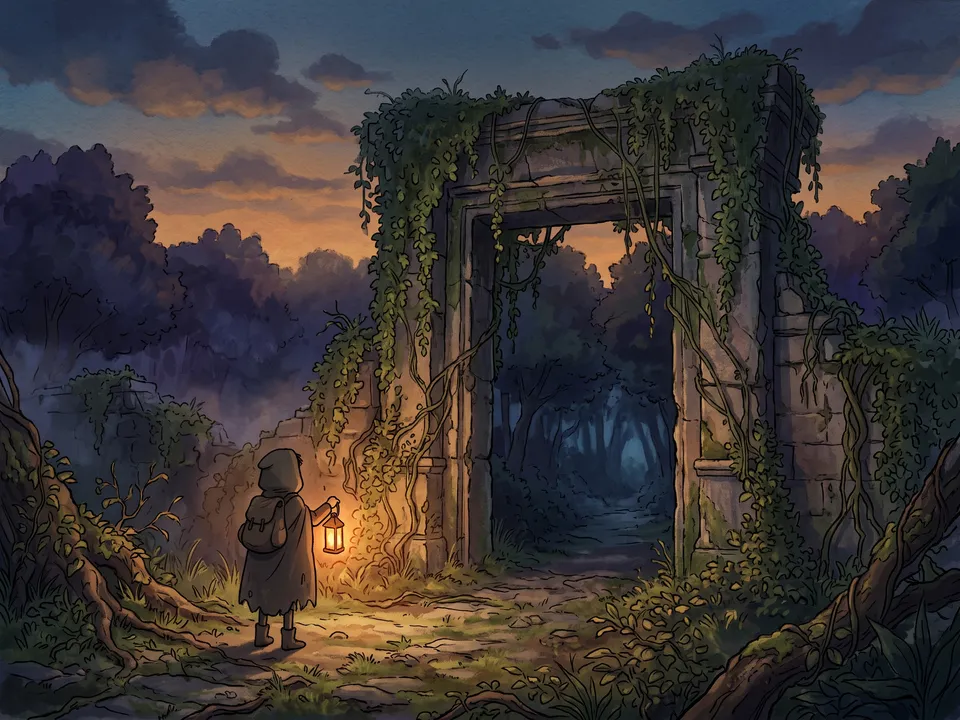 Painted animation
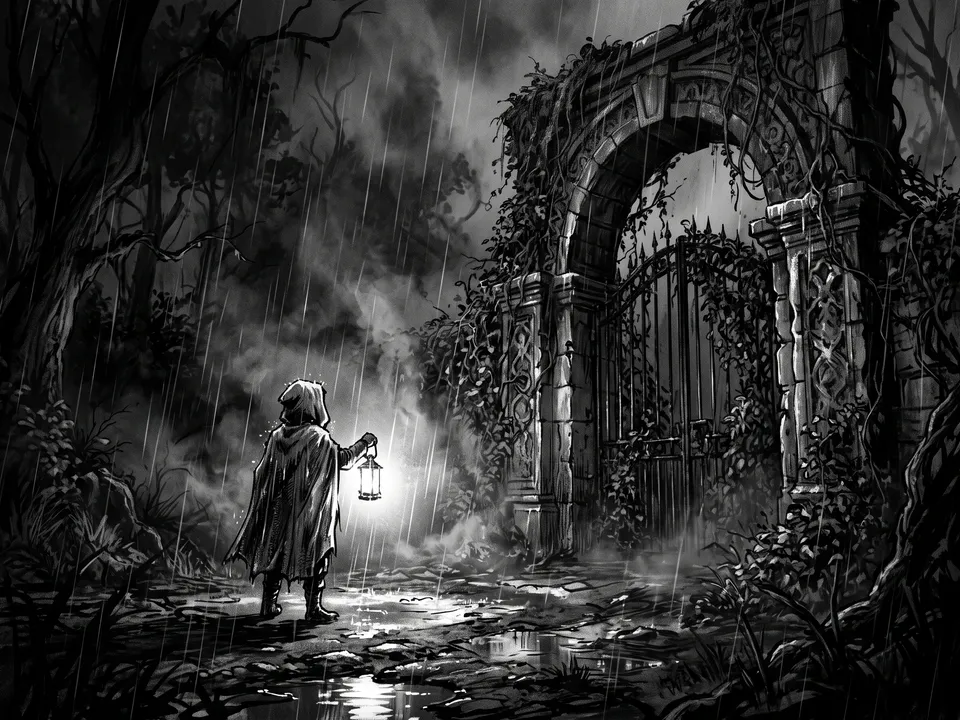 Film noir
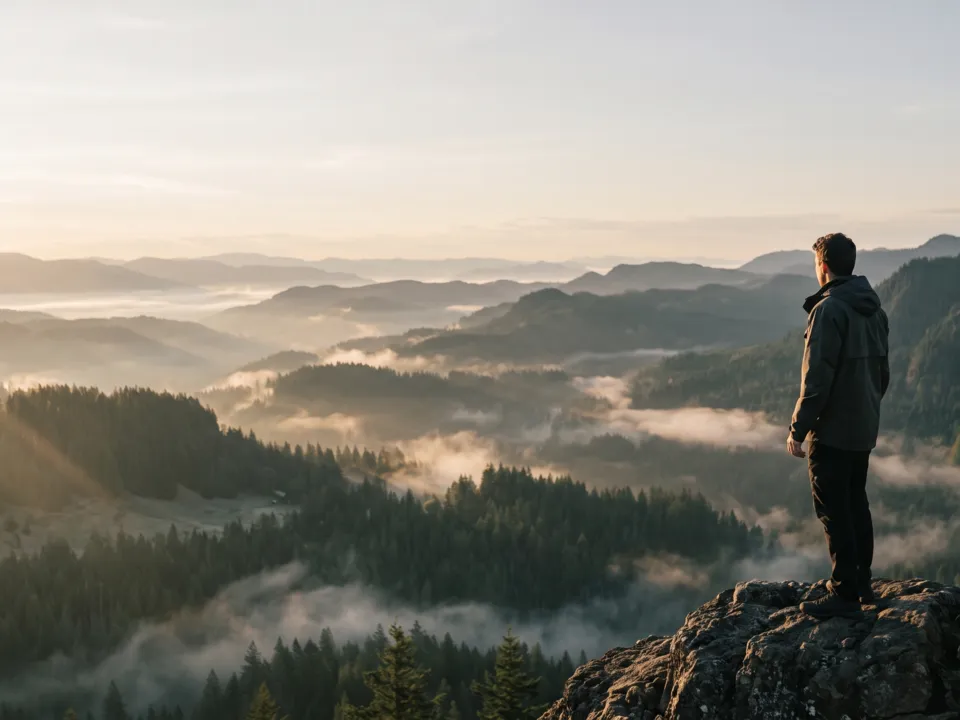 Golden hour
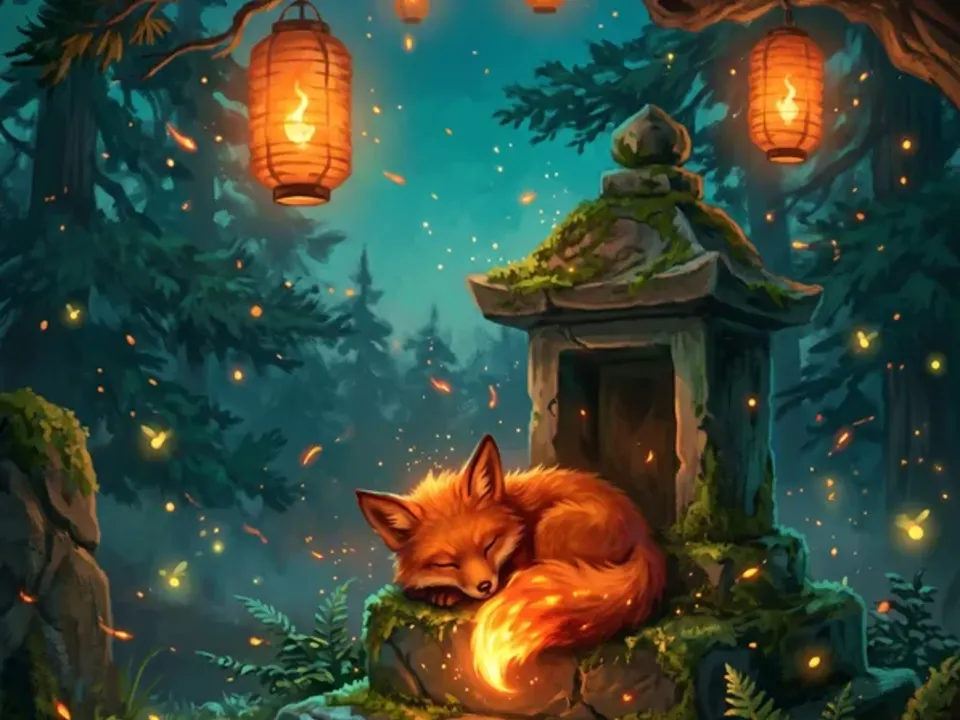 Storybook
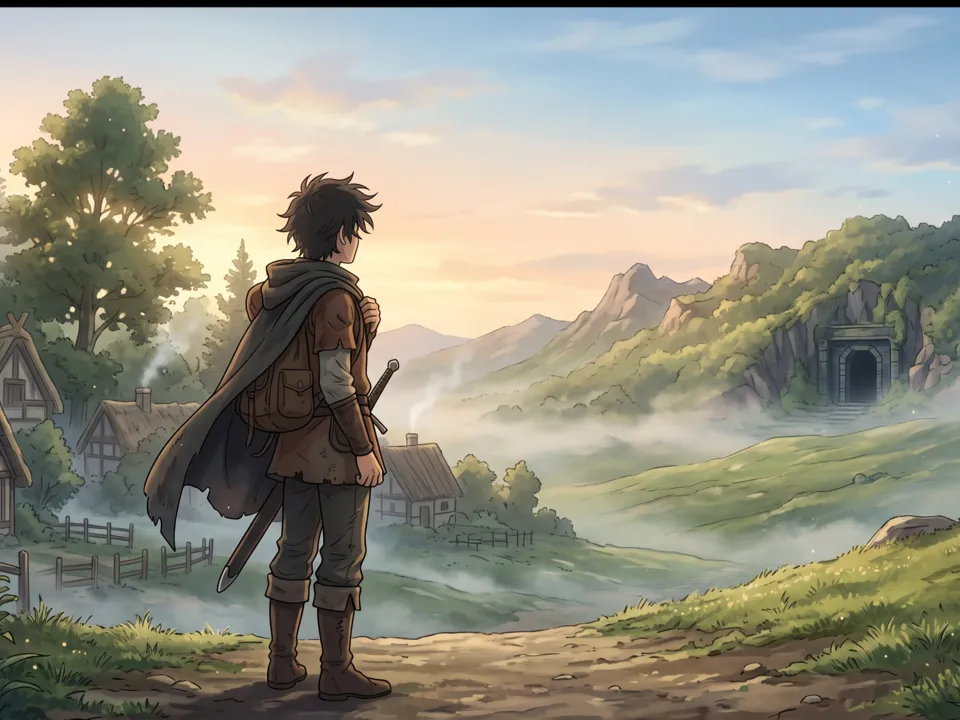 Anime
Anime
- Script.mdLogline, look, lead and the three shots. Claude fills it in from your answers, or you can.Brief
Nothing has to be uploaded to start: the canvas opens with a place for each file, ready when you are.
How it runs
Generate all runs it left to right: each step starts as soon as what feeds it is ready, and you see the whole price first. Or run any step yourself.
Step by step on the canvas
- Generate Character sheet.
- Generate Keyframe 1 to 3: Claude keeps the better of two takes of each.
- Generate Shot 1 to 3: each one starts on its keyframe. Soundtrack scores the scene.
- Download the shots and the soundtrack, and cut them together in your editor.
Skill
The craft every step follows, written out. It comes with the workflow, and you can change it on the canvas.
Read the skill
Cinematic shots
Read first
Script.md for the lead, the look, the place, the props and the shot list; the character sheet and any style frame wired in.
The script
- Three shots tell one small story, in order: the setup, the turn, the payoff. Every shot's action is something that happens, never a pose held.
- Each shot opens where the one before ended (the same moment, seen from the new framing) and ends on a frame the next can pick up.
- What the logline says happens is seen happening in a shot, at a size you can read: a ship in trouble fills the frame, not a speck.
Character sheet (16:9)
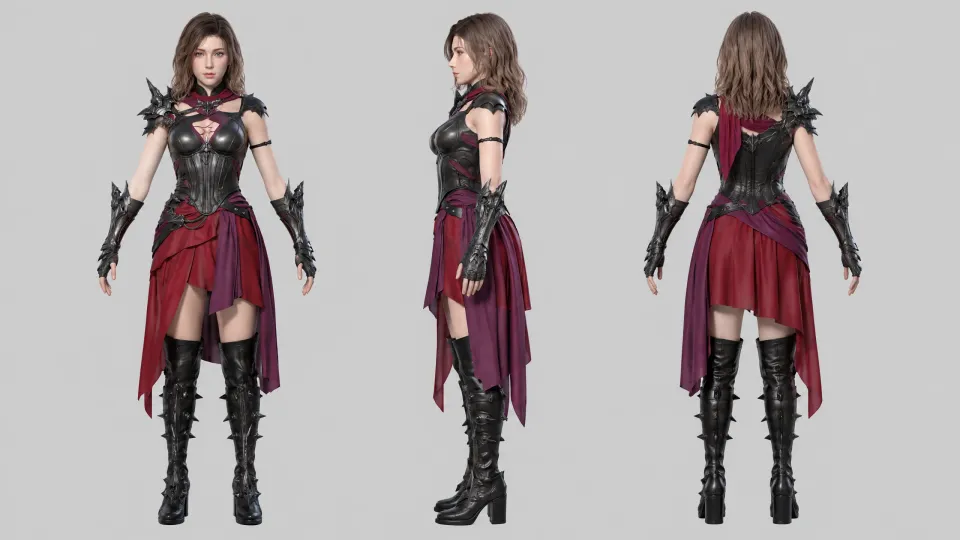
The lead in front, three-quarter and back views at one scale on a plain light background, with two head close-ups, and beside them anyone or anything else that appears (an opponent, a creature) in a front and a side view at its true size against the lead, rendered in the script's look: the faces, hair, outfits, bodies and props every keyframe keeps.
Keyframes (stills in the film's shape, 16:9 or 9:16)
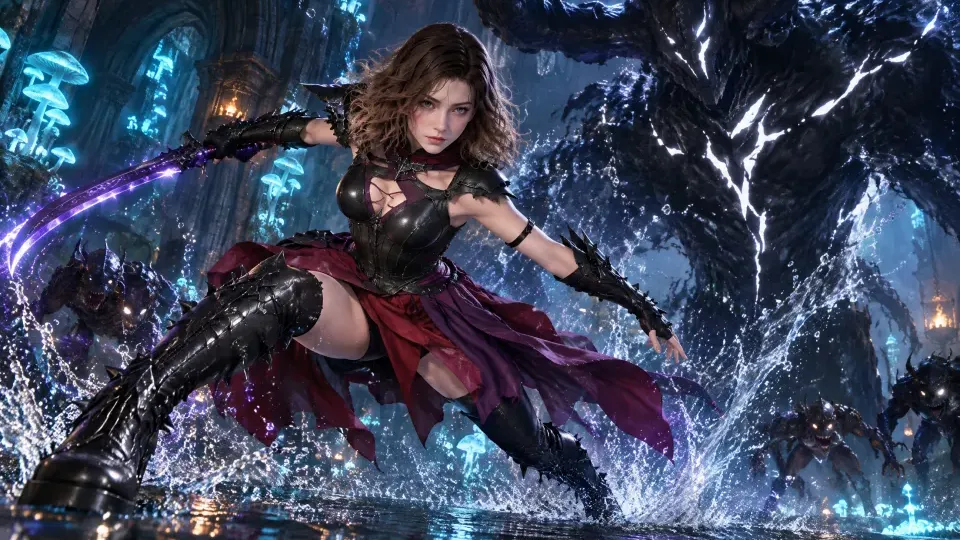
- One frame per shot: the first frame of its clip, with the composition, light and lead exactly as the shot starts.
- Everyone in it matches the character sheet: the lead's face, hair, outfit and props, and any opponent or creature exactly as drawn there, at the same size against the lead.
- Light and palette from the script's look, from sources you can see (fire, moon, windows) that stay put from shot to shot. Every keyframe is in Keyframe 1's place and light unless the script moves the scene.
- Leave room to move: the lead isn't cut off at the edges and has space in the direction they'll go.
- Set pieces and props stay the same from keyframe to keyframe (the same lamp, door or vehicle, the coat in the same colour), and what the script says happens is visible in frame (a ship in trouble is seen, not a speck).
Shots (video from a keyframe)
- Start exactly on the keyframe and play the shot's action as one continuous take, five seconds, no cuts, ending on the frame Script.md says it ends on.
- One camera move per shot, named plainly: slow push in, pull back, pan left, orbit, handheld follow or static.
- Describe motion physically: what moves, how fast, and what cloth, hair, smoke and light do.
- Keep screen direction: if the lead moves left to right in one shot, they keep doing so in the next.
Avoid
New characters appearing, faces changing, text or logos in frame, more than one camera move, and sound you can't see.
Wired into 7 steps on the canvas, where you can change it.
More workflows
 Product promo videoYour product photo becomes stills, clips, an end card and music to cut together.About 8 minutes
 Reel plannerA 30-second Reel planned scene by scene: pictures, what to say, a voiceover and a storyboard.About 4 minutes
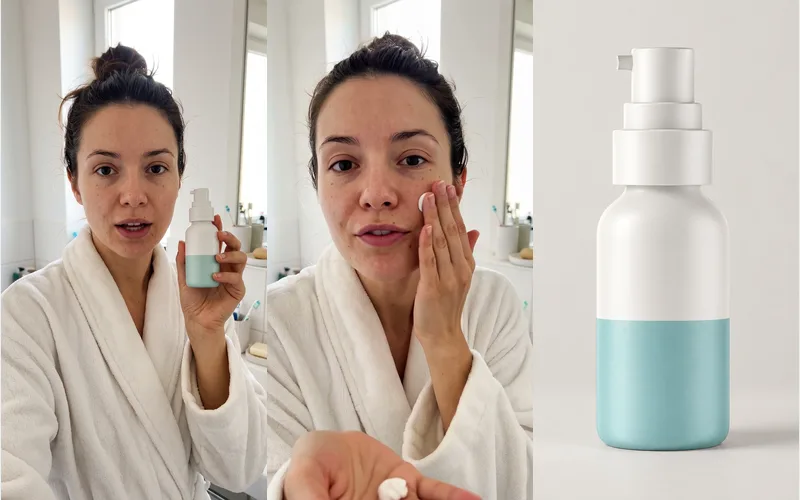 UGC video adA creator with your product, talking to the camera like a real review: a hook, a demo and a verdict.About 8 minutes