Product promo video
Your product photo becomes stills, clips, an end card and music to cut together.
Drop in one photo of your product. The promo skill keeps it exactly as it is while each still puts it on a set from your brief, and each clip moves the light and camera around it.
Start this workflowWhat it makes
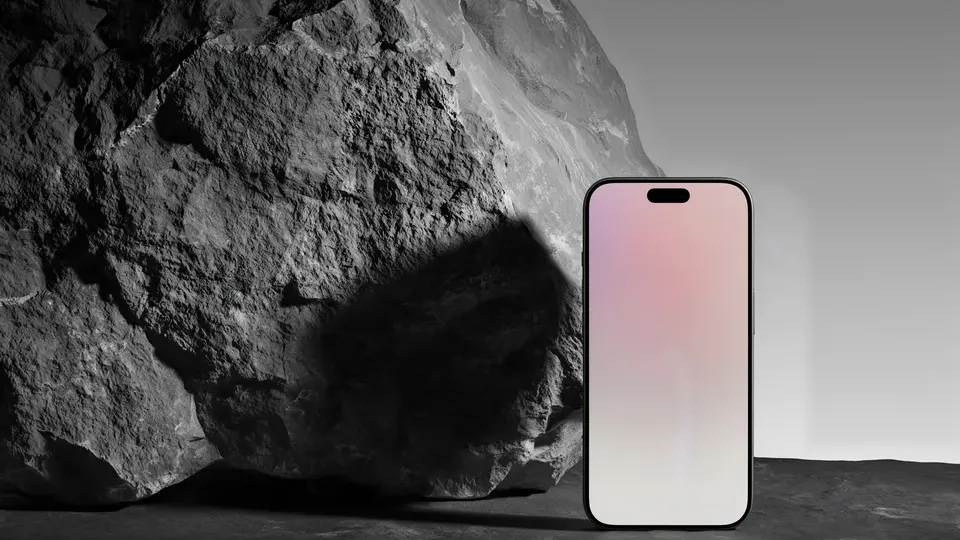
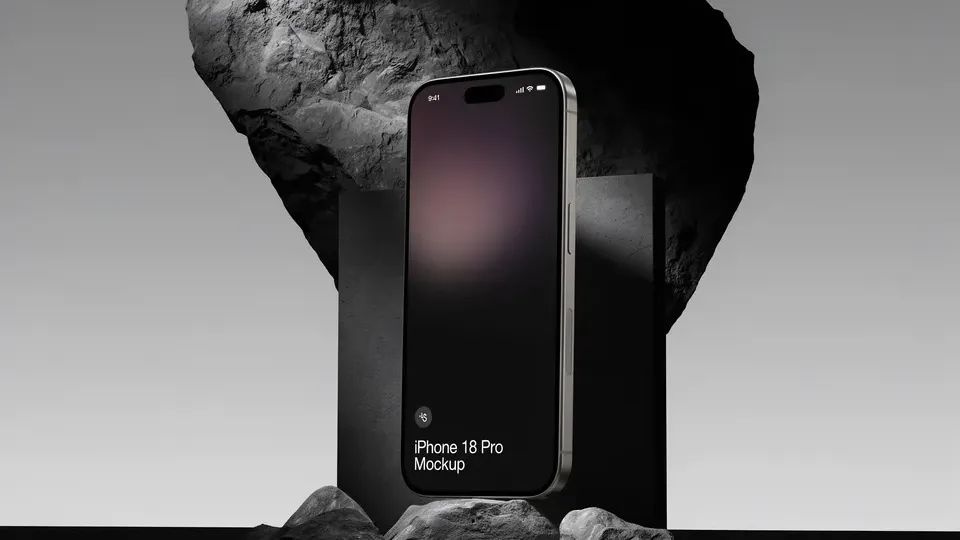
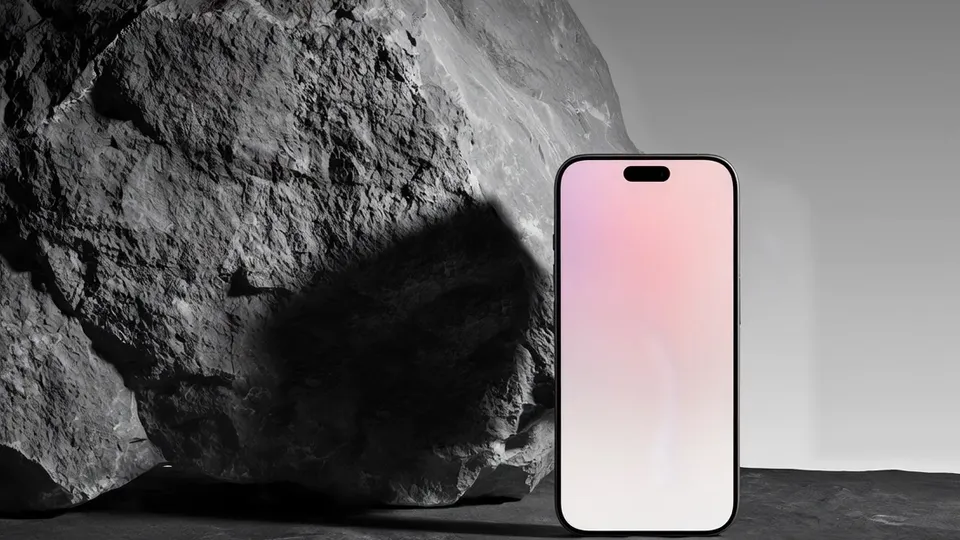
Also makesIn useDetail clipEnd cardSoundtrack
7 things in 3 steps. Every example here was made in Fil with this workflow; point at a clip to play it.
How it starts
- Say what you want“A launch film for our new phone: calm and premium, on dark stone in soft light”, or a picture. Nothing to upload first.
- Pick from a few choicesClaude asks about the set, the one thing to show, who it’s for, and whether it’s for wide screens or for Reels and TikTok, and tells you if a file is missing.
- Generate allHero still and Soundtrack first, then each next step as soon as what it needs is ready.
What you put in
- Product photoA clear photo of your product on a plain background.Needed
- LogoYour logo for the end card, ideally a PNG or SVG.Optional
- Brief.mdThe product, the one thing to show, the look and the end line. Claude fills it in from your answers, or you can.Brief
Nothing has to be uploaded to start: the canvas opens with a place for each file, ready when you are.
How it runs
Generate all runs it left to right: each step starts as soon as what feeds it is ready, and you see the whole price first. Or run any step yourself.
Step by step on the canvas
- Generate Hero still, Detail still and In use.
- Generate Hero clip and Detail clip: each starts on its still.
- Generate End card (with your logo if you added one) and Soundtrack.
- Download the clips, the end card and the music, and put them together in your editor.
Skill
The craft every step follows, written out. It comes with the workflow, and you can change it on the canvas.
Read the skill
Product promo
The product stays exactly as it is
Keep the product in the wired photo exactly: its shape, proportions, colours, materials, logos and text. Never redesign it, add buttons or change its screen.
Stills
- Hero: the product alone on a simple set in the brief's look (podiums, stone, fabric, water), lit like a studio packshot with one key light and soft fill, with space above for a headline.
- Detail: a close-up of the one thing to show, with shallow depth of field. A texture or drop is shown beside the product (on a fingertip, a swatch, the set), never moulded onto it.
- In use: the product in its world, with hands or a scene, never a face that steals focus.
Clips (five seconds from a still)
- Start exactly on the still. One slow move: push in, a 20° orbit, or light sweeping across the product.
- Motion comes from light, reflections, particles, fabric or water around the product, never from the product bending.
End card
The logo and the brief's line on a calm new frame of the hero set (the set without the product, or the product small and low), with plenty of space and nothing else: never the hero still with words added. With no logo wired in, set the product's name in one clean typeface instead; never invent a logo.
Avoid
Changing the product, busy backgrounds, more than one move per clip, warped text, extra products, and words or titles in clips or stills (they go on in the edit) other than the end card's line.
Wired into 6 steps on the canvas, where you can change it.
More workflows
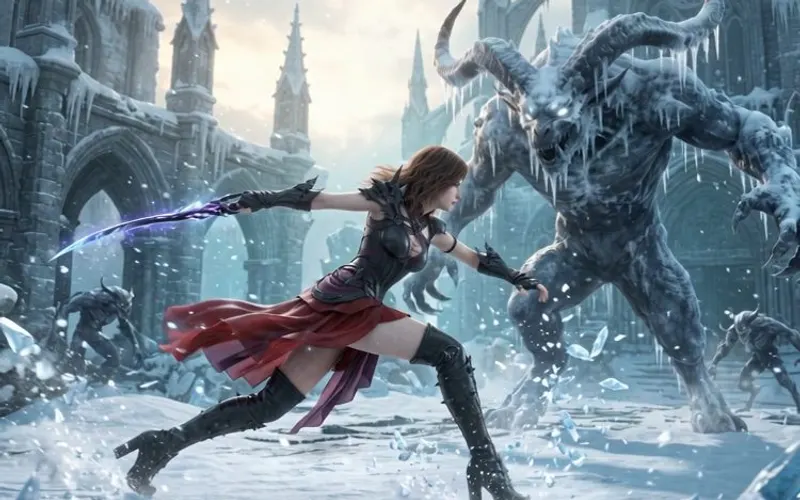 Story videoA character sheet, keyframes, shots and a score, ready to cut together.About 10 minutes
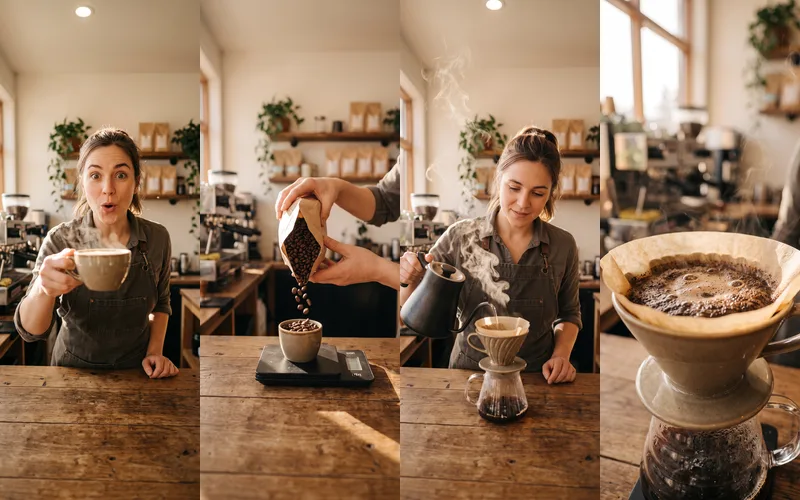 Reel plannerA 30-second Reel planned scene by scene: pictures, what to say, a voiceover and a storyboard.About 4 minutes
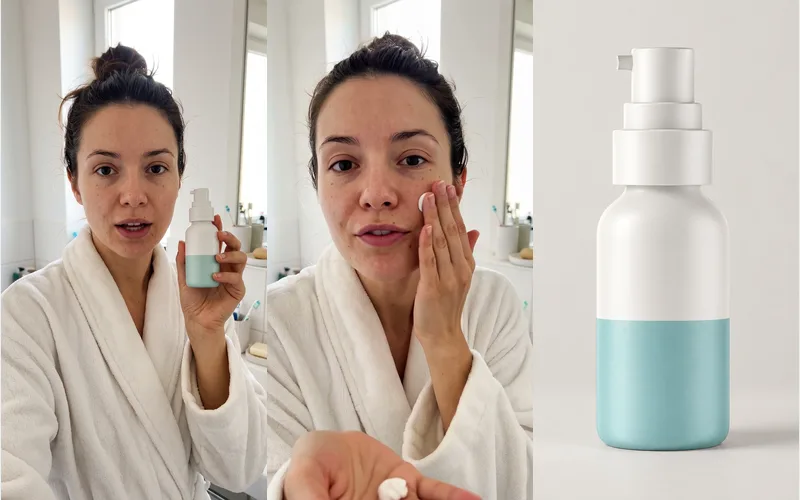 UGC video adA creator with your product, talking to the camera like a real review: a hook, a demo and a verdict.About 8 minutes