T-shirt prints skill
Designs a t-shirt's front and back prints as screen-print-ready artwork, then shows them on the shirt. Use for merch, brand tees, band tees, event shirts and print-on-demand designs.
A SKILL.md for Claude Code, Codex and any agent that reads skills. It’s the craft behind Fil’s T-shirt design workflow, written out so your agent can follow it too.
Install it
Unzip it into your agent’s skills folder. The agent reads its name and description, and the rest only when a task needs it.
curl -fsSL https://fil.design/skills/tshirt-prints.zip -o /tmp/tshirt-prints.zip && unzip -o /tmp/tshirt-prints.zip -d ~/.claude/skillscurl -fsSL https://fil.design/skills/tshirt-prints.zip -o /tmp/tshirt-prints.zip && unzip -o /tmp/tshirt-prints.zip -d ~/.codex/skillsInstall the T-shirt prints skill from https://fil.design/skills/tshirt-prints: unzip https://fil.design/skills/tshirt-prints.zip into your skills folder (~/.claude/skills for Claude Code, ~/.codex/skills for Codex), then read its SKILL.md.The skill
Read first
Tee.md for the brand, the idea, the words, the shirt colour, the inks and how it's shown; the logo and any style reference wired in.
Print artwork (front 1:1, back 3:4)
- Flat artwork for screen printing, centred on a plain background in the shirt's colour, with nothing else in the picture: no shirt, hanger, mockup or shadow.
- At most four ink colours, from Tee.md, solid and flat; shading as halftone dots or hatching in those inks, never soft gradients or photo detail.
- A bold silhouette that reads from three metres away, with clean edges and no hairlines.
- Words exactly as Tee.md spells them, lettered as part of the design (arched, stacked, in a badge), never a plain font laid on top.
- Front: the chest print Tee.md asks for (a small left-chest mark, or a centred chest graphic). Back: the big statement, the one people see walking away.
- Only what Tee.md describes: no extra stars, birds or sparkles. Halftone dots no finer than a print can hold at the print's real size, and lettering on a true, even arc when it arches.
- Front and back clearly one design: the same inks, line and lettering.
- On a dark shirt the light inks carry the design; on a light shirt the dark inks do.
On the shirt (4:5)
- A real heavyweight cotton tee in the shirt colour, worn by a person in natural light or laid flat on a simple surface, as Tee.md says.
- The wired print exactly as designed, at its real size and place, following the fabric's folds and showing its texture, never floating on top.
- The front shown from the front; the back from behind, the back print facing the camera, worn by the same person as the front shot. Nothing (a board, a bag, an arm) crosses the print.
Avoid
Gradients, glows and photo detail in a print, more inks than Tee.md allows, misspelled words, tiny text, artwork boxed in a rectangle, and warped or stretched prints on the shirt.
What it reads
It was written for Fil’s T-shirt design workflow, which wires these into every step. Elsewhere, give your agent the same, or let it ask.
- Tee.mdThe idea, the words, the front, the back, the shirt and the inksBrief
- LogoYour logo, if the prints should use it.Optional
- Style referenceA picture whose style the prints follow.Optional
Questions
What does the T-shirt prints skill do?
Designs a t-shirt's front and back prints as screen-print-ready artwork, then shows them on the shirt. Use for merch, brand tees, band tees, event shirts and print-on-demand designs.
How do I install it in Claude Code?
Download https://fil.design/skills/tshirt-prints.zip and unzip it into ~/.claude/skills, or into a project’s .claude/skills folder, or run the command on this page. Claude Code reads the skill’s description and loads the rest when a request needs it.
Does it work in Codex and other agents?
Yes. Unzip it into ~/.codex/skills for Codex. It’s one SKILL.md file, so any agent that reads skills can use it, and you can paste it into a chat as well.
Do I need Fil to use it?
No. It was written for Fil’s T-shirt design workflow, which wires in Tee.md, Logo and Style reference: give your agent the same, or let it ask. In Fil, the workflow runs it with the best models and shows the price before anything runs.
Is it free?
Yes. The skill is free to download.
More skills
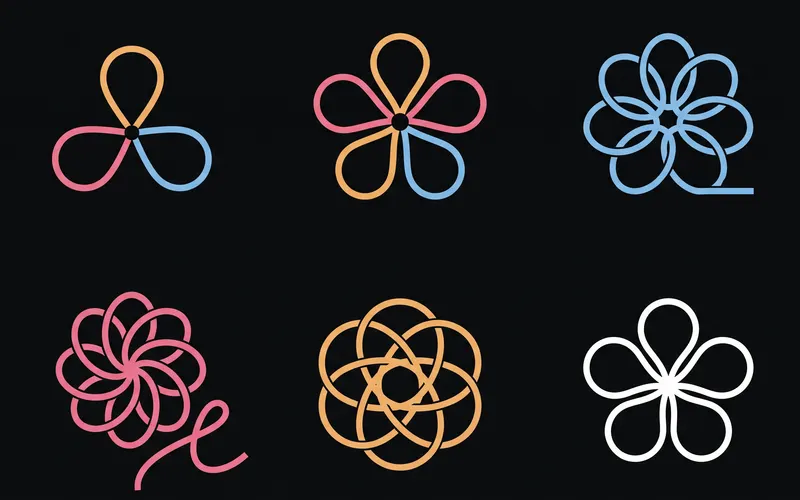 Logo explorationsExplores logo marks for a brand as tidy exploration sheets, then turns the strongest mark into a brand board. Use for…From the Logo and brand guide workflow
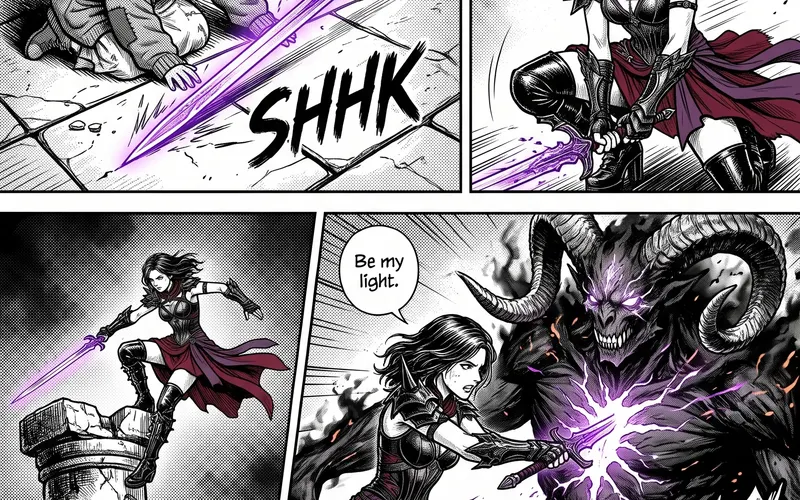 Manga pagesPlans a manga chapter as a whole story first, then scripts it page by page and panel by panel at the pace of a real…From the Manga chapter workflow
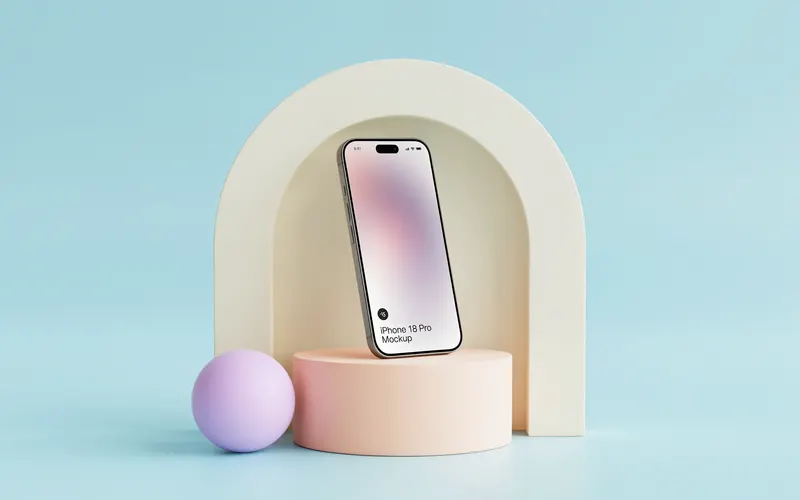 Product photographyShoots a product from one photo as a consistent set of studio and lifestyle pictures, keeping the product exactly as it…From the Product photoshoot workflow