Icon set skill
Draws a consistent set of icons, one stroke, one grid and one style of metaphor, as a sheet to review and as clean SVG ready for code. Use for UI icon sets, app and feature icons, and pictograms.
A SKILL.md for Claude Code, Codex and any agent that reads skills. It’s the craft behind Fil’s Icon set workflow, written out so your agent can follow it too.
Install it
Unzip it into your agent’s skills folder. The agent reads its name and description, and the rest only when a task needs it.
curl -fsSL https://fil.design/skills/icon-set.zip -o /tmp/icon-set.zip && unzip -o /tmp/icon-set.zip -d ~/.claude/skillscurl -fsSL https://fil.design/skills/icon-set.zip -o /tmp/icon-set.zip && unzip -o /tmp/icon-set.zip -d ~/.codex/skillsInstall the Icon set skill from https://fil.design/skills/icon-set: unzip https://fil.design/skills/icon-set.zip into your skills folder (~/.claude/skills for Claude Code, ~/.codex/skills for Codex), then read its SKILL.md.The skill
Read first
Icons.md for the product, the style, the colours and the icons by name, in order; any style reference wired in.
One system for every icon
- Each icon drawn on a 24 × 24 grid with 2 px of padding, at the same optical size, so a circle, a square and a tall shape look equally big.
- One stroke weight (Icons.md's, 1.5 or 2 px at 24 px) with the same caps and joins, the same corner radius and the same amount of detail in every icon.
- One point of view: all flat and front-on, unless Icons.md asks for another.
- Simple, familiar metaphors, one idea per icon, recognisable at 16 px, with no words or letters inside.
- Colour as Icons.md says: one colour, or one accent used identically in every icon (the same kind of shape at the same size in the same role, such as one small filled dot), never a dot in one and a bar or badge in another.
- At most three or four strokes or shapes per icon, with space between them: nothing crowds, touches or overlaps that shouldn't.
Sheet (4:3)
The icons in Icons.md's order on a clean grid (four across, three down for twelve), each centred in an equal cell on a plain background, large enough to judge, with its name in small type under it.
SVG icons
- One SVG that shows the whole set as the sheet does: each icon a 24 × 24 <symbol> with an id from its name (icon-wallet), placed with <use> in its cell and labelled under it, so the file previews as the sheet and each icon can be copied out.
- Drawn with paths, lines, rects and circles: stroke="currentColor" at the set's width, round caps and joins, fill="none" except where a part is meant to be solid, on whole or half pixels so lines stay crisp.
- The wired sheet's metaphors redrawn cleanly to this spec, with the accent the same in every icon; check that each still reads at 16 px.
Avoid
Mixed stroke weights or angles, detail that disappears at 16 px, clip-art, gradients and shadows, letters standing in for pictures, and icons of different sizes.
What it reads
It was written for Fil’s Icon set workflow, which wires these into every step. Elsewhere, give your agent the same, or let it ask.
- Icons.mdWhat they’re for, the style, the colours and the icons by nameBrief
- Style referenceAn icon set or picture whose style the icons follow.Optional
Questions
What does the Icon set skill do?
Draws a consistent set of icons, one stroke, one grid and one style of metaphor, as a sheet to review and as clean SVG ready for code. Use for UI icon sets, app and feature icons, and pictograms.
How do I install it in Claude Code?
Download https://fil.design/skills/icon-set.zip and unzip it into ~/.claude/skills, or into a project’s .claude/skills folder, or run the command on this page. Claude Code reads the skill’s description and loads the rest when a request needs it.
Does it work in Codex and other agents?
Yes. Unzip it into ~/.codex/skills for Codex. It’s one SKILL.md file, so any agent that reads skills can use it, and you can paste it into a chat as well.
Do I need Fil to use it?
No. It was written for Fil’s Icon set workflow, which wires in Icons.md and Style reference: give your agent the same, or let it ask. In Fil, the workflow runs it with the best models and shows the price before anything runs.
Is it free?
Yes. The skill is free to download.
More skills
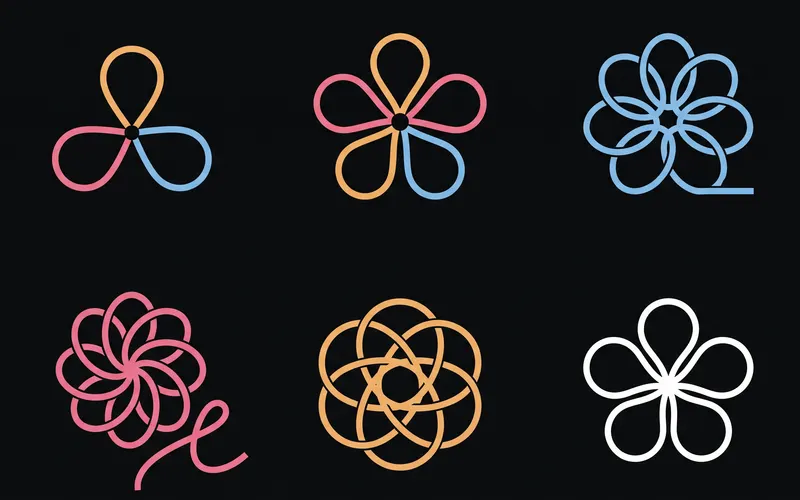 Logo explorationsExplores logo marks for a brand as tidy exploration sheets, then turns the strongest mark into a brand board. Use for…From the Logo and brand guide workflow
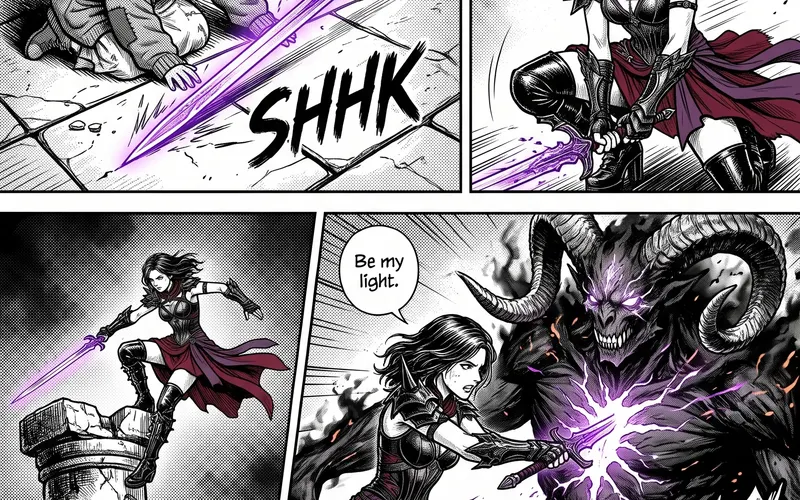 Manga pagesPlans a manga chapter as a whole story first, then scripts it page by page and panel by panel at the pace of a real…From the Manga chapter workflow
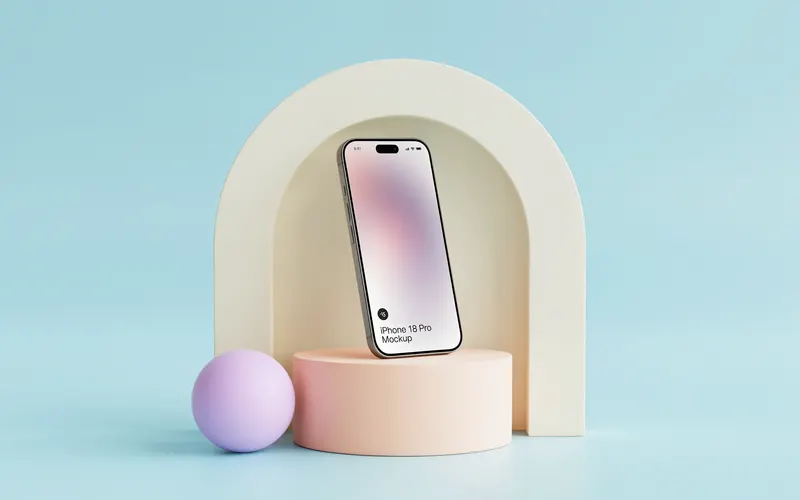 Product photographyShoots a product from one photo as a consistent set of studio and lifestyle pictures, keeping the product exactly as it…From the Product photoshoot workflow