Product photoshoot
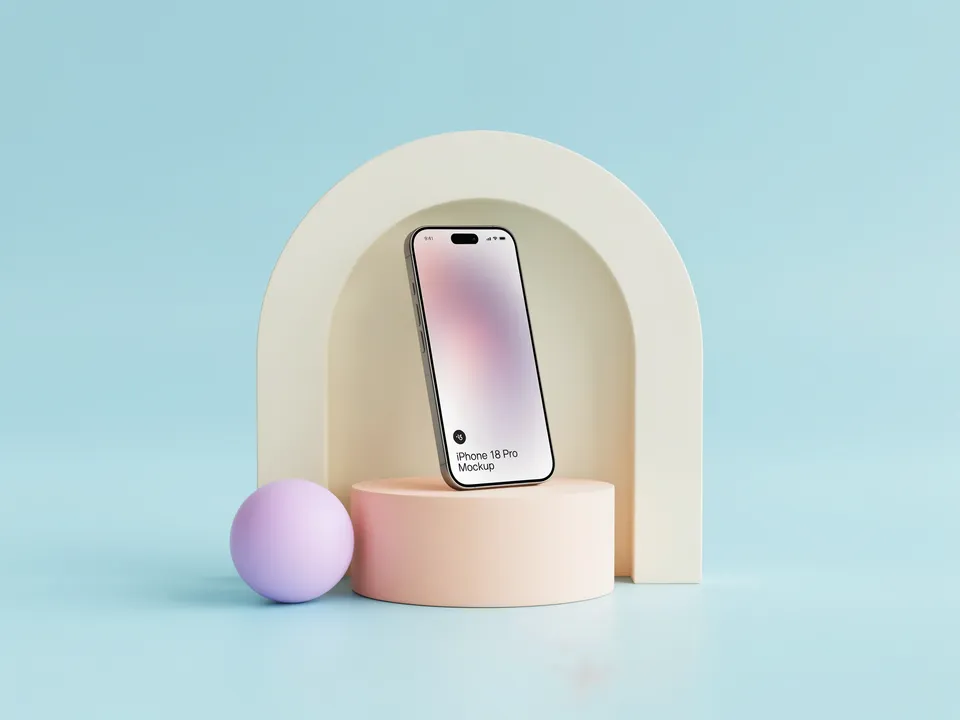
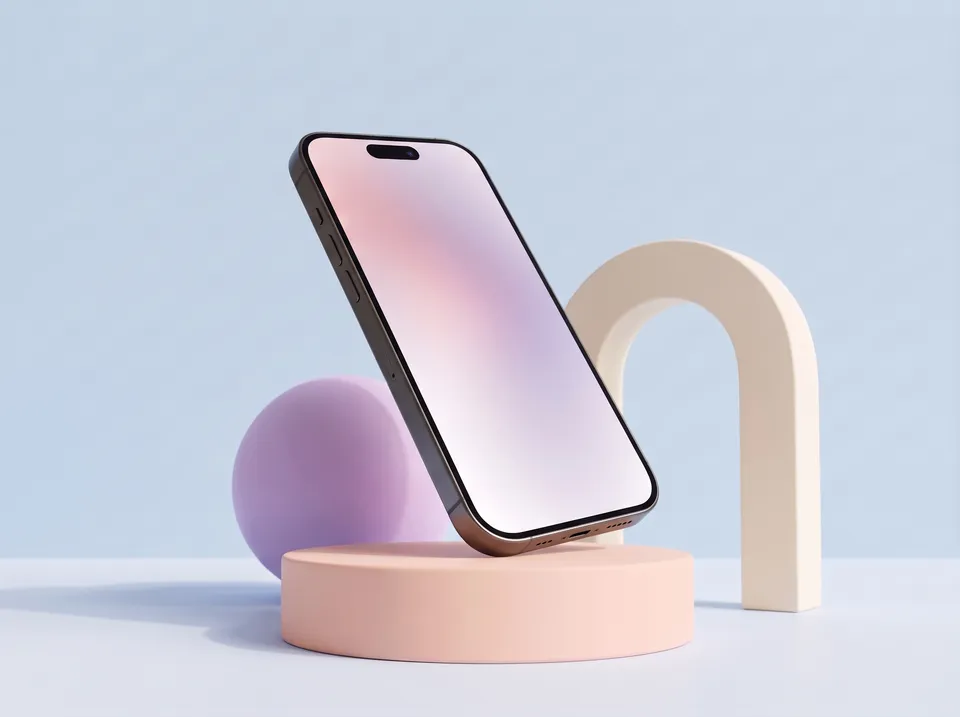
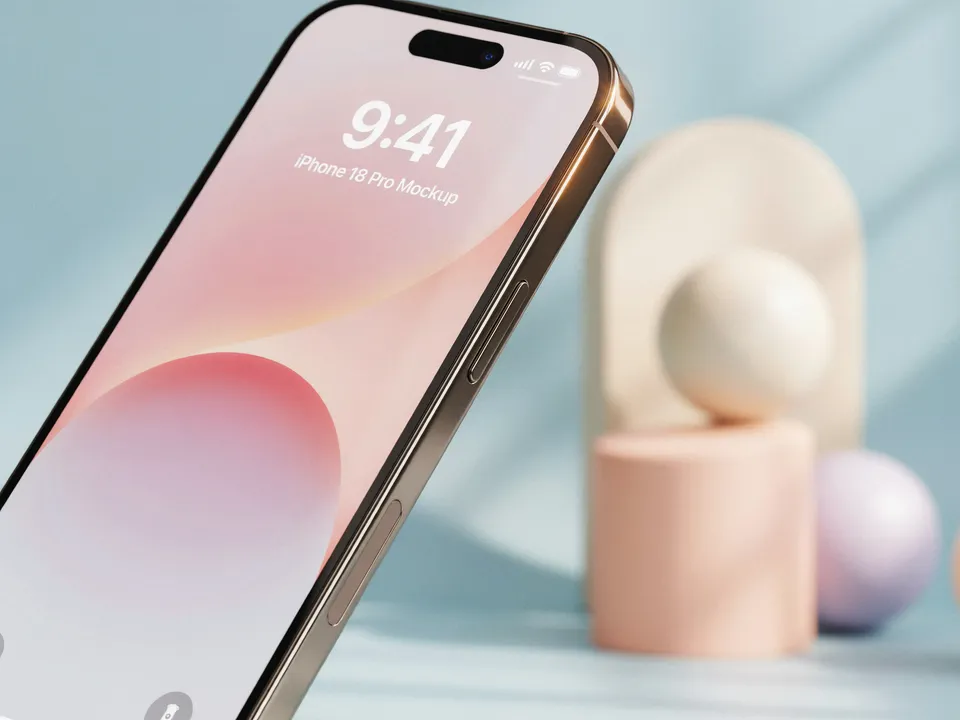
Your product in a studio shot, a second angle, a close-up and a colourway.
Drop in a photo of your product and describe the set once. Every shot comes from the same studio, with the product kept exactly as it is, so the pictures work together on a store page or in a launch.
Start this workflowWhat it makes
Also makesColourway
4 things in 2 steps. Every example here was made in Fil with this workflow.
How it starts
- Say what you want“Our new phone on soft pastel podiums and an arch, for the launch page”, or a picture. Nothing to upload first.
- Pick from a few choicesClaude asks about the set, the palette and the props, and tells you if a file is missing.
- Generate allStudio first, then each next step as soon as what it needs is ready.
What you put in
- Product photoA clear, sharp photo of your product. A plain background works best.Needed
- Shoot notes.mdThe set, the palettes and the props. Claude fills it in from your answers, or you can.Brief
Nothing has to be uploaded to start: the canvas opens with a place for each file, ready when you are.
How it runs
Generate all runs it left to right: each step starts as soon as what feeds it is ready, and you see the whole price first. Or run any step yourself.
Step by step on the canvas
- Generate Studio first and check the product looks right.
- Generate Second angle, Close-up and Colourway: each builds on the studio shot, so they match.
Skill
The craft every step follows, written out. It comes with the workflow, and you can change it on the canvas.
Read the skill
Product photography
The product stays exactly as it is
Keep the product in the wired photo exactly: shape, proportions, colours, materials, logos, labels and screen. Never redesign it or add parts.
One shoot, one set
- Every picture shares the brief's set: the same surfaces, palette and props, as if shot on one day in one studio, all at 4:3 so they sit together on a page.
- Real light: one soft key light, gentle fill, a believable contact shadow and real reflections.
- Lens: 85 to 100 mm for packshots, a macro lens for close-ups, 35 mm for scenes.
The shots
- Studio: the product whole and centred on the set, a three-quarter view, with room to crop.
- Second angle: the same set from a clearly different camera: down near the surface looking slightly up, closer so the product fills about two thirds of the frame's height, and turned 45° or more around it, so the backdrop and props are seen from a new side. Every prop stays where it is and the product's screen or label stays the same; only the camera moves, and the picture never repeats the studio shot's framing.
- Close-up: one material or detail filling the frame, shallow depth of field.
- Colourway: the same shot with the set recoloured in the brief's second palette, under the same light; the product itself stays exactly as it is.
Avoid
Extra products, hands that hide it, warped text, plastic-looking materials, cluttered sets and heavy filters.
Wired into 4 steps on the canvas, where you can change it.
More workflows
 Logo and brand guideThree directions of marks, then a brand board and a brand guide page.About 4 minutes
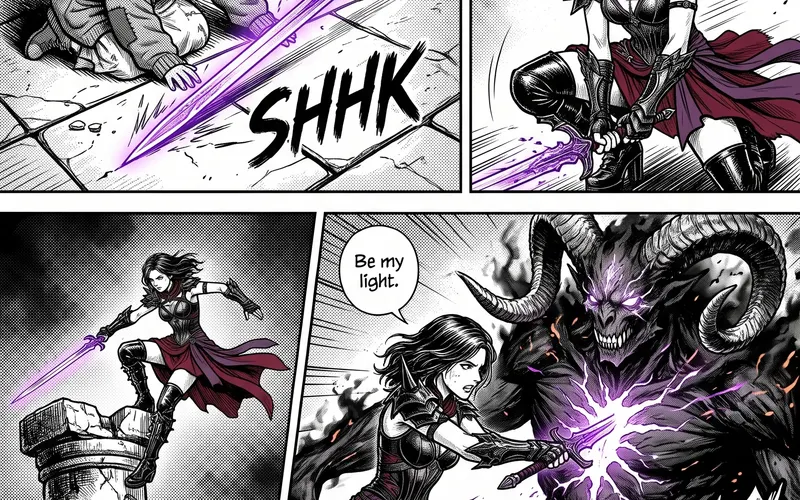 Manga chapterA cast sheet, a places sheet, a cover and inked pages that tell one short story.About 5 minutes
 Illustration setThree illustrations in one consistent style, and a vector SVG of your favourite.About 3 minutes