Manga chapter
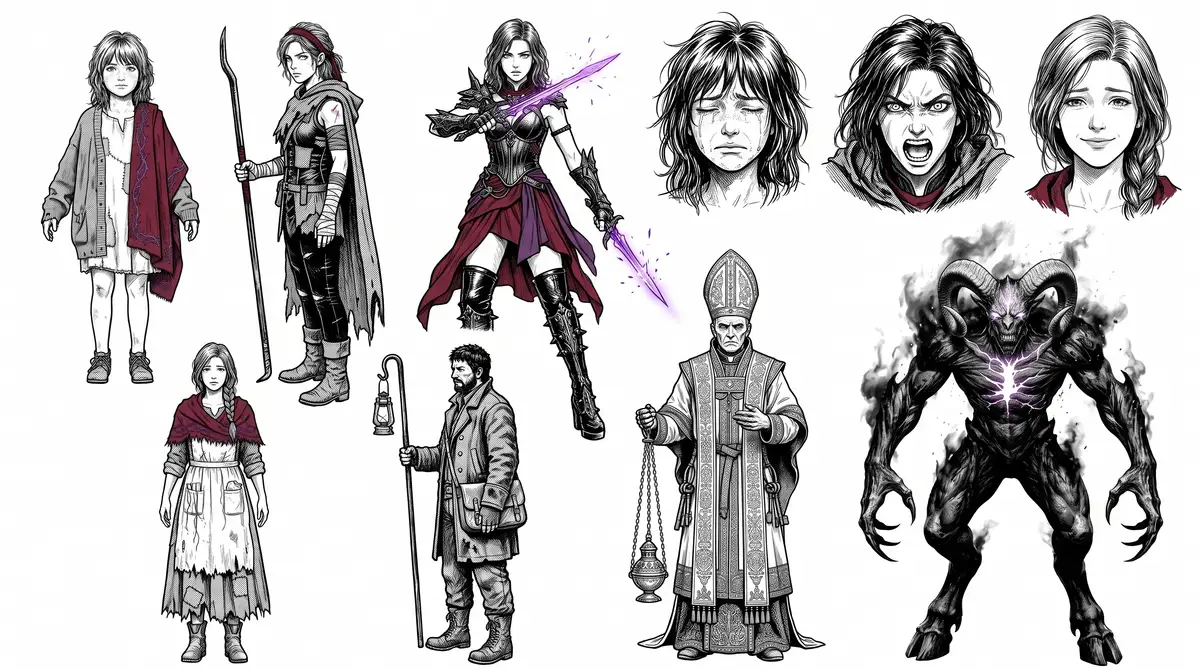
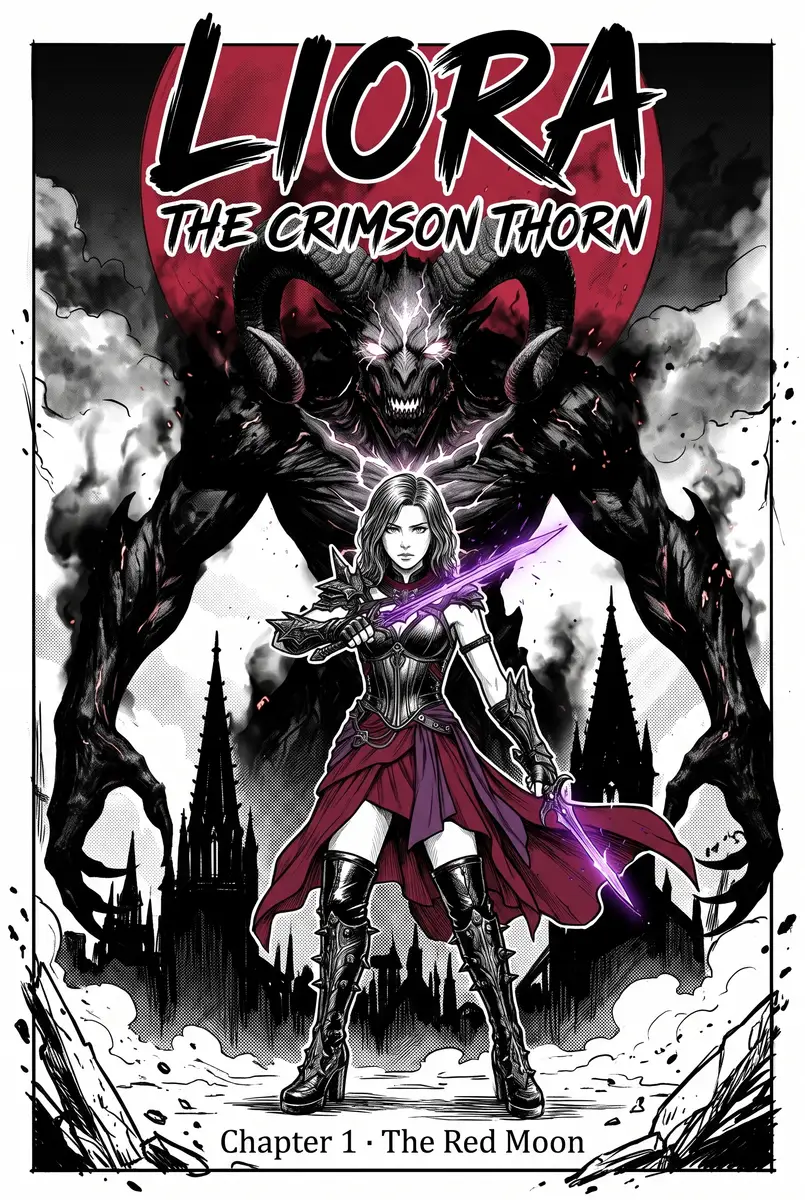
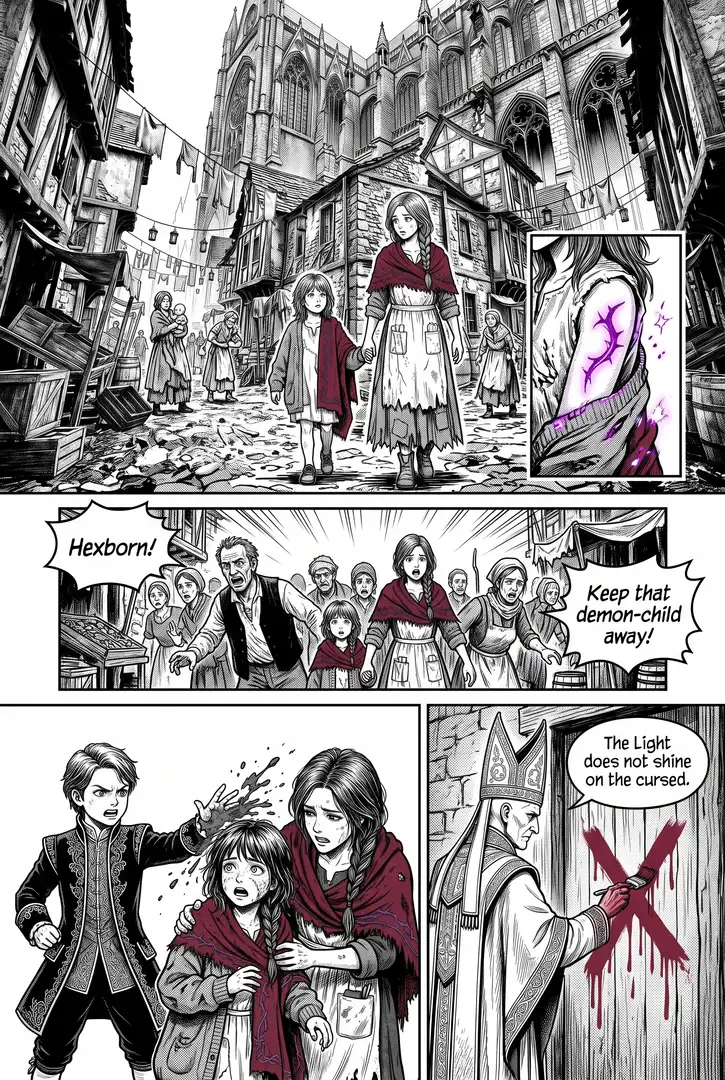
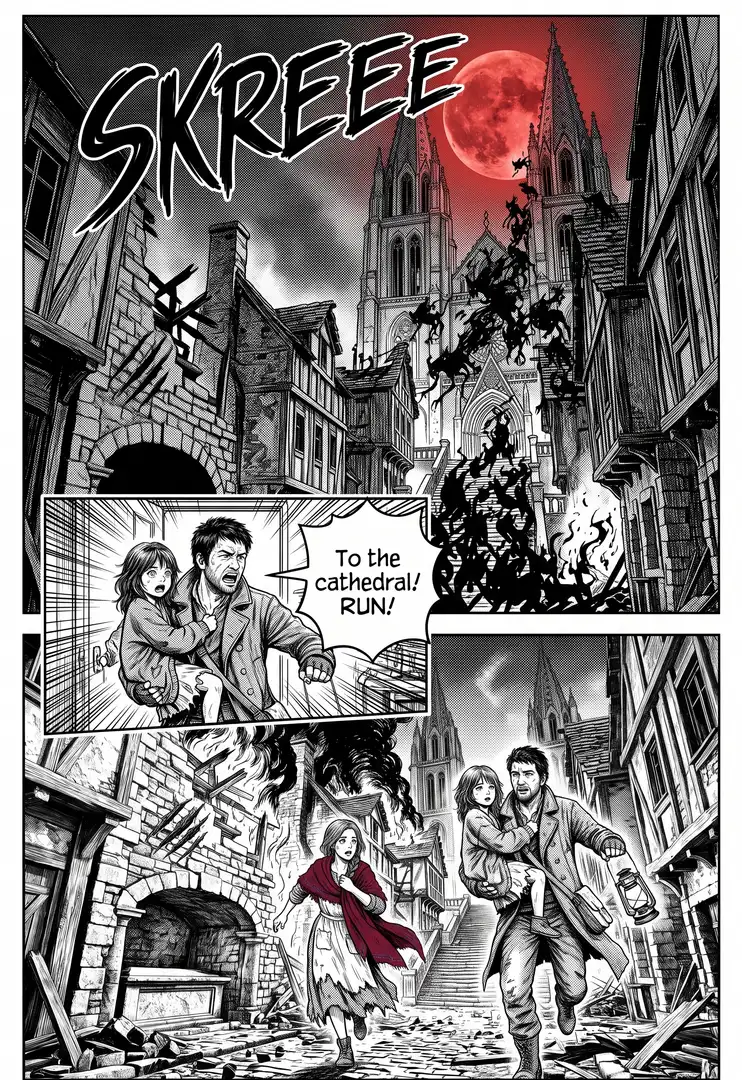
A cast sheet, a places sheet, a cover and inked pages that tell one short story.
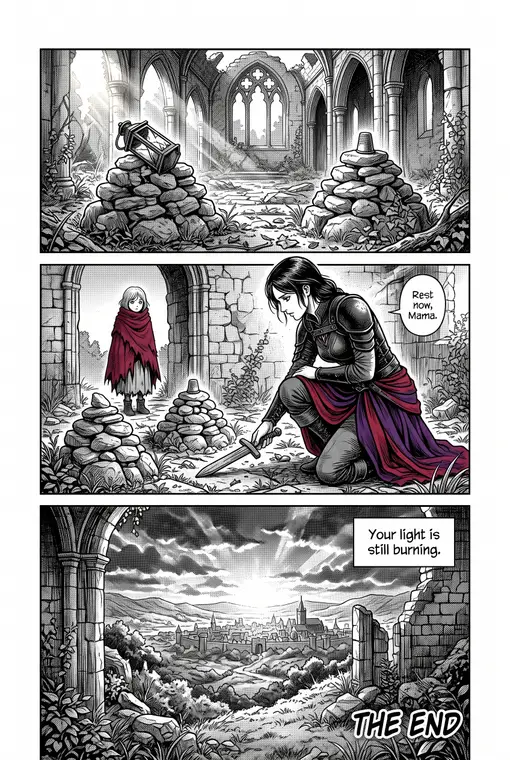
Write the story once in Story.md, page by page and panel by panel. A character sheet and a places sheet keep your cast and their world the same on every page, the manga skill handles panels, screentone and lettering, and each page draws its own panels from the script, picking up where the page before it ends. Claude keeps the better of two takes of each page.
Start this workflowWhat it makes
Also makesPlaces sheet
6 things in 4 steps. Every example here was made in Fil with this workflow.
How it starts
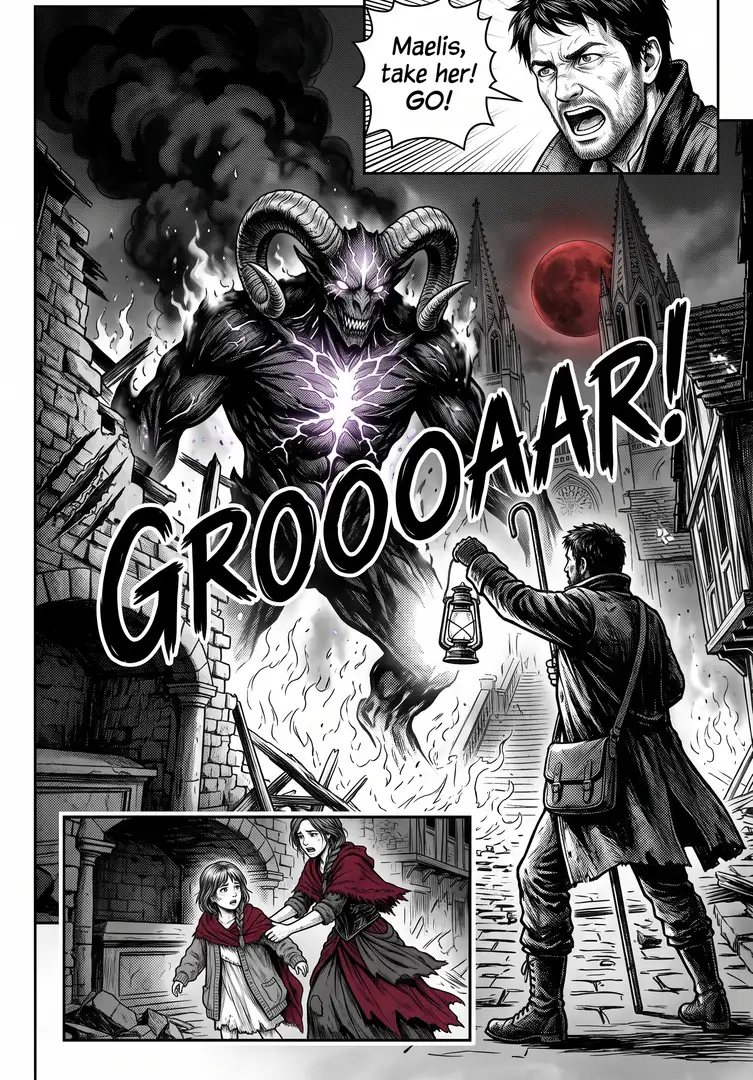
- Say what you want“A lamplighter’s daughter in a city under a red moon finds her father’s lantern can burn the demons”, or a picture. Nothing to upload first.
- Pick from a few choicesClaude asks about the mood, how your lead looks and the world they live in, and tells you if a file is missing.
- Generate allCharacter sheet and Places sheet first, then each next step as soon as what it needs is ready.
What you put in
 Style referenceA manga page whose inking you like. Like this one.Optional
- Or start from one of these styles, picked for this workflow:
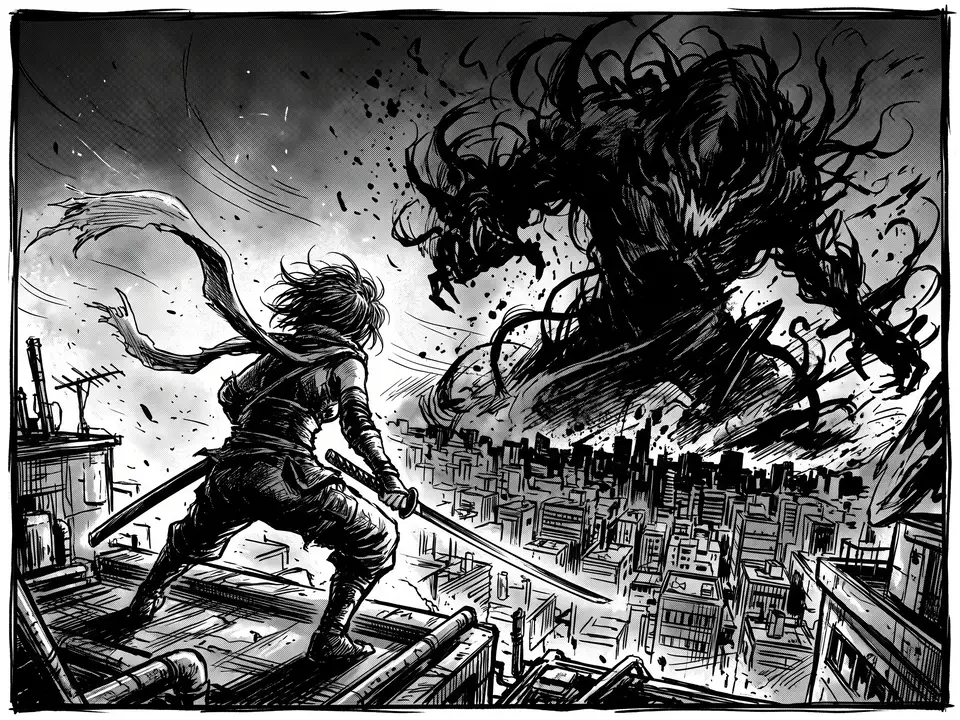 Gritty brush
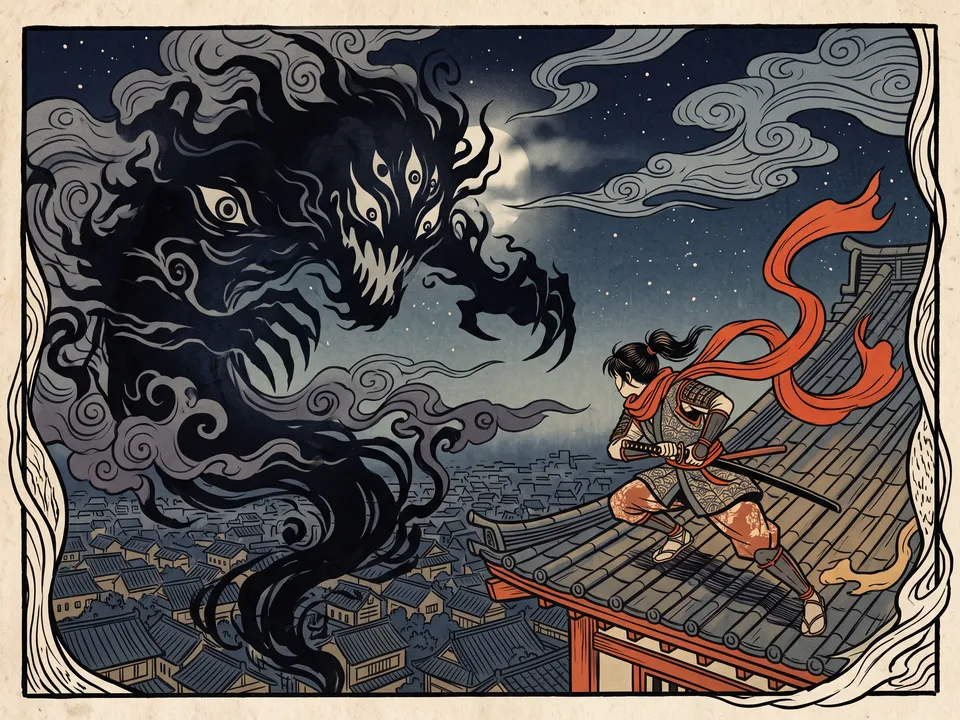 Woodblock
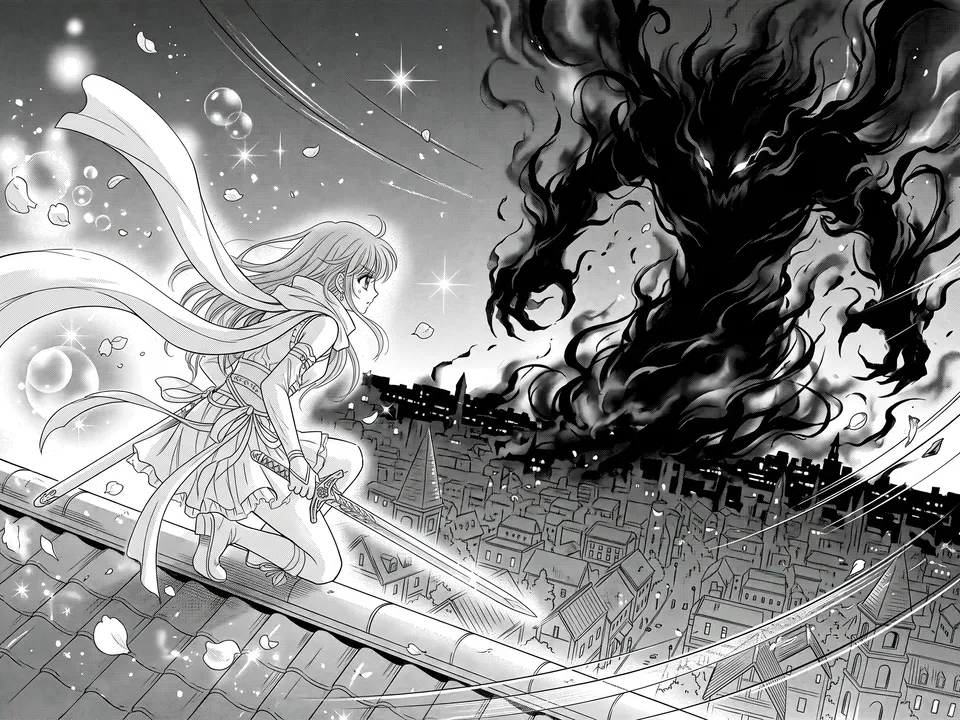 Shōjo
Shōjo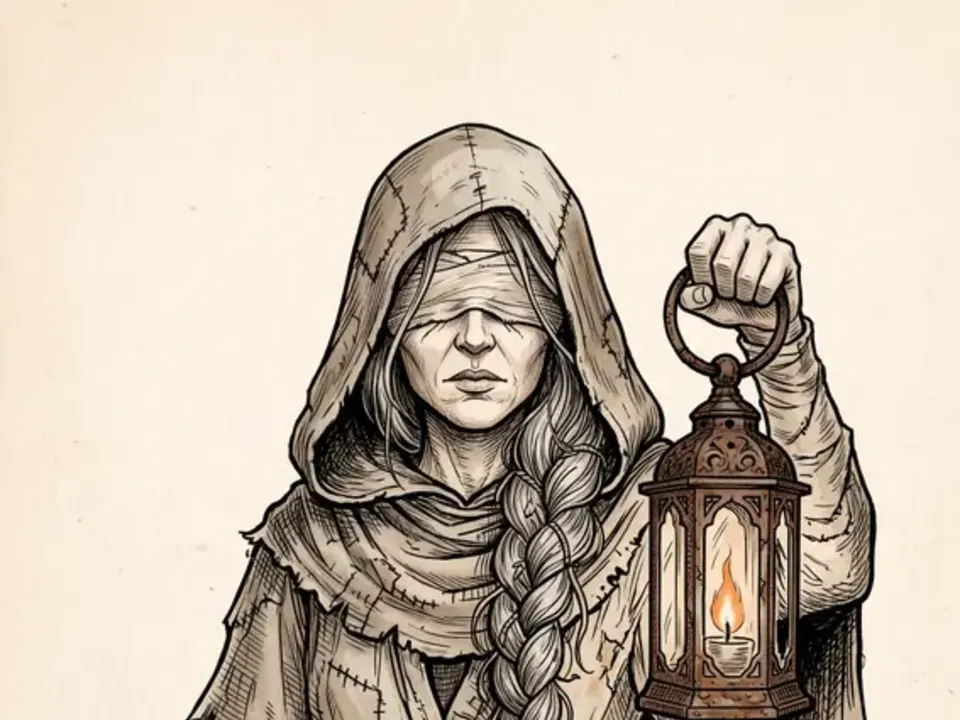 Sepia ink
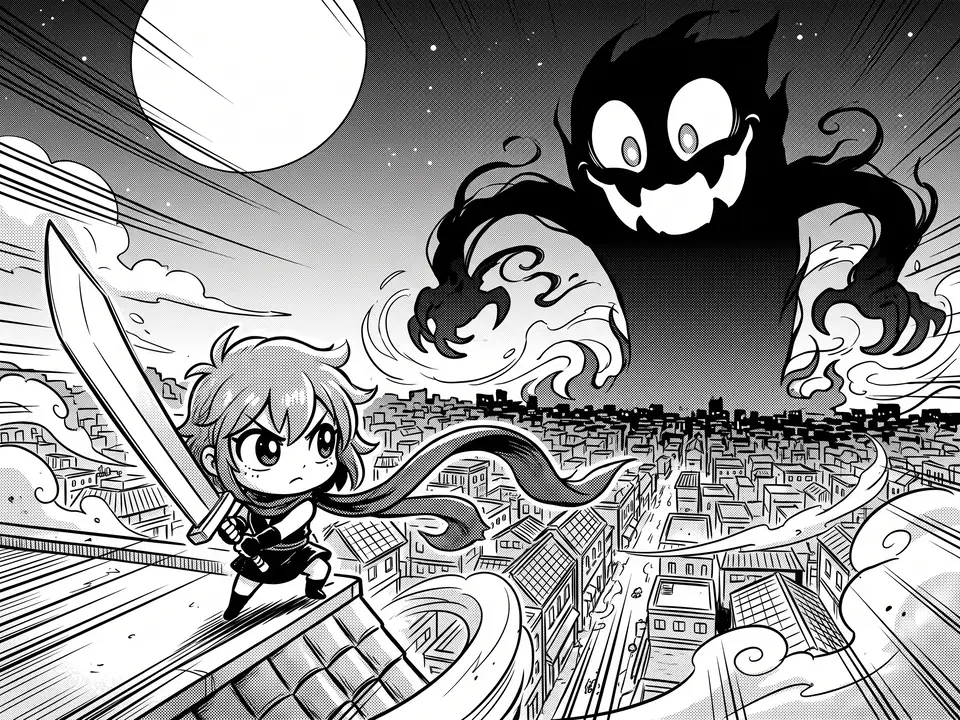 Chibi
Chibi
- Main characterA drawing or photo of your lead.Optional
- Story.mdTitle, world, look, cast, four beats and each page’s panels. Claude fills it in from your answers, or you can.Brief
Nothing has to be uploaded to start: the canvas opens with a place for each file, ready when you are.
How it runs
Generate all runs it left to right: each step starts as soon as what feeds it is ready, and you see the whole price first. Or run any step yourself.
Step by step on the canvas
- Generate Character sheet and Places sheet first, so every page draws the same cast in the same places.
- Generate Cover and Page 1, then Page 2 and Page 3: each page draws its panels from Story.md and follows the page before it.
- Not quite right? Change a panel in Story.md or a page’s prompt, or run it again for another take.
- Want more? Add pages after the last page writes what happens next into Story.md, panel by panel, and adds the pages, each following the one before it.
Skill
The craft every step follows, written out. It comes with the workflow, and you can change it on the canvas.
Read the skill
Manga pages
Read first
Story.md: the cast, the world, the look, the beats and every page's panels. The character sheet, the places sheet and any style reference wired in. Every page keeps the faces, hair, outfits, colours and props of the character sheet and the buildings, rooms and landmarks of the places sheet.
The script (Story.md's Pages)
- A page draws its own panels from Story.md, every one and only those, in order: the shot, who is in it, what happens and the words, word for word.
- It picks up exactly where the page before it ends, and its last panel hands on to the next page (a question, a sound, someone arriving).
- Everyone a panel names is drawn in it, once; nobody appears who isn't in the cast, and background extras are clearly different kinds of people or animals from the lead and the cast, so no one seems drawn twice.
- Places look as Story.md's Places and the places sheet draw them, on every page: the same roof, gate, tower and street from every angle.
- People keep their side of the frame from panel to panel unless the scene turns.
Writing the script
- Size the story to its pages: about five panels a page, a beat a page, and the last page holds the climax and the ending's last image.
- Every beat's key moment gets its own panel, and every named character has a panel to do something in; anyone who doesn't isn't named.
- Each panel is one line and one moment, never two actions joined by "then": the shot (wide, mid, close-up or large), who, what happens, then any words, as Name: “line”, Caption: “line” or SFX: SOUND. At most two lines of words a panel, 15 words each.
- No panel repeats another's picture: each moves the story on.
- When something comes off, breaks or changes hands (a scarf blown away, a lantern dropped), every panel after says where it is until it's back.
Look
One look for the sheet, the cover and every page, from Story.md's Look and the style reference: its line, shading and colour. Black ink on white with screentone greys unless the Look says colour; any accent colour only where the Look puts it, the same on every page.
Page (2:3)
- Four to six panels with clean white gutters, in the reading order Story.md asks for (left to right unless it says right to left).
- The shots as the script gives them: a wide panel to set the place, mid shots for talk, close-ups for feeling, and one large panel for the page's key moment.
- Speech in white balloons with the script's words exactly, each tail pointing at its speaker, in a clean comic font. Captions in boxes; sound effects hand-lettered into the art.
- Thick outer contours, fine inner lines, solid blacks for depth and speed lines for motion.
Cover (2:3)
One strong full-bleed image of the lead in the Look, hinting at the climax without showing how it ends, the chapter title lettered large and a chapter number. No panels.
Character sheet (16:9)
The cast in the Look at one scale on white: the lead first and largest, full-length, up to three others from Story.md beside them, and three head close-ups of the lead (calm, angry, surprised), with each name labelled once, small, under its figure. The cover and every page draw everyone as this sheet does, with the same outfits, colours and props.
Places sheet (16:9)
Every place in Story.md's Places, each once, as a clean establishing view in the Look, side by side in a grid with thin gutters: its shape, materials and landmark as Story.md describes them, seen from where the pages first show it, with no people, no writing and nothing the story moves or carries (a lantern, a bag). Every page draws these places as this sheet does.
Avoid
Faces that change between panels, tiny text, colour where the Look has none, cluttered gutters, panels that skip or repeat the script, people the cast doesn't have, and page numbers or captions nobody asked for.
Wired into 6 steps on the canvas, where you can change it.
More workflows
 Logo and brand guideThree directions of marks, then a brand board and a brand guide page.About 4 minutes
 Product photoshootYour product in a studio shot, a second angle, a close-up and a colourway.About 3 minutes
 Illustration setThree illustrations in one consistent style, and a vector SVG of your favourite.About 3 minutes