Survey
A short survey for anyone you want to hear from, with its questions in the order that gets them finished, built in a style you pick. Published, it keeps every answer in Fil.
Say what you want to learn and from whom. Claude writes Brief.md, then Questions.md: ten to twelve questions at most, three or fewer required, quick taps first and the money questions together, each a pick, a few lines or a paragraph. The picture question’s choices get a picture each, and the survey page is built on Fil’s survey kit in the style you pick. Publish it and every answer is kept in Fil, counted by question in its Forms panel and ready as CSV.
Start this workflowWhat it makes
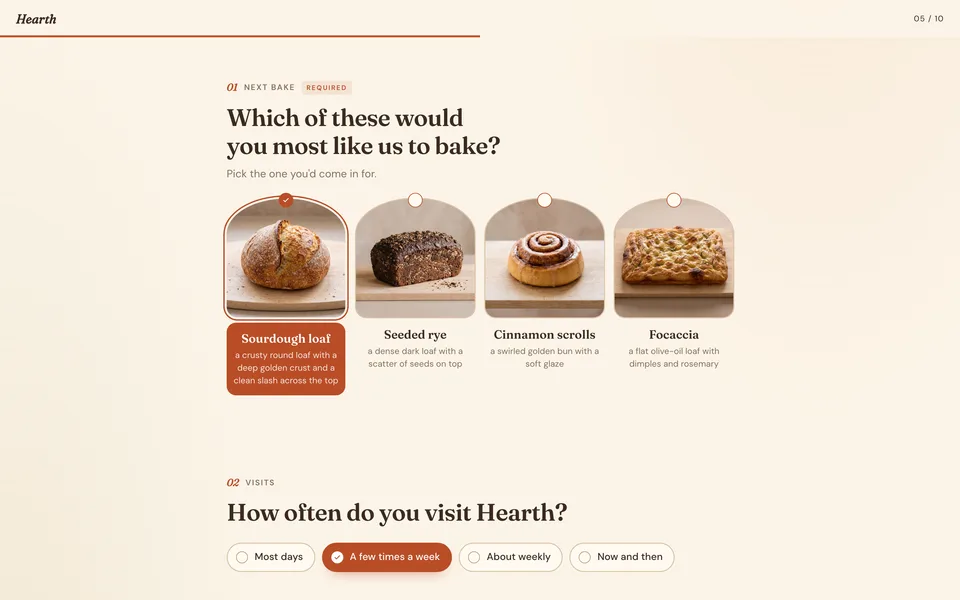
1 thing in 1 step. Every example here was made in Fil with this workflow.
How it starts
- Say what you want“A survey for the clients of Northlight, our design studio: what they would hire us for next and what they would pay”, or a picture. Nothing to upload first.
- Pick from a few choicesClaude asks about what you want to learn, from whom, and what the answers will decide, and tells you if a file is missing.
- Generate allSurvey, once you’ve seen the price.
What you put in
- LogoYour logo, for the top of the survey.Optional
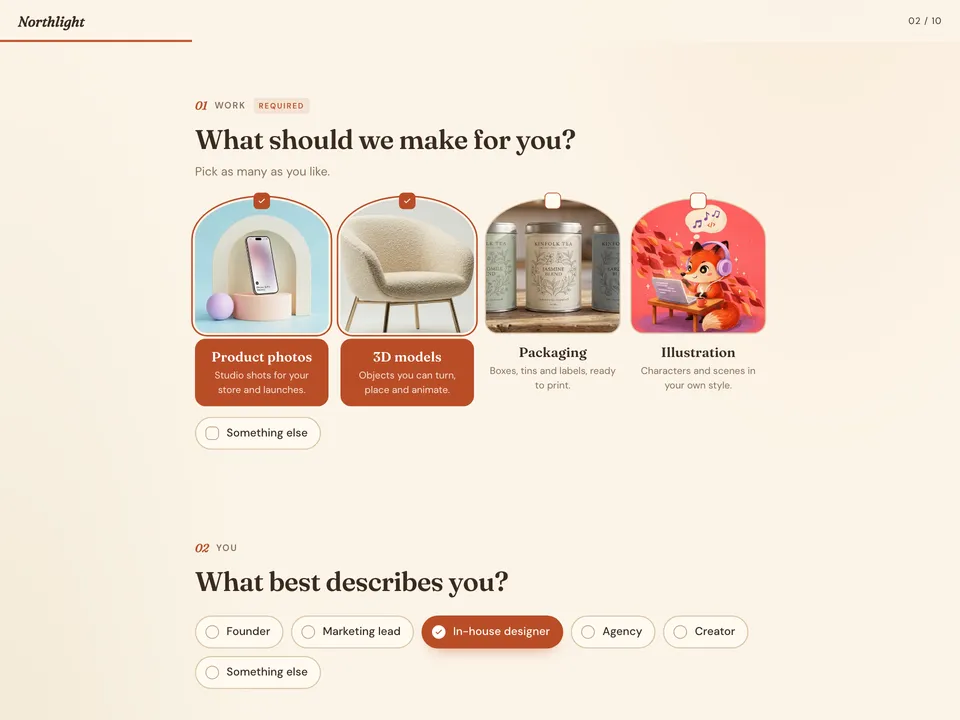 Survey styleOne of the survey styles, or a screenshot of a form whose look you like. Like this one.Optional
- Or start from one of these styles, picked for this workflow:
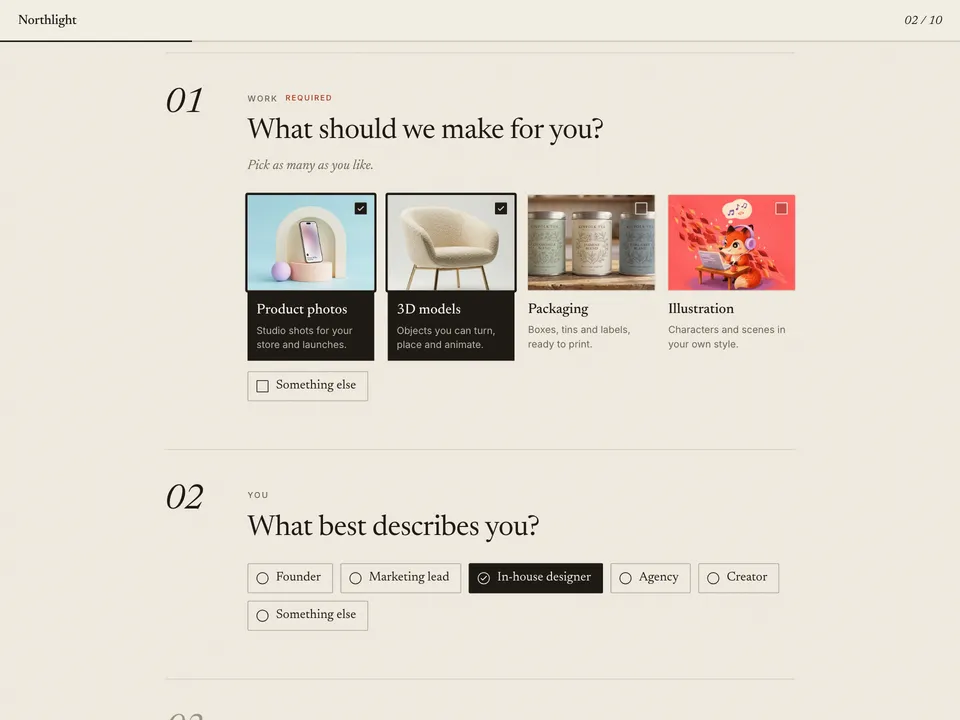 Paper
Paper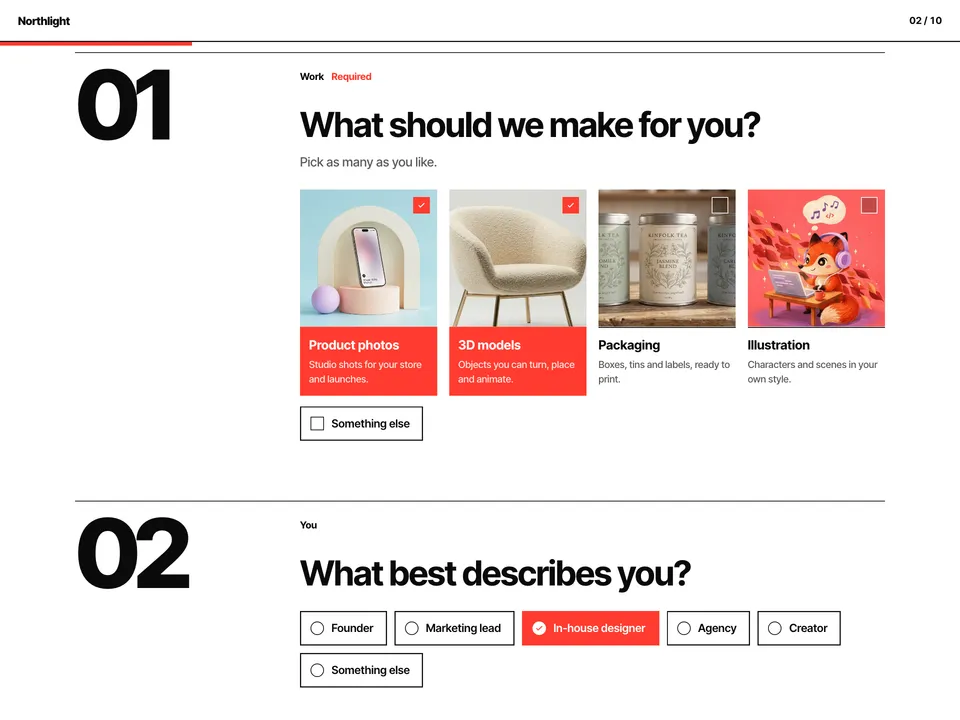 Swiss
Swiss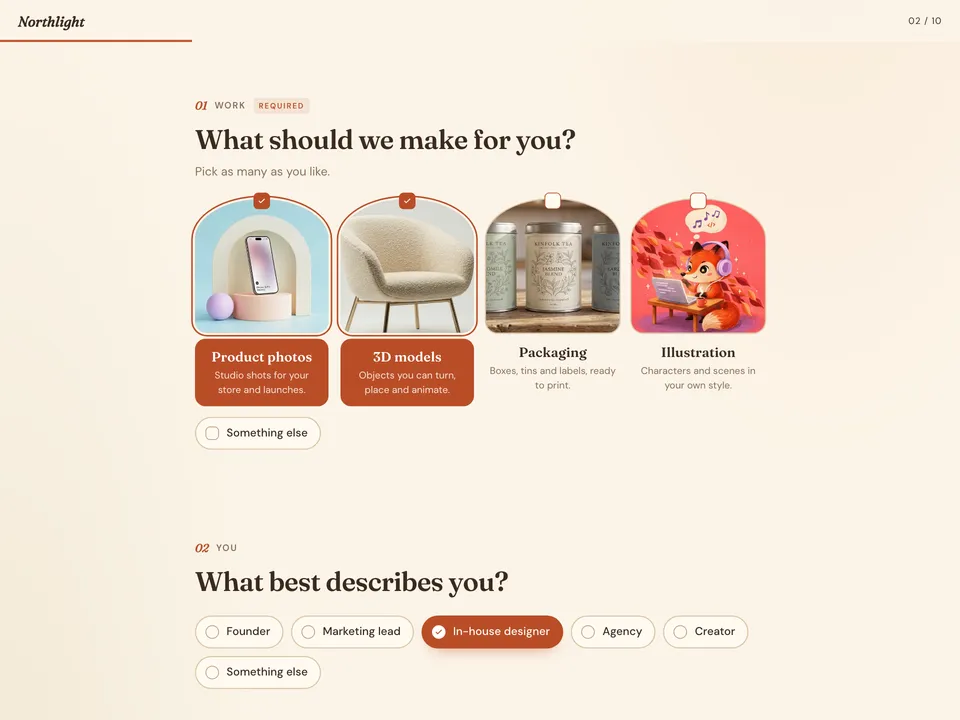 Café
Café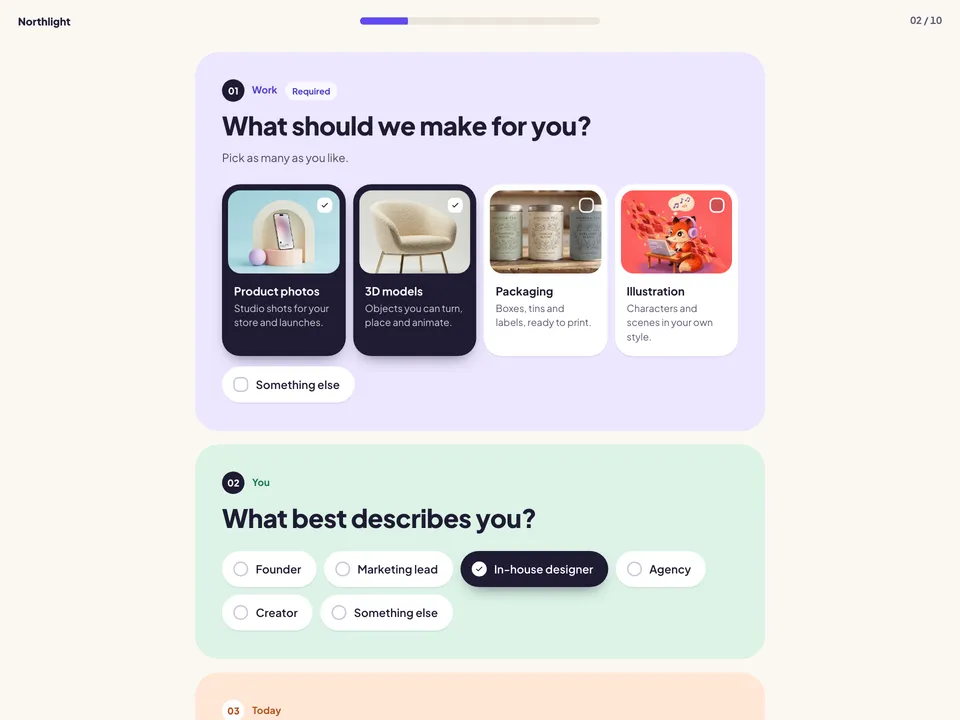 Soft
Soft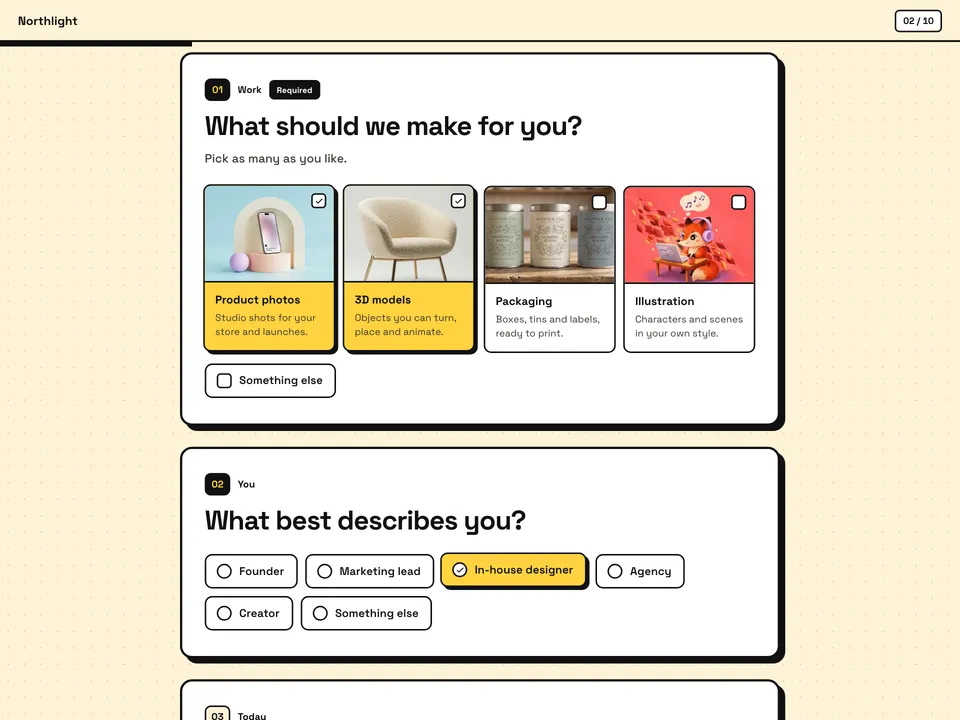 Brutal
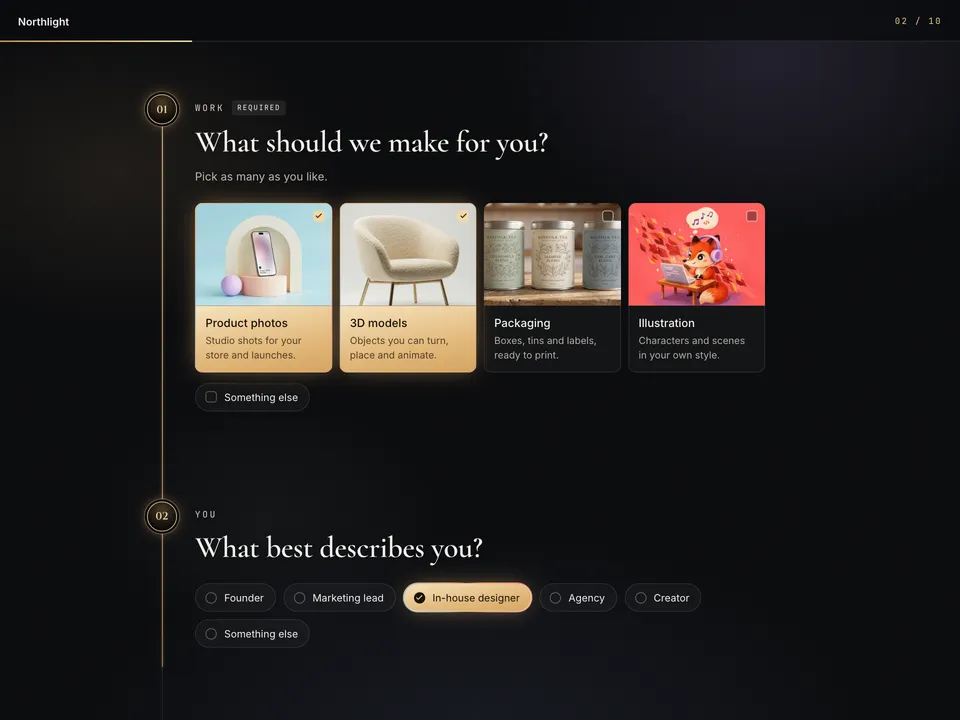 Gilded
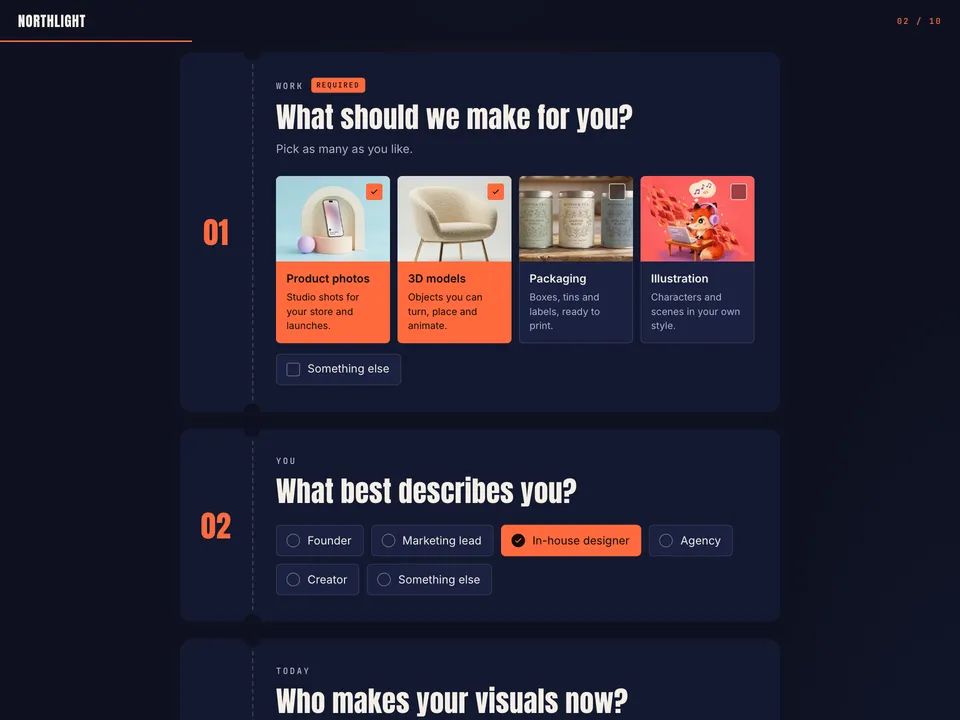 Event pass
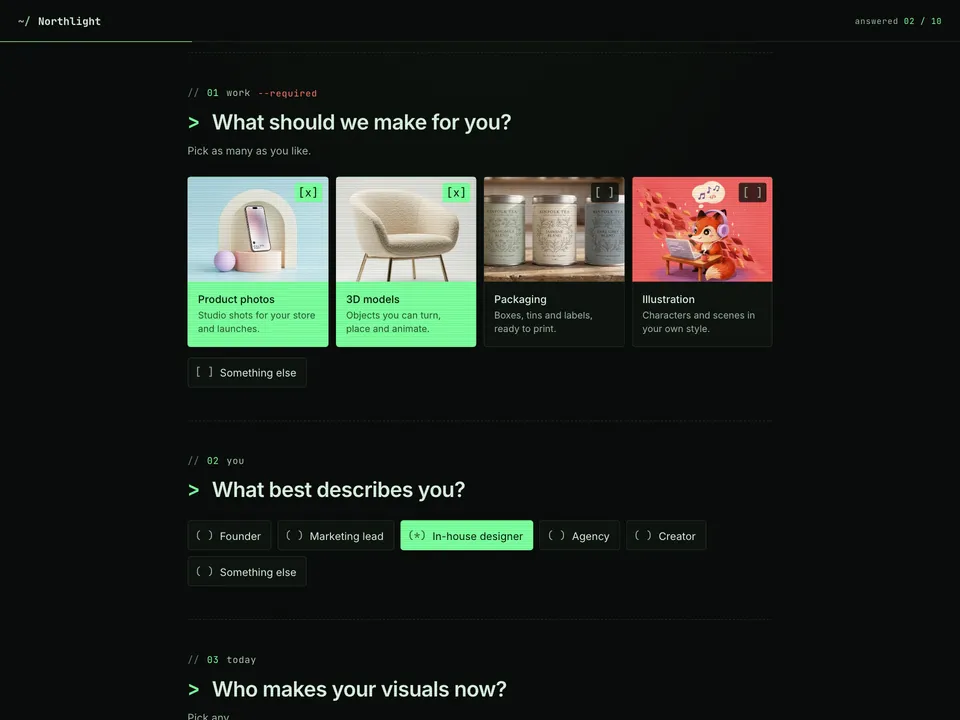 Terminal
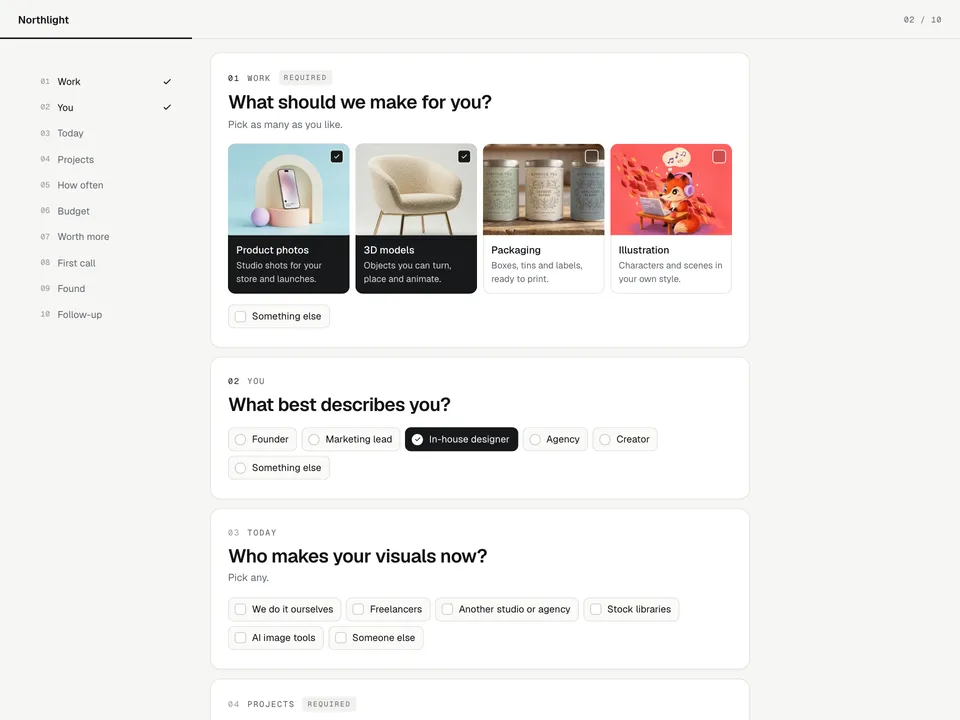 Studio
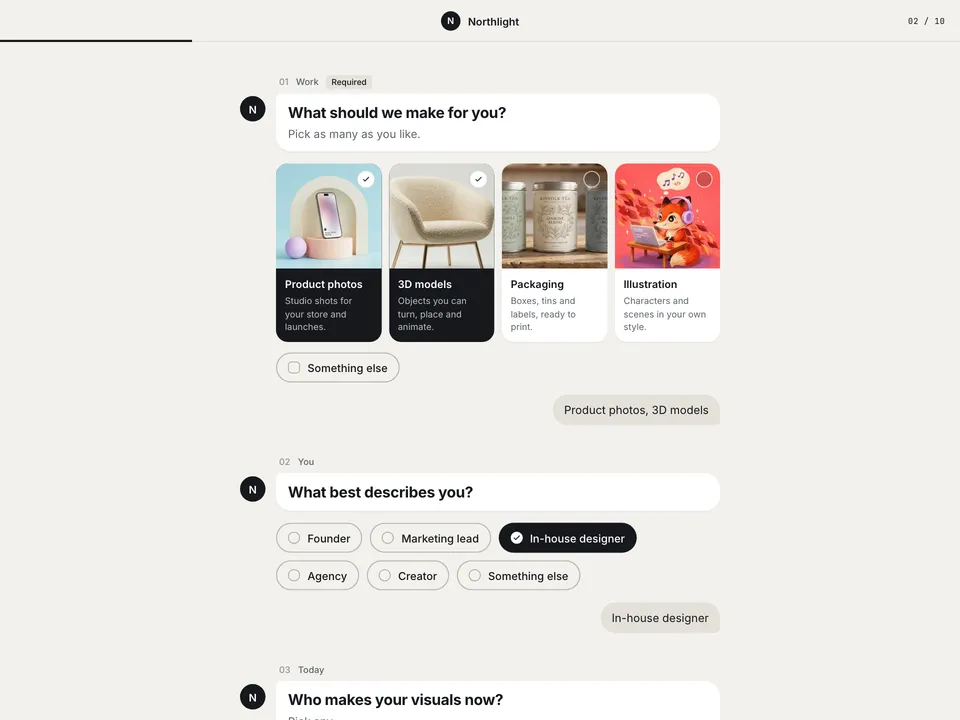 Chat
Chat
- Brief.mdWhat you want to learn, from whom, and what it decides. Claude fills it in from your answers, or you can.Brief
- Questions.mdThe survey’s words and every question, in order. Claude fills it in from your answers, or you can.Brief
Nothing has to be uploaded to start: the canvas opens with a place for each file, ready when you are.
How it runs
Generate all runs it left to right: each step starts as soon as what feeds it is ready, and you see the whole price first. From your answers, Claude may add up to 6 pictures for the picture question’s choices, made before Survey. Or run any step yourself.
Step by step on the canvas
- Check Questions.md: the order, the three required questions, each choice and the price steps.
- Generate the picture question’s pictures, then Survey: it’s built on Fil’s survey kit in your style.
- Open Survey to try it, then Publish it from its Design tab. Answers show in its Forms panel as people send them.
Skill
The craft every step follows, written out. It comes with the workflow, and you can change it on the canvas.
Read the skill
Survey
Read first
Brief.md: who's asking, the goal, who answers and how they'll reach it, the decisions the answers drive, anything that must be asked, the picture question, the price question, the voice, the style, the email and the thanks. Questions.md: the survey's words and every question. The pictures wired in are the picture question's choices, each named after its choice; a logo wired in goes at the top. A picture of a survey or a form (the style picked, or one whose look they like) only sets the style: use Brief.md's style, or the kit's style closest to that picture, and never show it.
The questions
- Ten to twelve at most, about three minutes to answer. Each earns its place by a decision Brief.md names: cut any whose answer wouldn't change what they do.
- No more than three are required: the ones the decisions can't be made without, never how they heard or whether they may be followed up. Everything else can be skipped.
- Each is one of four kinds: pick many, pick one, a few short lines, or a paragraph. A pick may end with "Something else", which opens a line for their own words.
- The order:
- Quick, inviting taps first: what interests them (with pictures when the choices are things people can see), who they are, what they use now.
- The one required typed question once they're invested (a few lines: name up to three projects, places, ideas), never first.
- How often, the price, what they'd pay more for and support, together and in that order.
- The open "what would make it a must-have" (a paragraph) right after the money questions.
- Quick taps last, right before Send: how they heard, and whether they may be followed up.
- The price question's four choices span a real range, each step about double the last (e.g. $20, $50, $100, $200 a month), with "Less than" the first and "More than" the last beside them.
- Tools and options are grouped by job, never one brand each: "Figma, Canva or Photoshop", "After Effects, Premiere or CapCut".
- Questions in plain words to "you", at most twelve; choices of two to five words, with a short note only where one helps; a hint only when it helps them answer. Choices are ones this audience would recognise, three to eight of them, and never overlap in a pick of one.
The page
One HTML file on Fil's survey kit, which draws the survey in its style, ticks and checks the answers, keeps them in the browser until they're sent, and sends them to Fil once the page is published, where its owner reads them by question: ``html <!doctype html> <html lang="en"> <head> <meta charset="utf-8"><meta name="viewport" content="width=device-width, initial-scale=1"> <title>The title · the brand</title><meta name="description" content="The intro"> <link rel="stylesheet" href="https://fil.design/kits/survey/1.css"> </head> <body> <main data-fil-survey="paper"><h1>The title</h1><p>The intro</p></main> <script type="application/json" data-fil-form="survey">{ "title": "…", "questions": [ … ] }</script> <script src="https://fil.design/kits/survey/1.js"></script> </body> </html> ``
- data-fil-survey is the style Brief.md names, as the kit calls it: paper (Paper), swiss (Swiss), cafe (Café), soft (Soft), brutal (Brutal), gilded (Gilded), ticket (Event pass), terminal (Terminal), studio (Studio), chat (Chat).
- The JSON, from Questions.md: { "title", "label" (the small line), "brand" (the name, in words), "logo" (the wired logo's address, when there is one), "intro", "start": "Begin", "sendTitle" (the line above Send), "send": "Send", "email": { "place": "you@company.com (optional)", "required": false } only when Brief.md asks for one, "thanks": { "title", "text" }, "questions": [ … ] }.
- A question: { "id" (short, lowercase, its own), "kind": "many" | "one" | "texts" | "text", "look": "pictures" | "rows" | "price" | "pills", "required": true (only the required ones), "label" (one or two words), "title" (the question), "hint", "options": [{ "id", "label", "note", "picture" }], "other": "Something else", "places": [three examples] for a few lines, "place" for a paragraph, "unit": "a month" for a price }.
- Looks: pictures for choices people can see, price for the price question, rows for choices with notes or long labels, pills for short ones. The price question's four steps are its options, each labelled with the amount alone ("$500") and the period in its "unit" ("a month"), its "Less than…" and "More than…" options with "aside": true.
- A picture choice's "picture" is the wired picture named after that choice, its address written exactly as attached (facet:asset/…), matched by name and what it shows, never by the order they come in. Without its pictures, that question's look is rows.
- The words exactly as Questions.md writes them, and the JSON valid. Nothing else in the page: no other script, style or markup; the kit draws all of it.
The picture question's pictures (4:3)
Each choice's picture shows that choice alone, plainly, as the person answering would picture it: one subject, centred, in soft even light, every picture of the set in the same look and light so none stands out. No words, logos or interface in them.
Avoid
More than twelve questions or three required, a typed question first, leading or two-in-one questions, jargon, a price range too narrow to learn from, tools listed one brand at a time, and choices the audience wouldn't recognise.
Wired into 1 step on the canvas, where you can change it.
More workflows
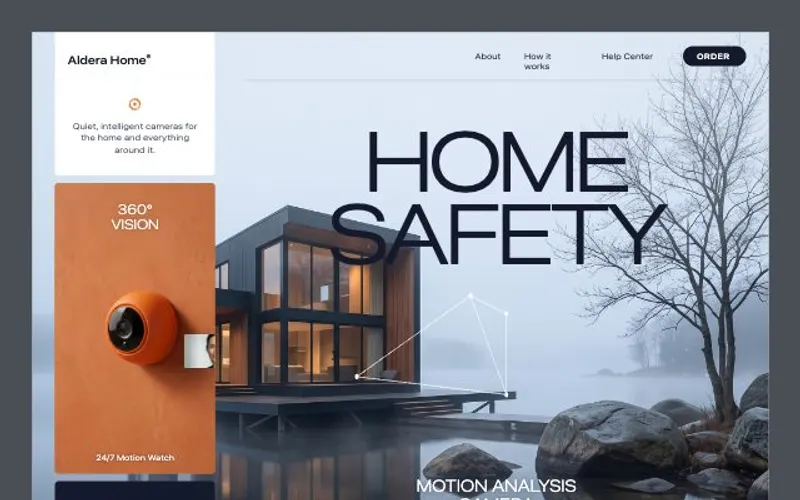 React websiteA React site from your brief, with a hero image and section pictures made for it.About 4 minutes
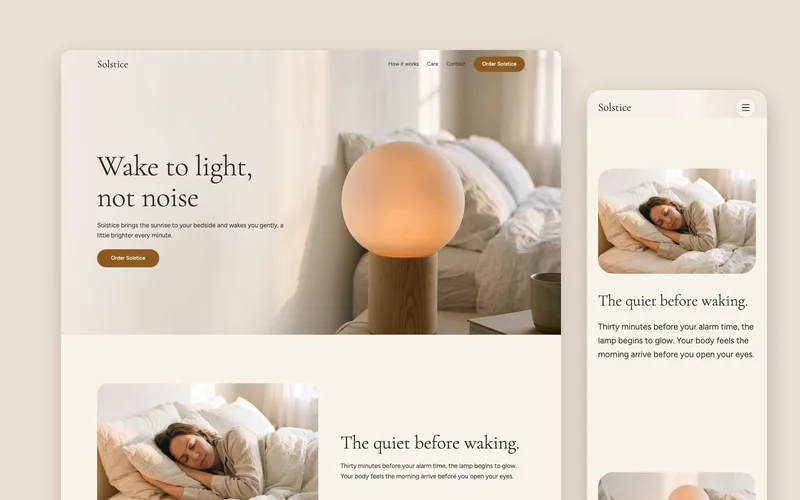 Landing pageA landing page planned for your kind of site, with a picture made for every section from the hero to the footer.About 5 minutes
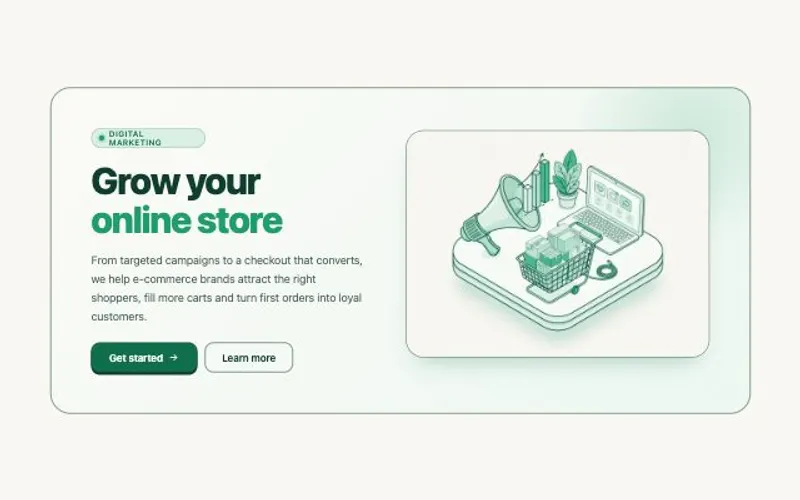 HTML componentOne self-contained UI component from your spec, with an illustration made for it.About 2 minutes