Landing page skill
Plans a landing page section by section for its kind of site, makes one picture for every section, from the hero through each section to the footer, in one look, then builds the page around them. Use for landing pages, product and app launches, local businesses, events, courses and one-page sites.
A SKILL.md for Claude Code, Codex and any agent that reads skills. It’s the craft behind Fil’s Landing page workflow, written out so your agent can follow it too.
Install it
Unzip it into your agent’s skills folder. The agent reads its name and description, and the rest only when a task needs it.
curl -fsSL https://fil.design/skills/landing-page.zip -o /tmp/landing-page.zip && unzip -o /tmp/landing-page.zip -d ~/.claude/skillscurl -fsSL https://fil.design/skills/landing-page.zip -o /tmp/landing-page.zip && unzip -o /tmp/landing-page.zip -d ~/.codex/skillsInstall the Landing page skill from https://fil.design/skills/landing-page: unzip https://fil.design/skills/landing-page.zip into your skills folder (~/.claude/skills for Claude Code, ~/.codex/skills for Codex), then read its SKILL.md.The skill
Read first
Page.md for the product, who it's for, the kind of site, the promise, the button, the voice, the look and every section's words and picture; the style reference, product photo and logo wired in.
The sections
- The hero first and the footer last, and between them three to five sections planned for the kind of site, for example:
- An app or software: the problem it ends, how it works, the features at work, a customer's story, pricing.
- A product to buy: the product up close, in use, what it's made of, reviews.
- A local business: what's on offer, the place, the people, visiting (hours and address).
- An event: why come, the line-up, the programme, the venue and tickets.
- A course, book or service: what you get, inside it, who's behind it, results.
- Each answers the next question a visitor has, in order: what is it, why should I care, how does it work, can I trust it, what does it cost, what now. The footer closes it (the last call to action with Page.md's offer, where to buy or find you), so it's never a section of its own as well.
- Proof (numbers, ratings, quotes, press) only as Page.md gives it. A section with nothing real to show (reviews without real reviews) is left out, never kept as a placeholder: every section has its own words and its own picture.
A picture for every section, in one look
- The Hero sets the look: every other picture keeps its palette, lens or medium and finish, as if from one shoot or one illustrator, while its light follows its own section's moment (asleep before dawn, the evening before) as Page.md says. A style reference wired in sets that look, and Page.md's Look its colours.
- Someone in more than one picture is the same person each time, as Page.md's People describes them (face, hair, build, clothes), and the product and its setting stay as they are (the same table, the same room).
- Each picture shows its own section's point, so you could tell its section from the picture alone (what it's made of shows the materials up close; in use, the person using it at that moment), and as a new picture: the product may come back, as another part, use or detail, never the same shot of it.
- Hero (16:9): the product or the promise, large and in sharp focus on one side, with calm, empty space on the other for the headline.
- Sections (3:2): shown whole beside or above their words, never under them, so the subject can fill the frame. A product photo wired in is shown exactly as it is wherever a section shows the product.
- Footer (21:9): a wide, calm, light closing picture that isn't the hero again (a horizon, the view from the window, the place at first light) with a quiet band across it for the closing line.
- What the page draws stays out of the pictures: no words, logos, buttons, app screens, charts or prices.
- An app's pictures show its world, never its screens: the moment each section is about in the life of the person using it (the invoice paid as she shuts her laptop at five, a client's thank-you card on the desk), or one crafted object that stands for it, never a desk or shelf that could sit in any section. The page builds the interface in HTML, a window or card with its real labels, beside the picture or over its calm side.
- People are specific (their age, look and what they're doing), never stock poses or a crowd smiling at the camera.
The page
- One page with the sections in Page.md's order, each built around its own wired picture (the Hero, each section's, the Footer's): every picture shown once, none left out, none stretched, no empty picture spots.
- The pictures come attached in no particular order: give each the section whose Picture line it shows, by its description in the attached list and what you see in it, never by its place in the list.
- The words exactly as Page.md writes them, real and specific: a headline of at most eight words, short sentences, and one primary button (Page.md's) in the hero, the nav and the footer.
- Layouts that change down the page: the hero full-bleed with its words on the picture's calm side; then a picture beside its words (sides alternating), a picture above a row of three points, a picture in a large rounded card with the words in a card overlapping it, prices or steps as cards beside their picture. Two sections in a row never share a layout.
- A slim nav: the logo wired in (or the name as a wordmark), three or four links to sections, and the button.
- Each section's heading and words come before or beside its picture, never after one, and no picture is taller than about two thirds of the screen.
- Numbered steps or points have their numbers set large in the heading face, and no line ends on a lone word (text-wrap: pretty).
- The button goes somewhere real: to Page.md's offer (the product with its price and what's included, a plan, a booking), set in the footer or the section before it, never a link to itself.
- The footer: the closing line, the offer and the button over its picture's quiet band, on a light veil of the page's own background colour behind the words only, never a dark wash over the picture, which stays as light as it was made. On a phone the picture shows whole above the closing words. Then the links, contact (an email as a mailto link) and small print beneath, set like the nav.
- At most two typefaces on a clear scale (e.g. 72 / 44 / 24 / 17), lines under 70 characters, and one accent colour from Page.md, for buttons and highlights only.
- Every section has room of its own, so no two ever touch, and no more: about 128 px between sections on a desktop and 80 on a phone, as padding on each section (half above, half below), never a margin a centring rule such as margin: 0 auto would undo. Points or steps each have their own words.
- Each section's picture keeps its 3:2 shape at every width (aspect-ratio: 3 / 2 with object-fit: cover), never cropped tall, and every picture loads at once (no loading="lazy"), so a preview of the page shows them all.
- Responsive from 360 px: one column on phones with each picture above its words, the nav a menu button, buttons full width. The hero's subject stays in view at every width (its object-position on the subject's side), and on a phone its words sit below it or over its calm part only, never over the subject. Focus styles and alt text saying what each picture shows.
- Everything visible without script or scrolling: at most a gentle entrance on the hero's words, still with prefers-reduced-motion, and nothing below it that starts hidden.
Avoid
Lorem ipsum, made-up customer logos or reviews, a section without its picture, the same picture twice, words over a busy part of a picture, a dark wash over a light picture, generic gradients, emoji as icons, centred walls of text and more than one primary button per screen.
What it reads
It was written for Fil’s Landing page workflow, which wires these into every step. Elsewhere, give your agent the same, or let it ask.
- Page.mdWhat it’s for, the look and each sectionBrief
- Style referenceA picture whose look every section’s picture follows.Optional
- Product photoA photo of what you sell, kept exactly in the pictures that show it.Optional
- LogoYour logo, for the nav and the footer.Optional
Questions
What does the Landing page skill do?
Plans a landing page section by section for its kind of site, makes one picture for every section, from the hero through each section to the footer, in one look, then builds the page around them. Use for landing pages, product and app launches, local businesses, events, courses and one-page sites.
How do I install it in Claude Code?
Download https://fil.design/skills/landing-page.zip and unzip it into ~/.claude/skills, or into a project’s .claude/skills folder, or run the command on this page. Claude Code reads the skill’s description and loads the rest when a request needs it.
Does it work in Codex and other agents?
Yes. Unzip it into ~/.codex/skills for Codex. It’s one SKILL.md file, so any agent that reads skills can use it, and you can paste it into a chat as well.
Do I need Fil to use it?
No. It was written for Fil’s Landing page workflow, which wires in Page.md, Style reference, Product photo and Logo: give your agent the same, or let it ask. In Fil, the workflow runs it with the best models and shows the price before anything runs.
Is it free?
Yes. The skill is free to download.
More skills
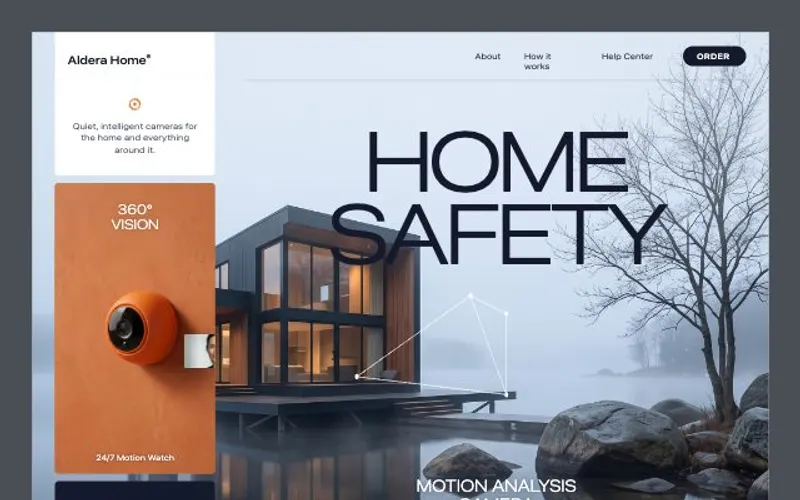 Website craftBuilds websites that look designed, not generated: a clear story, real copy, a strict type scale and generous spacing…From the React website workflow
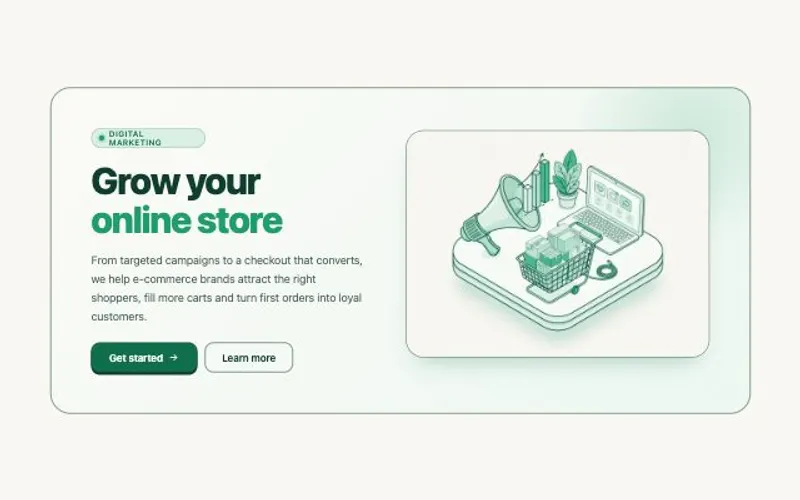 HTML componentBuilds one self-contained, accessible UI component in a single HTML file, ready to paste into any site. Use for hero…From the HTML component workflow
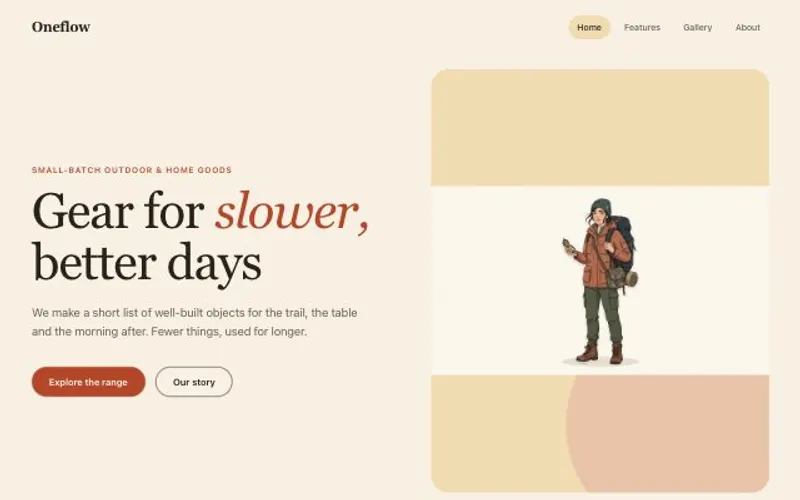 Site with a CMSPlans a website whose content lives in collections people can edit, with pages that read from them and a design system…From the Website with a CMS workflow